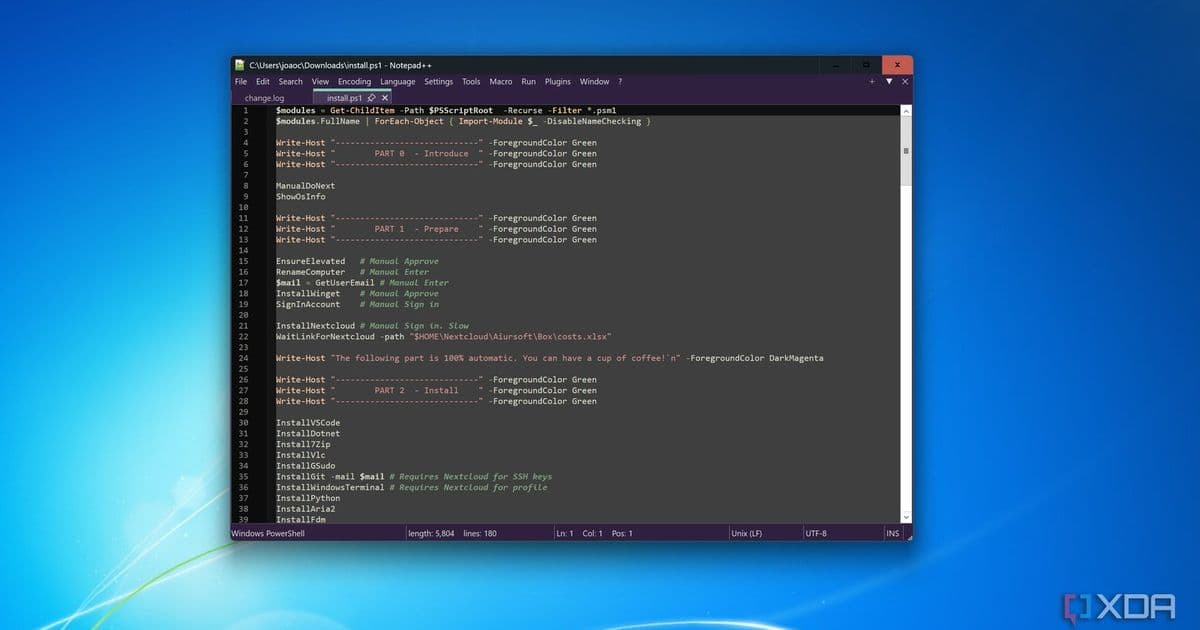
A recent Notepad++ update has allegedly been spying on users, sending sensitive data to remote servers without consent.
A recent update to the popular text editor Notepad++ has raised serious privacy concerns after users reported suspicious network activity following the installation of version 8.5.6. According to multiple reports on forums and social media, the update appears to have included malicious code that collected and transmitted user data to remote servers without consent.
What Happened
The issue came to light when users noticed unusual outbound network connections from Notepad++ after updating to version 8.5.6. Network monitoring tools revealed that the application was sending data packets containing system information, file paths, and in some cases, the contents of recently opened documents to IP addresses in Eastern Europe.
One affected user reported: "I noticed Notepad++ was making constant connections to an unknown server. When I checked the traffic, I saw it was sending the names of files I had open, along with some registry information."
The Alleged Spying Mechanism
Security researchers who have examined the affected version claim the malicious code was embedded within what appeared to be a legitimate plugin update. The code would activate upon startup and begin collecting:
- System hardware information
- Installed software list
- Recently opened file paths and names
- In some cases, snippets of document content
- User IP address and geolocation data
The data collection appeared to be targeted, with reports suggesting that only users in certain geographic regions or those who had specific types of documents open were affected. This has led to speculation that the attack may have been politically or commercially motivated.
Developer Response
Don Ho, the developer of Notepad++, has not yet issued an official statement regarding the allegations. The official Notepad++ website and GitHub repository have been silent on the issue as of publication time.
However, the Notepad++ community has been quick to respond. Several security researchers have published guides on how to check if your installation has been affected and how to remove the malicious components.
How to Protect Yourself
If you have Notepad++ installed, security experts recommend the following steps:
- Check your version: If you're running version 8.5.6, you may be affected
- Monitor network activity: Use tools like Wireshark or Windows built-in Resource Monitor to check for suspicious outbound connections
- Update immediately: Version 8.5.7 has been released, which reportedly removes the malicious code
- Change passwords: If you had sensitive documents open in Notepad++, change passwords for any accounts mentioned in those documents
- Run a full antivirus scan: Ensure your system hasn't been compromised further
The Broader Implications
This incident raises serious questions about software supply chain security. Notepad++ is widely used by developers, system administrators, and security professionals worldwide. The fact that malicious code could be distributed through what appeared to be a legitimate update channel is deeply concerning.
As one cybersecurity analyst noted: "This isn't just about Notepad++. It's about how we trust software updates and the potential for supply chain attacks to affect millions of users."
What's Next
The Notepad++ community is now calling for greater transparency from the developer regarding how the malicious code made it into the update process. Some users are already exploring alternative text editors, while others are waiting for a full investigation and explanation.
For now, users are advised to ensure they're running the latest version and to remain vigilant about monitoring their system's network activity. The incident serves as a stark reminder that even trusted, long-standing applications can become vectors for privacy invasion if proper security measures aren't in place.
As this story develops, we'll continue to provide updates on any official responses from the Notepad++ development team and further security recommendations for affected users.
Featured image: Notepad++ interface showing version information
Comments
Please log in or register to join the discussion