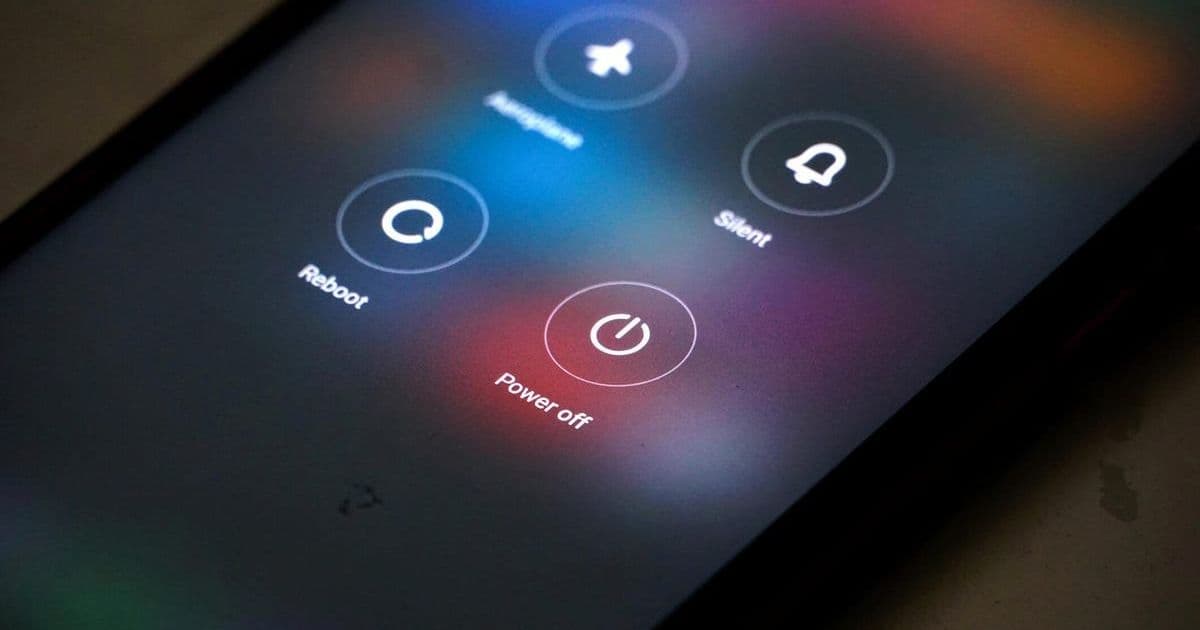
The National Security Agency recommends powering off mobile devices weekly to disrupt persistent malware and thwart zero-click exploits. This low-tech defense complements nine other critical practices for mobile security in an increasingly hostile digital landscape.
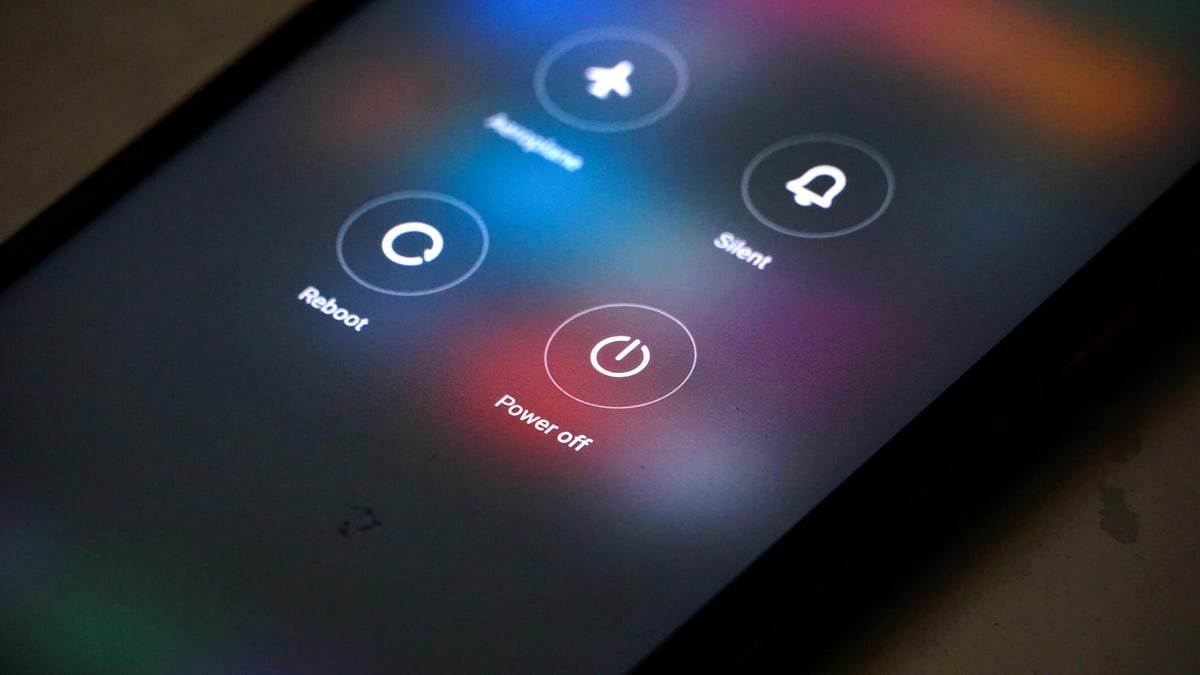
Your smartphone is a treasure trove for hackers—a gateway to personal data, financial accounts, and corporate networks. While advanced threats like zero-click exploits and spearphishing dominate headlines, the National Security Agency (NSA) advocates a strikingly simple countermeasure: power off your device for at least one minute every week. This advice, detailed in the agency's enduring Mobile Device Best Practices report, disrupts sophisticated attacks by terminating background processes and clearing temporary memory—effectively resetting the device’s attack surface.
Why Rebooting Works: Breaking Attack Chains
Modern mobile threats often rely on persistence mechanisms. Advanced malware like Pegasus or Predator leverages memory-resident payloads that evade conventional security scans. A full power cycle:
- Terminates active exploits: Zero-click attacks requiring continuous memory access are neutralized.
- Clears RAM: Temporary data used by spyware for screen recording or keylogging is wiped.
- Forces re-exploitation: Attackers must re-compromise the device, increasing their risk of detection.
"Threats to mobile devices are more prevalent and increasing in scope and complexity," the NSA warns. While rebooting isn't foolproof against firmware-level compromises, it significantly raises the barrier for most real-world attacks.
Beyond the Reboot: NSA's Mobile Defense Framework
The agency's guidance extends far beyond weekly restarts. These nine practices form a layered defense strategy:
- Update ruthlessly: Patch OS and apps immediately—known vulnerabilities are hackers' primary entry points.
- Distrust third-party stores: Avoid sideloading; use only Google Play or Apple's App Store.
- Scrutinize links: Treat SMS and email attachments as potential malware vectors.
- Avoid public Wi-Fi: If unavoidable, use a trusted VPN to encrypt traffic.
- Disable Bluetooth: Prevent unauthorized access when not actively pairing devices.
- Enforce strong passcodes: Mandate 6+ digit PINs—biometrics alone can be bypassed.
- Leverage biometrics: Combine fingerprint/face ID with passcodes for defense-in-depth.
- Vet charging accessories: Malicious USB cords can install malware; use trusted vendors.
- Limit location services: Disable GPS when unused to reduce data leakage.
Augmenting the Basics
For heightened protection, consider:
- iVerify: This threat-scanning tool monitors iOS/Android for compromise indicators and configures built-in security settings.
- Zero-trust networking: Enterprise users should implement mobile device management (MDM) solutions enforcing app allowlisting and network segmentation.
The Inconvenient Truth About Convenience
Mobile ecosystems prioritize usability over security—a tradeoff hackers ruthlessly exploit. Features like always-on connectivity and background processes create attack surfaces. The NSA's guidelines force a recalibration: minor inconveniences (like weekly reboots or disabling Bluetooth) yield disproportionate security gains. As supply-chain attacks and state-sponsored spyware proliferate, these practices shift the balance from reactive cleanup to proactive resilience.
Ultimately, cybersecurity isn't about impenetrable fortresses—it's about raising costs for attackers. A weekly reboot, paired with disciplined digital hygiene, transforms your phone from a soft target into a hardened asset. In the arms race between offense and defense, sometimes the oldest trick in the book—turning it off and on again—remains remarkably effective.
Source: NSA Mobile Device Best Practices (2020), ZDNET analysis
Comments
Please log in or register to join the discussion