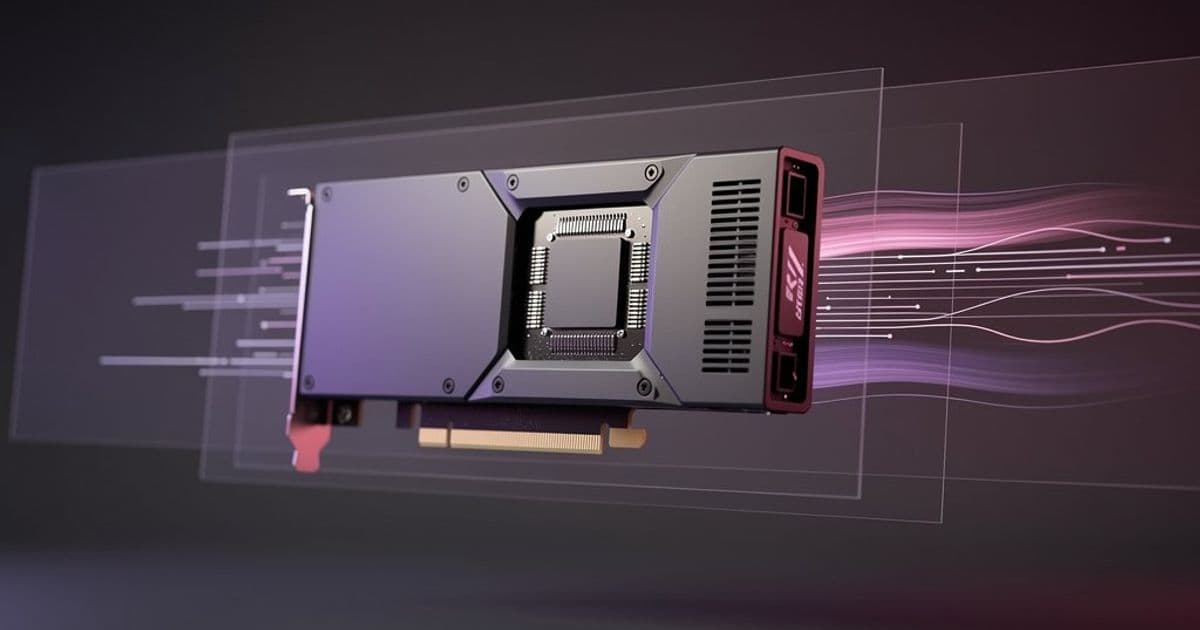
Nvidia has officially released DLSS 4.5 Super Resolution to all Nvidia app users, introducing a second-generation transformer model that delivers improved image quality across over 400 titles. The update addresses longstanding artifact issues while maintaining backward compatibility with RTX 20-series and newer GPUs, though older cards may experience performance trade-offs.
Nvidia has completed its rollout of DLSS 4.5 Super Resolution, moving the technology from beta to general availability for all Nvidia app users. The update, originally announced at CES 2026 and delayed from its initial January 13 target, introduces a second-generation transformer model that fundamentally changes how the upscaling algorithm processes frames.
Technical Architecture: From CNN to Transformer
DLSS 4.5 represents a significant shift in the underlying neural network architecture. The original DLSS implementations relied on convolutional neural networks (CNNs) that processed images through localized pattern recognition. The new transformer model uses a self-attention mechanism that can analyze relationships between distant pixels in a single pass.
Nvidia claims the second-generation transformer model requires approximately 5x more compute power than the first-generation transformer model introduced in earlier DLSS versions. This increased computational demand stems from the attention mechanism's need to calculate weighted relationships across the entire image frame, rather than processing small patches independently.
For RTX 40-series and 50-series GPUs, the increased workload is mitigated by hardware acceleration for FP8 precision on their Tensor Cores. The RTX 5090's fifth-generation Tensor Cores can process FP8 operations at nearly double the throughput of the RTX 4090's fourth-generation cores. However, RTX 30-series and 20-series users running on Ampere and Turing architectures lack this hardware acceleration, which explains the reported 20%+ performance penalty on older hardware.
Image Quality Improvements: Artifact Reduction
The transformer architecture's primary benefit appears in artifact reduction. Community testing since the beta launch confirms notable improvements in three specific areas:
Temporal Stability: Static surfaces like walls, floors, and distant geometry show significantly reduced shimmering and flickering. This occurs because the transformer model maintains better consistency between frames, reducing the high-frequency noise patterns that caused these artifacts.
Ghosting Elimination: Fast-moving objects no longer leave "ghostly trails" or after-images. The attention mechanism better distinguishes between actual motion and image noise, preventing the smearing effects seen in previous versions.
Lighting and Particle Effects: Beyond simple artifact reduction, the transformer model appears to reconstruct lighting and particle effects more naturally. During CES demonstrations, developers noted that volumetric fog, smoke, and light shafts retained more detail and appeared less "artificial" compared to CNN-based upscaling.

Performance Trade-offs and GPU Compatibility
The backward compatibility with RTX 20-series through RTX 50-series GPUs comes with important caveats:
RTX 50-series (Blackwell): Full hardware acceleration for FP8 tensor operations provides the best performance-to-quality ratio. Frame time penalties are negligible, typically under 2-3%.
RTX 40-series (Ada Lovelace): FP8 support exists but with lower throughput than Blackwell. Users see 5-8% performance reduction at the same quality settings.
RTX 30-series (Ampere): No FP8 hardware support. The transformer model runs on existing FP16/INT8 pathways, resulting in 15-20% performance degradation. Users may need to drop quality presets or resolution to maintain target frame rates.
RTX 20-series (Turing): Oldest supported hardware sees the steepest penalty, with some benchmarks showing 25%+ performance loss. Nvidia recommends these users stick with the legacy CNN model or consider upgrading for optimal experience.
Deployment and Ecosystem
The update is delivered automatically through the Nvidia app. Users simply need to launch the application and allow it to update. Once installed, DLSS 4.5 Super Resolution appears as a new global setting, with per-game overrides available in the game-specific profiles.
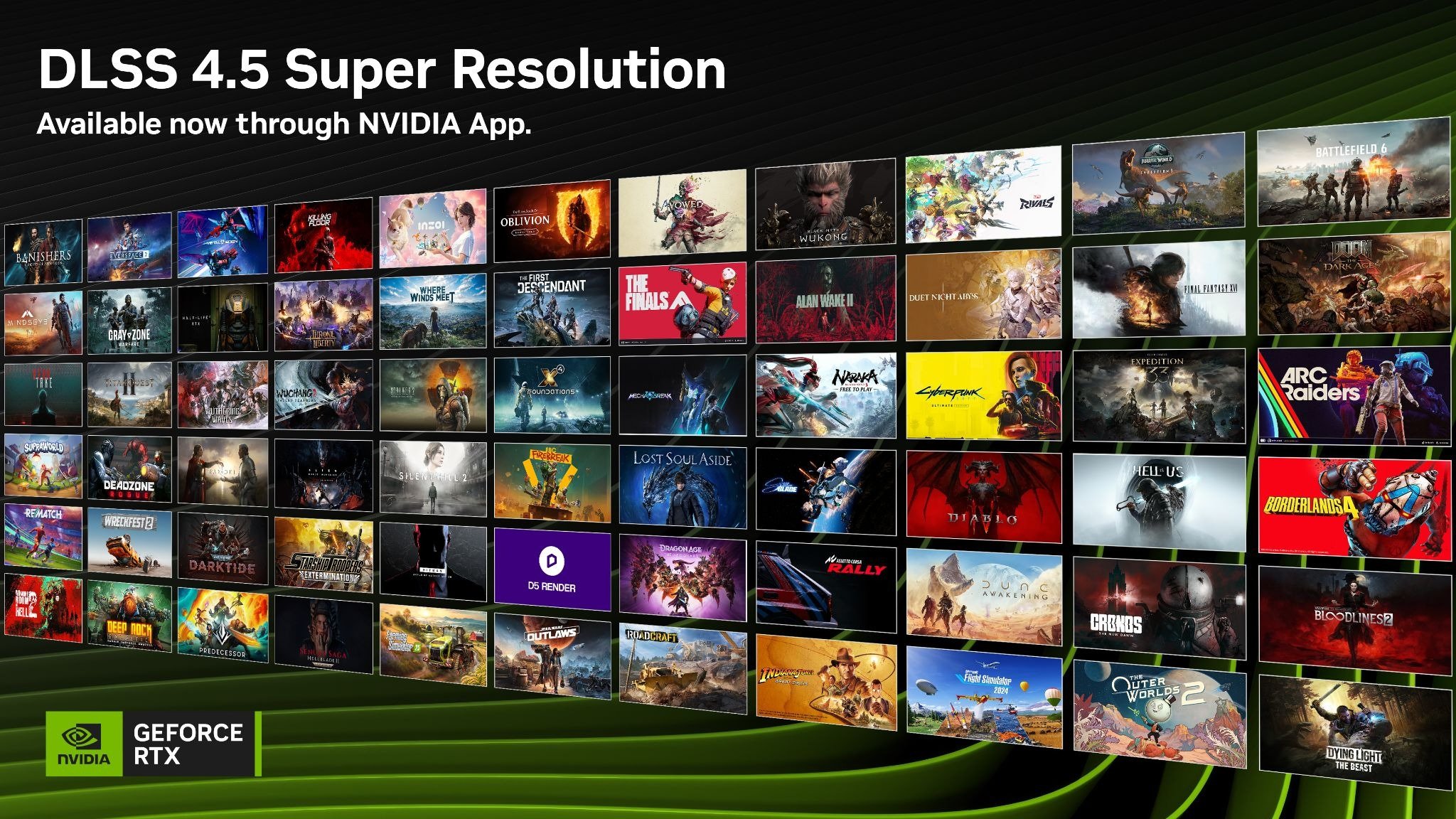
Nvidia reports over 400 games and applications will support the new transformer model at launch. This includes both new titles with native DLSS 4.5 integration and existing games that can be updated through driver-level overrides. The company has published a compatibility list on its website.
Separately, DLSS 4 Multi Frame Generation (the frame interpolation feature that generates up to three intermediate frames) is now available in over 250 games. However, the 6x Multi Frame Generation capability demonstrated at CES remains unreleased, suggesting Nvidia is still refining that feature.
Debug Mode and App Updates
Beyond DLSS improvements, the Nvidia app update introduces a new Debug Mode. This feature instantly disables all overclocks, undervolts, and voltage modifications, returning the GPU to stock specifications. The purpose is to quickly isolate instability caused by overclocking versus potential driver or hardware issues. Users experiencing crashes or artifacts can toggle Debug Mode to determine if their overclock settings are the culprit.

Market Context and Industry Impact
This release positions Nvidia to maintain its upscaling advantage as AMD develops FSR 3.1 and Intel refines XeSS. The transformer model approach differs fundamentally from AMD's spatial-temporal methods and Intel's machine learning implementations. By moving to transformers, Nvidia is effectively applying the same architectural shift that transformed natural language processing (from RNNs to transformers) to real-time graphics rendering.
For game developers, the transition is largely transparent. The DLSS SDK handles the neural network inference, while developers simply integrate the latest version. However, studios may need to adjust their quality presets and performance targets, as the new model's characteristics differ from CNN-based DLSS.
The performance penalty on older GPUs could accelerate the upgrade cycle for users on RTX 20-series and 30-series hardware. Nvidia's strategic positioning of FP8 acceleration as an RTX 40/50-exclusive feature creates a clear performance incentive for hardware upgrades, while still maintaining software compatibility for legacy users.
Getting Started
Users with supported GeForce RTX GPUs can access DLSS 4.5 Super Resolution by:
- Opening the Nvidia app
- Navigating to the Graphics tab
- Selecting "DLSS Super Resolution" under Global Settings
- Choosing the transformer model (labeled "Latest" or "4.5")
- Adjusting quality preset as needed
Per-game settings can override the global configuration. For users on RTX 30-series or older hardware, Nvidia recommends starting with the "Performance" or "Ultra Performance" presets to offset the increased computational cost while still benefiting from improved image quality.
The transformer model update represents the most significant architectural change to DLSS since its initial launch, fundamentally altering how the technology approaches real-time upscaling. While the performance implications require careful consideration for users on older hardware, the image quality improvements suggest this is the direction AI-accelerated rendering will take moving forward.
Comments
Please log in or register to join the discussion