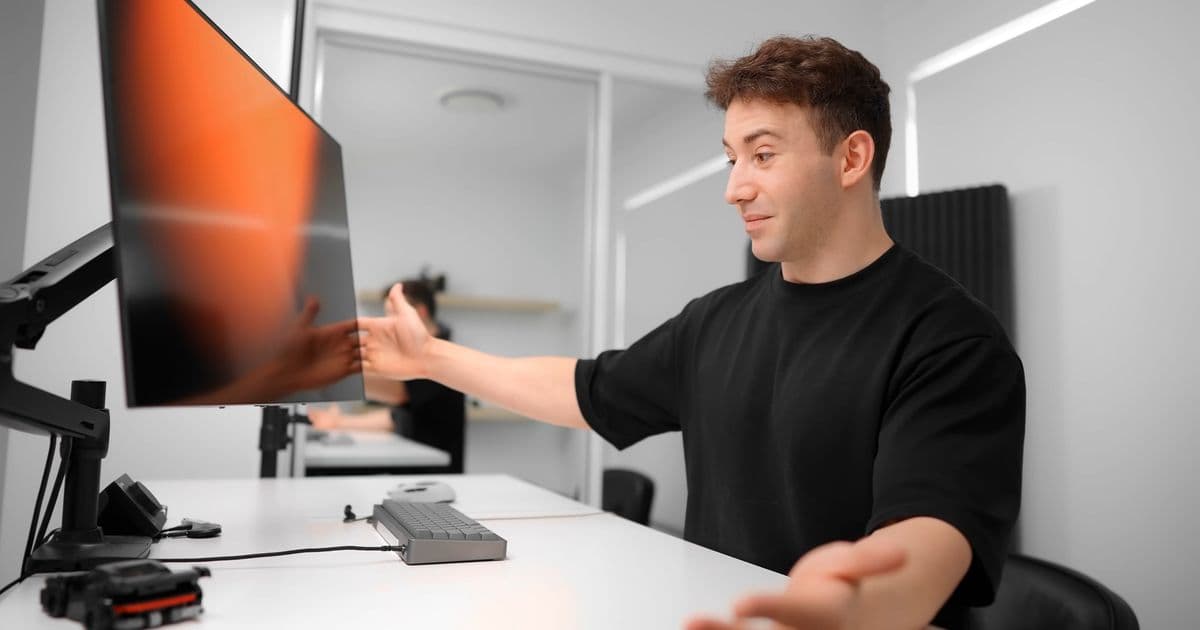
After 3,000 hours of intensive use including 500 hours of Overwatch gameplay, an LG OLED monitor shows only minimal burn-in, demonstrating the technology's durability when proper care features are enabled.
A comprehensive two-year torture test of an LG 32GS95UE-B OLED monitor reveals that burn-in concerns may be overblown for typical users, with only faint image retention appearing after thousands of hours of gaming and professional use.
The Test Setup
YouTuber Optimum subjected an LG 32GS95UE-B dual-mode 32-inch OLED monitor to real-world conditions over 3,000 hours of operation. The display features native 4K resolution at 240 Hz, which can be doubled to 480 Hz at 1080p. The testing regimen included:
- Overwatch (2): Approximately 500 hours of gameplay
- DaVinci Resolve: Professional video editing software
- Fusion 360: 3D modeling and CAD applications
All three applications were chosen specifically because they contain static UI elements that could potentially cause burn-in over extended use periods.
Usage Patterns and Settings
The monitor was operated with all panel care features at their default settings, with pixel shift intentionally disabled to test the panel's resilience. The user maintained:
- Dark mode across all applications
- Hidden taskbar
- No window snapping
- Brightness levels between 80-100%
- No active pixel refresh cycles during testing
The only care feature disabled was pixel shift, which automatically moves the image slightly to distribute pixel wear more evenly. This feature was left off because it can interrupt workflow by triggering refresh screens during active sessions.
Burn-In Results
After 3,000 hours of intensive use, the burn-in was remarkably minimal:
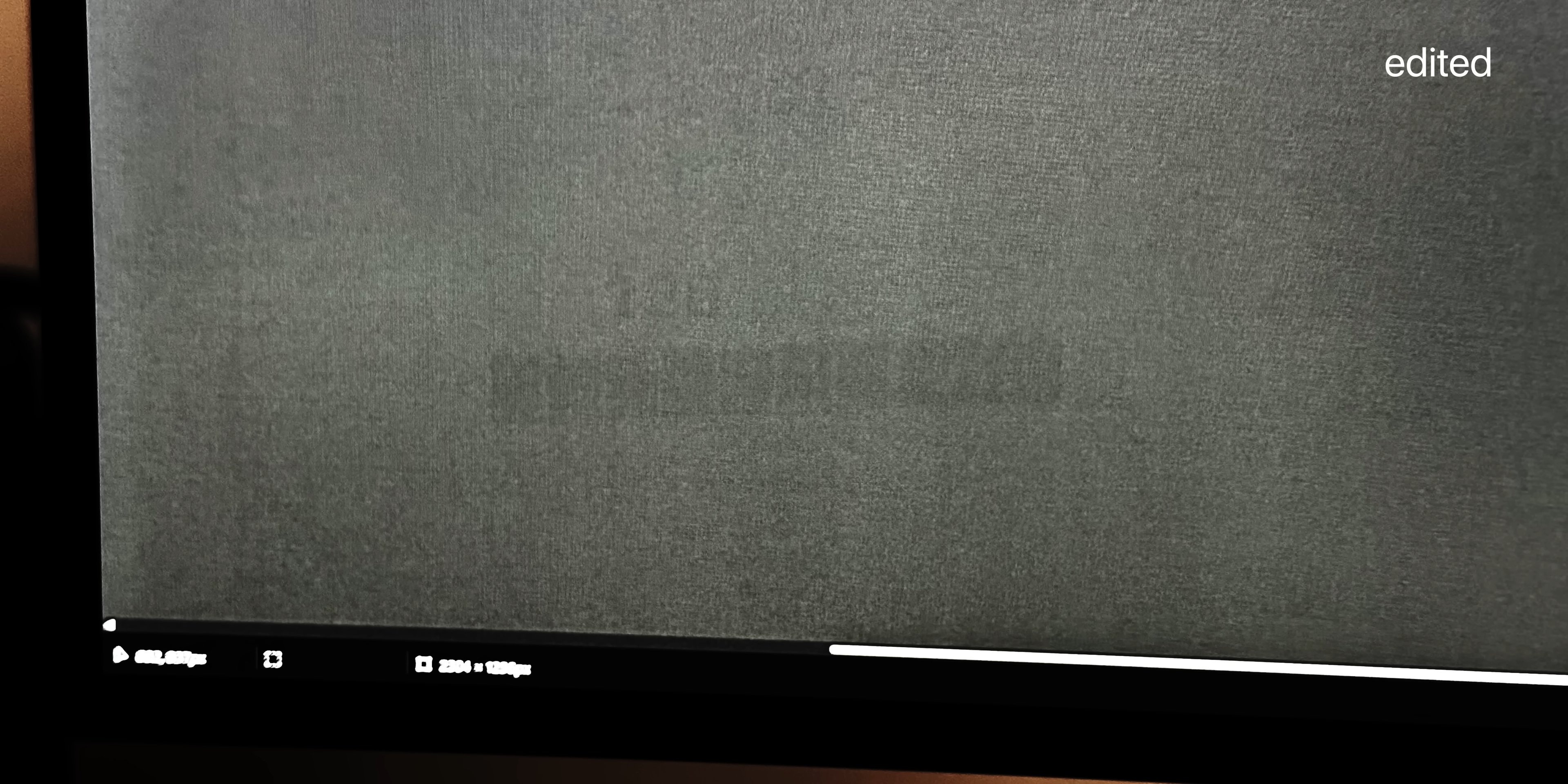
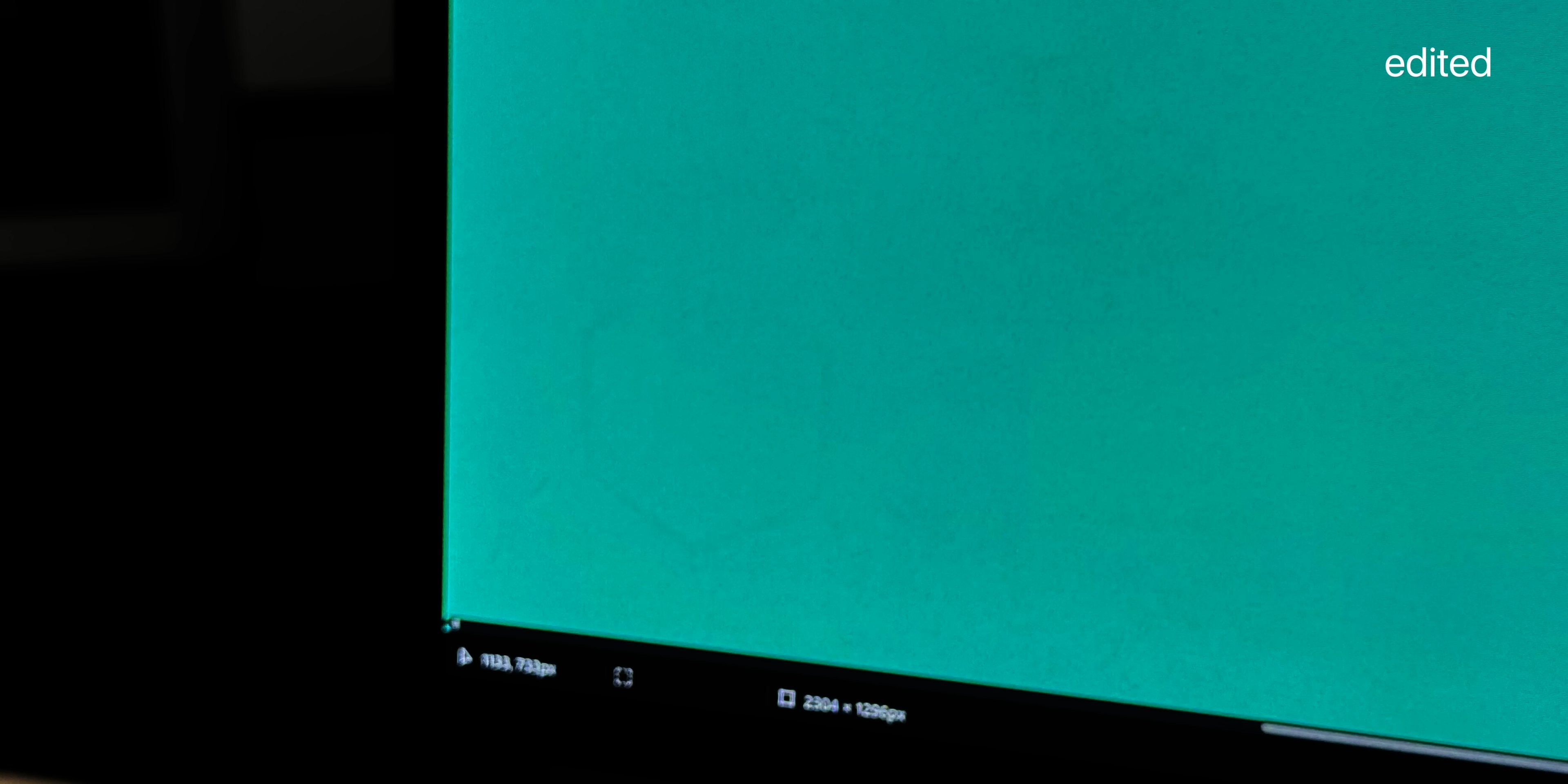
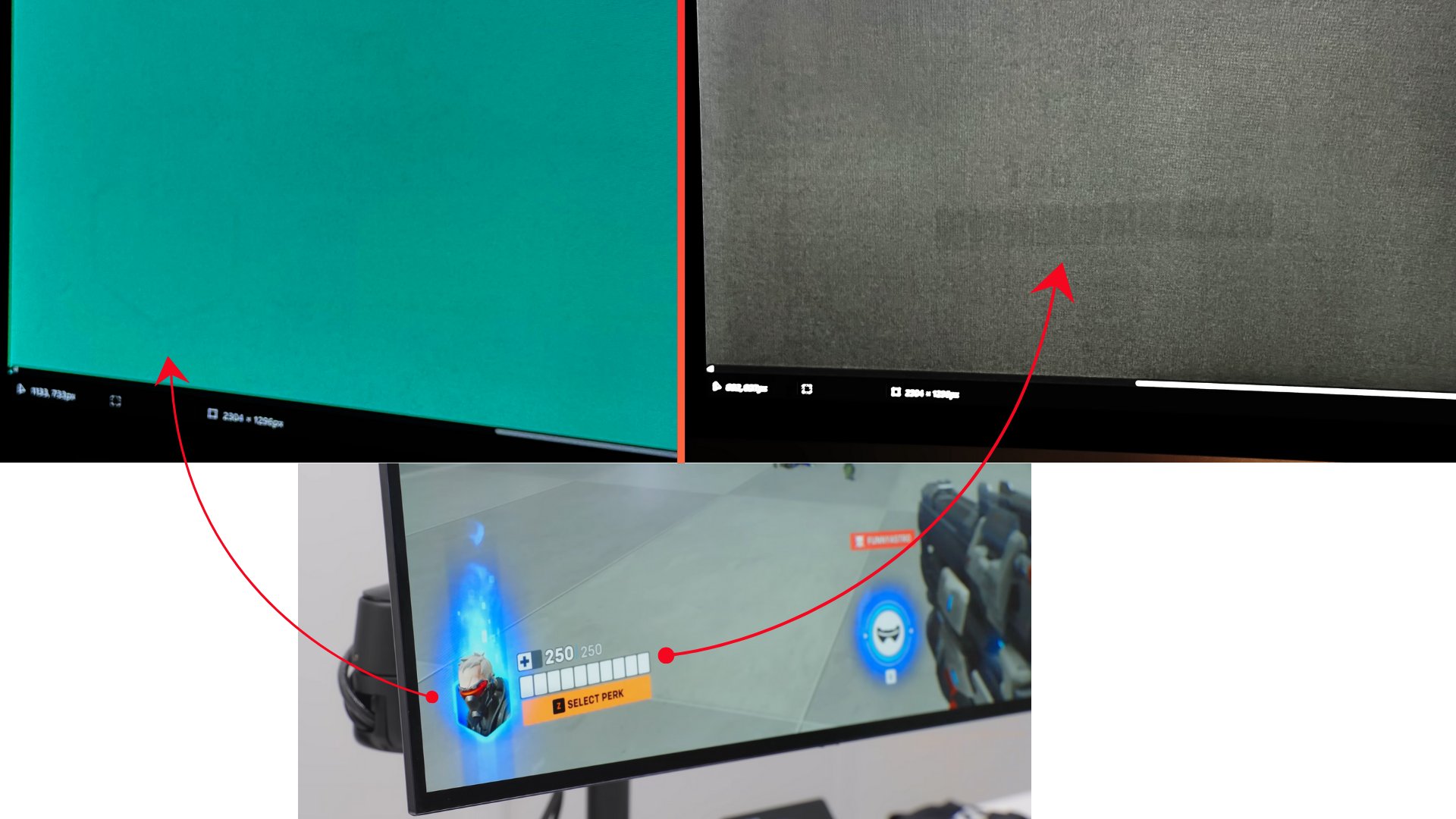
Primary Burn-In Location: The health bar in Overwatch's bottom-left corner showed slight retention, along with the adjacent player card. These artifacts were extremely difficult to detect, even on solid color backgrounds.
Secondary Burn-In: DaVinci Resolve's scroll bars in the editing timeline, positioned at the bottom-right corner, showed even less perceptible retention.
No Other Issues: The rest of the screen showed no signs of image retention whatsoever.
Brightness Degradation
Perhaps more telling than the burn-in results was the minimal brightness degradation:
- Initial peak brightness: 262 nits
- After 3,000 hours: 258 nits
- Total loss: 4 nits (1.5% degradation)
This negligible brightness reduction indicates the panel maintained essentially "as good as new" performance throughout the testing period.
Real-World Context
This test differs significantly from synthetic stress tests conducted by review sites like Rtings.com. While those tests apply extreme conditions to demonstrate worst-case scenarios, Optimum's approach reflects actual usage patterns that most users would encounter.
The test scenario was actually more demanding than typical use because it focused on only three applications over an extended period. Users who frequently switch between different games and applications would likely see even better results.
Risk Factors Identified
Based on the test results, several factors increase burn-in risk:
Static UI Elements: Games and applications with persistent on-screen elements (health bars, score displays, toolbars)
High Brightness Levels: Operating at 80-100% brightness accelerates pixel wear
Extended Single-App Use: Playing one game for hundreds of hours increases localized wear
Disabled Care Features: Not using pixel shift or refresh cycles removes protective measures
Window Snapping: Keeping windows in fixed positions creates predictable wear patterns
Recommendations for OLED Users
The video concludes with several practical recommendations for OLED monitor owners:
Enable All Panel Care Features: Keep pixel shift, pixel refresh, and other manufacturer-provided features active. While they may occasionally interrupt workflow, they significantly extend panel life.
Vary Your Content: Switch between different games and applications regularly to distribute pixel wear across the entire screen.
Use Dark Mode: Dark interfaces reduce the overall brightness load on pixels, extending their lifespan.
Consider Warranty Coverage: Take advantage of the typical 3-year warranty period offered by most OLED monitor manufacturers if burn-in becomes noticeable.
The Reality of OLED Technology
OLED burn-in remains an inherent characteristic of the technology rather than a defect that can be completely eliminated. The self-emissive nature of OLED pixels means they degrade at different rates depending on usage patterns.
However, this test demonstrates that with proper care and realistic usage expectations, OLED monitors can provide excellent performance for years without significant image retention issues. The slight burn-in observed was only visible under specific conditions and required image editing to make clearly visible in demonstration photos.
For most users who enable care features and maintain varied usage patterns, OLED burn-in should remain a minimal concern rather than a deal-breaking issue. The technology's superior contrast ratios, response times, and overall image quality continue to make it an attractive option for gaming and professional applications.
The key takeaway is that OLED burn-in, while real, is manageable through proper usage habits and shouldn't deter most users from enjoying the technology's significant advantages.
Comments
Please log in or register to join the discussion