PowerToys' latest update transforms its Command Palette into a central control hub, enabling direct toggling of utilities like FancyZones and Color Picker without leaving the interface.
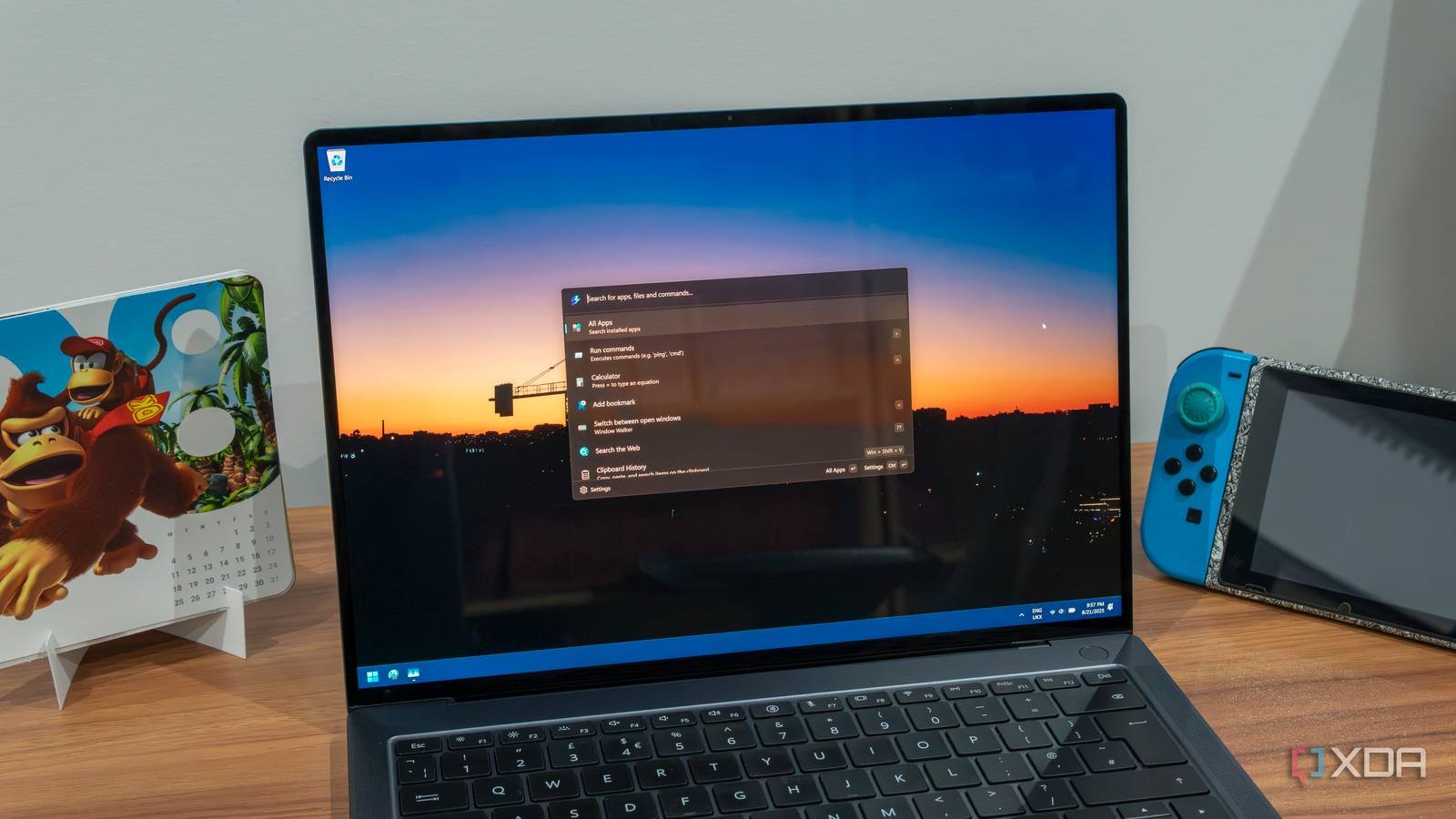
The PowerToys team has released version 0.97.0, delivering significant enhancements to its Command Palette feature that fundamentally change how users interact with these Windows productivity tools. This update fulfills a major community request by turning the Command Palette into a unified control center for PowerToys utilities.
Command Palette Evolved
At the core of this update is a new PowerToys extension integrated directly into the Command Palette. Users can now:
- Toggle Light Switch (dark/light mode)
- Switch between FancyZones layouts
- Activate the Color Picker
- Control other enabled utilities
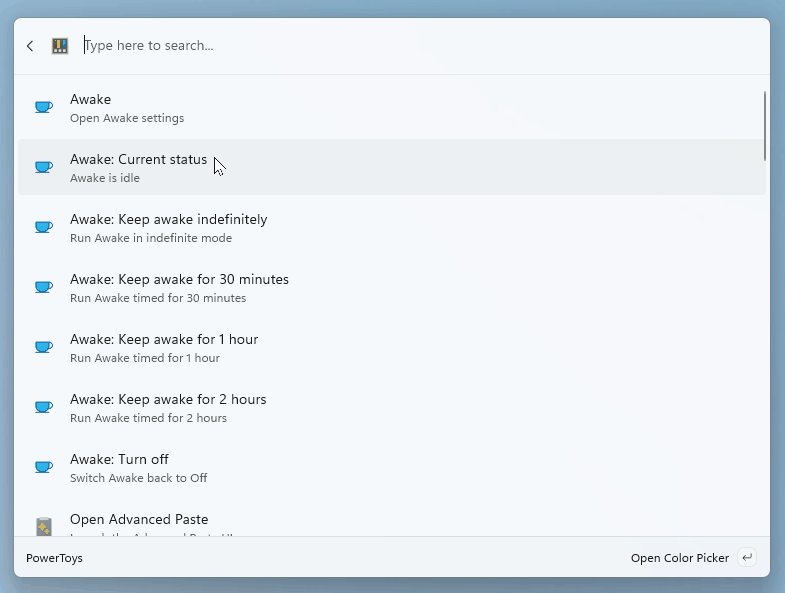 The redesigned Command Palette showing direct PowerToys controls and Peek integration
This eliminates the need to open individual utility windows or navigate through settings menus. The Palette also gains Peek functionality, allowing file and folder previews without leaving the interface—visible in the animated demonstration above.
Workflow Impact
The architectural shift represents more than feature additions—it redefines interaction patterns:
- Reduced Context Switching: Developers can adjust FancyZones layouts during multi-monitor coding sessions without breaking focus
- Rapid Configuration: UI designers benefit from instant color picking during design reviews
- Centralized Control: System administrators gain quicker access to power management tools
These changes address longstanding workflow interruptions caused by managing separate utility windows.
Monitor Navigation Enhancement
The update also introduces cursor wrapping across monitors in Mouse utilities. When enabled, moving the cursor to the edge of one monitor instantly appears at the opposite edge of adjacent displays—particularly useful for developers working with extended desktop configurations.
Implementation Notes
To use these features:
- Update to v0.97.0
- Ensure utilities are enabled in PowerToys settings
- Activate Command Palette (default shortcut: Win+Shift+Q)
The cursor wrap feature requires manual activation in Mouse settings post-update.
Why This Matters
PowerToys continues filling functionality gaps in Windows that Microsoft hasn't addressed natively. This update demonstrates how thoughtful tool design can reduce cognitive load during development work. The Command Palette's transformation into a central control hub reflects a fundamental shift toward unified interface management—a concept that could influence future Windows UX patterns.
For developers and power users, these changes significantly streamline interaction with essential utilities. Those new to PowerToys can explore its capabilities through the official documentation.
Comments
Please log in or register to join the discussion