James Hall's QCon London 2026 presentation demonstrated how browser-native AI inference using Transformers.js, WebLLM, and WebGPU can deliver practical workloads locally, eliminating privacy concerns and latency while reducing costs.
At QCon London 2026, James Hall, founder and tech director at Parallax and creator of jsPDF, delivered a compelling presentation on running AI workloads directly in the browser. His talk, "Running AI at the Edge: Running Real Workloads Directly in the Browser," explored how browser-native inference can deliver practical AI capabilities without sending data to third-party cloud providers.
The Case Against Server-Side Inference
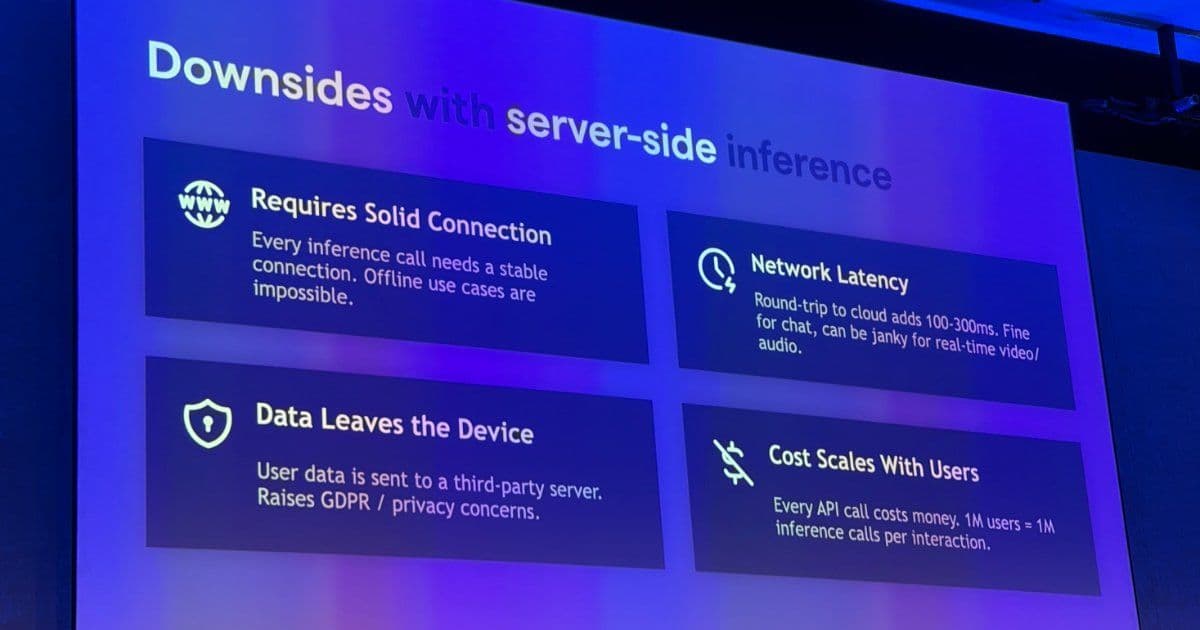
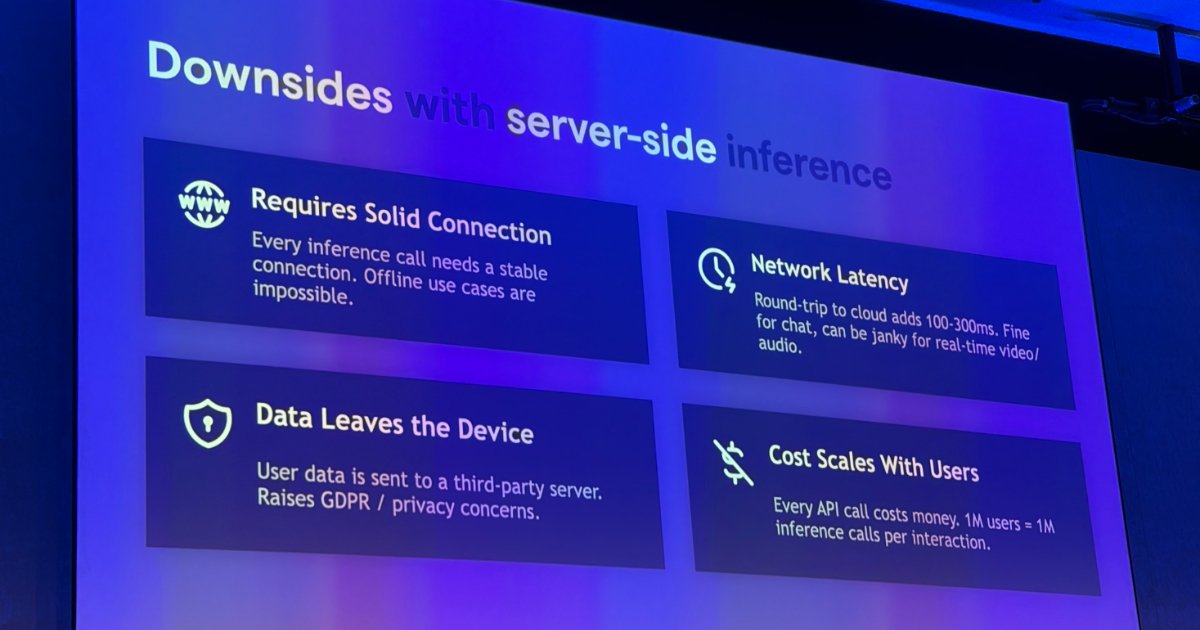
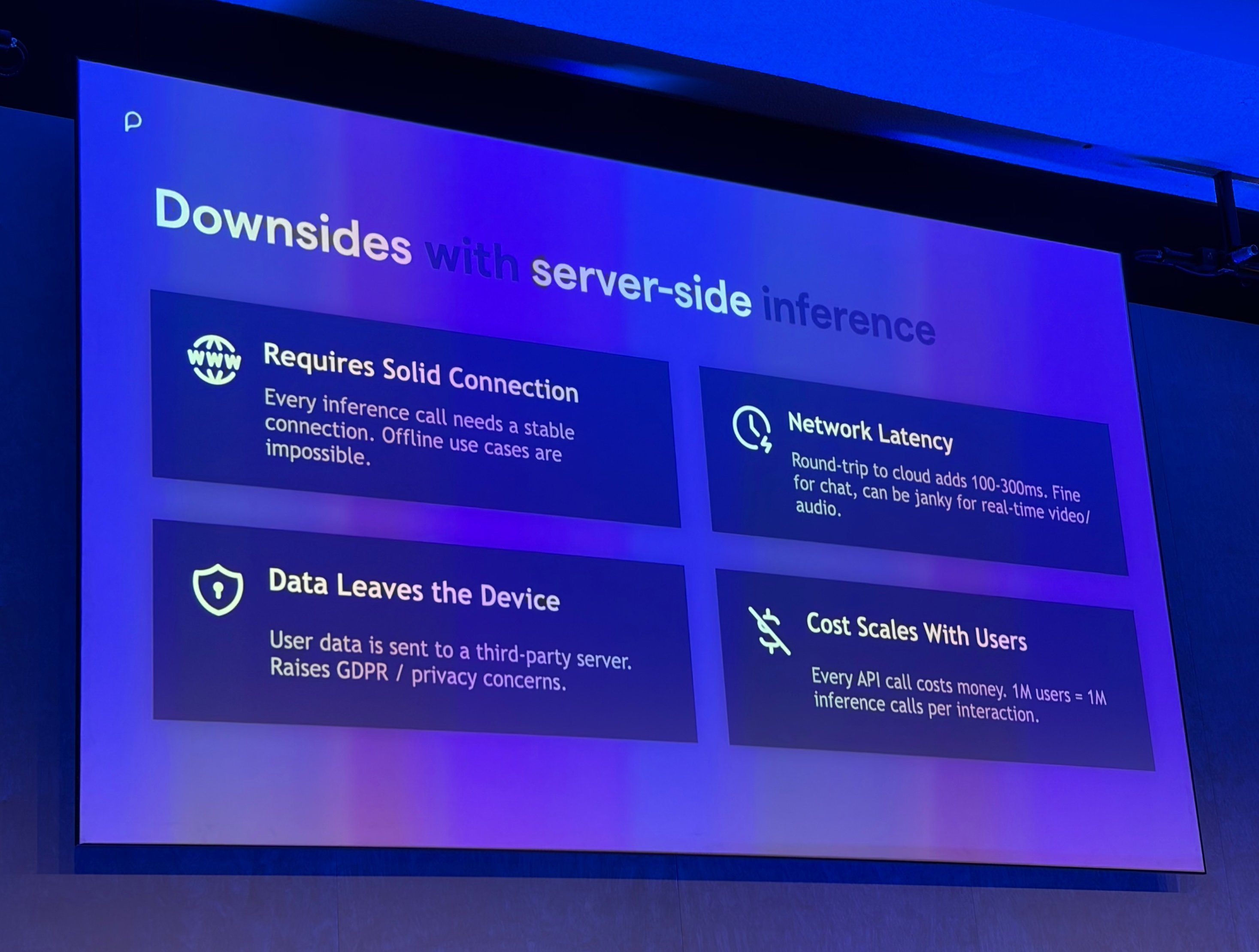
Hall opened by framing the downsides of server-side inference in concrete terms: sending prompts and user data to third parties creates privacy concerns, every request incurs network round trips that can make real-time experiences feel sluggish, and usage-based cloud inference costs rise with success rather than falling away.
He argued that local processing provides "architectural privacy," where the design itself makes data upload impossible rather than relying on policy promises. For real-time audio and video applications, eliminating round-trip delays to data centres proves critical, while cloud cost scaling means successful products become increasingly expensive to operate.
Browser-Native AI Technologies
The presentation covered several categories of local AI technology that have matured significantly:
Bring-your-own-model approaches using Transformers.js from Hugging Face, WebLLM, and ONNX Runtime allow developers to quantize and cache models directly in the browser. Hugging Face recently released Transformers.js v4, which delivers a 4x speedup for BERT models via the WebGPU runtime and supports 20-billion parameter models at 60 tokens per second.
Chrome's built-in Prompt API with Gemini Nano offers inference with no model download required, alongside translator, summarizer, and language detector capabilities. This approach eliminates the need to ship model weights entirely.
Hardware acceleration through WebGPU is now well supported across Safari, Firefox, and Chromium browsers, while the WebNN API, currently a W3C Candidate Recommendation, promises access to specialised NPUs on mobile devices.
Practical Use Cases
Hall demonstrated several practical applications that showcase the viability of browser-based AI:
Near-human quality transcription using Whisper models locally, with access to probability scores for hallucination detection. This enables privacy-preserving speech-to-text without sending audio to cloud services.
For data analytics, he combined DuckDB running analytical SQL workloads in-browser via WebAssembly with a local LLM generating queries, enabling data exploration without sending information to servers. This creates a complete analytical stack that runs entirely on the client.
Design Principles for Browser AI
The talk also addressed design principles that Hall considers essential for browser AI applications:
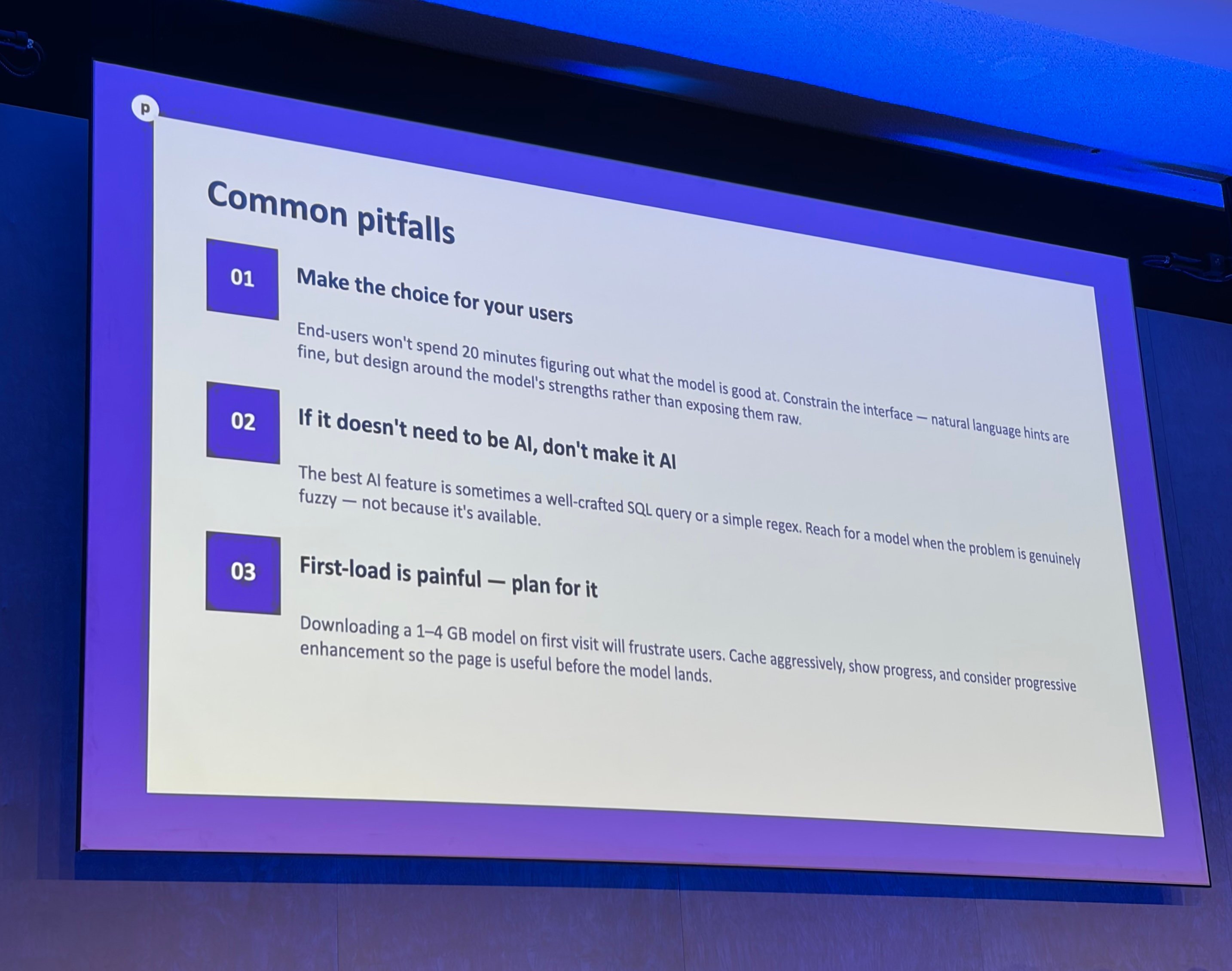
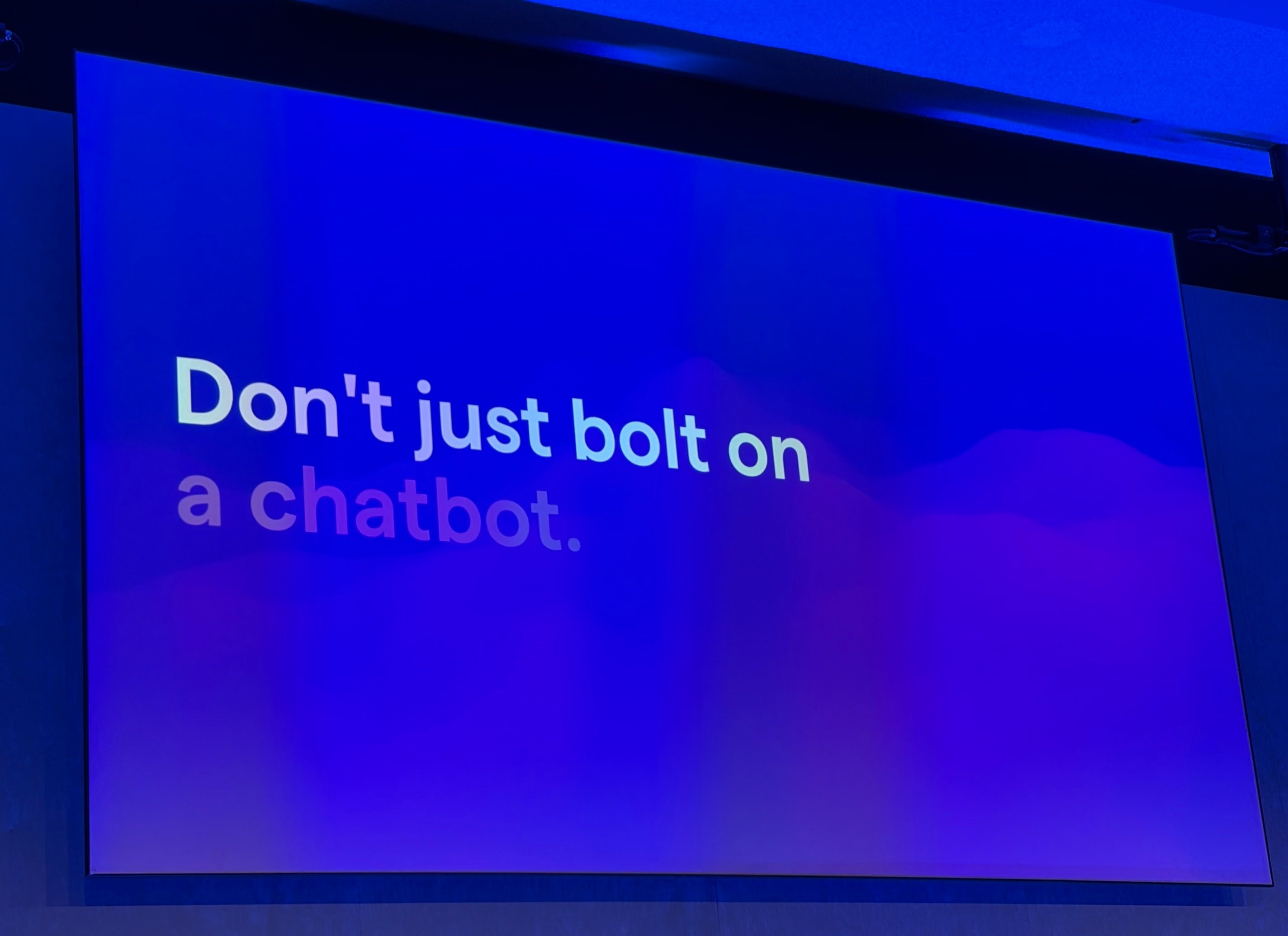
He cautioned against defaulting to chatbot interfaces, noting user fatigue, and instead recommended identifying what the model excels at and presenting structured suggestions. This approach focuses on specific use cases rather than generic conversation.
Hall advocated hiding model loading time using perceived performance techniques and only reaching for AI when problems are genuinely difficult and fuzzy. Not every application needs AI capabilities, and forcing them can degrade user experience.
Testing and Evaluation
On the topic of testing and evaluation, Hall emphasised that most AI project work lies in measurement and validation rather than model integration. He recommended using stronger frontier models to evaluate weaker local models, and building visual evaluation suites that domain experts can review rather than relying solely on engineering tools.
Model optimisation through quantisation can reduce 7GB models to 2GB with modest quality loss, making them practical for browser deployment. This trade-off between size and accuracy is crucial for performance on client hardware.
When to Choose In-Browser Inference
Closing guidance was a practical rule of thumb for when to choose in-browser inference: use it when privacy, latency, offline capability, or cost predictability matter enough to outweigh the constraints of running smaller models on client hardware, and benchmark that trade-off against real workloads rather than assuming a server call is always necessary.
The presentation demonstrated that browser-native AI has matured from a novelty to a practical architectural choice, with real-world applications already shipping and more on the horizon as hardware acceleration and model optimization continue to improve.
Comments
Please log in or register to join the discussion