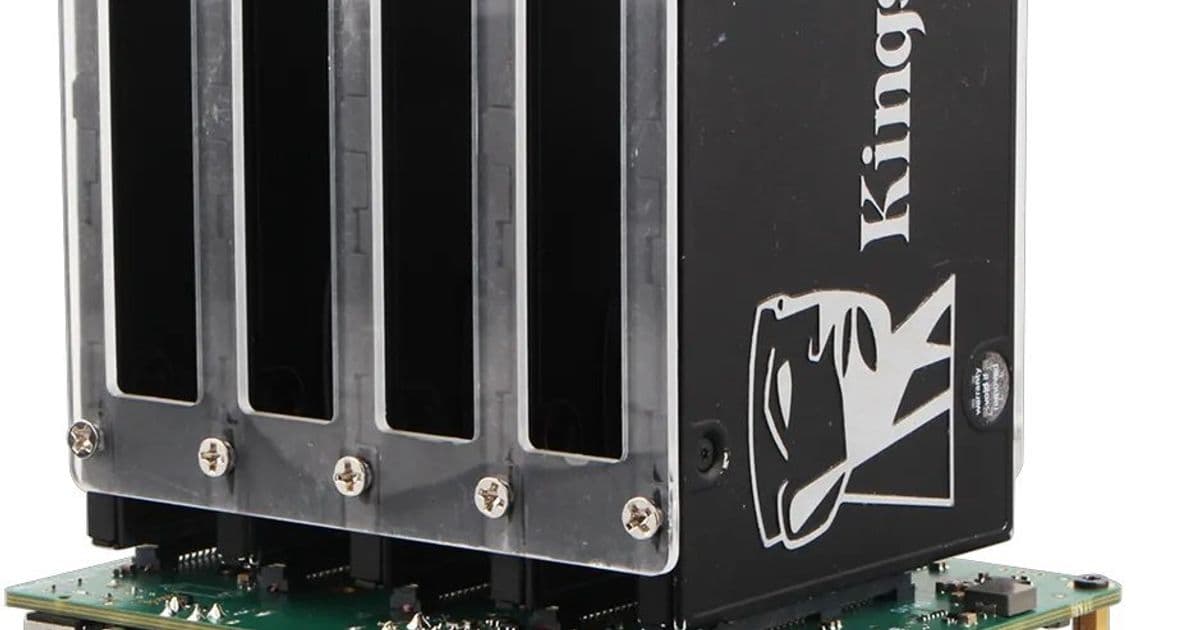
Radxa's updated Taco carrier board now supports Raspberry Pi CM5 with PCIe 3.0, USB 3.2, and five SATA ports for building compact network-attached storage systems.
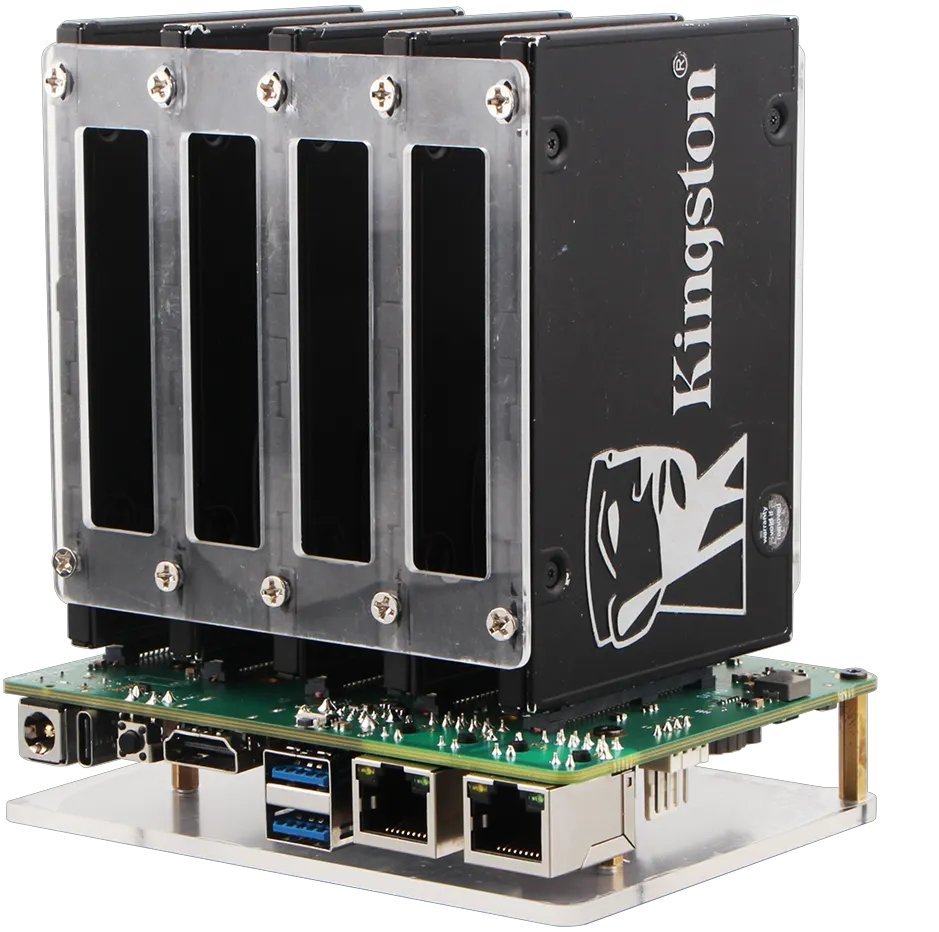
The Radxa Taco is a carrier board that transforms a Raspberry Pi Compute Module into a compact network-attached storage (NAS) system with support for up to five hard drives. The latest version, designed for the Raspberry Pi Compute Module 5, brings significant performance improvements while maintaining the same compact form factor that made the original popular among DIY NAS enthusiasts.
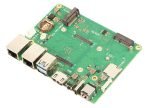
The new Taco board is available for pre-order at $65, though users will need to purchase a Raspberry Pi CM5 module separately along with their storage drives. The carrier board measures 114 x 85mm (4.5" x 3.4"), making it small enough to fit in tight spaces while still accommodating five SATA hard drives.
Enhanced Performance and Connectivity
The updated Taco board brings several key improvements over its predecessors. Most notably, it now supports PCIe 3.0 connectivity, an upgrade from the PCIe 2.0 found in earlier versions. This provides significantly faster data transfer speeds between the compute module and connected storage devices. The board also features USB 3.2 Gen 1 ports, replacing the USB 2.0 ports of previous iterations, offering up to 5 Gbps transfer speeds.
Comprehensive Port Selection
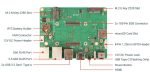
The board's port selection makes it versatile for various NAS configurations:
- Dual Ethernet: One 2.5 Gigabit Ethernet port and one Gigabit Ethernet port for network connectivity options
- Storage expansion: One M.2 2280 M-Key slot and one M.2 2230 E-Key slot for additional storage or wireless connectivity
- Display output: HDMI 2.0 port for connecting to monitors or TVs
- USB connectivity: Two USB 3.2 Gen 1 Type-A ports and one USB Type-C port for flashing system firmware
- Power options: 12V DC power jack and header for flexible power supply choices
- Additional features: RTC battery holder, fan connector with PWM speed control, and GPIO header for customization
The board includes status LED lights and a boot button for easy monitoring and control of the system.
NAS Capabilities
The five SATA connectors are the star feature for NAS enthusiasts. This allows users to build a compact storage server with multiple hard drives, perfect for media libraries, backups, or file sharing across a network. The combination of the Raspberry Pi CM5's processing power with the Taco's storage capabilities creates a capable, energy-efficient NAS solution.
Compatibility Evolution
When Radxa first launched the Taco board in 2022, it supported the Raspberry Pi CM3 and CM4 modules. The new version specifically targets the Raspberry Pi Compute Module 5, taking advantage of its improved performance and connectivity options. This evolution shows Radxa's commitment to keeping their hardware current with the latest Raspberry Pi offerings.
Building Your NAS
To create a complete NAS system with the Taco board, you'll need:
- The Radxa Taco carrier board ($65)
- A Raspberry Pi Compute Module 5
- Five SATA hard drives of your choice
- A 12V power supply
- Optional: M.2 storage or wireless cards for additional functionality
This modular approach allows users to customize their NAS based on their specific needs and budget, choosing storage capacities and performance levels that match their requirements.
The Radxa Taco represents an interesting option in the growing market of single-board computer-based NAS solutions, offering a balance of performance, expandability, and compact size that appeals to both hobbyists and small business users looking for a capable storage solution without the bulk of traditional NAS devices.
Comments
Please log in or register to join the discussion