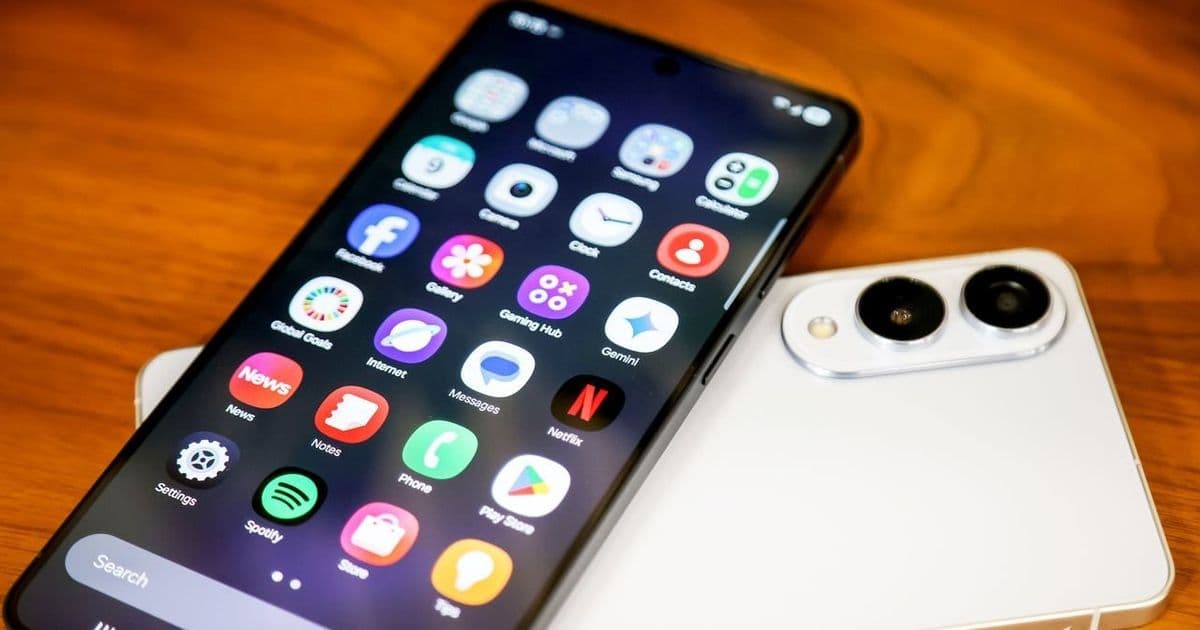
Samsung's Galaxy AI offers powerful features like generative editing and writing assistance, but its deep data access raises privacy concerns. Users can now toggle individual AI tools or enable on-device processing on newer models to minimize cloud exposure. This guide provides step-by-step instructions and analysis for balancing functionality with security.
As artificial intelligence becomes embedded in everyday devices, Samsung's Galaxy AI suite—featuring tools like generative photo editing, text refinement, and personalized insights—promises to revolutionize smartphone productivity. Yet this convenience comes at a cost: unrestricted access to user data. Galaxy AI requires broad permissions to scan emails, photos, and messages, often relying on cloud servers for processing. While Samsung emphasizes encryption in its privacy policy, the inherent risks of data transmission have left many users seeking greater control. Here's how to reclaim it.
The Privacy Tightrope of On-Device vs. Cloud AI
Galaxy AI integrates deeply with Samsung's One UI software, enabling features such as Audio Eraser for noise reduction and Sketch to Image for transforming doodles into photos. These tools operate by analyzing personal content—a process that typically sends data to remote servers. For privacy-conscious users, this creates vulnerabilities: cloud-based processing exposes information to potential breaches, latency, and third-party access. As one security expert noted in WIRED’s coverage, "No security measure is foolproof," underscoring why granular control is critical.
Step-by-Step: Disabling Features or Switching to Local Processing
- Access AI Settings: Open Settings > Galaxy AI to view all active tools, from transcription services to fitness insights. Each feature includes a toggle switch for easy activation or deactivation.
- Customize Per Tool: For example, under Photo Assist, disable Generative Edit (object removal), Sketch to Image, or Portrait Studio individually. This prevents specific AI from accessing galleries without turning off the entire suite.
- Enable On-Device Processing (Galaxy S25 Only): Newer models with Snapdragon 8 Gen chips support local AI computation. Toggle "Process data only on device" at the bottom of the Galaxy AI menu. Note that this restricts cloud-dependent features like summarization and multilingual translation but enhances privacy by keeping data offline.
Why Developers Should Care
For the tech industry, Samsung's approach signals a shift toward user-configurable AI—a response to growing privacy regulations and consumer demand. Developers can draw lessons here:
- Modular Design: Building opt-in/opt-out mechanisms fosters trust, as seen in Samsung's toggle-centric interface.
- Edge Computing Priority: The S25’s on-device capabilities highlight how hardware advancements (e.g., dedicated NPUs) can reduce cloud reliance, mitigating supply-chain risks.
- Transparency Gaps: Samsung doesn’t clearly list which features require cloud access, pointing to a need for better documentation in AI systems.
Empowering users to tailor AI interactions isn’t just about privacy—it’s a foundational step toward ethical tech adoption. As Samsung expands its AI ecosystem, regularly auditing these settings ensures you harness innovation without compromising your digital integrity.
Comments
Please log in or register to join the discussion