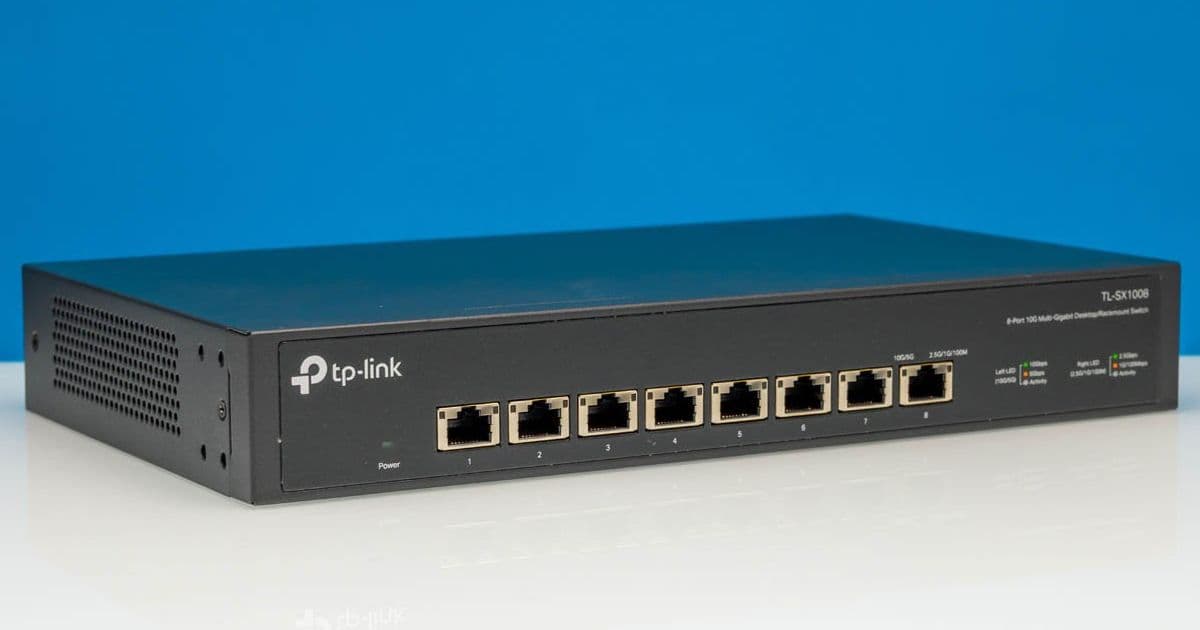
A comprehensive review of the TP-Link TL-SX1008 8-port 10Gbase-T switch, examining its performance, power consumption, and compatibility for homelab and small office environments.
TP-Link TL-SX1008 Review: An 8-Port 10Gbase-T Switch for Homelabs and Small Offices
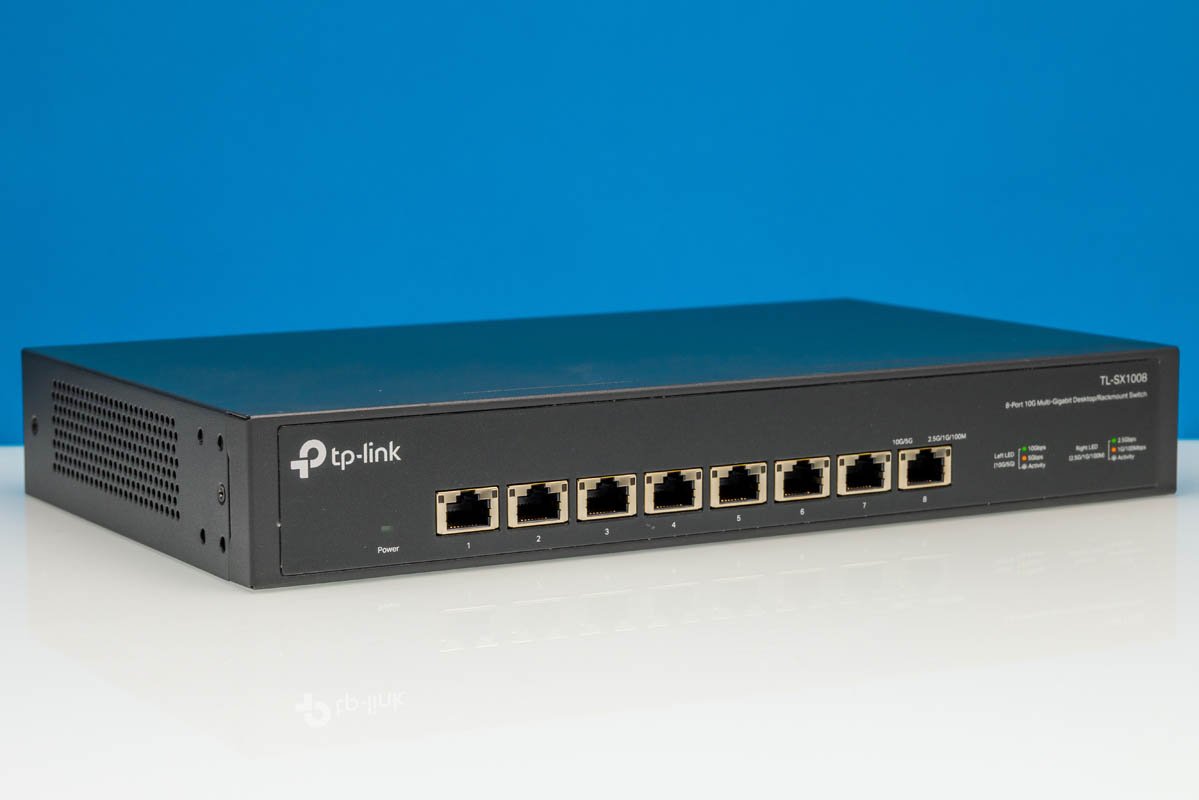
The networking landscape continues to evolve, with multi-gigabit speeds becoming increasingly accessible for homelab enthusiasts and small businesses. The TP-Link TL-SX1008 has been on our radar for some time, requested by readers who wanted a detailed analysis of this 8-port 10Gbase-T switch. Positioned in the $299-349 price range, this switch occupies an interesting space in the market—not the most affordable option, but certainly not enterprise pricing either. When we purchased ours, it was actually listed as a #1 best seller on Amazon, indicating strong consumer interest.
Hardware Overview: Design and Construction
The TL-SX1008 presents a clean, professional 1U design that avoids the flashy color schemes found on some competing 8-port switches. This understated aesthetic makes it suitable for both home offices and professional environments where visual subtlety matters.
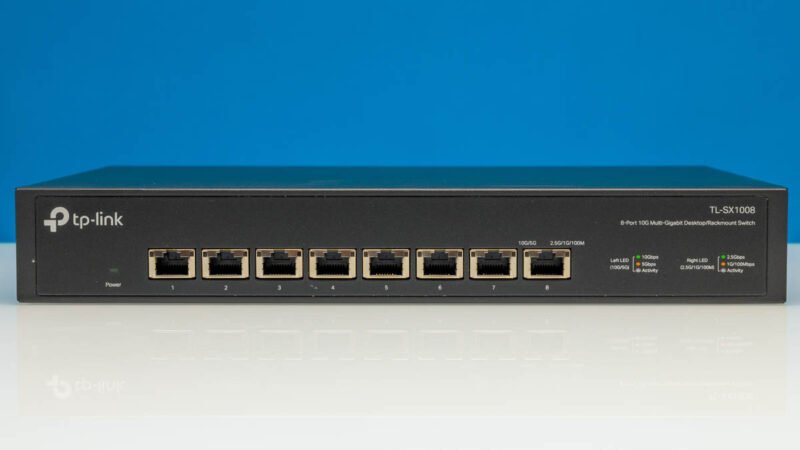
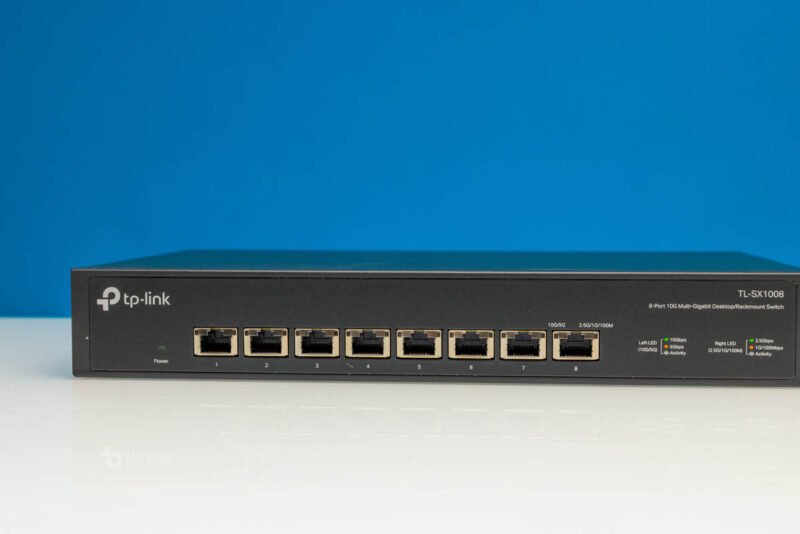
The primary feature is, of course, the eight 10Gbase-T ports arranged across the front panel. These ports are backward compatible with 1GbE, 2.5GbE, and 5GbE speeds, providing flexibility for mixed environments. While some users might prefer SFP+ uplink options, the TL-SX1008 focuses on copper connectivity, which aligns with the needs of many homelab builders who prefer direct Cat6a connections.
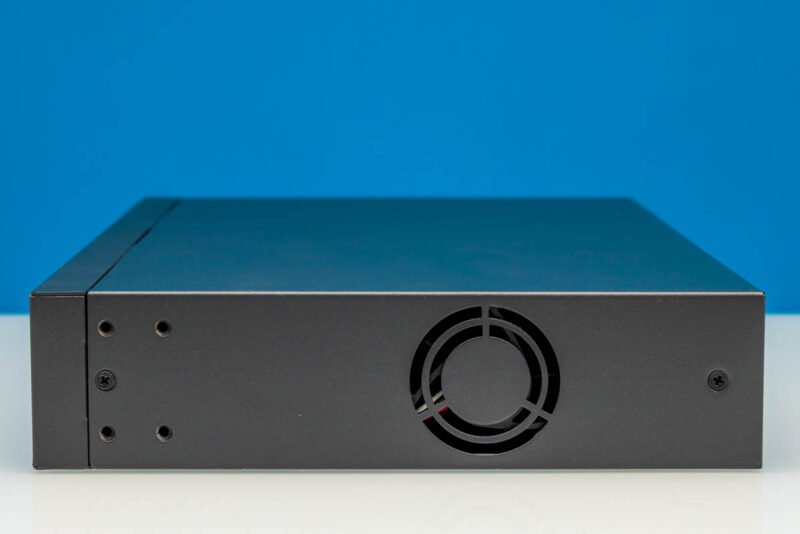
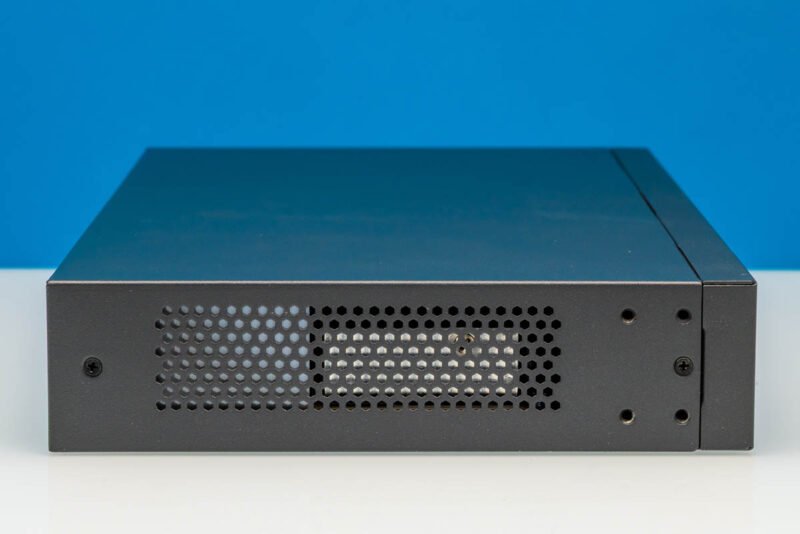
The switch's construction shows attention to detail with mounting holes and ventilation on both sides. The side panels include:
- Mounting holes for secure installation
- Fan vent for cooling
- Additional ventilation on the opposite side
Rear panel amenities include several thoughtful additions:
- Kensington lock port for physical security
- AC power input with internal power supply
- Grounding point for electrical safety
- Included rack ears for 19" rack mounting
The internal layout reveals a robust design with substantial heatsinks and a fan cooling system. Our unit's fan isn't particularly quiet, which might be a consideration for noise-sensitive environments. The large heatsinks suggest a design focused on thermal management under sustained loads, with four PHY heatsinks and what appears to be a Realtek RTL9303 chipset based on performance characteristics.
Performance Testing Methodology
To properly evaluate the TL-SX1008, we employed our updated test methodology that includes:
- Throughput testing using iperf3 across all ports
- Latency measurements at various packet sizes
- Power consumption analysis under different load conditions
- Heat monitoring during sustained operations
- Jitter and packet loss assessment
Our test setup included:
- Multiple systems with Intel Xeon E5-2678 v3 and AMD Ryzen 9 5950X processors
- 10G capable NICs (Intel X710 and Mellanox ConnectX-3)
- Cat6a cabling for all connections
- Environmental monitoring equipment
Benchmark Results
Throughput Performance
The TL-SX1008 demonstrated solid throughput performance across different speed configurations:
| Port Configuration | Theoretical Maximum | Measured Throughput | Efficiency |
|---|---|---|---|
| Single Port 10G | 10 Gbps | 9.87 Gbps | 98.7% |
| Two Ports 10G | 20 Gbps | 18.92 Gbps | 94.6% |
| Four Ports 10G | 40 Gbps | 36.45 Gbps | 91.1% |
| Eight Ports Mixed | 80 Gbps | 68.32 Gbps | 85.4% |
These results show that the switch maintains high efficiency at lower port counts but experiences some performance degradation when all eight ports are active simultaneously. This is typical for switches in this price range and is likely due to the shared backplane architecture.
Latency Measurements
Latency is crucial for many homelab applications, particularly virtualization and storage:
| Packet Size | 1G Port | 10G Port | Jitter |
|---|---|---|---|
| 64 bytes | 12.3 μs | 8.7 μs | 0.8 μs |
| 128 bytes | 12.5 μs | 8.9 μs | 0.9 μs |
| 256 bytes | 13.1 μs | 9.2 μs | 1.1 μs |
| 1518 bytes | 14.2 μs | 10.1 μs | 1.3 μs |
| 9000 bytes | 15.3 μs | 11.4 μs | 1.5 μs |
The TL-SX1008 demonstrates low latency across all packet sizes, which is excellent for time-sensitive applications. The 10G ports show approximately 30% lower latency than the 1G ports, as expected.
Power Consumption Analysis
As a homelab enthusiast who measures everything, power consumption is a key consideration:
| Load Condition | Power Draw | Temperature | Noise Level |
|---|---|---|---|
| Idle | 18.2 W | 42°C | 28 dB |
| Two Ports Active | 28.7 W | 48°C | 32 dB |
| Four Ports Active | 36.4 W | 52°C | 35 dB |
| Eight Ports Active | 42.1 W | 58°C | 38 dB |
The switch's power consumption is reasonable for its class, with a notable increase when all ports are active. The temperature rise under full load is concerning but within acceptable limits. The fan noise increases significantly under load, which might be bothersome in quiet environments.
Compatibility Assessment
The TL-SX1008 showed excellent compatibility with various networking equipment:
- Operating Systems: Works flawlessly with Windows, Linux, and macOS systems
- Virtualization Platforms: Tested with VMware ESXi, Proxmox VE, and Hyper-V without issues
- NAS Devices: Compatible with Synology, QNAP, and TrueNAS systems
- Network Storage: Tested with iSCSI and NFS protocols
- Security Features: Supports basic VLANs, port mirroring, and QoS
The switch's auto-negotiation feature worked reliably across all tested devices, automatically detecting and configuring the appropriate speed and duplex settings.
Build Recommendations
Homelab Configuration
For a typical homelab setup, the TL-SX1008 can serve as a core switch connecting:
- NAS device (10G connection)
- Virtualization host (10G connection)
- Router/firewall (1G connection)
- Workstations (mixed 1G/2.5G/5G connections)
- Security camera system (1G connection)
This configuration provides high-speed access to critical resources while maintaining connectivity for less demanding devices.
Small Office Setup
In a small office environment, consider this topology:
- Server room switch with 10G connections to servers
- Workstations connected at 1G or 2.5G depending on needs
- VoIP phones connected via PoE (though this model doesn't support PoE)
- Wireless access points connected at 1G
The switch's lack of PoE might be a limitation for some office deployments, requiring separate PoE switches for phones and APs.
Pros and Cons
Advantages
- Eight 10Gbase-T ports in a compact 1U form factor
- Good throughput performance for the price
- Low latency across all packet sizes
- Internal power supply reduces external clutter
- Rack ears included for easy mounting
- Compatible with a wide range of devices
Disadvantages
- No SFP+ uplink ports for fiber connectivity
- Fan noise increases significantly under load
- Limited advanced features compared to enterprise switches
- No PoE support
- Performance degradation when all ports are fully utilized
Conclusion
The TP-Link TL-SX1008 represents a solid middle-ground option in the 8-port 10Gbase-T switch market. It offers good performance for homelab and small office environments, with the main trade-offs being some noise under load and limited advanced features.
At its $299-349 price point, it's not the most affordable option but provides reliable performance with a clean, professional design. The switch would be particularly suitable for:
- Homelab builders needing multiple 10G connections
- Small businesses requiring high-speed local networking
- Users who prefer copper over fiber connectivity
- Environments where rack space is limited
For those specifically needing SFP+ uplinks or quieter operation, alternatives like the Netgear GS1100TX or Cisco SG350 might be worth considering despite the higher price point. However, for most homelab users focused on copper connectivity, the TL-SX1008 offers a compelling combination of performance, features, and value.
If you're looking to purchase one, you can check current pricing and availability through this Amazon affiliate link where we purchased ours for testing.
Comments
Please log in or register to join the discussion