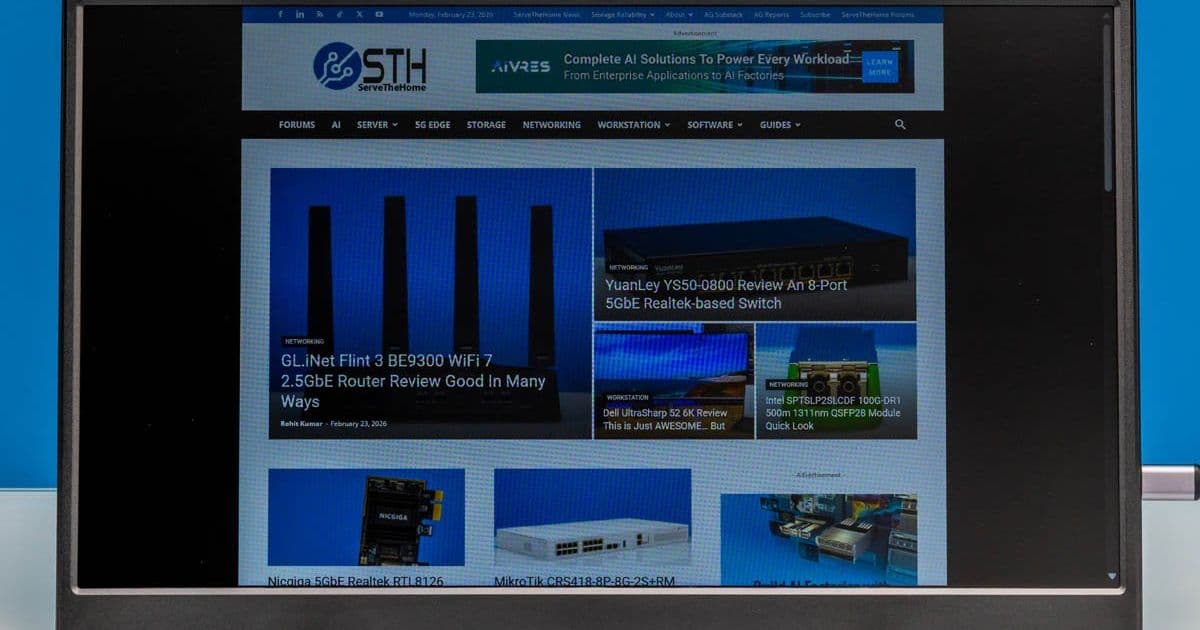
A budget-friendly portable monitor with versatile connectivity options and decent performance for its price point.
Mobile Facebook X Pinterest Linkedin ReddIt Email Print Copy URL
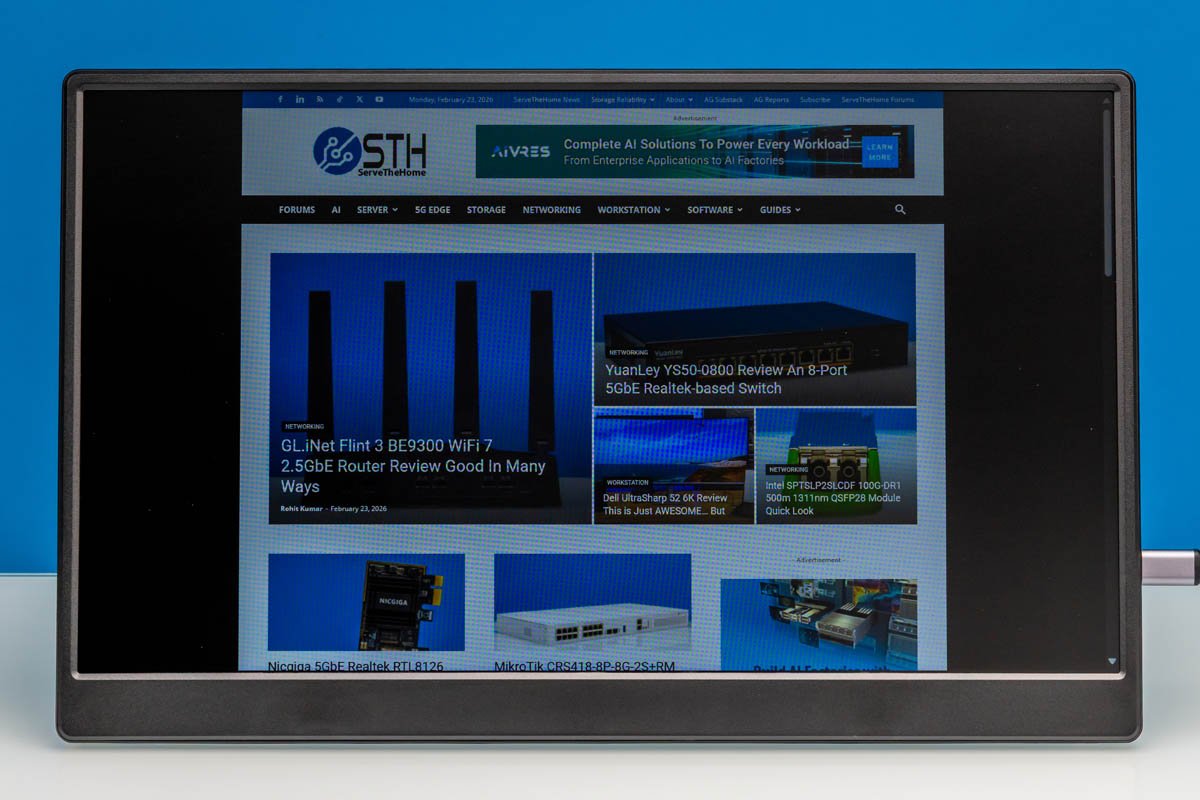
Recently, we purchased a handful of portable flat-panel monitors. Among the more interesting of these was the UFYQL F156P02 15.6in Portable Monitor, a display that is exactly what the name says on the tin. We are not really sure how they came up with this brand name. Currently priced at just $49 on Amazon (at the time of writing), the F156P02 is one of the cheapest portable monitors on the market. Let us get into our review of the monitor. Here is the Amazon affiliate link to where we purchased this unit.
UFYQL F156P02 Hardware Overview
UFYQL F156P02's monitor has a 15.6-inch IPS panel with a Full HD (1920×1080) resolution.
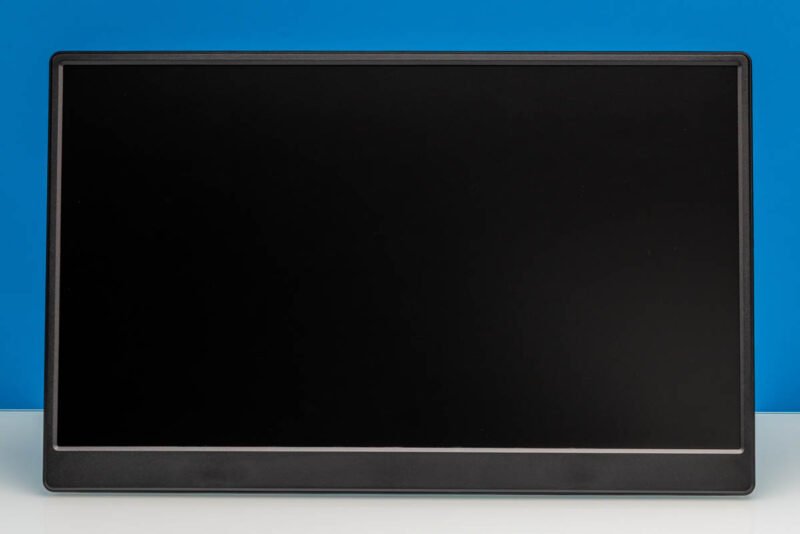
Here is a look at the rear of the monitor and kickstand. It is around 14.1in (Width) x 0.52in (Depth) x 8.8in (Height) with the foldable kickstand. It also features the standard 75mm x 75mm VESA mounting holes.
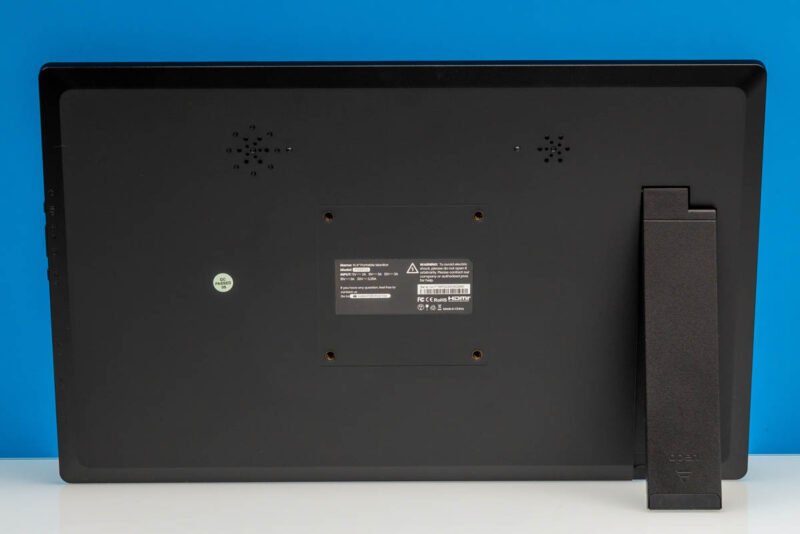
With the versatile kickstand, you get full flexibility for the most viewing angles.
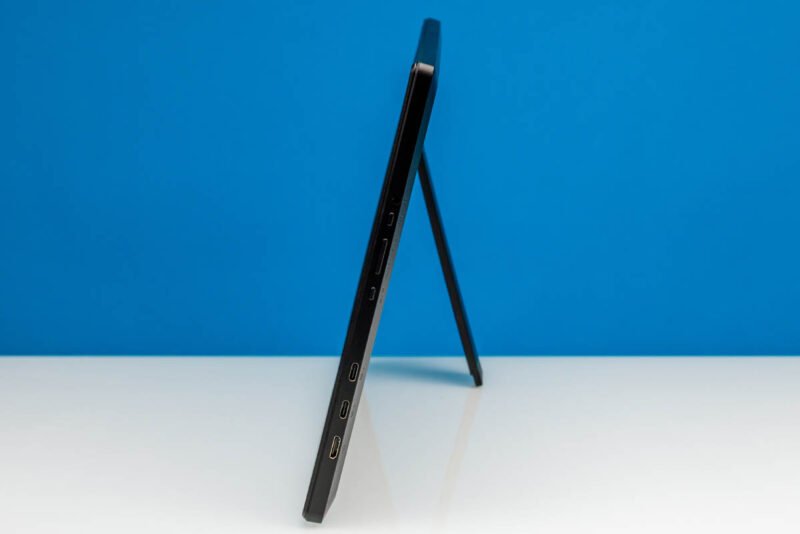
For display inputs, the monitor has two full-feature USB Type-C ports with DisplayPort Alt Mode capabilities, as well as a Mini HDMI port.
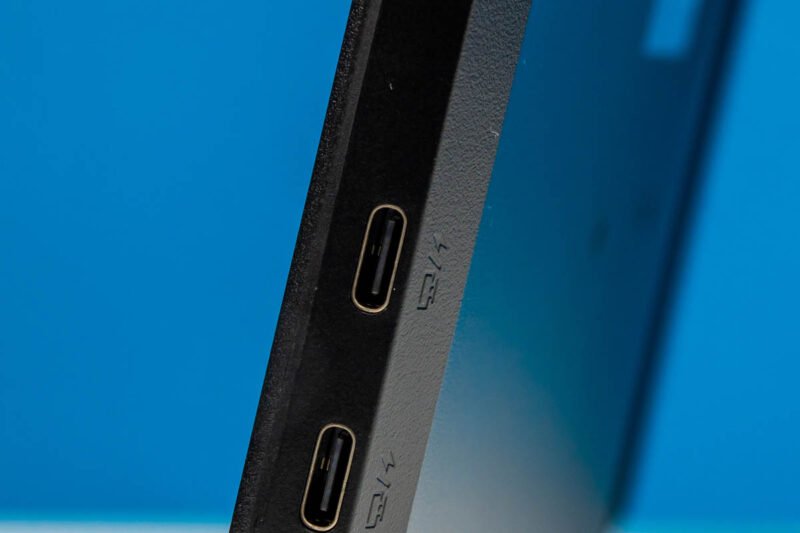
Between these three ports, this gives you a few different options for hooking up and powering the F156P02. The most straightforward option is driving the monitor via a single USB-C cable carrying both power and display – though this does require a host port that can provide enough power. Otherwise, one USB-C port can be used for a dedicated power input (along with a dedicated power adapter), while either the second USB-C port or the Mini HDMI port is used as a display input.
The downside of the latter option is that Mini HDMI is not as widely used as its full-sized sibling. So you likely do not have any kind of Mini HDMI cable lying around. Thankfully, UFYQL has you covered there by including a Mini HDMI-to-HDMI cable with the monitor, so you can connect it directly to a standard HDMI port.
And one way or another, you will need a USB Type-C cable to provide power to the monitor, so UFYQL includes one of those as well. If you are just using HDMI, then you will need to still power the monitor via a USB Type-C power input.
On the same side of the monitor, we find a power/back button, a track wheel for controlling monitor brightness, and a button that takes you to the OSD menu.
It also has a 3.5mm audio output jack.
The variable kick-stand option makes it great for viewing at various angles. However, this option does not provide the portable monitor with a built-in case, which can be important when traveling. Next, let us see how the $49 monitor performs.
Performance Testing
To evaluate the UFYQL F156P02's performance, we connected it to several devices using different connection methods:
USB-C Single Cable Test: Connected to a MacBook Pro via a single USB-C cable. The monitor powered on immediately and displayed content without any configuration needed. The 60Hz refresh rate felt smooth for general use, though there was noticeable latency when scrolling through documents.
USB-C + HDMI Test: Using the included Mini HDMI-to-HDMI cable with a dedicated USB-C power connection. Image quality was identical to the single cable method, but this setup provides more flexibility when your host device's USB-C port cannot deliver sufficient power (typically 5V/2A minimum).
Color Accuracy: The IPS panel produces decent color reproduction for a budget display. While not suitable for professional photo editing, colors appear natural for everyday tasks like document editing, web browsing, and media consumption. The 1920x1080 resolution looks sharp at 15.6 inches, providing approximately 141 PPI.
Brightness and Viewing Angles: Maximum brightness reaches around 250 nits, which is adequate for indoor use but may struggle in brightly lit environments. The IPS technology provides good viewing angles up to about 45 degrees off-center before color shifting becomes noticeable.
Audio Performance: The 3.5mm audio output works as expected, allowing connection to headphones or external speakers. However, the monitor does not have built-in speakers, which is typical for this price range.
Build Quality and Portability
The all-plastic construction feels sturdy enough for regular use but lacks the premium feel of more expensive portable monitors. The foldable kickstand provides good stability and allows for angle adjustment between approximately 15 and 75 degrees.
At just 1.5 pounds (including the kickstand), the F156P02 is genuinely portable. The slim profile (0.52 inches thick) makes it easy to slip into a laptop bag alongside your primary device.
Value Proposition
At $49, the UFYQL F156P02 delivers exceptional value. Here's how it compares to alternatives:
| Feature | UFYQL F156P02 | Typical $100+ Portable Monitor |
|---|---|---|
| Price | $49 | $100-300 |
| Resolution | 1920x1080 | 1920x1080 or higher |
| Panel Type | IPS | IPS or better |
| Connectivity | USB-C x2, Mini HDMI | USB-C, HDMI, sometimes DisplayPort |
| Included Cables | USB-C, Mini HDMI-to-HDMI | Often requires separate purchase |
| Build Quality | Plastic, basic | Aluminum, premium |
For users who need a secondary display for travel, temporary workstations, or extending laptop screen real estate, the F156P02 hits the sweet spot between functionality and affordability.
Limitations
Several compromises come with the budget price:
- No built-in battery means it must be connected to power at all times
- No touchscreen functionality
- Basic OSD with limited calibration options
- No protective case included (though third-party options are available)
- Maximum 60Hz refresh rate limits gaming potential
- No built-in speakers
Final Thoughts
The UFYQL F156P02 proves that you don't need to spend hundreds of dollars for a functional portable monitor. While it won't impress anyone with its build quality or advanced features, it delivers exactly what most users need: a lightweight, affordable second screen that works reliably with modern devices.
For students, remote workers, or anyone who occasionally needs extra screen space while traveling, the F156P02 represents one of the best values in the portable monitor market today. The included cables alone would cost $15-20 if purchased separately, making the effective monitor cost closer to $30-35.
If you can stretch your budget to around $80-100, you'll find monitors with better build quality, built-in batteries, and additional features. However, for the absolute lowest cost entry into portable displays, the UFYQL F156P02 is hard to beat.
Comments
Please log in or register to join the discussion