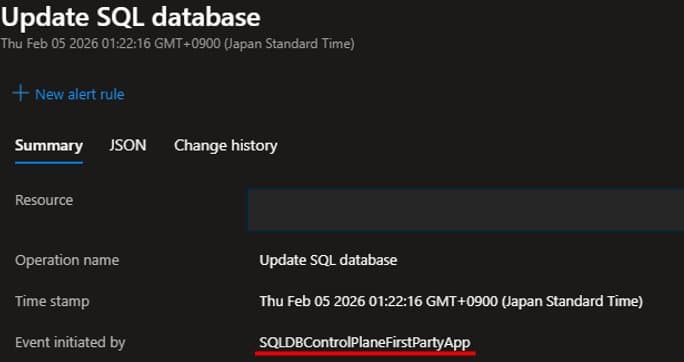
Azure SQL Database relies on the SQLDBControlPlaneFirstPartyApp to synchronize resource states between the SQL engine and Azure Resource Manager, a critical yet often misunderstood component affecting billing, compliance, and portal visibility.
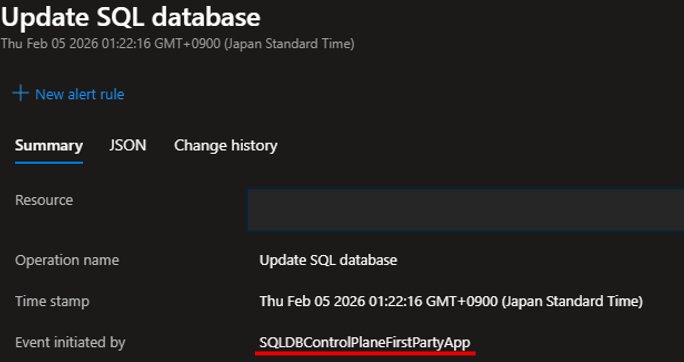
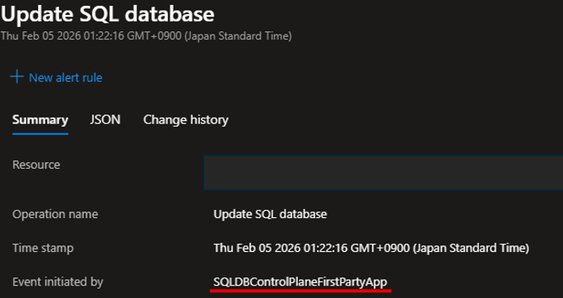
When reviewing Azure Activity Logs, you may encounter events initiated by SQLDBControlPlaneFirstPartyApp. This internal Azure application performs essential synchronization between the SQL engine and Azure Resource Manager (ARM), ensuring resource states remain consistent across management interfaces. Unlike user-initiated operations, these automated processes maintain alignment between direct database modifications (like T-SQL commands) and ARM's resource representations used by the Azure Portal and management APIs.
How Synchronization Works
When you create, update, or delete databases directly through the SQL engine—bypassing ARM—the SQLDBControlPlaneFirstPartyApp initiates "hydration" operations. These sync cycles update ARM with the latest resource state, enabling accurate billing, compliance reporting, and portal visibility. For example, if a DBA creates a database via T-SQL, ARM wouldn't recognize it without this synchronization, causing discrepancies in cost tracking and access controls.
Cross-Cloud Control Plane Comparison
While Azure uses this dedicated first-party app for state synchronization, other cloud providers implement similar mechanisms differently:
- AWS RDS: Leverages internal control-plane services that synchronize with AWS Management Console and Cost Explorer, but lacks equivalent tenant-visible application entities in CloudTrail logs.
- Google Cloud SQL: Uses proprietary synchronization subsystems integrated with Google Cloud's Resource Manager, offering less granular audit visibility compared to Azure's app-based approach.
The Azure model provides explicit audit trails via Activity Logs but introduces management complexity if tenants inadvertently restrict the app.
Business Impact of Disabling Synchronization
Disabling sign-in permissions for SQLDBControlPlaneFirstPartyApp—though technically possible—blocks resource synchronization. Consequences include:
- Portal Inconsistencies: Databases modified via T-SQL may not appear in the Azure Portal.
- Billing Discrepancies: ARM-unaware resources escape cost tracking.
- Compliance Risks: Audit trails become incomplete for governance requirements.
First-Party Apps: Azure's Ecosystem Backbone
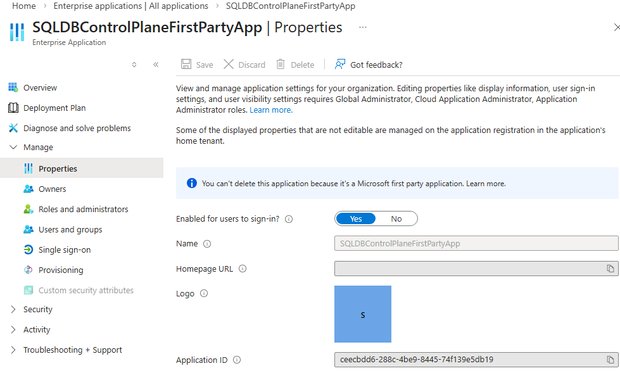
SQLDBControlPlaneFirstPartyApp belongs to Microsoft's protected first-party applications—core components enabling platform functionality:
- Immutable Management: These apps can't be deleted (verified via Azure Portal's "first party application" warning).
- Cross-Service Integration: Similar patterns exist for Azure AD, Teams, and other services.
- Tenant Security: Managed exclusively by Microsoft to ensure platform integrity.
Strategic Recommendations
- Never disable this application—maintain default sign-in permissions.
- Monitor Activity Logs: Track hydration events to validate synchronization health.
- Multi-Cloud Designs: When integrating Azure SQL with other clouds, prioritize solutions that mirror this state-sync capability to avoid management blind spots.
This synchronization mechanism exemplifies Azure's commitment to resource consistency, but demands awareness of its operational dependencies. Enterprises leveraging direct SQL operations must recognize SQLDBControlPlaneFirstPartyApp as non-negotiable infrastructure—not configurable middleware.
Comments
Please log in or register to join the discussion