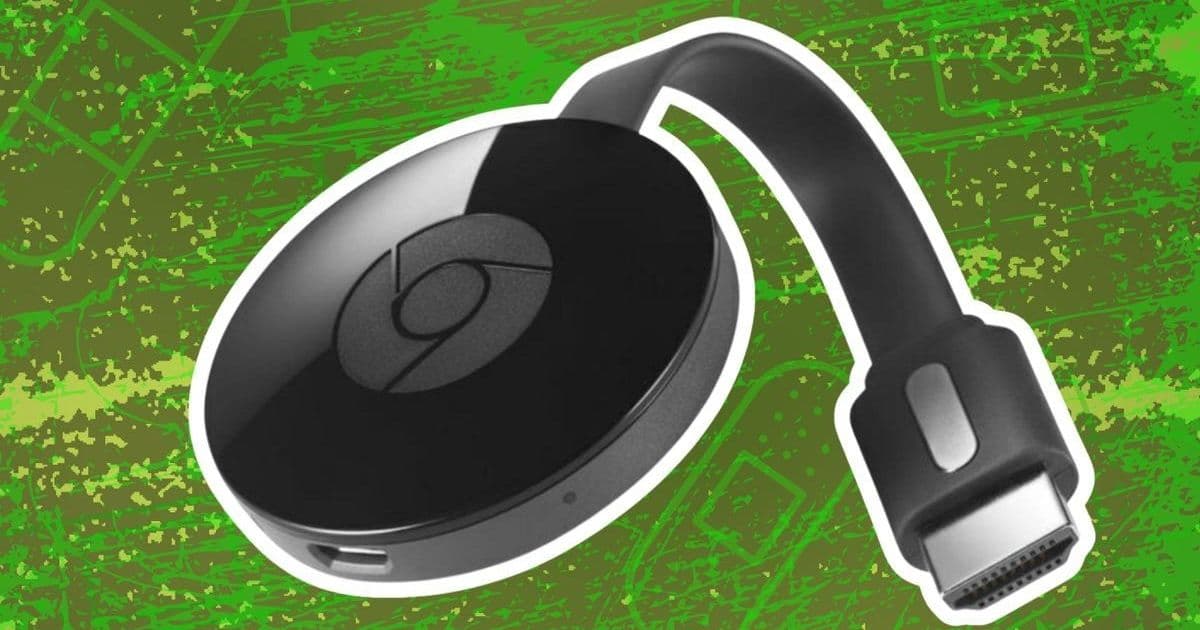
As Google phases out Chromecast in favor of the new TV Streamer, existing devices still pack powerful underutilized capabilities. This guide reveals how to harness music casting, personalized profiles, and security camera streaming to transform your setup—delaying upgrade costs while maximizing functionality.
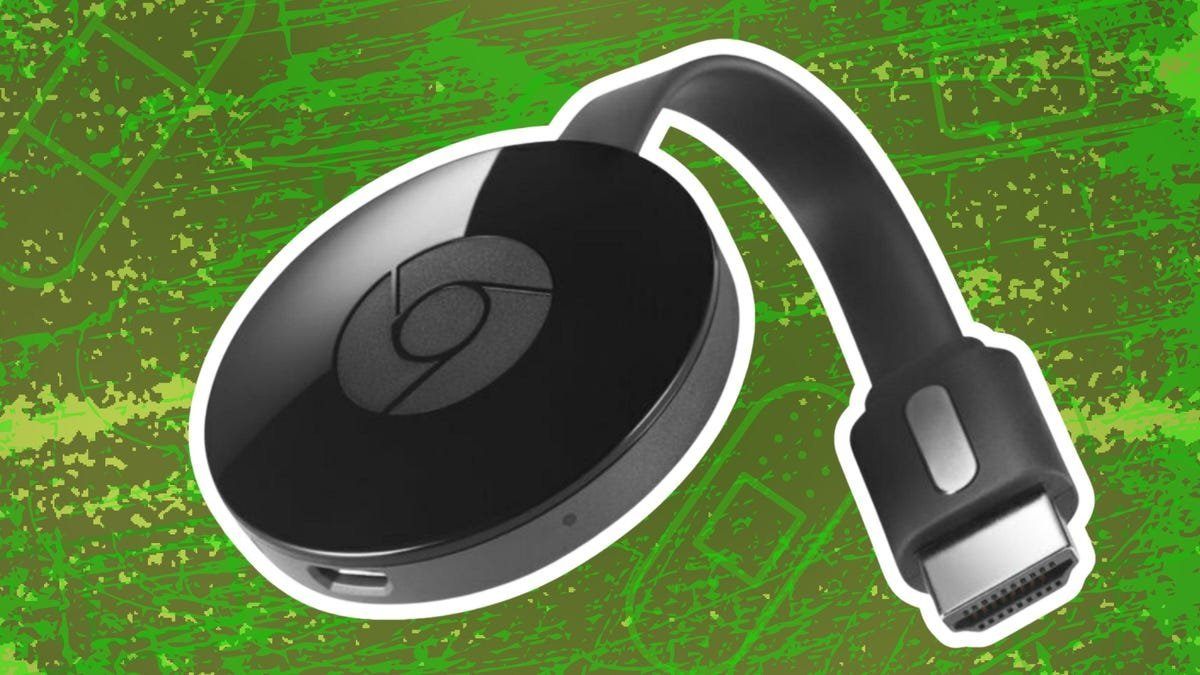
For over a decade, Google's Chromecast democratized smart TV access, turning basic screens into streaming powerhouses. Now, with its successor—the $100 Google TV Streamer—poised to take over, Chromecast enters a graceful sunset phase. Google pledges ongoing updates, but its true value lies buried in features most users overlook. Here’s how to extract maximum utility from your device before considering an upgrade.
1. Elevate Audio: Cast Music Directly to Your TV or Soundbar
While Chromecast is synonymous with video, its audio capabilities remain underused. Services like Spotify, Amazon Music, and Pandora can beam high-quality sound directly to your TV speakers or connected soundbar—bypassing limited phone speakers. Simply ensure devices share a Wi-Fi network, tap the Cast icon in your music app, and select your Chromecast. As one Reddit power user noted: "This transformed my old TV into a whole-home audio hub for parties." Disconnect seamlessly via the Google Home app.
2. Join the Chromecast Preview Program for Early Features
Become a beta tester by enrolling in the Preview Program. This grants early access to firmware updates, letting you trial new functionalities before public release. In exchange, you help Google identify bugs—a trade-off that benefits the entire ecosystem. Enable it via:
- Google Home App > Device Settings > Preview Program > Join Opt out anytime, but this insider track ensures your device stays on the cutting edge.
3. Personalize Profiles for Tailored Viewing
Avoid algorithmic chaos in shared households. Chromecast’s Google TV integration allows individualized profiles, separating your action-movie preferences from a partner’s documentaries or kids’ cartoons. Navigate to the home screen, select "Add Account," and link streaming services like Hulu or Disney+ per profile. This siloes watch histories and recommendations—critical for both privacy and content discovery efficiency.
4. Create Infinite YouTube Playlists
Break free from single-video casting. Google’s ownership of YouTube enables seamless queueing: Cast any video, then add up to 100 more from YouTube or YouTube Music into a continuous stream. Edit the sequence on-the-fly via the "Up Next" preview. Ideal for parties, workouts, or deep dives into niche topics without constant remote handling.
5. Livestream Security Feeds to Your TV
Integrate smart home devices by casting Nest Cam or Doorbell feeds directly to your TV. Open the Google Home app, select your camera, tap the Cast icon, and choose Chromecast. Pair this with voice commands via the remote ("Hey Google, show the front door") for real-time monitoring while lounging—turning your living room into a security hub. As smart homes evolve, this bridges surveillance and convenience.
The Strategic Play: Optimize Now, Upgrade Later
Chromecast’s discontinuation isn’t an obituary. These features—especially Matter/Thread-ready security streaming—prove its enduring relevance. While the TV Streamer offers hardware upgrades, savvy users can defer costs by mastering their current device. In an era of planned obsolescence, Chromecast remains a rare win: a deprecated tool that still punches above its weight.
Source: ZDNET
Comments
Please log in or register to join the discussion