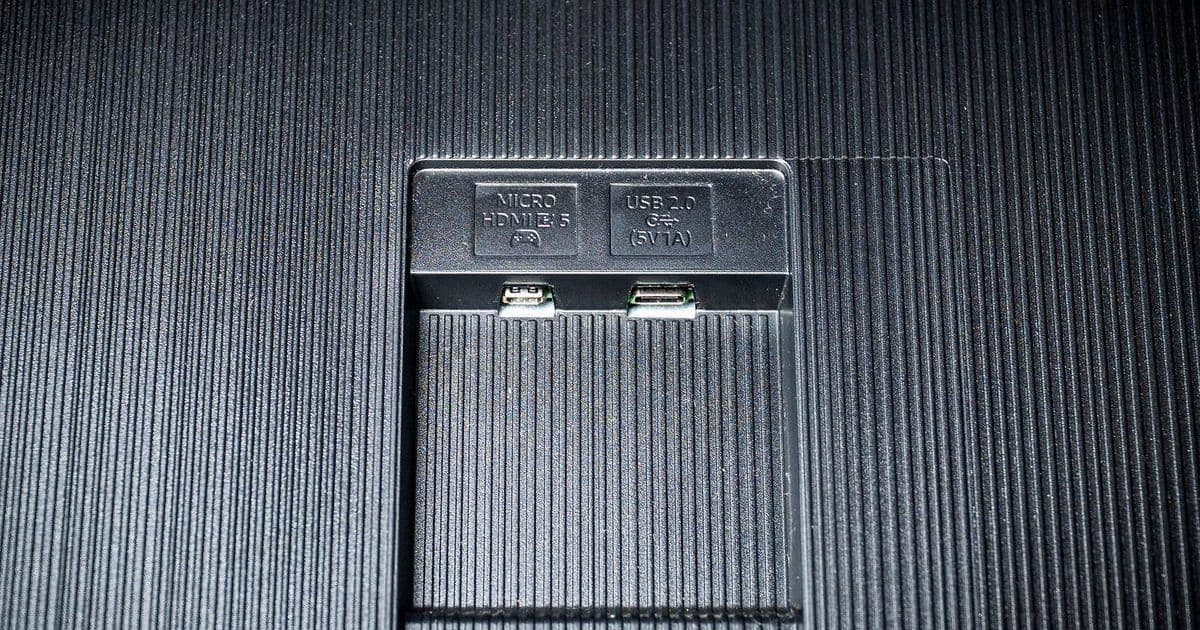
TV USB ports are often dismissed as outdated, but they harbor untapped versatility that can transform entertainment setups and workflows. This article reveals practical applications—from creating immersive media displays to extending device functionality—that developers and tech enthusiasts can leverage for smarter home tech integration. Discover how these humble ports offer cost-effective solutions for both modern and aging hardware.
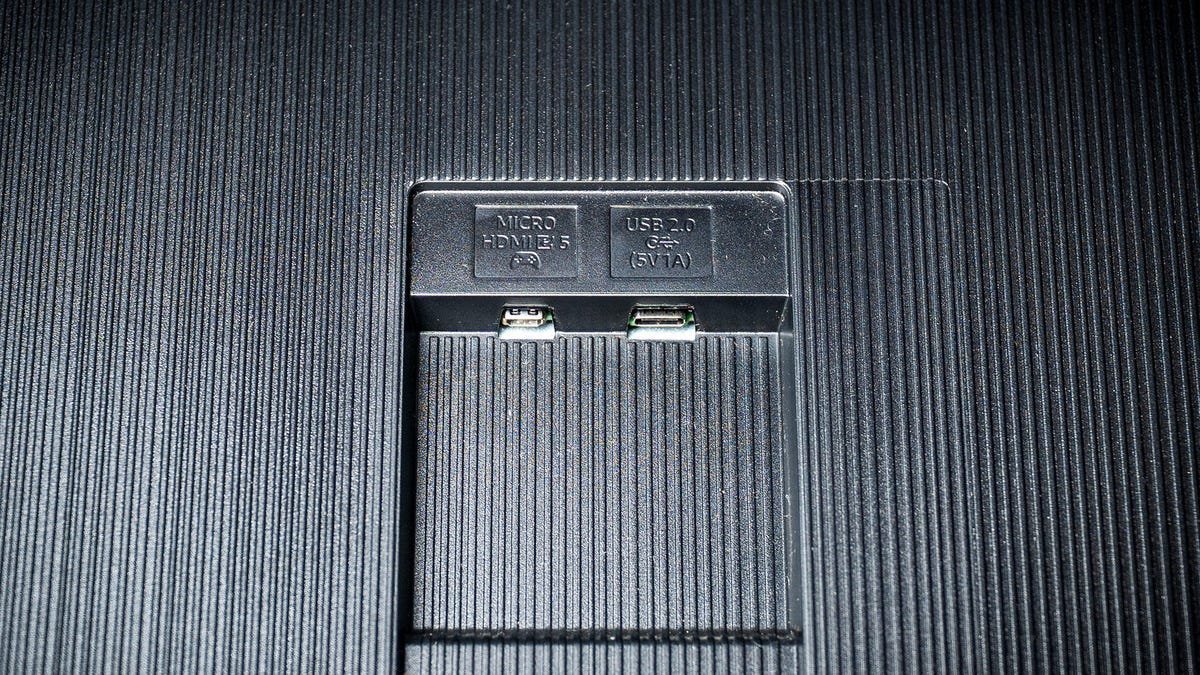
Most users interact with their TVs through wireless apps or remotes, leaving the USB ports as forgotten relics on the back panel. Yet these interfaces—commonly USB 2.0 or 3.0—hold surprising utility beyond basic file transfers. For developers and tech-savvy households, they present opportunities to repurpose hardware, optimize workflows, and breathe new life into older devices. Here’s how to harness their full potential.
1. Transform Your TV into a Dynamic Media Hub
Plugging in a USB drive instantly converts your TV into a high-impact slideshow or video player. Unlike streaming services that cache data and slow down systems, USB drives access media directly—preserving TV performance while showcasing photos or videos on a cinematic scale. As one user demonstrated at a family gathering, this bypasses internal storage bottlenecks, making it ideal for recurring displays without taxing hardware. For developers, this approach offers a low-latency alternative for digital signage prototypes or UI demos.
2. Create an Affordable Large-Screen Workstation
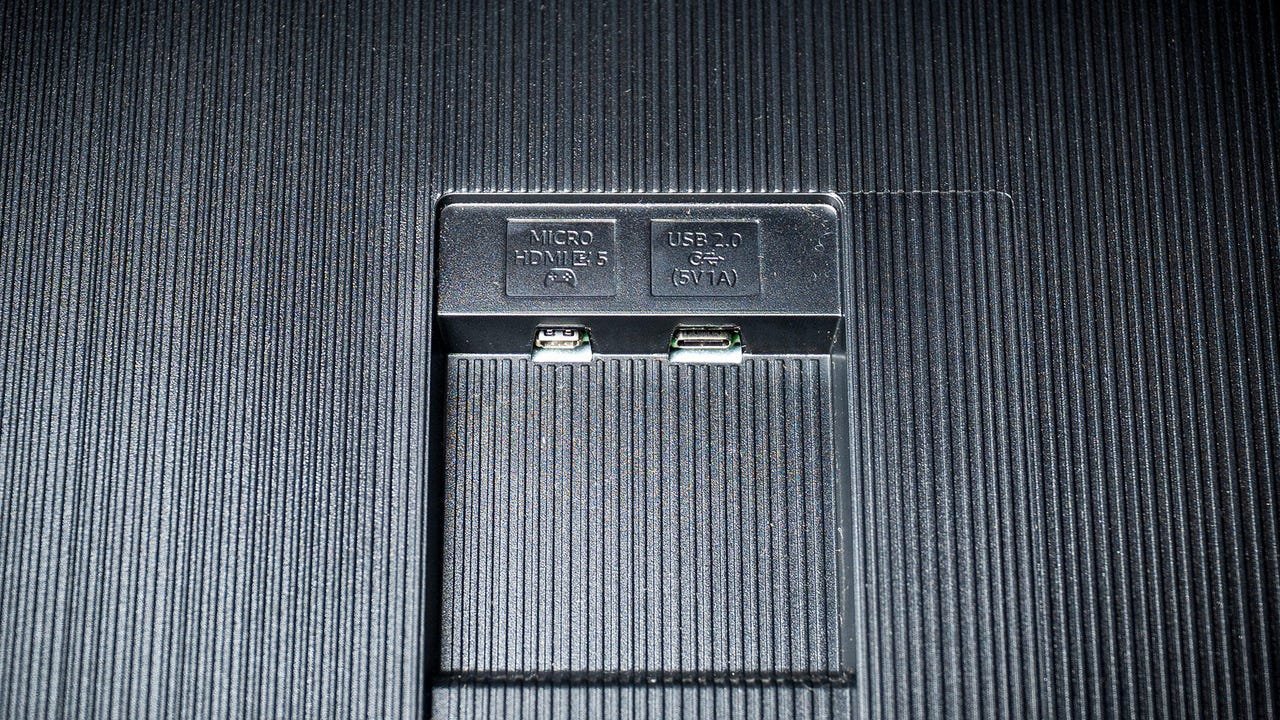
Caption: Adam Breeden/ZDNET
Pair a Bluetooth adapter with your TV’s USB port to connect a keyboard and mouse, effectively turning it into a secondary monitor. While color accuracy may not rival professional displays, the expansive screen real estate is invaluable for coding, design, or multitasking across windows. This hack democratizes access to large workspaces—crucial for developers juggling IDEs, documentation, and live previews—without the cost of multiple high-end monitors.
3. Revive Older TVs with Streaming Capabilities
USB ports can power devices like Chromecasts or Fire Sticks, eliminating the need for wall outlets. Though this may cause occasional overheating in resource-intensive apps, it’s a clever stopgap for non-smart TVs. For engineers, this exemplifies hardware interoperability: repurposing legacy tech through simple interfaces reduces e-waste and extends device lifespans in IoT ecosystems.
4. Emergency Device Charging
In a pinch, USB ports provide backup power for phones, controllers, or peripherals. While charging speeds are slower due to lower power output (typically 5V/0.5A), it’s a reliable fallback during outages. This underscores a broader principle in hardware design: even auxiliary ports should prioritize user resilience.
5. Offline Firmware Updates
For TVs without internet access, USB ports enable critical software updates—downloading firmware to a drive and uploading it directly. Manufacturers like Samsung offer dedicated support pages for these files, ensuring security patches and performance tweaks reach all users. This method highlights how physical interfaces remain essential for maintaining device integrity in disconnected environments.
Re-evaluating ‘obsolete’ features like USB ports reveals their enduring relevance in a wireless world. For tech professionals, these use cases aren’t just conveniences—they represent opportunities to innovate within constraints, whether optimizing home offices or prototyping embedded systems. As hardware evolves, the ability to creatively leverage existing interfaces will define smarter, more sustainable tech ecosystems.
Source: Your TV's USB port is seriously underutilized: 5 features you're not taking advantage of
Comments
Please log in or register to join the discussion