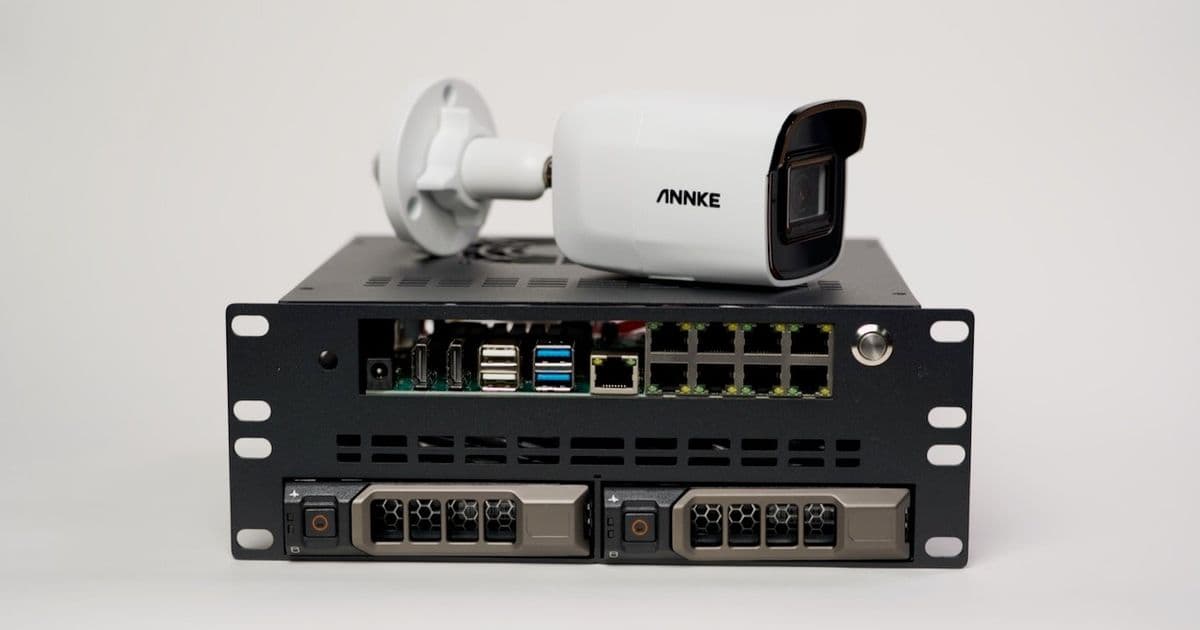
I upgraded my Pi-based NVR setup with Exaviz's new Cruiser CM5 carrier board and DeskPi's mini rack enclosure, creating a powerful local surveillance solution with 8 PoE+ ports and AI acceleration.
Upgrading my Open Source Pi Surveillance Server with Frigate Feb 27, 2026
In 2024 I built a Pi Frigate NVR with Axzez's Interceptor 1U Case, and installed it in my 19" rack. Using a Coral TPU for object detection, it's been dutifully surveilling my property—on my terms (100% local, no cloud integration or account required). I've wanted to downsize the setup while keeping cheap large hard drives[^1], and an AI accelerator. Luckily, Exaviz sent me their new Cruiser board to test, and DeskPi sent me a prototype mini rack enclosure for it. I bought a couple Dell R720 drive sleds, plugged in a Compute Module 5, and tested it.
I made a video on the upgrade here:
If you'd rather read through a more condensed version, scroll on!
Hardware The star of the show, is of course the Cruiser CM5 carrier board:
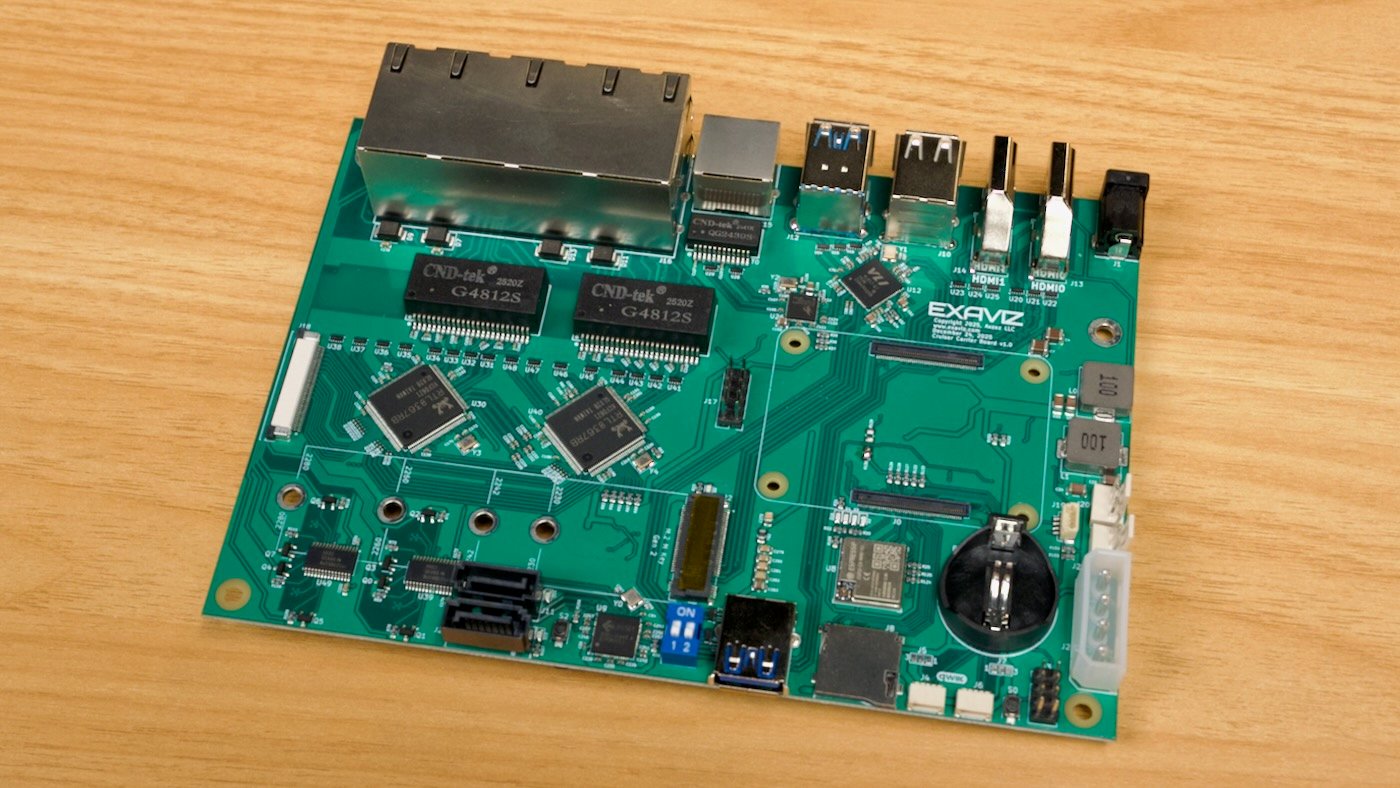
The architecture works around the Raspberry Pi CM5's main downside: limited PCI Express bandwidth. Instead of adding an expensive PCIe switch, and attaching multiple high-bandwidth devices to the Pi's only PCIe lane, Exaviz went with a mix of PCIe and USB:
The M.2 M-key NVMe slot is connected directly to the Pi's PCIe Gen 2 x1 lane (technically you can run it at Gen 3, but that's not the official spec).
The 2.5 Gbps WAN port (RTL8156BG) is routed through USB 3.0
The 2x SATA connections (JMS561) are routed through USB 3.0
The (up to) 8 10/100/1000 Mbps PoE+ ports (RTL8367RB) are connected to the CM5's built-in 1 Gbps Ethernet.
There are extra USB 3.0 and USB 2.0 ports for accessories and peripherals, a microSD card slot for Lite CM5s, two Qwiic I2C connectors, two HDMI 2.0 ports, fan headers, a molex power connector for HDD power, and even an ESP32-C6 thrown in the mix to give the board Zigbee (or additional WiFi/BT) capabilities. There's a front panel IO header, a jumper to enable hardware RAID if you want, a connector for adding on even more PoE ports (via addon card), and a 48V DC barrel jack accepting up to 288W of power (48V at 6A, recommended if you buy the maxed-out version).
The board doesn't fit in an ITX-sized chassis, but all the important IO is on one side, at least, meaning you don't wind up with a cable mess.
DeskPi's mini rack case
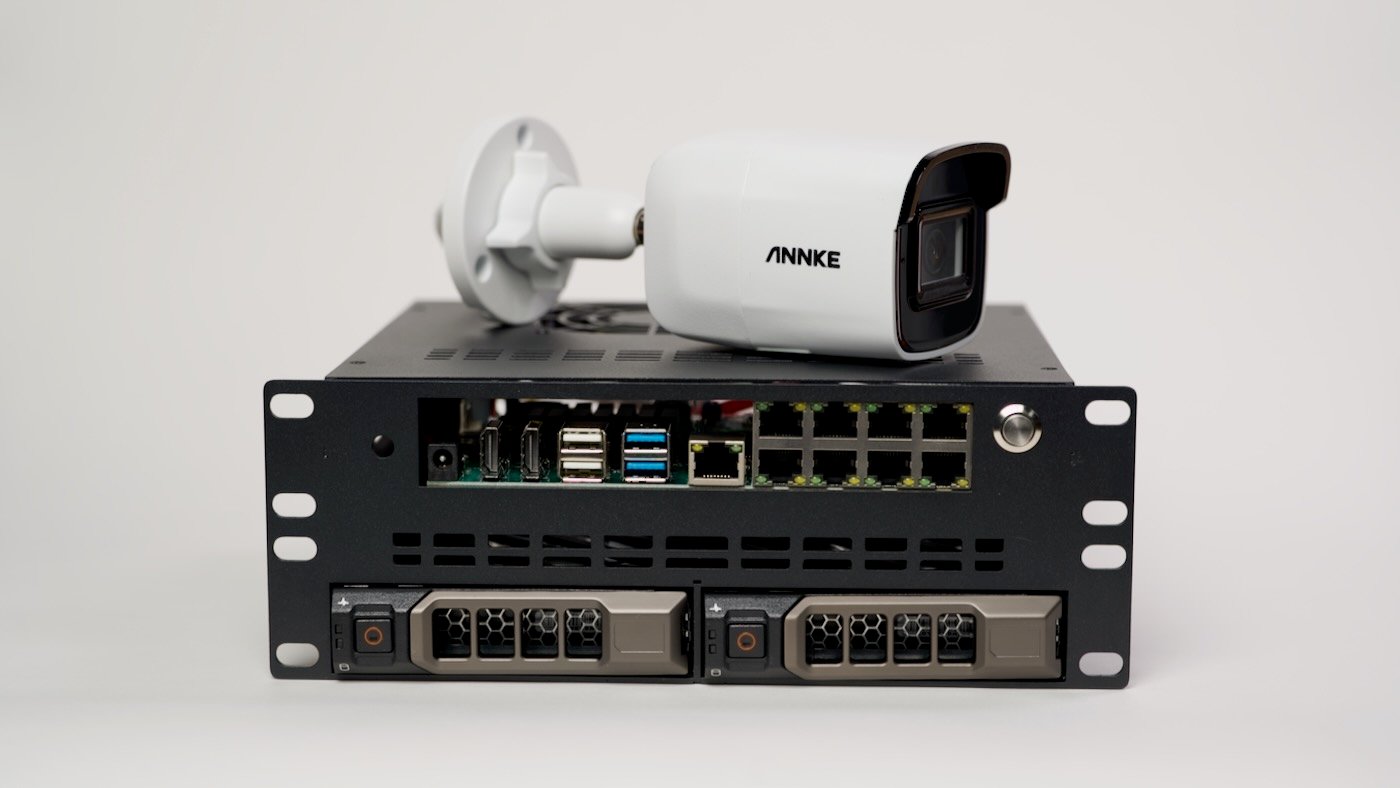
Installing the Cruiser in DeskPi's prototype mini rack enclosure (which is not public yet—I'll try to link to it when available) was easy enough:
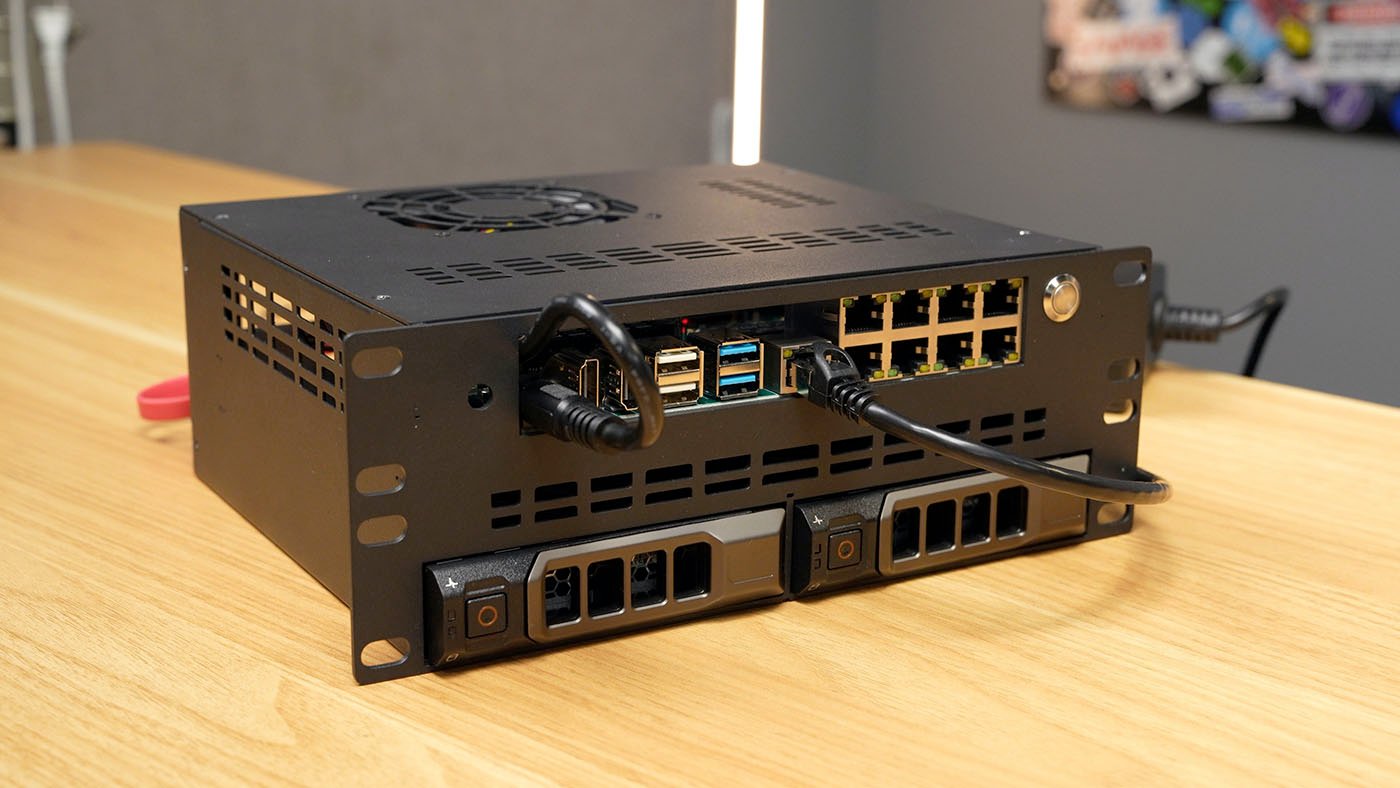
The front side looks polished, with the ports all in a wide IO cutout, and the R720-style drive sleds locked in. The back... not quite as much:
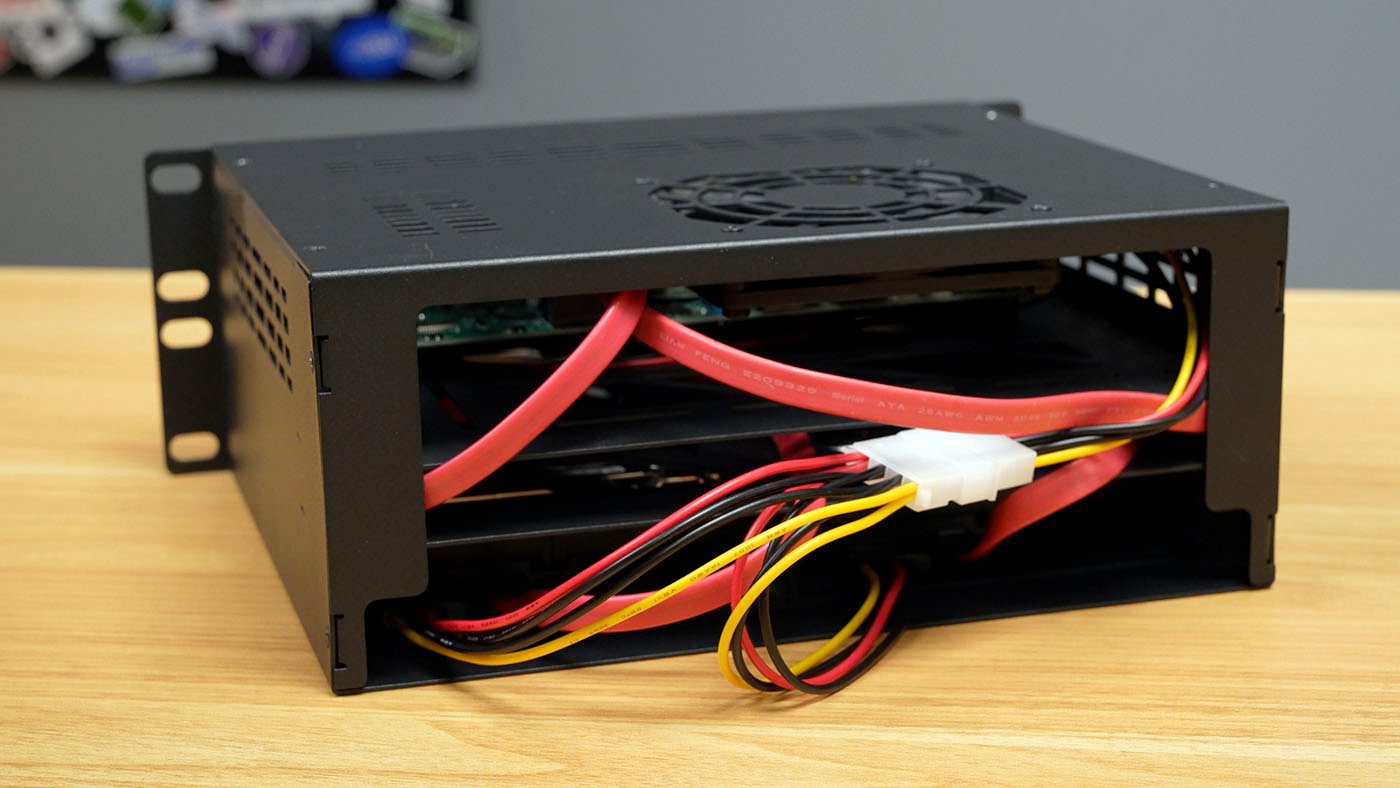
DeskPi is working on it, though. This prototype just lets the cables dangle, but they may be engineering a PCB that allows the drive sleds to hot swap more easily, without having wires to plug and unplug by hand every time. They also included a power button with no power LED, which makes it harder to tell if the system is powered on from the front—so hopefully the final version will have an LED on the power button, in addition to a better option for cable managing the two drives. (I've also mentioned thin ITX motherboard compatibility would make this enclosure even better!)
The two bays at the bottom accept drive sleds like these Dell R720-compatible sleds I found on eBay. Into those sleds I installed two $99(!) 4TB IronWolf NAS hard drives. Someday storage will go back down in price again. Hopefully.
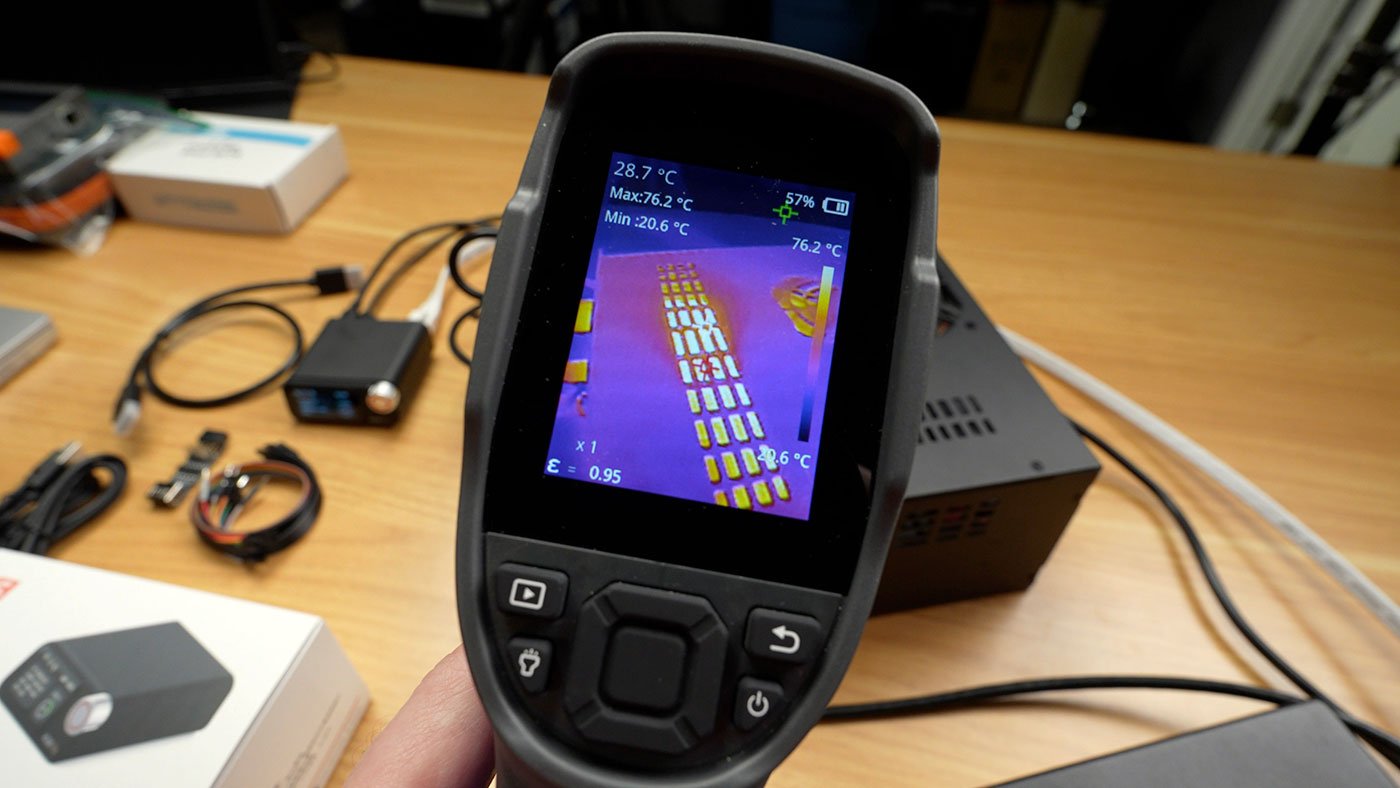
The power button and cabling are cosmetic issues, but cooling is something that could be improved in the design that goes to production. The fan up top is used for exhaust, but as you can see above, because there are so many vents and openings, air is not directed over the top of the hottest part of the build—the CM5, and thus it can overheat under load (even with a small heatsink, as I had configured it). For now, I can work around this problem by installing a fan/heatsink combo like the EDAtec's Active Cooler for CM5. The Cruiser includes multiple case fan (3 pin) headers, so adding a couple fans elsewhere would be another easy fix.
Software
My goal was to run Frigate, one of the most popular open source NVR apps, and to do that efficiently, you need mass storage (to store video) and a suitable accelerator for object detection (e.g. people, cars, bikes, animals, etc.). To that end:
I built a RAID 1 array with mdadm, with the two 4TB drives mirrored, so if one drive dies, I still have all the footage.
I installed the Hailo 8 driver on the Pi following Frigate's guide.
I installed Frigate (in Docker) using my pi-nvr Ansible playbook.
After sorting out one issue with the Hailo on the Pi's PCIe bus (mentioned in the linked post above), everything was working, and Frigate saw the three cameras I had connected:
Three cameras barely scratches the surface of what this setup can do—CPU usage was under 5%, the Hailo utilization was below 10%, and object detection was running around 10-11ms. That was with two 1080p cameras and one 4K. Considering even 4K security cameras run on 100 Mbps networking, and most cameras send low-bandwidth H.264 or H.265 feeds, 8 cameras should be easy, even if you're just running one slow hard drive and a Hailo 8L.
PoE ports and power monitoring and control The headline feature of this board is the built-in PoE+ switch—which is managed through Linux on the Pi. Exaviz maintains their own OS image, but you can install their drivers on Pi OS, like I did. In addition to configuring all the networking, their packages include a GUI for PoE port management, called PoE Tool:
You can monitor port status, power consumption, and reset ports (to remotely power cycle powered devices). The default networking configuration uses the Pi as a bridge (with an uplink to your network through the 2.5 Gbps WAN port). The PoE ports are on their own subnet. All of this can be customized, if you don't like the defaults configured by the exaviz-netplan package. If you'd like to monitor the PoE port status in Home Assistant, Exaviz maintains a plugin for that. I'd love to see more vendors provide HA integration for devices which will find their way into homelabs.
Conclusion
Besides the cooling issue, I had no issues with the pre-launch hardware I tested. I was especially impressed by the quality of Exaviz's documentation, even though they hadn't publicly launched the product while I was testing. If DeskPi can iron out a couple enclosure quirks, this will be a killer setup for network video recording, or even a generic storage server for mini racks. The Crusier will go on sale for between $99 and $149, and Exaviz even makes their own deep 1U desktop case (that fits in a mini rack).
Hard drives are still the gold standard for Network Video Recorders (NVRs). They're cheap (at least compared to SSDs—nothing's cheap these days), and plenty fast for low-bandwidth video streams. Not amazing for random access, of course. [^1]
[^1]: Hard drives are still the gold standard for Network Video Recorders (NVRs). They're cheap (at least compared to SSDs—nothing's cheap these days), and plenty fast for low-bandwidth video streams. Not amazing for random access, of course.
Comments
Comments
Please log in or register to join the discussion