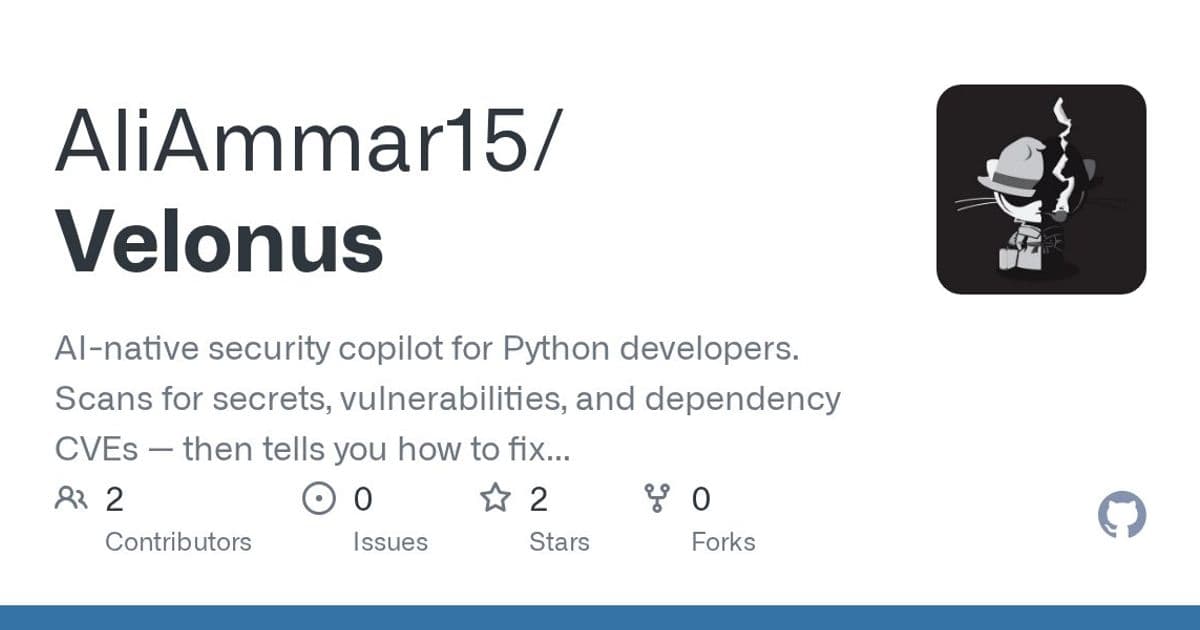
A new open-source tool aims to cut through security alert fatigue by combining five scanners into one command and providing actionable fix guidance through AI.
The security scanning landscape for developers continues to evolve with the introduction of Velonus, an AI-native security copilot designed specifically for Python developers. In an era where security vulnerabilities can make or break a project, tools that not only detect issues but also provide actionable guidance are becoming increasingly valuable.
The Problem: Security Alert Fatigue
Modern development workflows involve multiple security scanning tools, each producing its own reports, formats, and severity classifications. This often leads to alert fatigue, where critical issues get lost in the noise. Velonus attempts to solve this by consolidating five different scanners into a single command that normalizes findings across tools.
"One command. Five scanners. Zero noise." is the tagline that captures Velonus' value proposition. By running velonus scan ./your-project, developers can simultaneously detect secrets, vulnerabilities, and dependency CVEs across their codebase.
How Velonus Works
Velonus combines several established security tools into a unified pipeline:
- Secrets Detection: Uses trufflehog plus entropy analysis to catch hardcoded API keys, AWS credentials, JWT tokens, and PEM keys
- Python SAST: Leverages Bandit to detect injections, weak cryptography, and unsafe shell execution
- Pattern Analysis: Employs Semgrep to identify OWASP Top 10 vulnerability patterns
- Dependency CVEs: Utilizes pip-audit to find known vulnerabilities with CVSS v3 scores
- Vulnerability DB: Cross-references packages with Safety's vulnerability database
All findings are normalized to a unified schema with CWE tags, OWASP Top 10 categories, and deterministic fingerprints for deduplication. This approach helps reduce the false positives and inconsistencies that plague many security scanning workflows.
Beyond Detection: Actionable Intelligence
What sets Velonus apart from many security tools is its focus on providing actionable guidance. The tool is designed to tell developers not just what's wrong, but how to fix it. This aligns with a broader trend in developer tools that prioritize actionable insights over raw data.
The roadmap indicates this focus will intensify with Phase 2, which involves building an "AI context engine" for exploitability scoring and fix generation. The tool already uses Anthropic Claude models (Sonnet for fixes, Haiku for triage), suggesting the AI-powered guidance is part of its current implementation.
Integration and Workflow
Velonus offers multiple output formats to fit different developer workflows:
- Rich terminal table (default)
- JSON for scripting and integration
- SARIF files for GitHub Security tab integration
- Severity filtering to focus on critical issues
The tool can be easily integrated into CI/CD pipelines with GitHub Actions, exiting with code 1 when critical or high-severity findings are detected. This allows teams to use Velonus as a hard gate in their deployment process.
Current State and Roadmap
Velonus is currently in alpha but is reportedly being used by its own development team. The project is structured in phases:
- Phase 0 (Done): CLI + secret detection
- Phase 1 (Done): Full scanner pipeline with all five tools
- Phase 2 (In progress): AI context engine with exploitability scoring and fix generation
- Phase 3 (Planned): GitHub PR integration with inline fixes and one-click acceptance
- Phase 4 (Planned): Web dashboard
This phased approach suggests a clear vision for evolving from a simple scanning tool to a comprehensive security solution that integrates deeply with development workflows.
Target Audience
Velonus appears to be targeting several key segments:
- Python developers who need security scanning without complexity
- AI startups that may lack dedicated security teams
- Small SaaS teams that need security but have limited resources
- Engineers who want security that fits naturally into their existing workflow
Potential Limitations
Despite its promising approach, Velonus has some limitations to consider:
- Language Scope: Currently limited to Python, which may limit its appeal for multi-language teams
- Alpha Stage: Being in alpha means the tool may have rough edges and evolving functionality
- AI Reliability: The quality of AI-generated fixes will depend on the underlying models and training data
- Competition: Established players like Snyk, GitHub's code scanning, and others already offer similar functionality
The Competitive Landscape
Velonus enters a crowded market of security scanning tools. Its potential differentiators include:
- Consolidation of multiple tools into one command
- AI-powered fix guidance
- Normalized output across different scanners
- Focus on actionable intelligence rather than just detection
However, it will need to prove its value against established solutions that already have significant market presence and integration with development ecosystems.
The Future of Developer Security Tools
Velonus represents a broader trend in developer security tools becoming more intelligent and integrated into the development workflow. The combination of multiple scanning engines with AI analysis suggests a future where security tools don't just find problems but help developers solve them efficiently.
As the project moves through its roadmap phases, particularly the planned GitHub PR integration and AI-powered fixes, it could significantly reduce the friction between security and development workflows. This could be particularly valuable for smaller teams that lack dedicated security expertise.
For Python developers looking to enhance their security posture without adding significant overhead, Velonus offers a promising approach. Its open-source nature (MIT license) and active development suggest a tool that will continue to evolve based on community feedback.
You can explore Velonus further on its GitHub repository and experiment with it in your own Python projects. The tool requires Python 3.10+ and can be installed via pip install velonus.
Comments
Please log in or register to join the discussion