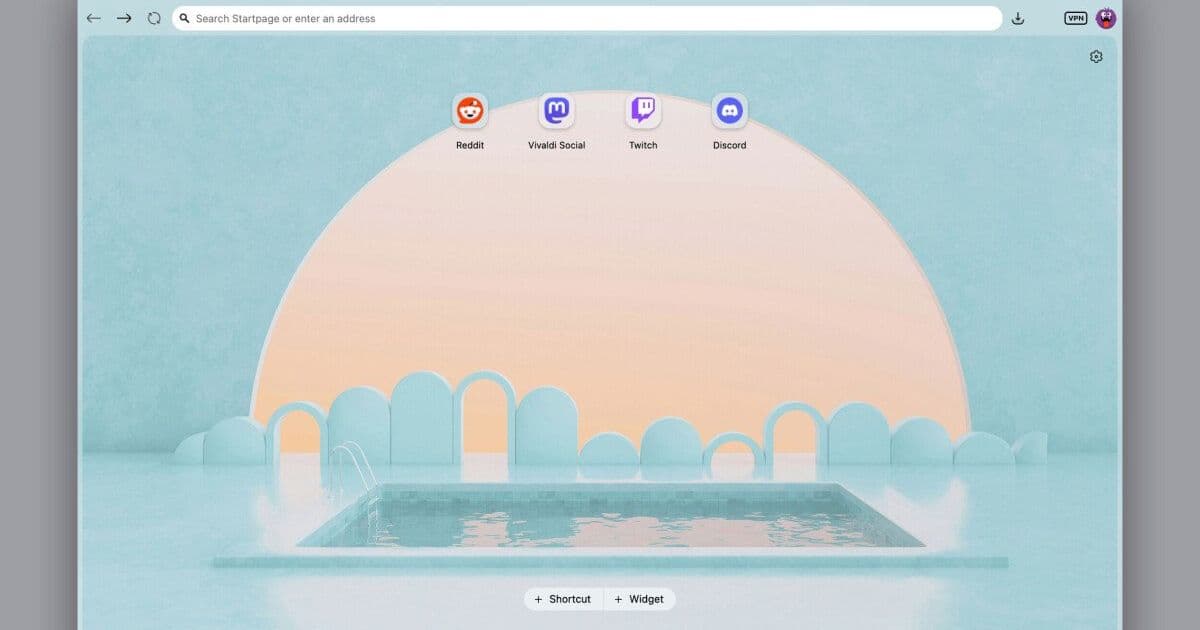
Vivaldi 8 launches a single‑surface interface called “Unified,” offering a cleaner look, optional themes, and auto‑hide controls while keeping AI features limited to translation and optional extensions.
Vivaldi 8 Introduces Unified UI, Avoids AI Overload
 Featured image
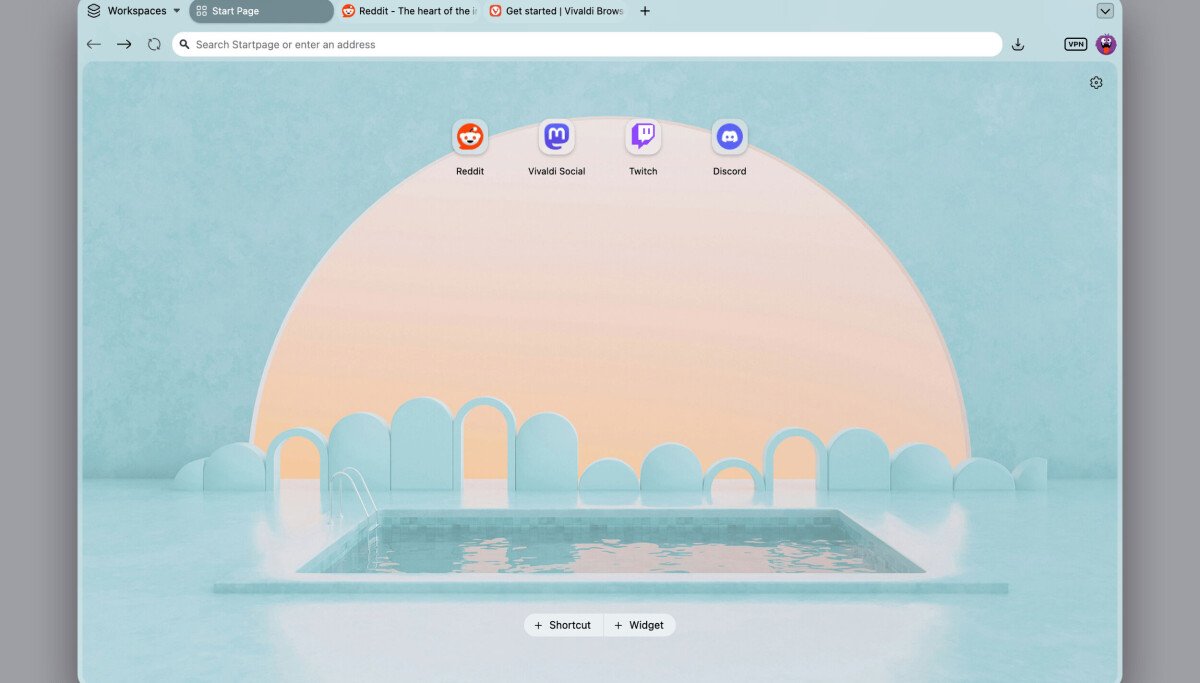
Vivaldi’s browser has reached version 8, and the company is presenting the update as a Unified redesign of the user interface. The change is described as “a rethinking of how the Vivaldi interface works as a system.”
What the redesign requires
- Single continuous surface – Previously, tabs, toolbars, panels and web content were rendered on separate layers. The new layout merges them into one surface, reducing visual clutter and simplifying navigation.
- Theme flexibility – Vivaldi ships with several default themes and continues to host a community‑driven library. Users can also select a layout during onboarding or later in Settings, ranging from a minimalist “Zen” view to a fully featured configuration.
- Auto‑hide controls – An optional feature that collapses toolbars and panels when they are not in use, giving more screen real‑estate to the page itself.
- Limited AI integration – The browser still uses AI for translation, but it does not embed conversational assistants or generative features into the core UI. Vivaldi’s stance is to let users decide when to invoke AI, rather than presenting it as a default overlay.
Compliance timeline for enterprises
| Date | Requirement | Action for IT teams |
|---|---|---|
| 1 June 2026 | Release of Vivaldi 8 stable build | Verify that the new version is compatible with existing deployment tools (e.g., SCCM, Jamf). |
| 15 June 2026 | Mandatory UI policy update | Adjust corporate UI policies to allow the Unified surface, ensuring that any forced‑install extensions comply with internal security baselines. |
| 30 June 2026 | AI usage audit | Review which AI‑powered extensions (e.g., translation) are approved for use. Document any data‑processing agreements required for third‑party AI services. |
| 15 July 2026 | End of support for Vivaldi 7 | Decommission older versions across the fleet; ensure all user profiles are migrated to the new theme and layout settings. |
Why it matters for data‑protection officers
The Unified UI eliminates multiple rendering layers, which reduces the attack surface associated with inter‑process communication between UI components. Fewer layers also mean fewer opportunities for malicious extensions to inject code into the browser’s rendering pipeline.
Because Vivaldi does not embed a permanent AI assistant, there is no continuous data collection of browsing habits by default. However, the translation feature still sends text to external services. Organizations must verify that the translation provider complies with GDPR, CCPA, or other applicable regulations, and they should configure the browser to use an on‑premise translation engine if required.
Practical steps for compliance
- Inventory current Vivaldi deployments – Identify version numbers, installed extensions, and any custom UI policies.
- Test the Unified UI in a sandbox – Confirm that corporate web applications render correctly and that accessibility tools (screen readers, keyboard navigation) function as expected.
- Update extension whitelist – Add the translation service to the approved list only if it meets the organization’s data‑processing agreements.
- Communicate the UI change to users – Provide a short guide showing how to enable the auto‑hide feature and how to revert to the classic layout if needed.
- Monitor telemetry – Vivaldi offers optional telemetry that can be disabled via policy. Ensure that telemetry is turned off unless a legitimate business case exists.
Context within the browser market
While Microsoft Edge has been integrating Copilot‑style assistants directly into the Chromium engine, Vivaldi is deliberately keeping AI optional. The company’s CEO, Jon von Tetzchner, has criticised “AI‑first” approaches that embed assistants without an off switch, arguing that such designs turn browsers into data‑collection platforms rather than user tools.
Vivaldi’s decision aligns with a growing segment of users and enterprises that prefer control over when and how AI is applied. By offering a clean, theme‑driven interface and limiting AI to specific, opt‑in features, Vivaldi positions itself as a privacy‑conscious alternative.
For more details on Vivaldi 8’s feature list, see the official release notes.
Comments
Please log in or register to join the discussion