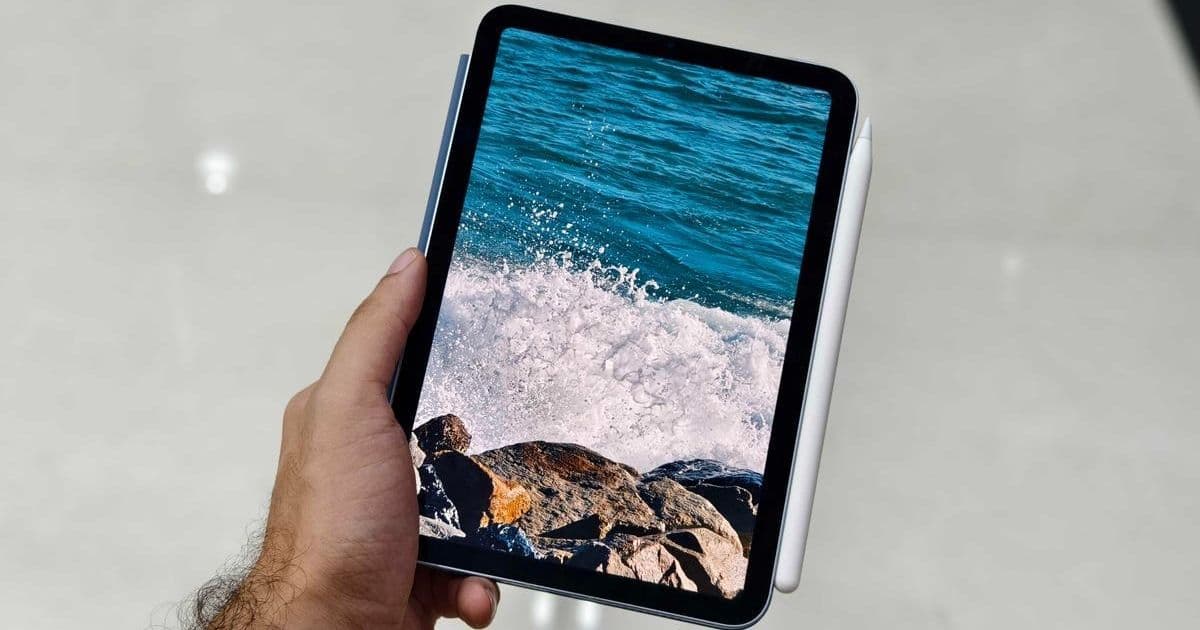
A seasoned tech user breaks down why Apple's iPad Mini outperforms Amazon's Kindle as a primary e-reader, challenging conventional wisdom about dedicated e-reading devices. Discover how display capabilities, ecosystem flexibility, and multifunctional design make this tablet a superior choice for technical readers.
Why I Ditched My Kindle for an iPad Mini: A Tech Enthusiast's E-Reading Revolution
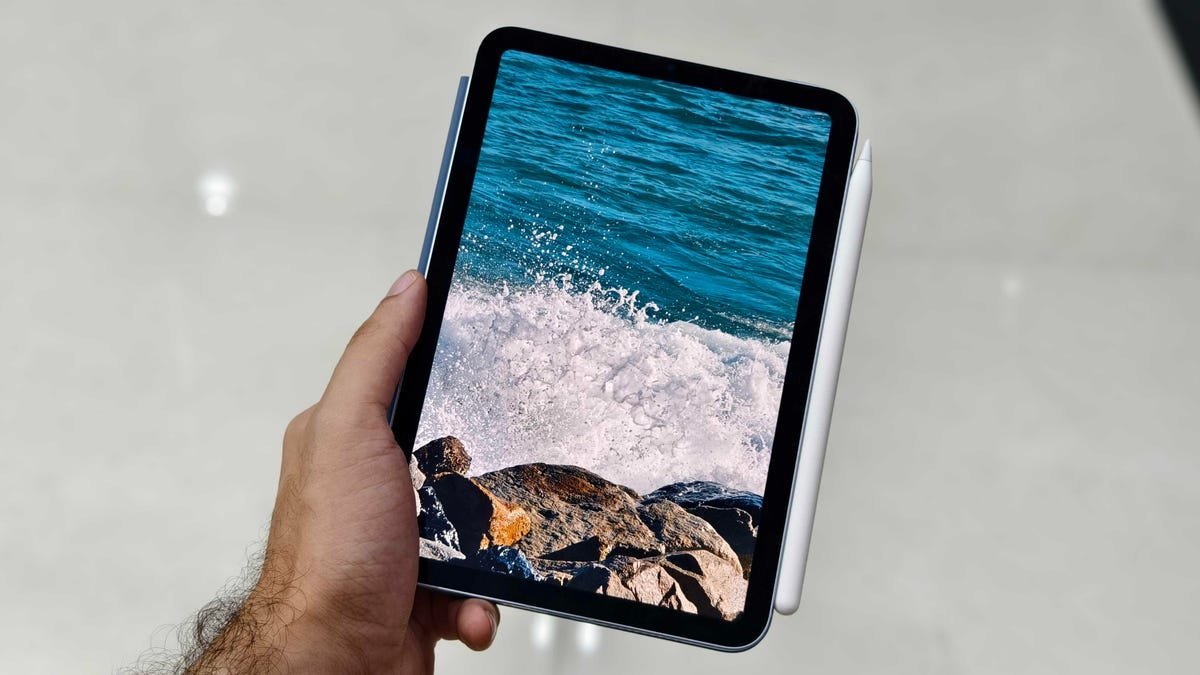
For years, Amazon's Kindle reigned supreme in the e-reader market with its e-ink displays and distraction-free design. But as tablets evolved, a surprising contender emerged. After extensive testing, I've found the iPad Mini isn't just a competent e-reader—it's a superior one, especially for technical audiences who value versatility and precision.
The Kindle's Technical Merits
Before dismantling the status quo, let's acknowledge Kindle's legitimate advantages:
- E-Ink Superiority: Gentler on eyes during marathon reading sessions
- Battery Efficiency: Weeks of use versus the iPad's 10-hour lifespan
- Weight Optimization: Lighter chassis for single-handed operation
- Price Advantage: Entry-level models start at just $110
These strengths make Kindles excellent dedicated readers, but they come with significant compromises that matter to power users.
The 8 Technical Advantages That Sealed the Deal
1. Display Dominance
While Kindle's 300ppi e-ink is respectable, the iPad Mini's 326ppi Liquid Retina display delivers crisper text rendering. The 8.3-inch canvas provides 30% more screen real estate than base Kindles—critical for technical PDFs and documentation where detail matters. 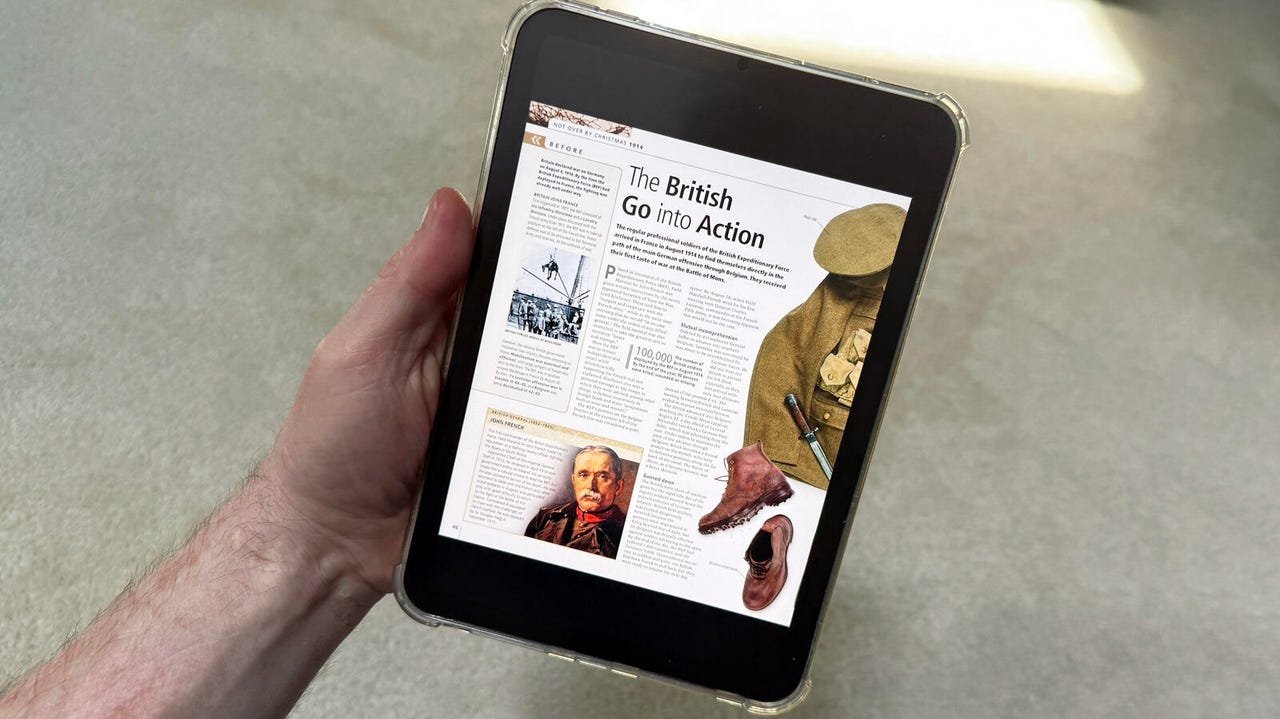
2. Color Precision
Most Kindles render the world in monochrome, while the iPad Mini's full P3 color gamut brings diagrams, charts, and technical illustrations to life. Even Amazon's color e-ink alternative (Kindle Colorsoft) maxes out at 150ppi for color content.
3. Performance Asymmetry
Page-turning latency remains noticeable on Kindles despite improvements. The iPad Mini's A15 Bionic chip enables instantaneous page renders, making technical reference hopping frustratingly slow on e-ink by comparison.
4. Ecosystem Freedom
The iPad's agnostic approach to content sources proves decisive:
- Kindle App: Full Amazon library access
- Apple Books: Optimized typography engine
- Third-party: Kobo, Nook, Google Play Books
- Library Integration: Libby/Hoopla support
This contrasts sharply with Kindle's walled garden, where sideloading requires technical gymnastics.
5. Interface Intelligence
Kindle's gesture controls feel archaic next to the iPad's intuitive tap-to-reveal UI. Pinch-zoom responsiveness in technical PDFs is particularly superior on Apple's platform.
6. Storage Scalability
With configurations up to 512GB, the iPad Mini accommodates massive technical libraries (40,000+ ebooks). Even premium Kindles cap at 64GB—problematic for researchers hoarding reference materials.
7. Multimodal Utility
While reading remains the primary use case, the iPad Mini seamlessly transitions into:
- Code reference viewer
- Documentation annotator
- Technical podcast/audiobook player
- Emergency development terminal
8. Future-Proof Flexibility
As EPUB standards evolve and interactive technical content grows, the iPad's general-purpose architecture adapts where specialized e-readers stagnate.
The Developer's Verdict
For technical professionals, the iPad Mini isn't just an e-reader—it's a pocket workstation that excels at reading. The display precision, content freedom, and performance advantages outweigh Kindle's battery and weight benefits. While e-ink remains preferable for beach reading, the modern technical reader demands a device that transitions effortlessly between reference manuals, research papers, and productivity tools. That device, surprisingly, is a tablet.
Source: ZDNET
Comments
Please log in or register to join the discussion