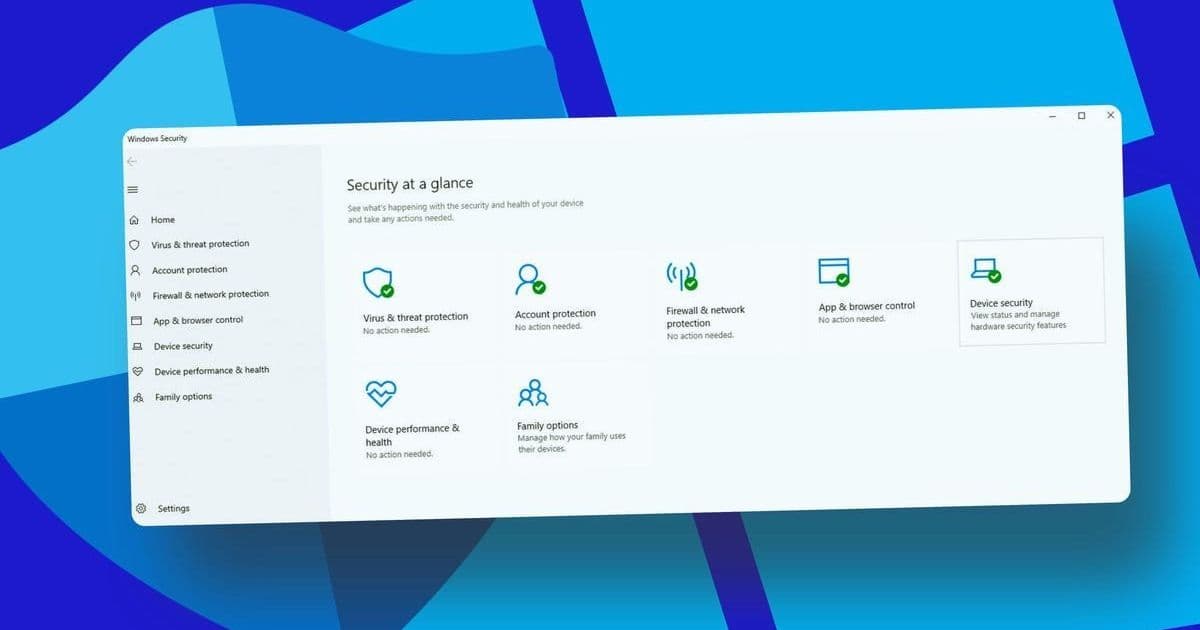
Microsoft confirms Defender will protect Windows 10 until 2028 despite the OS's end of support, but critical security gaps remain. We analyze the real risks for enterprises and consumers clinging to outdated systems.
The Expiration Clock Is Ticking
Windows 10 reached end of support on October 14, 2025—a milestone leaving millions of PCs without critical security patches. Yet in a recent technical bulletin, Microsoft revealed an unexpected lifeline: Microsoft Defender will continue functioning on Windows 10 with regular updates until October 2028. This applies to both the built-in Defender Antivirus for consumers and Defender for Endpoint for enterprises.
"Defender will provide detection and protection capabilities to whatever extent possible in Windows 10," Microsoft stated, extending coverage to legacy systems including Windows 7 and 8.1 for enterprise customers.
What Defender Can (and Can't) Do
The Safety Net:
- Malware Detection: Real-time scanning and signature updates against viruses, ransomware, and emerging threats
- Behavior Monitoring: Cloud-delivered protection analyzing suspicious activities
- Enterprise Coverage: Defender for Endpoint maintains threat visibility for managed devices
The Critical Gap:
Defender cannot patch OS-level vulnerabilities. Unfixed exploits in Windows 10's code—like memory corruption flaws or privilege escalation vectors—become permanent attack surfaces. As Microsoft warns:
"The lack of security updates increases your system's exposure to malware."
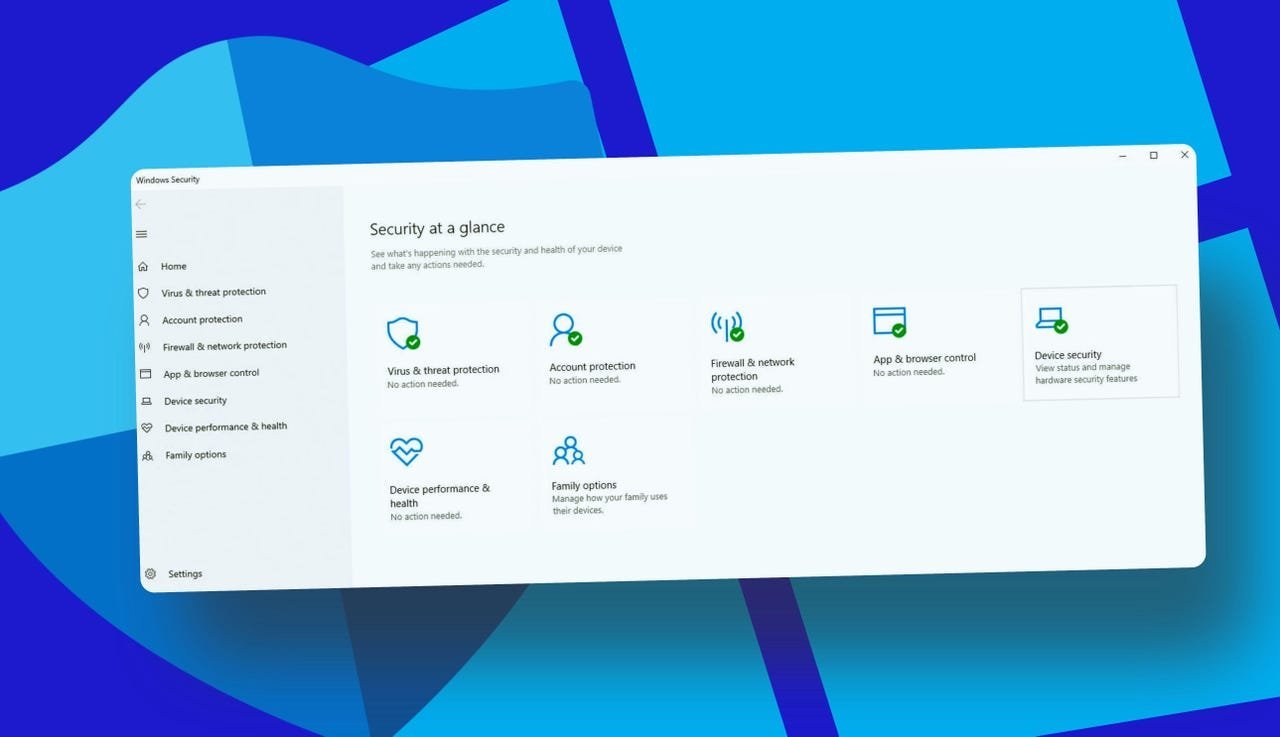 Caption: Microsoft Defender's interface remains active, but underlying OS vulnerabilities persist (Image: Lance Whitney / Elyse Betters Picaro / ZDNET)
The Enterprise vs. Consumer Divide
- Businesses: Can purchase Extended Security Updates (ESU) through 2028 for critical patches
- Consumers: Limited options:
- Use Windows Backup for free ESU eligibility
- Pay $30/year or redeem Microsoft Rewards points
- Third-party antivirus solutions (Norton, Bitdefender etc.)
Why Microsoft's Compromise Isn't Enough
- Defender Operates at the Application Layer: It detects malicious payloads but doesn't remediate kernel-level weaknesses
- Zero-Day Threats: Unpatched systems are sitting ducks for novel exploits
- Compliance Risks: Unsupported OSes violate most enterprise security policies
The Path Forward
Microsoft predictably urges upgrades to Windows 11 (including workarounds for incompatible hardware). For those entrenched in Windows 10:
# Recommended Action Plan
1. Inventory all Windows 10 assets
2. Enroll eligible devices in ESU immediately
3. Isolate non-upgradable systems from critical networks
4. Implement additional endpoint detection (EDR/XDR)
The Uncomfortable Truth
Defender's extended service is a stopgap, not a solution. While it prevents known malware, the rotting foundation of an unpatched OS creates unavoidable risk. For security teams, every day on Windows 10 is now a calculated gamble—one where Defender alone can't cover the house.
Source: ZDNet
Comments
Please log in or register to join the discussion