Microsoft releases out-of-band update KB5077797 to address a critical shutdown/hibernation bug affecting Windows 11 systems with Secure Launch enabled, which caused devices to restart instead of powering down. The patch also resolves Remote Desktop credential acceptance failures.
If your Windows 11 machine has been refusing to shut down or enter hibernation—instead restarting unexpectedly—you're not experiencing a hardware failure or a corrupted installation. It's a known bug, and Microsoft has just released a fix.
The company published out-of-band update KB5077797 to address two critical issues that have been plaguing users. The primary problem involves the Power & Battery service on systems with Secure Launch enabled, which can cause devices to reject shutdown and hibernation commands, triggering a restart instead. The secondary issue fixes Remote Desktop connections where valid credentials were being rejected regardless of accuracy.
What's Wrong with Windows 11's Shutdown Process?
The core of the problem lies in the interaction between Windows 11's Power & Battery service and the Secure Launch security feature. Secure Launch is a hardware-based security mechanism that helps protect the boot process from firmware attacks. When enabled, it establishes a trusted chain from the hardware to the operating system.
The bug manifests when a user attempts to shut down or hibernate their PC. Instead of powering down, the system receives an unexpected interrupt or fails to properly terminate processes tied to the Power & Battery service, causing Windows to interpret the shutdown command as a system error and trigger a restart. This behavior is particularly frustrating because it occurs regardless of whether the user initiates a shutdown via the Start menu, keyboard shortcut, or command line.
For enterprise environments and power users who rely on hibernation to preserve work sessions, this bug has been disruptive. Hibernation saves the current system state to disk and powers off the machine, allowing for a quick resume later. When this fails, users either lose their session or are forced to perform a hard shutdown, which can lead to data loss or file system corruption over time.
The Remote Desktop Credential Issue
The second problem addressed by KB5077797 affects Remote Desktop Protocol (RDP) connections. Users reported that even with correct credentials, the system would reject login attempts, effectively locking them out of remote access. This is especially critical for IT administrators and remote workers who depend on RDP for system management and telecommuting.
The issue appears to stem from a mismatch in authentication token validation within the RDP service. When a client connects, the server generates a token that should be accepted if credentials are valid. The bug caused the token validation to fail prematurely, returning an error before the authentication process could complete. This is a server-side issue, meaning the fix is applied to the Windows 11 machine acting as the RDP host.
How to Apply the Fix
Microsoft has released KB5077797 as an out-of-band update, meaning it's available outside the standard Patch Tuesday schedule. For most users, the update should appear automatically in Windows Update. However, if you're experiencing these issues and the update hasn't arrived yet, you can manually download and install it.
To get the update:
- Visit the Microsoft Update Catalog
- Search for "KB5077797"
- Select the appropriate version for your system architecture (x64 for most Intel/AMD PCs, Arm64 for devices like the Surface Pro X)
- Download the standalone installer (.msu file)
- Run the installer and follow the prompts
- Restart your computer to complete the installation
After installation, verify the update by checking your update history in Settings > Windows Update > View update history. The shutdown and hibernation functions should now work normally, and Remote Desktop connections should accept valid credentials.
Context: A Pattern of Windows 11 Issues
This latest bug adds to a growing list of problems that have plagued Windows 11 since its release. The operating system has faced criticism for various issues, including performance degradation on certain hardware, Start menu bugs, and problems with File Explorer. Each fix seems to introduce new complications, creating a cycle of updates and patches.
The persistence of these issues has led some industry observers to question Microsoft's development and testing processes. Windows 11 was marketed as a more secure and streamlined version of Windows, but the frequency of critical bugs suggests that the company's rapid release cycle may be compromising quality assurance.
For developers and IT professionals, this pattern highlights the importance of testing updates in controlled environments before deploying them across entire organizations. The shutdown bug, in particular, could have caused significant disruption in enterprise settings where systems are expected to power down reliably for maintenance or energy savings.
Looking Ahead: What This Means for Windows Users
While KB5077797 resolves the immediate shutdown and Remote Desktop issues, it raises broader questions about Windows 11's stability. Users and administrators should consider:
- Testing updates thoroughly: Before applying updates to critical systems, test them in a non-production environment to identify potential issues.
- Monitoring official channels: Keep an eye on the Windows 11 Release Health dashboard for known issues and updates.
- Having rollback plans: Ensure you have a way to revert updates if they cause problems, such as using System Restore or keeping system backups.
For developers working on Windows applications, this bug serves as a reminder to test shutdown and hibernation scenarios thoroughly. Applications that don't handle system power state changes correctly may contribute to or exacerbate such issues. Properly registering for power notifications and handling WM_POWERBROADCAST messages can help applications behave correctly during shutdown sequences.
The fix is available now, and users experiencing these problems should apply it immediately. While Microsoft continues to address Windows 11's issues, the community's patience is being tested. Each out-of-band update like KB5077797 is a necessary correction, but the frequency of such patches suggests that Windows 11's foundation may need more thorough reinforcement.
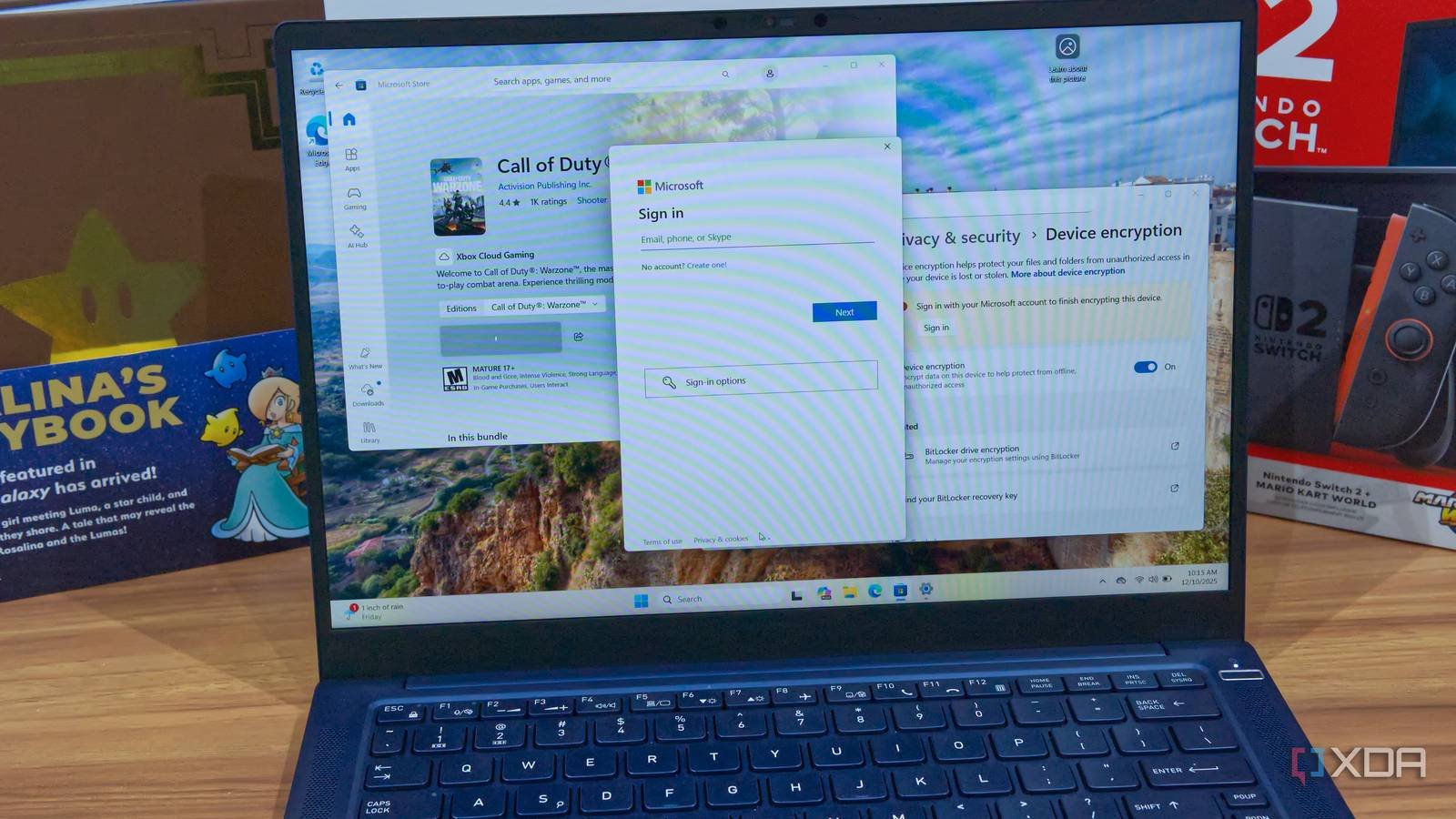
Featured image: A laptop running Windows 11, representing the operating system affected by the shutdown bug.
Comments
Please log in or register to join the discussion