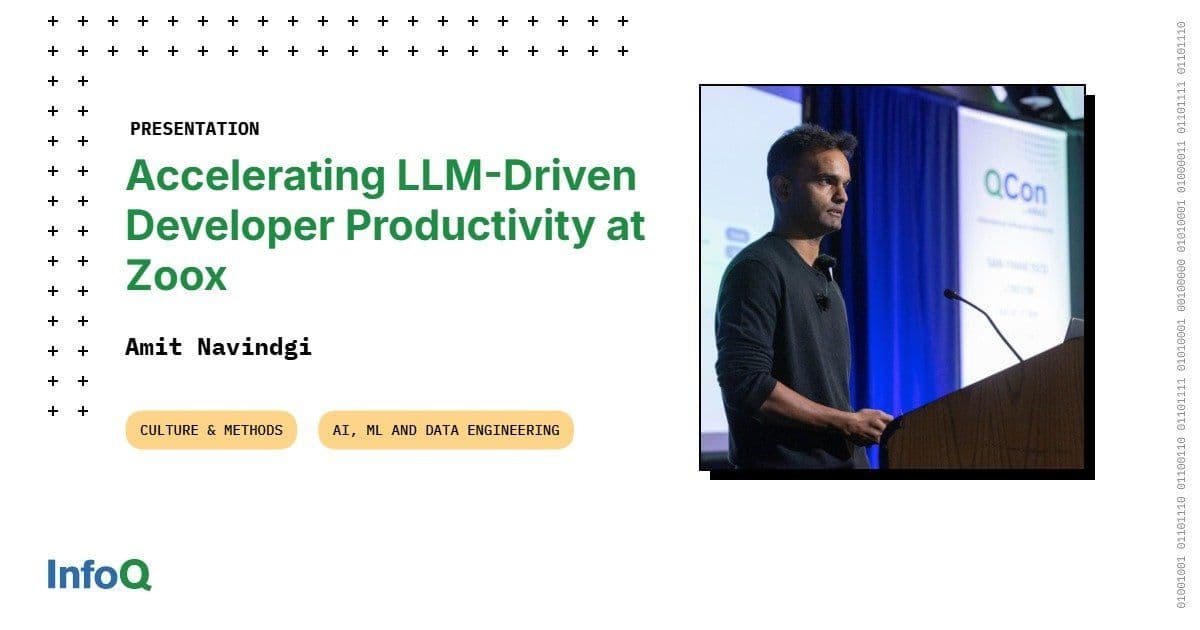
Zoox built a secure, multi‑modal platform called Cortex that combines Retrieval‑Augmented Generation, tool‑driven agents and a contributor‑friendly API to turn a fragmented developer experience into an AI‑powered workflow. The article explains the platform architecture, key applications, and the adoption program that turned internal hype into measurable productivity gains.
Accelerating LLM‑Driven Developer Productivity at Zoox
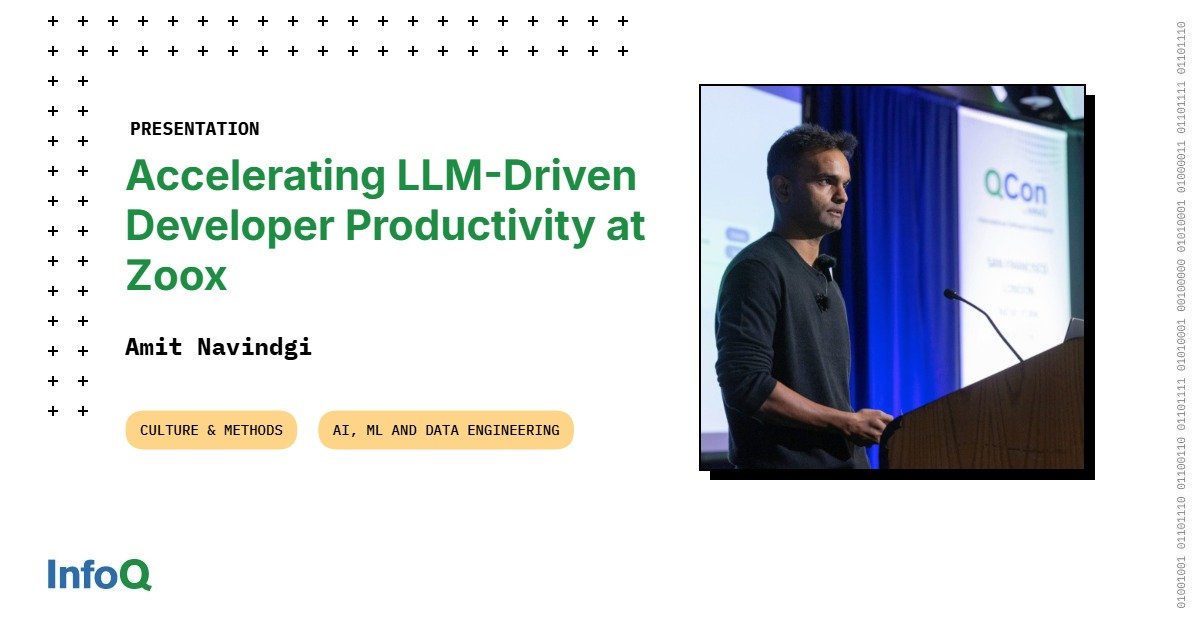
Zoox’s engineering organization faced a classic problem: new hires spent weeks hunting for the right Confluence page, Slack thread, or GitHub README before they could write any code. The friction cost time, increased context‑switching, and made on‑call support painful. In response, the Zoox Intelligence team, led by Staff Software Engineer Amit Navindgi, built Cortex, a secure, multi‑modal LLM platform that stitches together retrieval, tool calling, and custom agents.
1. Platform Overview – Why Build Cortex?
| Requirement | How Cortex satisfies it |
|---|---|
| Security | All inference runs inside Zoox’s VPC via AWS Bedrock. No data leaves the network; PII is scrubbed with regex rules and an LLM‑based detector before reaching the model. |
| Speed | Real‑time APIs run on a Kubernetes‑based gateway with autoscaling. Latency‑critical paths (e.g., in‑vehicle diagnostics) use provisioned throughput; batch‑heavy workloads (image labeling) are routed to cheaper Bedrock batch jobs. |
| Multi‑modal | Text, image and video endpoints are exposed through a single REST surface. The image endpoint forwards frames to Anthropic’s Claude or Google Gemini, depending on the task. |
| Enterprise Knowledge | Retrieval‑Augmented Generation (RAG) pipelines ingest Confluence, Slack, GitHub READMEs, and internal PDFs into separate vector stores. Isolating sources reduces the search space and improves relevance. |
| Extensibility | A tool registry lets any team publish a Python class that implements a run method. Once registered, the tool becomes instantly available to any agent through a simple REST call. |
The platform’s public contract is deliberately thin: a chat‑completion API, a knowledge‑search API, and an agentic API that accepts a model name, a prompt, and a list of tool identifiers. This design lets teams focus on business logic while Cortex handles scaling, rate‑limiting, observability and guardrails.
2. Core Architecture
- Gateway → Bedrock / Gemini – A lightweight proxy authenticates requests, enforces payload limits, and routes to the appropriate provider. The proxy also injects a security token that tells the model which data sources are allowed for the current user.
- RAG Pipelines – Connectors (Python classes) pull data from a source, embed it with a shared embedding model (currently
text‑embedding‑3‑largefrom Bedrock), and store vectors in a managed Pinecone instance. Each source gets its own index; the agent’s system prompt tells the LLM which index to query. - Tool Registry – Tools are defined once, versioned, and stored in a central registry. A tool description includes a short natural‑language summary, input schema, and a flag indicating whether the tool is read‑only or write.
- Human‑in‑the‑Loop (HITL) Decorator – Write‑tools are wrapped with a
@require_confirmationdecorator. When the agent decides to invoke such a tool, Cortex returns a preview of the action; a human must approve before the call is executed. This prevents accidental ticket creation, email spamming, or unauthorized data writes. - Observability Layer – Every request is logged to an internal OpenTelemetry collector. Dashboards show per‑model usage, latency, error rates, and quota consumption. Alerts fire if a tool exceeds a 3‑second external‑API timeout.
Tip: The same pattern works for any cloud provider. If you need to add a new LLM vendor, just plug its SDK into the gateway and update the provider‑selection table – no client code changes are required.
3. From Simple Inference to Autonomous Agents
3.1 Text‑only baseline
Initially Cortex could answer generic trivia (e.g., “What is the capital of France?”). That proved useful for sanity‑checking the stack but added no business value.
3.2 Adding Retrieval
The team built a Confluence tool that queries the Confluence vector store. When a user asks “What does VH6 mean?” the agent’s system prompt recognises the term as internal jargon, selects the Confluence tool, and returns a snippet from the vehicle‑generation spec. The same pattern works for Slack archives, internal wikis, or policy documents.
3.3 Real‑time data tools
Static docs cannot answer “Who is on‑call for Zoox Intelligence?” – the answer lives in a constantly changing on‑call service. A lightweight on‑call tool calls the internal scheduling API, and the agent routes the request there. Adding a new tool is as simple as publishing a Python class and updating the registry.
3.4 Full‑stack agents
An infrastructure agent is configured with a whitelist of tools: on‑call, GitHub PR lookup, Jira ticket creator, and Kubernetes pod status. When a developer asks “Why did the last CI run fail?” the agent:
- Calls the GitHub tool to fetch the PR diff.
- Calls the CI tool to retrieve the log.
- Uses a summarisation model to produce a concise answer.
- If the developer wants a ticket, the agent proposes a draft and waits for HITL confirmation before calling the Jira tool.
Because the agent’s tool list is explicit, latency stays predictable and the model never has to consider irrelevant actions.
4. Real‑World Applications Built on Cortex
| Application | Category | Core Tools Used |
|---|---|---|
| Humblebrag | AI workflow (deterministic) | Knowledge APIs (GitHub, Jira, Slack) |
| ZI AutoAssist (Slack bot) | Agent (non‑deterministic) | Confluence, On‑call, CI, Jira |
| Image‑Labeler | Batch inference | Vision model (Gemini), vector store for label taxonomy |
| Fleet Health Dashboard | AI workflow | Video ingestion, anomaly detection model |
Humblebrag aggregates a developer’s activity across repositories, tickets and chat, then generates a draft performance‑review paragraph. The workflow is a fixed pipeline: data fetch → summarisation → template rendering. No decision‑making is required, which makes testing straightforward.
ZI AutoAssist demonstrates the full agent loop. The bot monitors a support Slack channel, extracts the intent, decides which tool to call (knowledge base vs. live service), and optionally creates a Jira ticket after user confirmation. The result is a measurable reduction in support‑ticket volume and faster response times.
5. Adoption Strategy – Turning Tools into Culture
- Build what you cannot buy – Zoox evaluated commercial copilot products (e.g., Cursor, Claude Code). When a vendor covered >80 % of a need, the team adopted it; for the remaining gaps they built internal tools.
- Identify AI champions – Each department nominated a power‑user who helped shape tool definitions and ran internal workshops.
- Run focused hackathons – A quarterly 48‑hour hackathon produced >50 prototypes, many of which were later polished into production services. Themes (e.g., “reduce on‑call fatigue”) kept the events relevant.
- Dashboard‑driven feedback – Usage dashboards break down daily active users, model versions, and per‑team adoption. The data is shared publicly inside Zoox, creating a virtuous loop of visibility and improvement.
- Human‑in‑the‑Loop education – Workshops teach engineers how to add a
@require_confirmationdecorator, ensuring safety before any write‑tool is released.
The combined effect was a 30 % drop in average time‑to‑first‑commit for new hires and a 20 % reduction in on‑call interruptions for the teams that adopted ZI AutoAssist.
6. Trade‑offs and Lessons Learned
| Aspect | Benefit | Trade‑off |
|---|---|---|
| Tool‑centric agents | Simple to reason about; latency predictable because the tool list is bounded. | Requires disciplined tool design; over‑populating a tool registry can re‑introduce latency. |
| RAG over fine‑tuning | Fast to iterate; no need for large labeled datasets. | Retrieval quality depends on embedding model and index freshness; not suitable for highly domain‑specific reasoning (e.g., vehicle‑control logic). |
| Multi‑provider inference (Bedrock + Gemini) | Flexibility to pick the best model for each modality. | Increased operational complexity; need to maintain provider‑specific auth and quota monitoring. |
| Centralised platform vs. team‑owned agents | Shared observability, security, and cost controls. | Platform team must balance competing latency requirements (real‑time vs. batch) and enforce RBAC across diverse services. |
A recurring theme is guardrails. Even with a well‑designed tool registry, accidental misuse can happen (e.g., an agent spamming a public Slack channel). The HITL decorator, request throttling, and per‑tool quotas have become non‑negotiable parts of the production stack.
7. Looking Ahead
Zoox plans to extend Cortex with:
- Fine‑grained RBAC that propagates the caller’s identity to each tool, enabling per‑user data isolation.
- Model‑agnostic evaluation pipelines that automatically benchmark new provider releases (e.g., Gemini 3) against internal metrics before promotion.
- Edge‑optimized inference for on‑vehicle diagnostics, where a stripped‑down version of Cortex runs on an NVIDIA Jetson with a locally hosted LLM.
The overarching goal remains the same: make every developer feel like they are working in a 2025‑grade environment, even when the underlying codebase dates back years.
8. Resources
- Official Cortex documentation (internal) – see the Zoox engineering portal.
- LiteLLM multi‑provider library: https://github.com/BerriAI/litellm
- AWS Bedrock product page: https://aws.amazon.com/bedrock/
- Google Gemini API overview: https://cloud.google.com/vertex-ai/generative-language/docs/overview
- Cursor AI IDE extension: https://cursor.com
The Zoox experience shows that a thoughtfully built, contributor‑friendly LLM platform can turn a chaotic documentation landscape into a productive, AI‑augmented workflow. By focusing on security, modular tools, and a strong adoption program, the team turned a prototype into measurable business impact.
Comments
Please log in or register to join the discussion