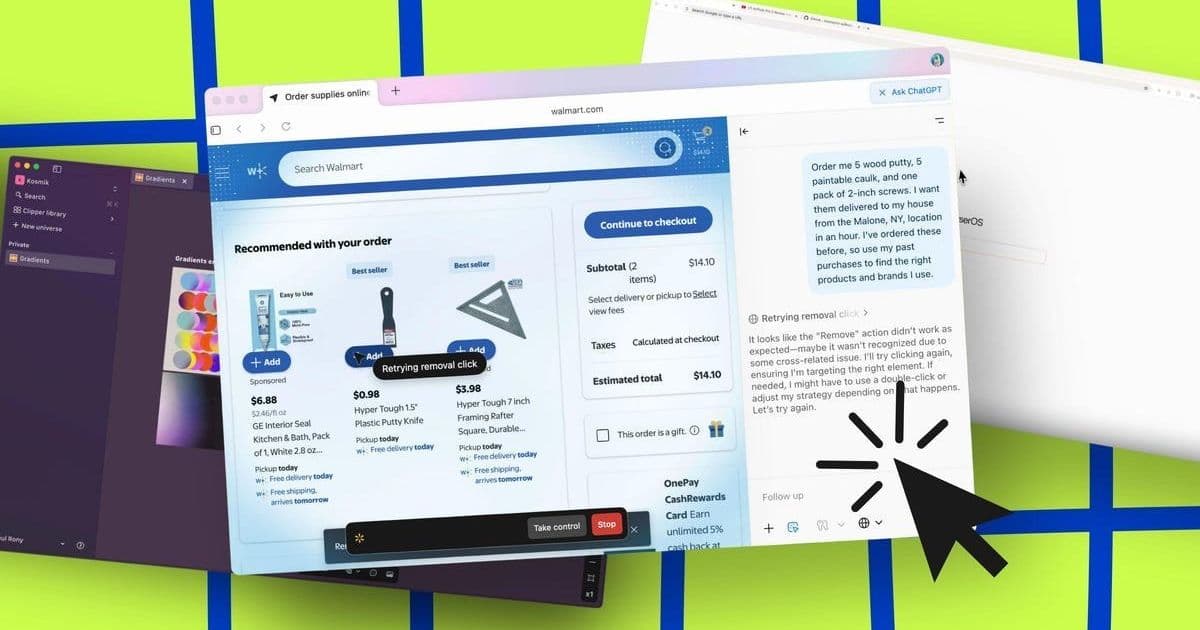
AI-powered browsers are rapidly evolving beyond simple search assistants into proactive agents capable of shopping, researching, and automating complex tasks. After rigorous testing, five browsers—ChatGPT Atlas, Perplexity Comet, Kosmik, Dia, and BrowserOS—demonstrate distinct strengths in transforming how developers and power users interact with the web. Their emergence signals a fundamental shift towards context-aware, task-automating browsing experiences.
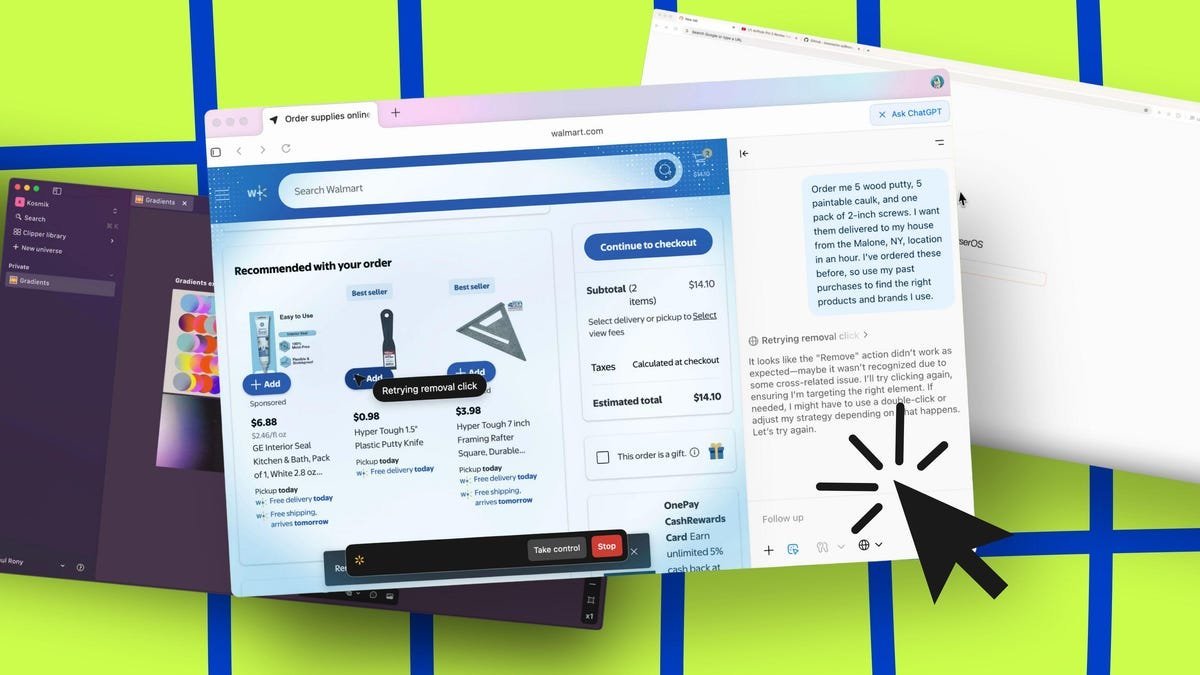
The concept of the passive web browser is fading fast. Fueled by advances in large language models (LLMs) and agentic AI, a new generation of browsers promises not just to display information, but to actively comprehend user intent, execute complex tasks, and personalize the web experience. These aren't mere Chrome clones with a chatbot sidebar; they represent a paradigm shift towards proactive digital assistants embedded within our primary gateway to the internet. After extensive hands-on evaluation, five AI browsers distinguish themselves by delivering on this promise with unique approaches and capabilities.
1. ChatGPT Atlas: The Powerhouse Integrator
Leveraging the ubiquitous ChatGPT engine built atop Chromium, ChatGPT Atlas ( ) offers deep integration between browsing and advanced AI reasoning. Its standout features cater to structured workflows:
- Projects & Collaboration: Create dedicated workspaces for complex tasks (e.g., research papers, product comparisons) and collaborate with team members directly within the browser environment.
- Archives: Intelligently manage and retrieve past chats focused on specific topics, preventing clutter and preserving context.
- Agent Mode (Paid Tiers): Enables multi-step task automation and deep research capabilities.
- Tab Summarization & Contextual Q&A: Quickly grasp page content or ask intricate questions drawing from open tabs.
Pricing & Platform: Freemium model (Free, Plus $20/mo, Pro $200/mo). Available on macOS, Windows, Android, iOS.
"Atlas transforms the browser from a viewing pane into a collaborative command center. The Projects feature, in particular, demonstrates how AI can structure complex information work," notes the reviewer.
2. Perplexity Comet: The Research Specialist
Built for accuracy and source transparency, Perplexity Comet excels as a research companion:
- Source Citation: Every AI-generated answer includes links to its origins, allowing for instant verification – a critical feature for technical and academic users.
- Built-in Ad Blocking: Ensures cleaner research results and faster page loads.
- Workday Copilot: Integrates with email and Slack (Pro tiers) to assist with scheduling and communication management based on browsing context.
- Multi-Source Task Handling: Capable of executing tasks requiring information synthesis across multiple websites.
Pricing & Platform: Tiered (Free, Plus $5/mo, Max $200/mo). Currently macOS 14+ and Windows 11 only.
3. Kosmik: The Visual Organizer's Dream
Kosmik abandons traditional tabs and bookmarks for a visually-driven, infinite canvas approach:
- Visual Moodboards (Universes): Organize research, ideas, and tasks spatially using drag-and-drop images, text, and web snippets.
- Auto-Tagging & Organization: AI automatically categorizes content by topic, color, and style.
- Proactive Visual Suggestions: Surfaces related imagery and articles based on your current workspace context.
- Image Source Integration: Easily trace and open the source of any image within your moodboard.
Pricing & Platform: Freemium (Free, Plus $10.99/mo or $6.99/mo annually). Web, macOS, Windows.
4. Dia: The Personalized Agent (From The Browser Company)
Emerging from the creators of the innovative Arc browser, Dia focuses on deep personalization and contextual awareness:
- User Profiling: Teach Dia about your inspirations, writing style, coding preferences, and key personal information.
- Memory Feature (Opt-in): Learns from your browsing activity and chats (summaries stored temporarily on servers, raw data local only) to improve relevance.
- Tab-Aware Intelligence: Analyzes and summarizes content across all open tabs simultaneously.
- Custom AI Skills: Create personalized automations triggered by natural language commands.
Pricing & Platform: Freemium (Free, Pro $20/mo). macOS only (currently).
5. BrowserOS: The Privacy-Centric Open Source Contender
BrowserOS stands out with its commitment to privacy and local processing:
- On-Device AI Agents: Processes tasks locally or via user-provided API keys, minimizing data exposure to third parties.
- Open Source: Transparency in code allows for community scrutiny and customization – a significant draw for privacy advocates and developers.
- Agentic Task Automation: Execute complex web actions (data scraping, price comparisons, form filling) described in plain English.
- Semantic Search: Find history and bookmarks using natural language meaning, not just keywords.
Pricing & Platform: Completely Free. Linux, macOS, Windows.
The Evolving Browser Landscape: Implications and Trade-offs
The rise of agentic browsers presents compelling opportunities: unprecedented efficiency in research and task automation, personalized content curation, and new paradigms for organizing digital workflows like Kosmik's visual approach. However, it also introduces critical considerations:
- Privacy: Features like Dia's Memory or cloud-based processing (Atlas, Comet) necessitate trust in vendors. BrowserOS offers a strong counterpoint for the privacy-conscious.
- Cost: Advanced capabilities (Agent Mode, deep research, high-volume usage) often reside behind significant paywalls ($20-$200/month), potentially creating tiers of access.
- Accuracy & Bias: While Perplexity leads in source citation, all AI-generated outputs require scrutiny, especially for technical or critical decisions.
- Platform Fragmentation: Current availability varies significantly (e.g., Dia macOS-only, Comet requiring latest OS versions).
These browsers represent more than incremental upgrades; they signal a move towards the browser as an intelligent agent capable of understanding context and executing intent. For developers and tech professionals, understanding their capabilities and limitations is crucial, as these tools are poised to reshape not just how we find information, but how we fundamentally interact with the digital world. The choice ultimately hinges on whether you prioritize raw power (Atlas), research integrity (Comet), visual organization (Kosmik), deep personalization (Dia), or privacy and openness (BrowserOS). As the underlying AI models continue to advance, expect the boundaries of what a browser does to keep expanding.
Comments
Please log in or register to join the discussion