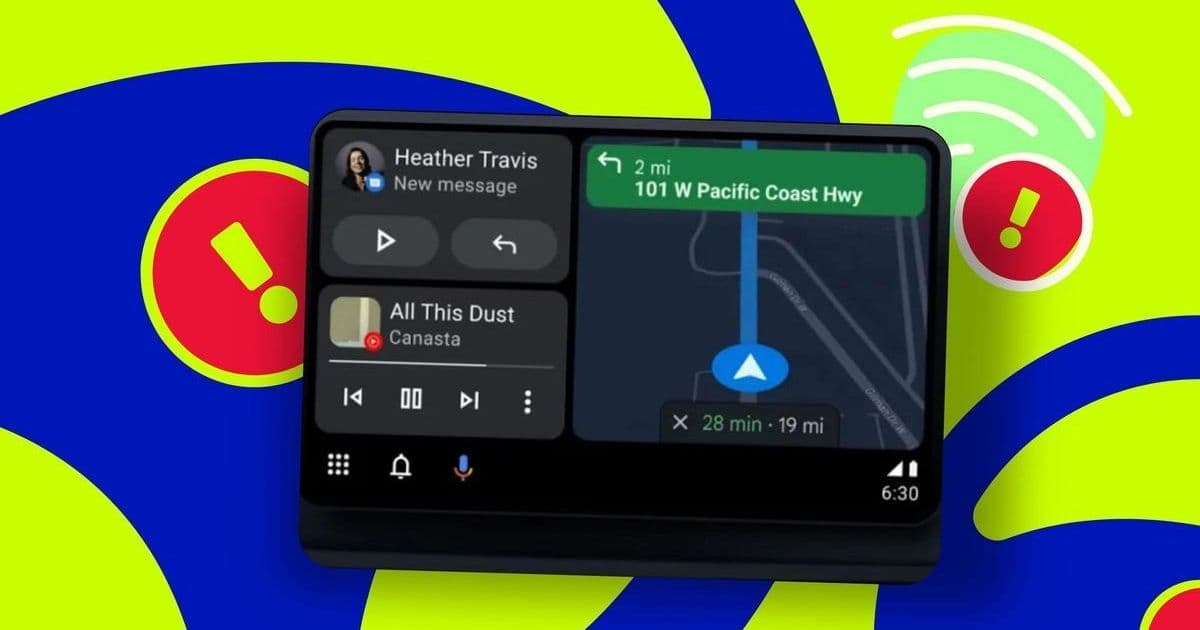
Android Auto users frequently battle frustrating connection delays or failures when linking their phones to vehicles. A simple yet overlooked settings tweak—bypassing automatic detection—could resolve this pervasive issue, highlighting deeper integration challenges in automotive tech.
Android Auto Connection Failures: Unearthing the Settings Fix That Restores Seamless Driving
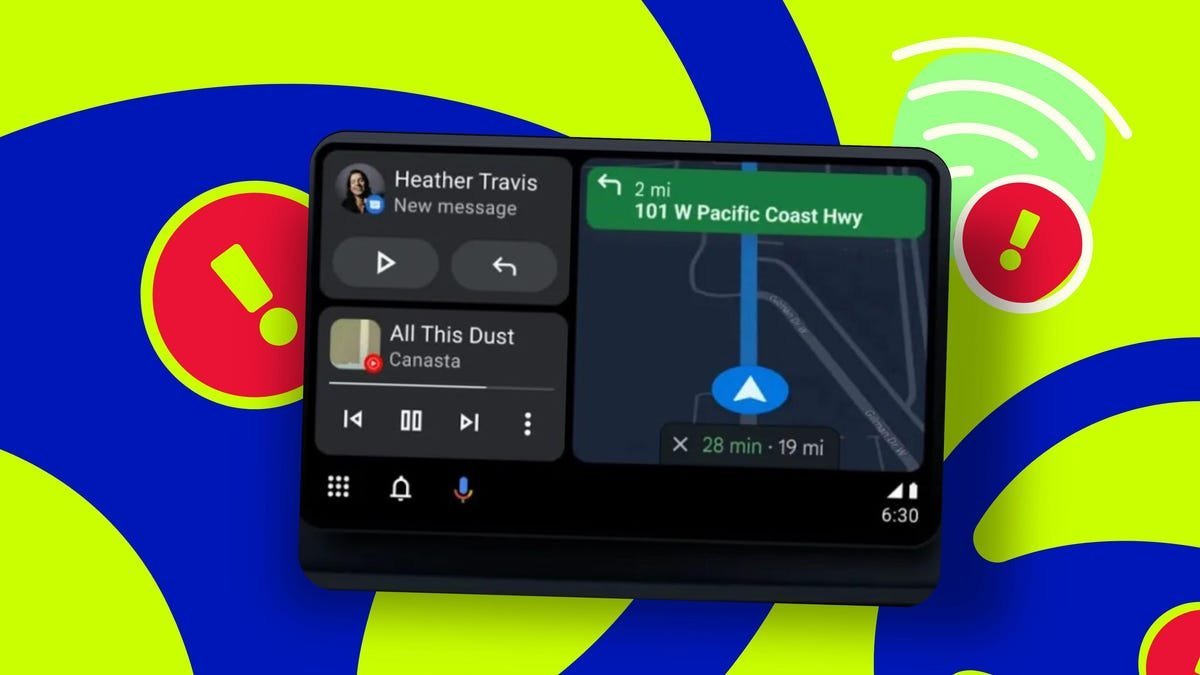
For developers and tech-savvy drivers, Android Auto promises a streamlined, hands-free experience—until it doesn't. Connection issues plague countless users, turning a commute into a troubleshooting session. Jack Wallen, a ZDNET contributor, faced this firsthand with his new Jeep: "Android Auto slowly started either failing to connect or taking minutes to do so," he reported. After ruling out cable issues (despite repeated swaps with high-speed alternatives), Wallen pinpointed a software-level fix that exposes quirks in Android's automotive integration.
The Hidden Culprit: Automatic Detection Breakdown
Android Auto's reliance on automatic connection protocols often falters across vehicle models and phone variants. Wallen's experience with a Pixel 9 Pro revealed no standalone Android Auto app—instead, the feature is buried under Settings > Connected devices > Connection preferences. This design choice, as Wallen noted, complicates accessibility: "I still believe Android Auto should be its own app."
The Fix: A Manual Connection Workaround
Here’s the step-by-step solution Wallen validated:
- Access Android Auto Settings: Open your phone’s Settings app, navigate to "Connected devices" > "Connection preferences," and select Android Auto.
- Initiate Manual Pairing: With your vehicle powered on, tap "Connect a vehicle" before plugging in your phone. This forces a direct handshake, sidestepping glitchy auto-detection.
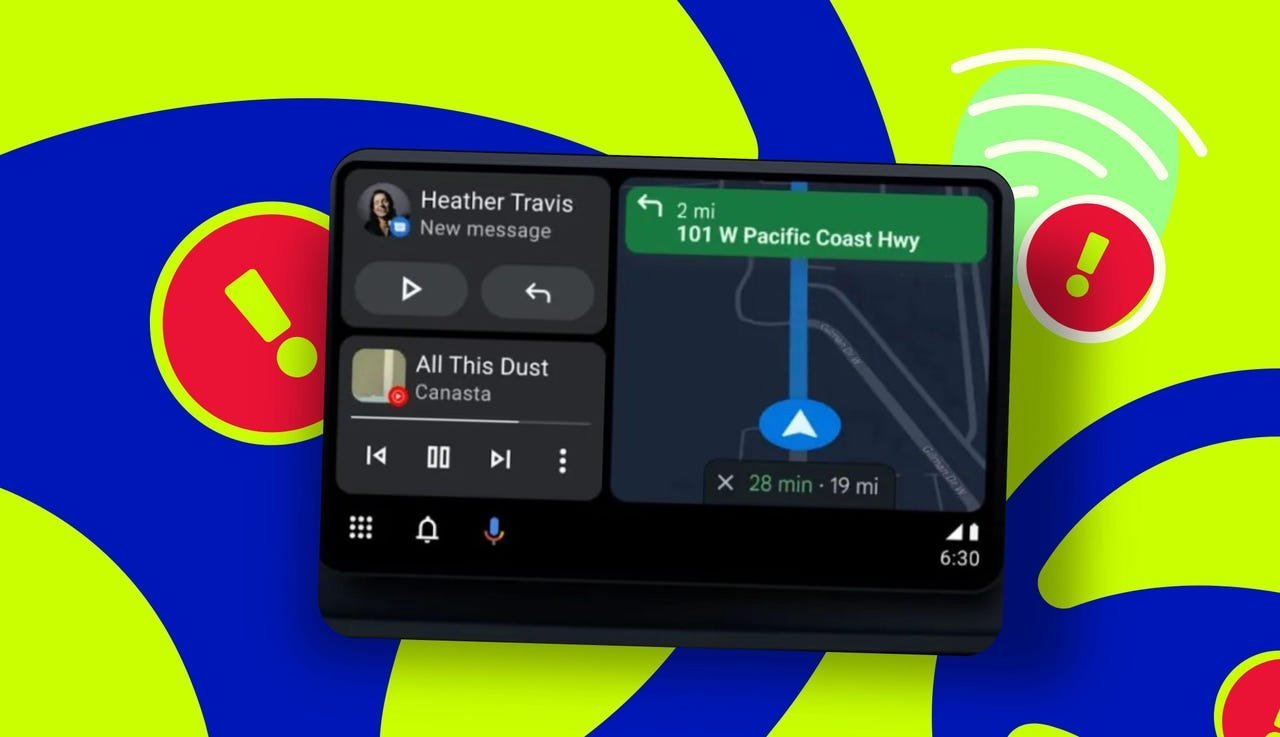
"Plug your phone into the car with a high-speed cable, and the connection should be made fairly quickly."
— Jack Wallen, ZDNET
This method restored near-instant connectivity for Wallen’s Jeep setup. While effectiveness depends on factors like vehicle firmware (e.g., Uconnect systems) or Android versions, the fix underscores a systemic issue: over-reliance on automation in fragmented ecosystems. For developers, it signals a need for more resilient fallback mechanisms in connectivity protocols.
Why This Matters Beyond Convenience
Slow Android Auto connections aren’t just annoying—they’re safety risks. Drivers distracted by repeated plug/unplug cycles or navigating menus compromise road safety. Moreover, as vehicles evolve into "smart devices," such flaws highlight the gaps between consumer expectations and engineering reality. Google’s tight integration of Android Auto into system settings, rather than a dedicated app, may streamline updates but sacrifices user control. For the tech industry, Wallen’s workaround is a reminder: sometimes the simplest solutions reveal the most about where our digital experiences fray at the edges.
Source: Adapted from ZDNET
Comments
Please log in or register to join the discussion