
Apple announced a suite of accessibility updates powered by Apple Intelligence, adding detailed image descriptions, natural‑language Voice Control, on‑device subtitle generation, and eye‑tracking wheelchair control for Vision Pro, alongside a new adaptive MagSafe accessory.
Apple unveiled a broad set of accessibility upgrades that lean on its new Apple Intelligence platform, aiming to make everyday interactions more intuitive for users with visual, auditory, or motor impairments. The announcements span software improvements—like richer VoiceOver descriptions and natural‑language Voice Control—to hardware‑centric features such as eye‑tracked wheelchair control for Apple Vision Pro. A related hardware launch, the Hikawa Grip & Stand MagSafe accessory, rounds out the rollout.
VoiceOver and Magnifier gain deeper visual understanding
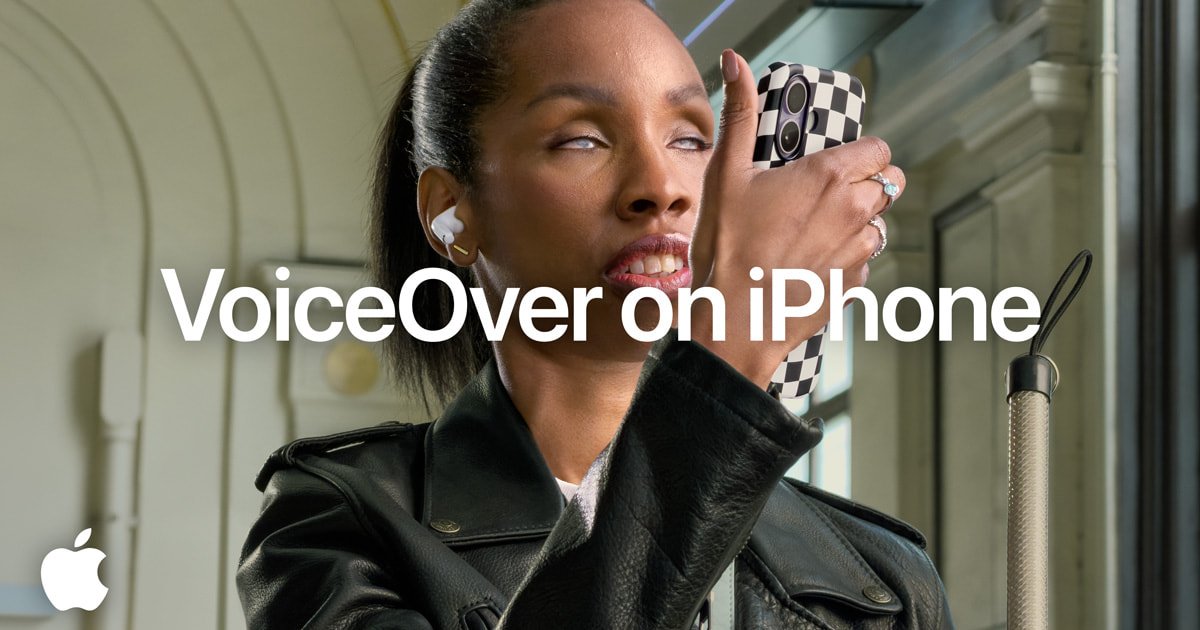
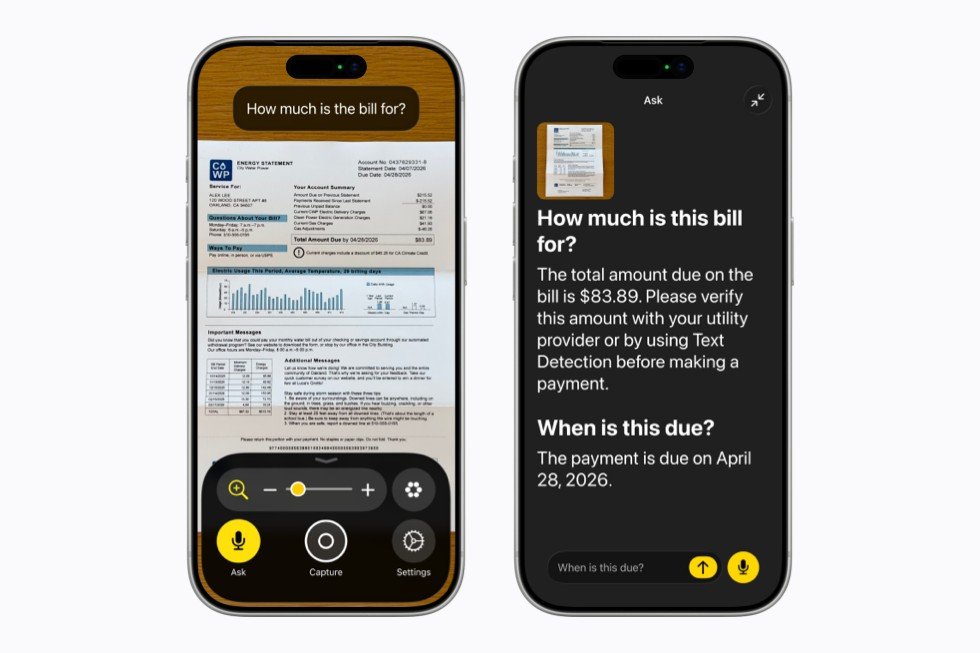
For blind and low‑vision users, VoiceOver has long provided spoken feedback about on‑screen elements. Apple Intelligence now powers an Image Explorer that can generate detailed narratives of photographs, scanned documents, receipts, and even complex graphics. Users can press the Action button on an iPhone, ask a question like “What’s on this receipt?” and receive a multi‑sentence answer. Follow‑up queries are supported, allowing a conversational flow that mirrors how sighted users might glance and ask for clarification.
The Magnifier app, already a high‑contrast magnification tool, now inherits the same AI‑driven description engine. In addition to zooming, users can speak commands such as “turn on flashlight” or “zoom in 2x,” and the app will respond with contextual information about what it sees. This aligns with Apple’s broader push to let assistive tools operate more like a partner than a static aid.
Voice Control moves to natural language
Apple’s Voice Control previously required users to remember exact UI labels. With Apple Intelligence, the system accepts flexible phrasing. A user can say, “tap the purple folder,” or “open the guide about best restaurants,” and the OS will map the request to the appropriate UI element, even if the underlying code lacks perfect accessibility tags. This could reduce friction for people with limited motor control who rely on voice‑only navigation across apps like Maps, Files, or third‑party services.
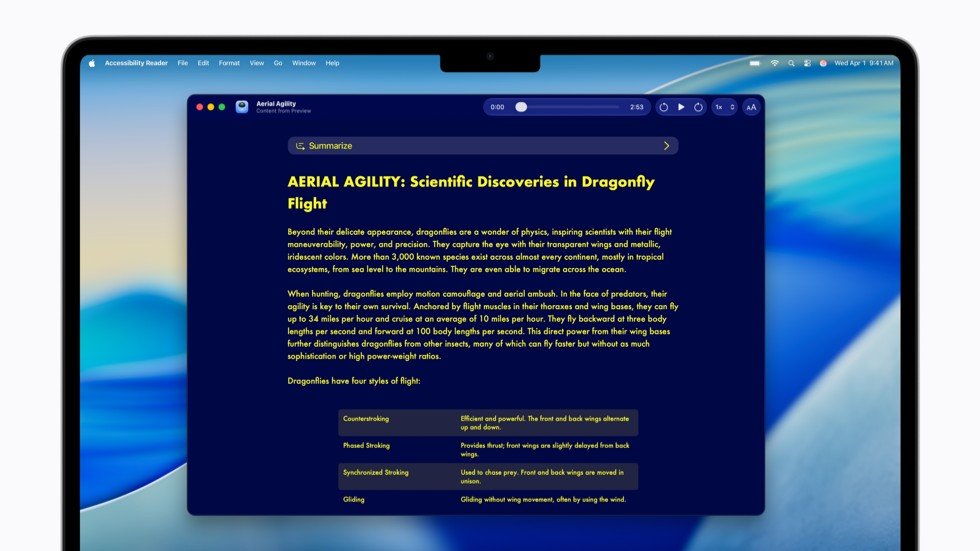
Accessibility Reader becomes a smarter reading companion
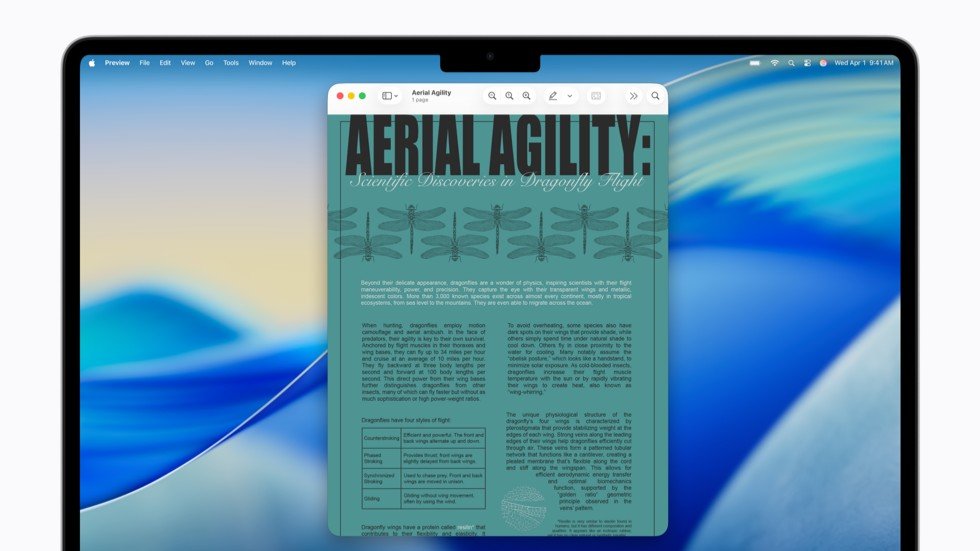
The Accessibility Reader now handles multi‑column layouts, tables, and scientific figures, automatically reflowing content into a single‑column view optimized for dyslexic or low‑vision readers. On‑demand summaries give a quick overview of long articles, while built‑in translation preserves the user’s preferred font and color settings. These upgrades make the tool useful for academic research as well as casual reading.
On‑device generated subtitles for uncaptioned video
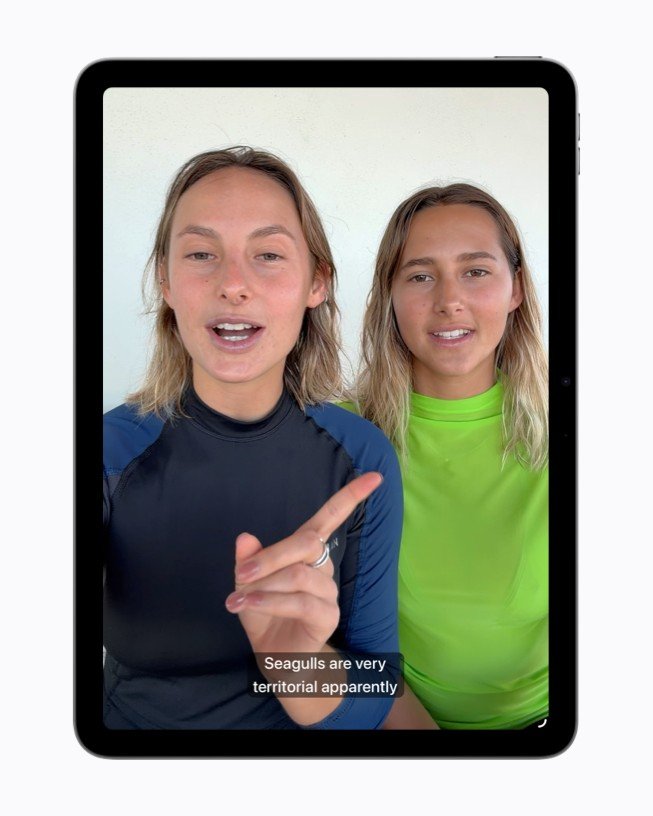
Apple is rolling out on‑device subtitle generation for iPhone, iPad, Mac, Apple TV, and Vision Pro. The feature uses local speech‑to‑text models, ensuring that audio data never leaves the device—a clear nod to Apple’s privacy‑first stance. Subtitles appear automatically for personal videos that lack captions, and users can customize font, size, and background color in the playback settings.
Vision Pro eye‑tracking wheelchair control
A standout hardware integration is the eye‑tracking wheelchair control for Apple Vision Pro. Leveraging the headset’s precise eye‑tracking, users can steer compatible power wheelchairs by gazing at on‑screen controls, without needing frequent recalibration. The initial launch supports Tolt and LUCI alternative drive systems via Bluetooth or wired connections, with Apple promising broader third‑party support over time.
“The option to control my power wheelchair on my own is gold to me,” said Pat Dolan, a longtime ALS advocate. This sentiment underscores the potential for mixed‑reality devices to serve as inclusive mobility interfaces.
Adaptive MagSafe accessory expands tactile options
Alongside software, Apple introduced the Hikawa Grip & Stand for iPhone, an adaptive MagSafe accessory designed with input from users who have limited grip strength or dexterity. Available in three colors, the accessory provides a stable hold and a built‑in stand, demonstrating how hardware can complement software accessibility.
Why these updates matter
Apple’s accessibility roadmap has traditionally been a differentiator, but the integration of on‑device AI marks a shift from static assistive features to dynamic, context‑aware assistance. By keeping processing local, Apple mitigates privacy concerns that have hampered similar efforts from other platforms. The natural‑language Voice Control and AI‑enhanced image descriptions could lower the learning curve for new users and reduce reliance on third‑party screen‑reading apps.
From a market perspective, these features reinforce Apple’s positioning as a premium ecosystem for users who need reliable, privacy‑preserving assistive technology. The rollout also signals to developers that Apple expects third‑party apps to support richer accessibility metadata, potentially raising the overall quality of the App Store’s accessibility offerings.
Looking ahead
Apple plans to extend Apple Intelligence language support and broaden regional availability throughout 2026. Future updates are expected to bring on‑device subtitle generation to more languages and expand Vision Pro eye‑tracking controls to additional wheelchair manufacturers. For developers, Apple has opened an API for integrating custom AI‑driven descriptions into apps, a move that could spur innovative third‑party solutions.
Sources
- Apple press release, May 19 2026 – Apple Newsroom
- Apple Support documentation – Apple Intelligence Overview
- Vision Pro developer guide – Apple Developer
Comments
Please log in or register to join the discussion