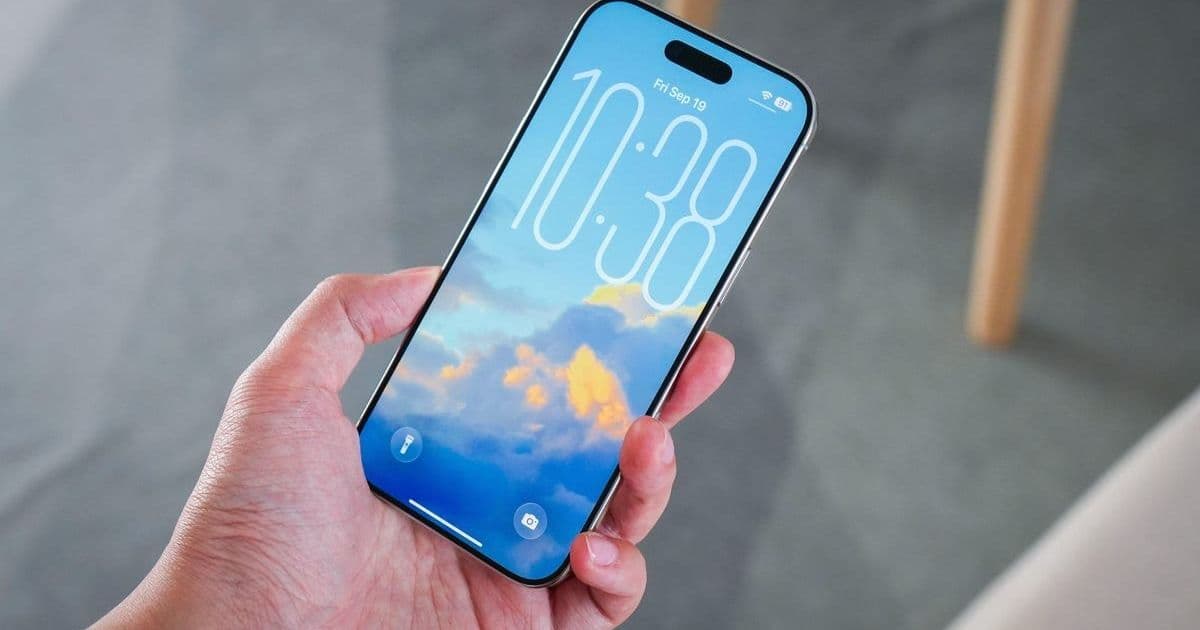
Apple has released iOS 26.0.1, addressing multiple user-impacting bugs—including Wi-Fi instability and cellular failures—alongside a critical security vulnerability. This patch underscores the persistent challenge of post-launch software refinement in complex ecosystems. All iPhone users, particularly iPhone 17 owners, should install this update immediately to resolve functional issues and mitigate security risks.
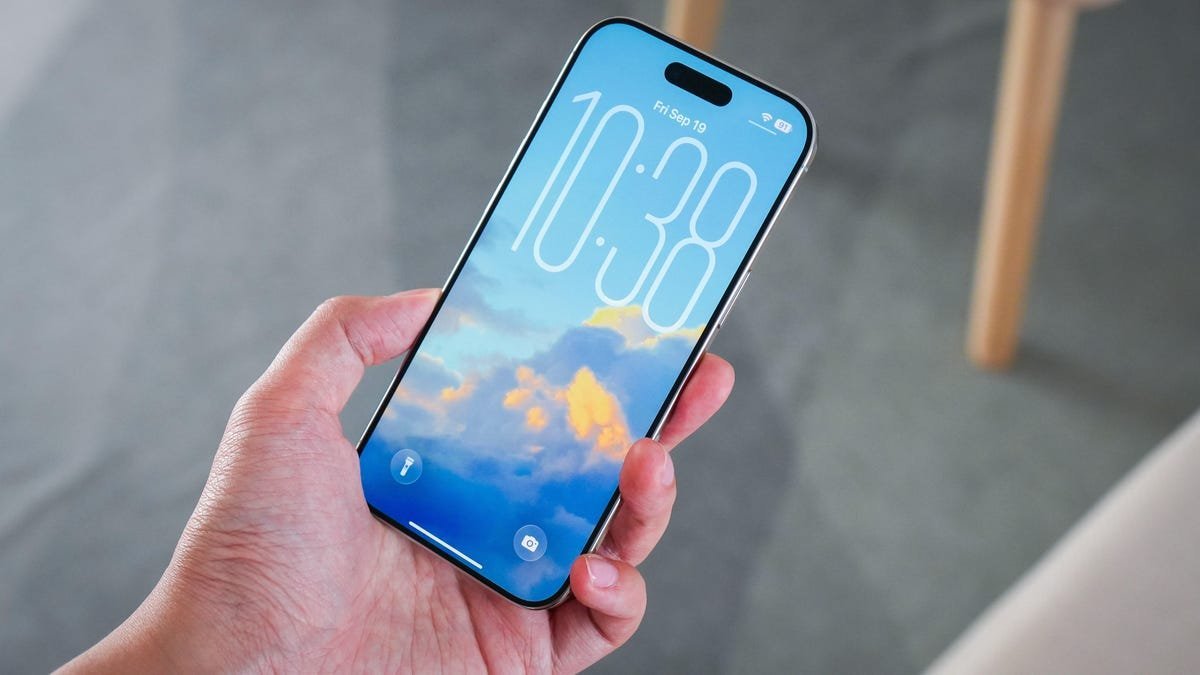
Apple's relentless update cadence continues with the release of iOS 26.0.1, landing just weeks after the major iOS 26 debut. This interim patch, rolled out on September 30, 2025, targets several disruptive bugs and—more critically—a security flaw that could enable arbitrary code execution. For developers and security professionals, it's a stark reminder of the fragility inherent in modern mobile ecosystems.
The Critical Fixes
The update resolves multiple high-impact issues reported by early adopters:
- Wi-Fi & CarPlay Instability: iPhone 17 users experienced frequent Wi-Fi dropouts after device unlock, often disrupting CarPlay connectivity. Initial theories suggested conflicts with VPNs or Apple Watch, but Apple's patch addresses the core issue.
- Cellular Blackout: Some devices lost cellular network access entirely post-iOS 26 install—a catastrophic failure for daily functionality.
- Camera Artifacts: Unexpected visual glitches appeared in photos taken under specific lighting conditions on iPhone 17 models.
- Home Screen Rendering Bugs: Custom tints caused app icons to vanish, breaking UI consistency.
- VoiceOver Failures: The critical accessibility feature stopped working for some users, limiting device usability.
Security Imperative: The FontParser Flaw
Beyond usability fixes, iOS 26.0.1 patches a memory corruption vulnerability (CVE pending) in Apple's FontParser framework. Malicious fonts could exploit this to crash apps or execute arbitrary code—a classic attack vector for supply chain compromises. Apple's muted disclosure suggests no active exploits, but the risk profile demands urgency. As one security engineer noted: "Font rendering libraries are notoriously complex and historically targeted—delayed patching is gambling with device integrity."
Beyond iOS: Ecosystem-Wide Updates
Apple's patch cascade extends across its platform matrix:
- iPadOS 26.0.1: Fixes VoiceOver issues and erratic floating keyboard behavior.
- macOS Tahoe 26.0.1: Resolves installation blockers on Mac Studio M3 Ultra and the FontParser flaw.
- WatchOS 26.0.2 & tvOS/VisionOS 26.0.1: Stability and security enhancements.
The Update Imperative
To install:
- Navigate to Settings > General > Software Update
- Download and deploy iOS 26.0.1
Why This Matters for Tech Professionals
This update cycle exemplifies three key industry truths:
- Post-Launch Stability Remains Elusive: Even Apple's extensive beta programs can't catch all edge cases at scale.
- Security is Iterative: The FontParser fix highlights how low-level frameworks require constant vigilance.
- Ecosystem Complexity Compounds Risk: Coordinated patches across five OS platforms illustrate the operational overhead of modern tech stacks.
As iOS 26.1 enters public beta—promising feature expansions—this patch serves as a grounding reminder: foundational stability and security precede innovation. For developers, it's a case study in balancing rapid iteration with production resilience; for users, it's a non-negotiable maintenance step.
Source: ZDNET
Comments
Please log in or register to join the discussion