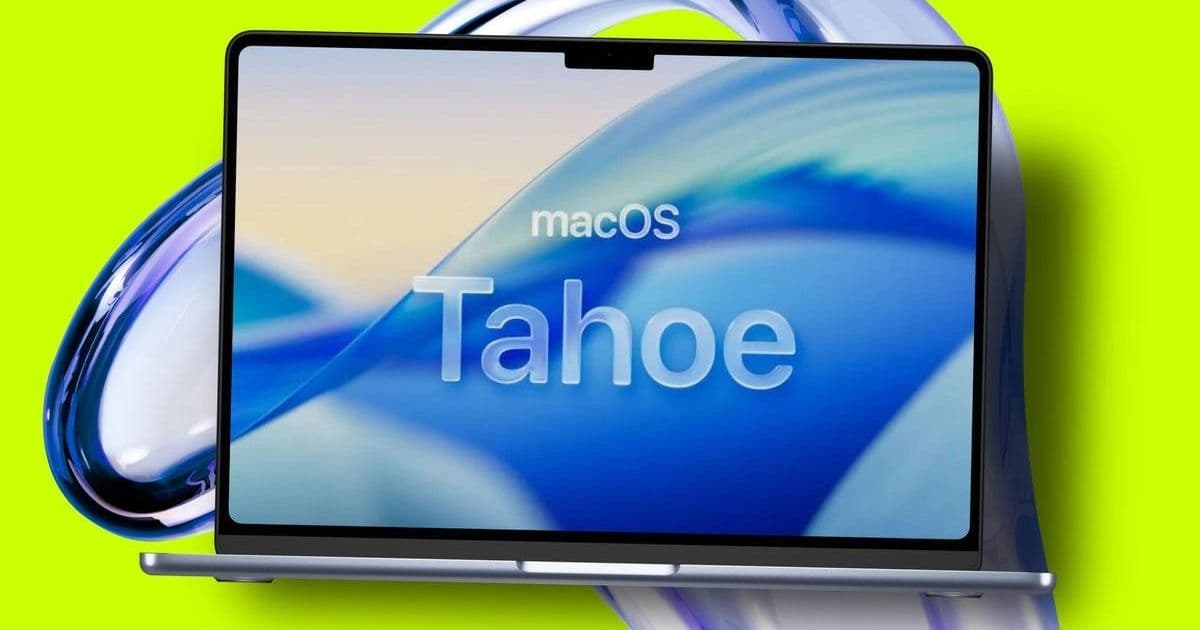

Apple's macOS 26 'Tahoe' public beta is now available with its transformative Liquid Glass interface, marking the final phase of testing before fall release. We break down installation steps, compatibility requirements, and critical considerations for developers testing Apple's most significant visual overhaul in years.
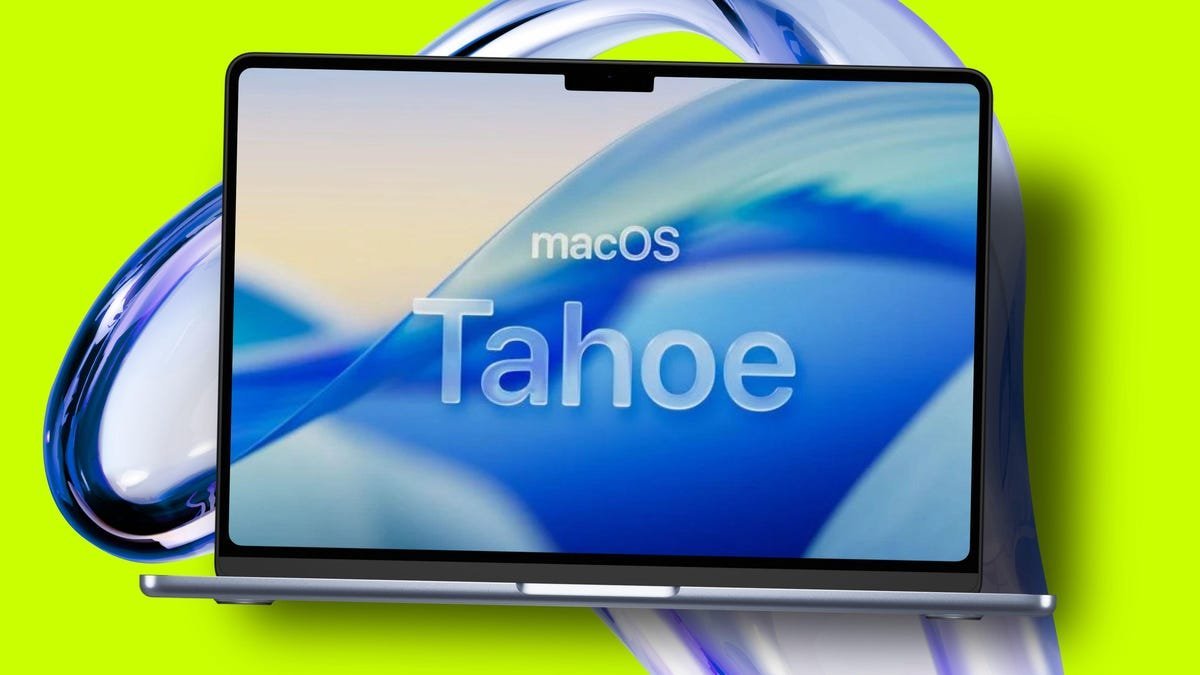
Apple has opened the floodgates for its next-generation desktop operating system, releasing the macOS 26 'Tahoe' public beta to all registered Apple Beta Software Program members. This milestone offers developers and power users their first hands-on experience with Apple's radical Liquid Glass design language – a complete visual reimagining of the Mac interface – months before its official fall launch.
At its core, Tahoe represents Apple's most aggressive aesthetic shift since macOS 10.0, replacing familiar skeuomorphic elements with fluid translucency, dynamic lighting effects, and depth-aware animations. Early testers report interfaces that appear to float above backgrounds with physical properties resembling actual glass. While visually striking, the update isn't just skin-deep: Underlying framework changes suggest significant API adjustments for developers, particularly around window management and accessibility layers.
Installation: The Silicon Gatekeeper
Installing the beta requires careful hardware verification. Unlike its predecessor, macOS 26 drops support for all Intel-based Macs, requiring Apple Silicon processors (M-series chips) as a baseline. Even some M1-equipped 2020 models face exclusion. Here's the installation pathway:
- Enrollment: Register your Apple ID at Apple's Beta Software Program portal
- Preparation: Ensure your device runs macOS 15 Sequoia and has a recent Time Machine backup
- Beta Activation: Navigate to System Settings > General > Software Update > Beta Updates and select "macOS 26 Public Beta"
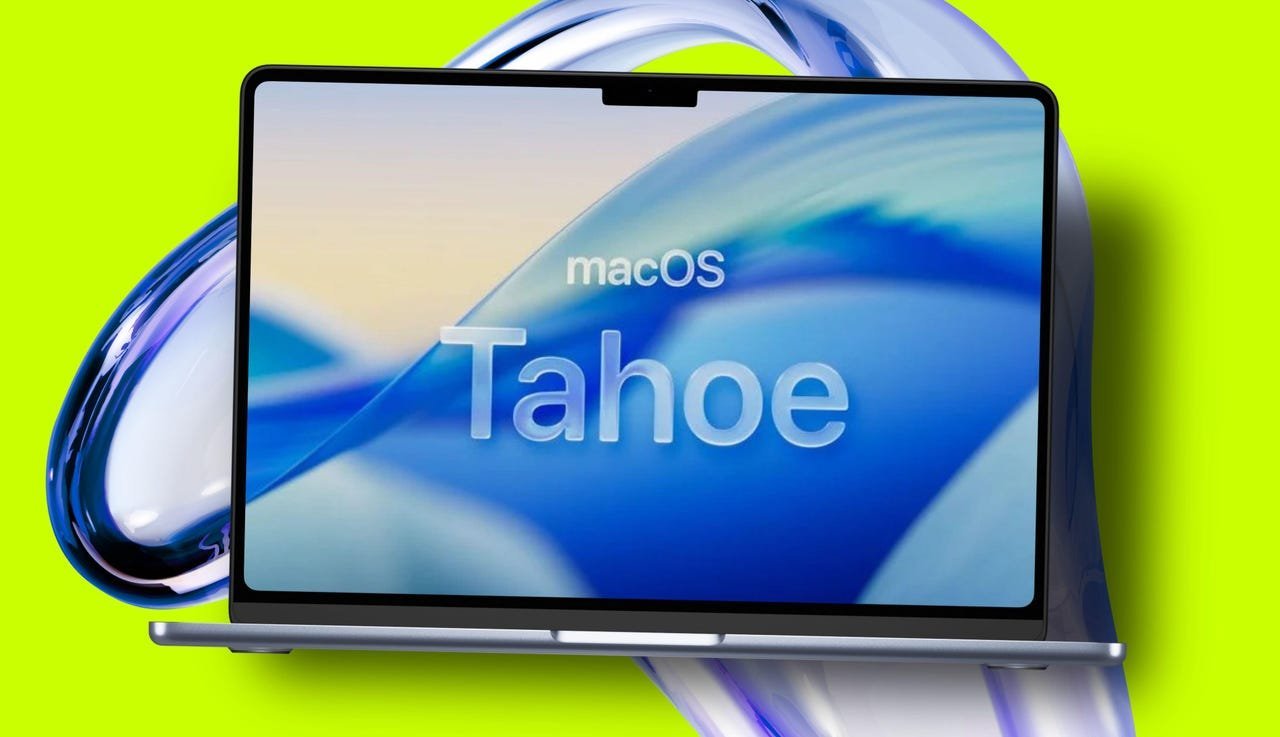 Image: The new Liquid Glass interface introduces fluid transparency effects. Credit: Apple/Elyse Betters Picaro/ZDNET
Compatibility: The Great Divide
Apple's hardware cutoff is decisive. Supported devices include:
- MacBook Air/Pro (2020 or later with Apple Silicon)
- Mac Studio (2022+)
- Mac mini (2020+)
- iMac (2020+)
- Mac Pro (2019+ with T2 chip or Apple Silicon)
Notably excluded are Intel-based Macs and even some Apple Silicon early adopters:
- MacBook Pro 13" (2018-2020, Four Thunderbolt ports)
- iMac Pro (2017)
- Intel Mac mini (2018)
This strategic deprecation accelerates Apple's platform unification, leveraging Silicon-exclusive features like the Neural Engine for Liquid Glass's real-time rendering demands.
Developer Considerations: Proceed with Caution
While tempting to experiment, the beta demands caution:
- Stability Risks: Expect application crashes, graphical glitches, and driver incompatibilities
- Backup Imperative: Never install on primary development machines without full disk backups
- Toolchain Verification: Xcode compatibility may be limited; test on secondary hardware
- Feedback Pipeline: Use the built-in Feedback Assistant for bug reporting – crucial for refining APIs before GA
Apple's aggressive fall timeline (likely September) leaves a narrow window for ecosystem adaptation. The Liquid Glass transition impacts more than aesthetics: Expect fundamental shifts in:
- Context menu hierarchies
- Notification workflows
- Multi-window management
- Dark/light mode implementations
The Road to General Availability
This public beta phase represents the final stress test before Tahoe ships to hundreds of millions of devices. For developers, it's a critical opportunity to audit app compatibility with Apple's vision for a spatially layered, physically modeled interface. Those who leverage the beta period to optimize for Liquid Glass's rendering pipeline and input handling will gain first-mover advantage when the floodgates open this fall.
As Apple continues blurring lines between mobile and desktop paradigms, macOS 26 may well be remembered as the moment the desktop metaphor finally evolved beyond two-dimensional thinking. The future, it seems, has a glassy reflection.
Comments
Please log in or register to join the discussion