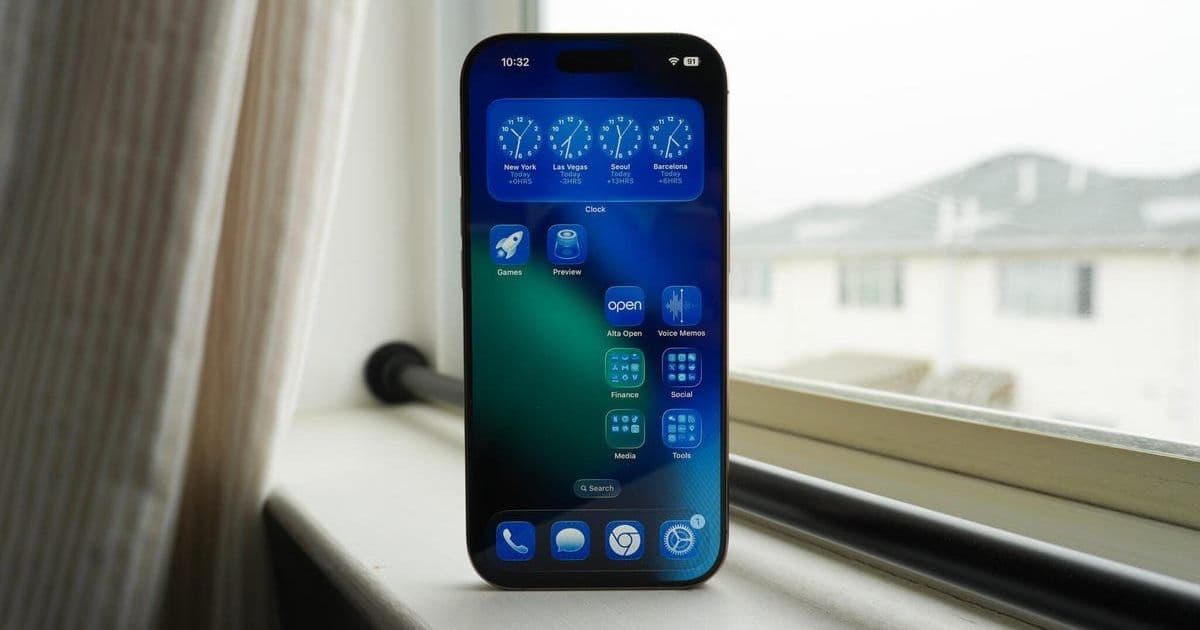
Apple has unleashed the public beta for iOS 26, featuring one of the most significant visual overhauls in iPhone history. Developers and enthusiasts can now test the Liquid Glass UI and new features ahead of the fall release, but only on iPhone 11 or newer models. Here's how to install it safely and why this beta matters for the future of iOS.
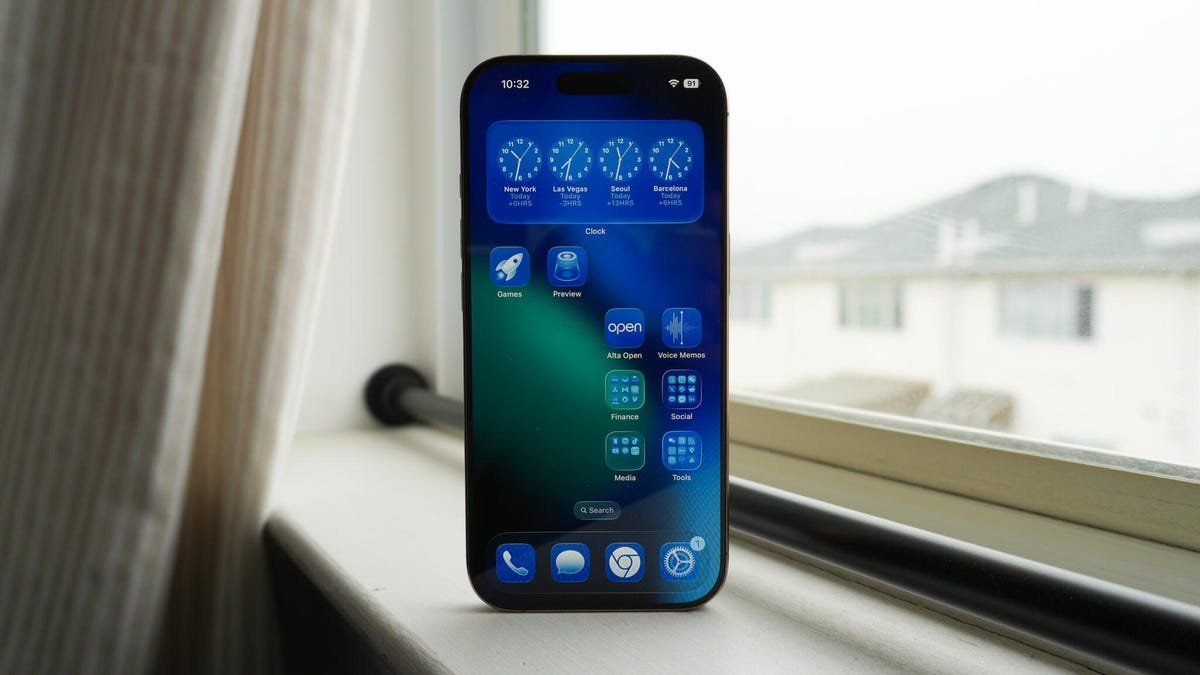
Apple's iOS 26 isn't just another incremental update—it's a foundational shift. Announced at WWDC 2025, the OS abandons sequential numbering to align with its "year of impact," signaling Apple's focus on long-term evolution rather than annual tweaks. Now, the public beta is live, offering a first look at features like the controversial Liquid Glass interface, which reimagines iOS with fluid animations and contextual transparency. For developers, this beta is critical: it demands early adaptation for app compatibility, especially with under-the-hood changes to privacy controls and multitasking APIs.
Why iOS 26's Beta Demands Attention
- Redefining User Experience: Liquid Glass isn't just cosmetic; it introduces dynamic UI elements that adapt to content and lighting, potentially altering how apps handle foreground/background states.
- Phased Rollout Strategy: Unlike past iOS releases, key features will debut throughout 2026, making beta testing essential for anticipating user-impacting updates.
- Exclusion of Older Hardware: Dropping support for iPhone XR/XS (2018 models) hints at Apple leveraging newer chipsets for AI-driven capabilities rumored in future updates.
Step-by-Step: Installing the iOS 26 Public Beta
Prerequisites: An iPhone 11 or newer (full list below) running iOS 16.5+. Avoid installing on primary devices—beta builds often include unstable code.
- Back Up Your Data: Use iCloud or a computer. Beta glitches can corrupt data, making this non-negotiable.
- Enroll in Apple's Beta Program: Visit beta.apple.com and sign in with your Apple ID.
- Navigate to Settings:
- Tap General → Software Update.
- Select Beta Updates (disabled by default).
- Choose iOS 26 Public Beta.
- Download and Install: If the update appears, follow on-screen prompts. Reboots may take longer than usual.
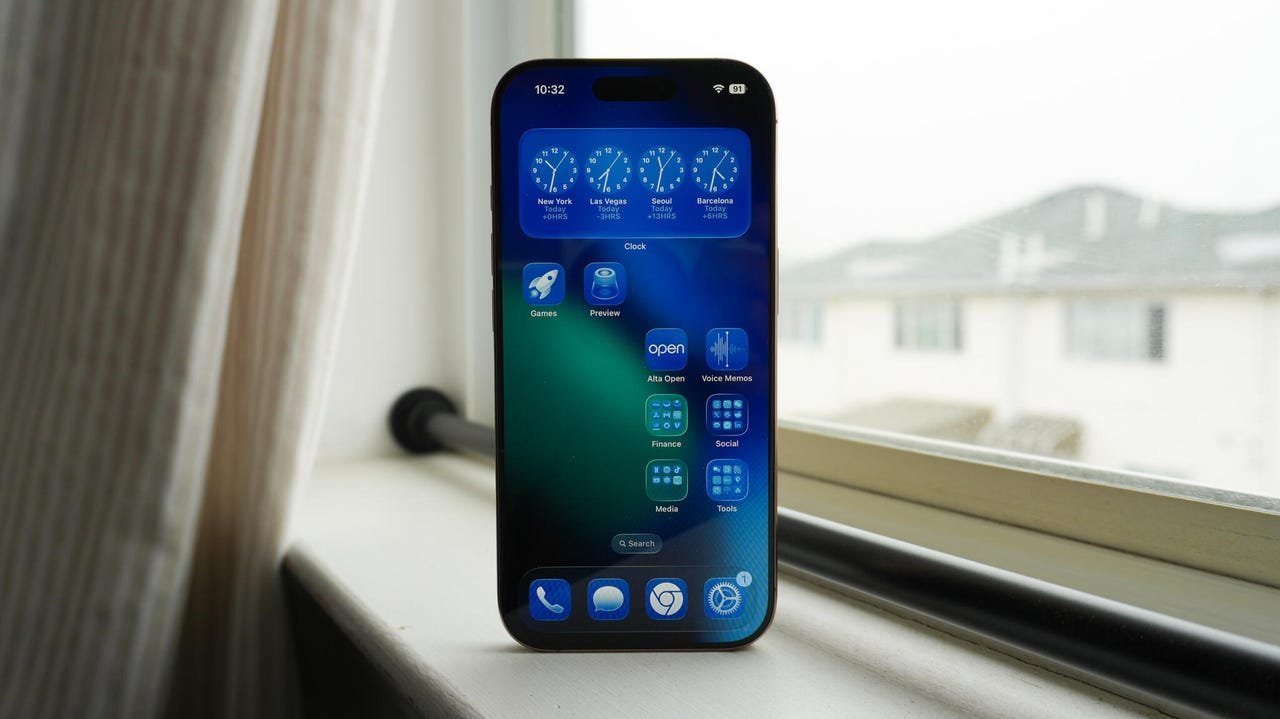 The Liquid Glass UI in action—note the depth effects and adaptive transparency.
Compatibility and Risks
| Supported Devices | Excluded Devices |
|---|---|
| iPhone 11 series | iPhone XR |
| iPhone 12 series | iPhone XS/XS Max |
| iPhone 13 series | iPhone SE (1st/2nd gen) |
| iPhone 14 series | |
| iPhone 15 series | |
| iPhone 16 series | |
| iPhone SE (3rd gen+) |
Proceed with caution: Beta software may cause battery drain, app crashes, or security vulnerabilities. Apple's Feedback Assistant (pre-installed in the beta) is your channel for reporting issues—document bugs with screenshots and system logs.
The Bigger Picture for Developers
This beta underscores Apple's gamble on sustained engagement. By decoupling iOS versions from calendar years, they're prioritizing feature readiness over rigid deadlines. For app builders, that means:
- Extended Testing Cycles: New APIs (like enhanced SiriKit integrations) might evolve mid-cycle, requiring agile development.
- Design Overhaul Implications: Liquid Glass's emphasis on spatial interfaces could fragment user experiences if legacy app designs aren't updated.
- Market Shifts: Phasing out older iPhones accelerates the installed base's move to AR/ML-ready hardware, opening doors for advanced applications.
As the beta period unfolds, early adopters aren't just testers—they're co-architects of iOS's future. The real test begins this fall, when iOS 26's public release will reveal whether Apple's ambitious redesign can balance innovation with stability.
Source: ZDNET
Comments
Please log in or register to join the discussion