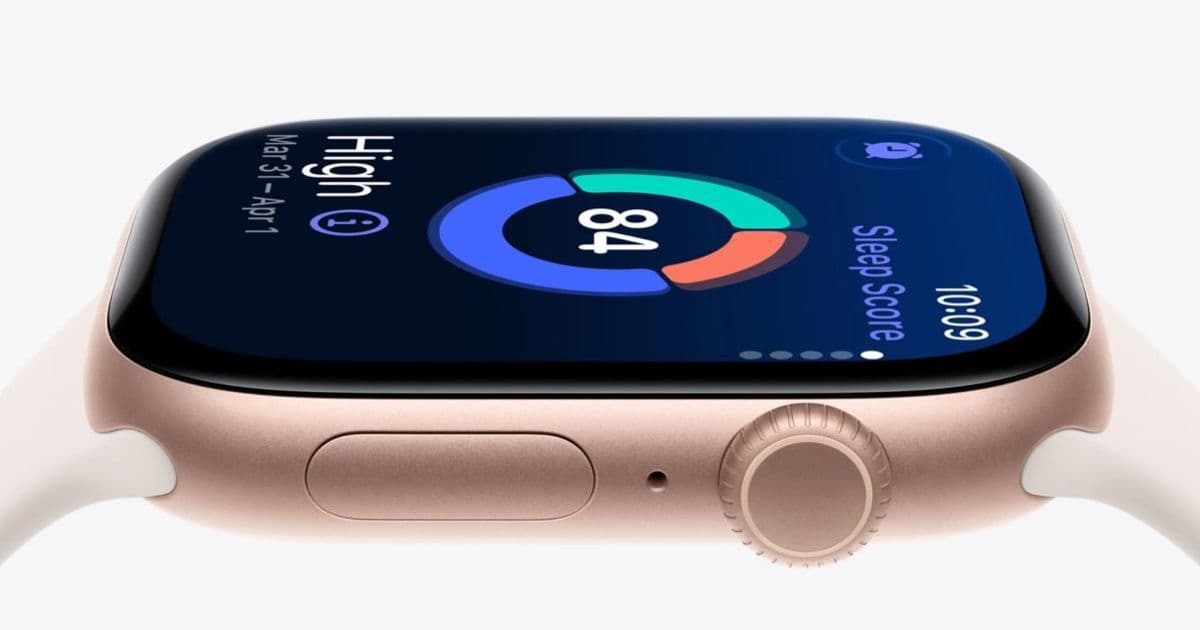
Discover how customizing sleep score notifications on your Apple Watch can transform this health feature from simple data collection into a practical sleep improvement tool.
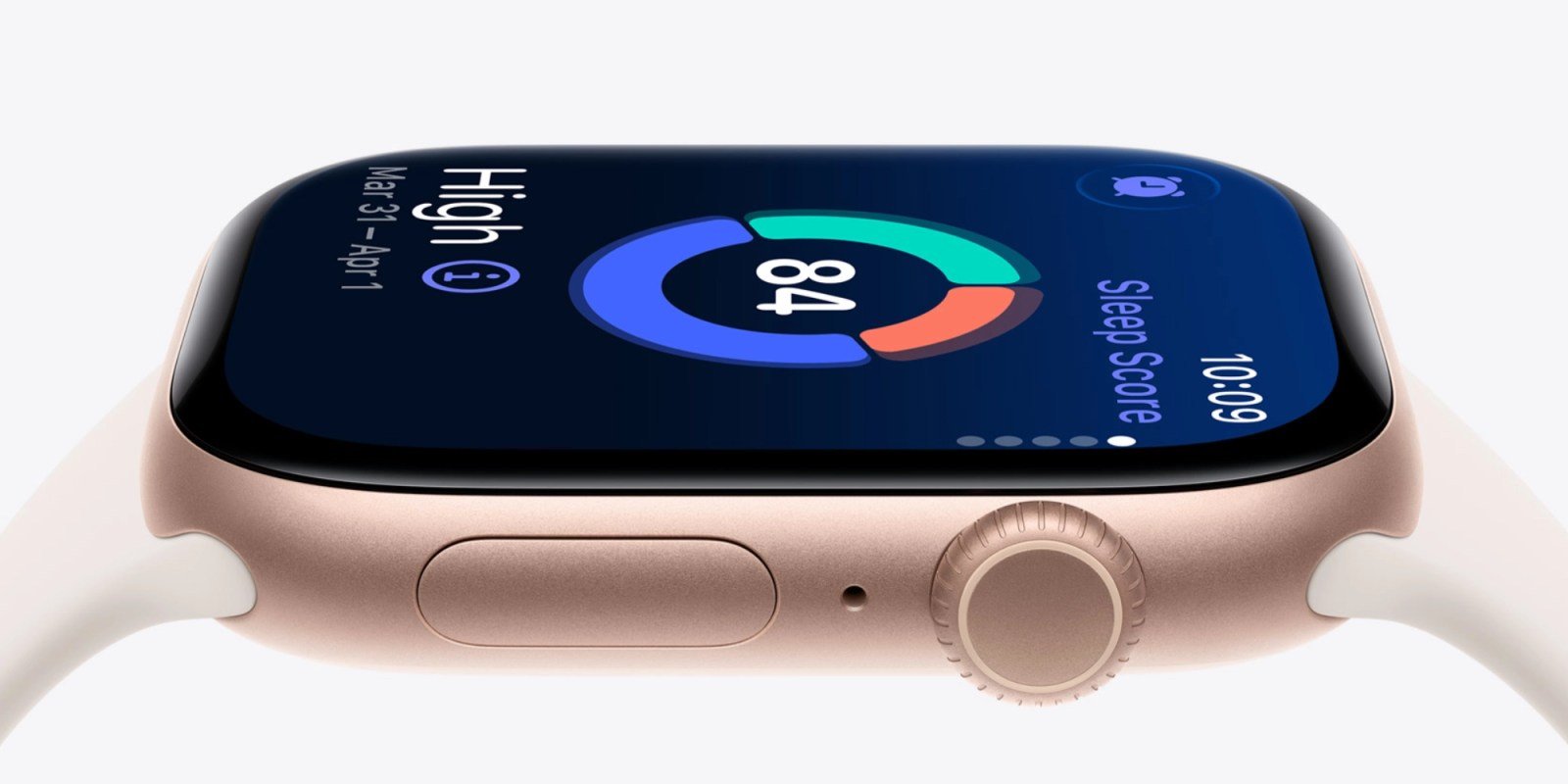
Apple Watch includes a built-in sleep tracking feature that works automatically. Just wear your device to bed, and it begins collecting data without requiring any special setup or additional apps. With watchOS 26, Apple introduced the sleep score feature, which provides a simple yet powerful way to visualize sleep quality night after night.
After using sleep score for several months, I've found that one particular customization has made this feature significantly more valuable in my daily routine. By tailoring notification settings to only alert me about specific sleep score ranges, I've transformed sleep tracking from passive data collection into an active tool for improving my sleep habits.
Understanding Sleep Score Classifications
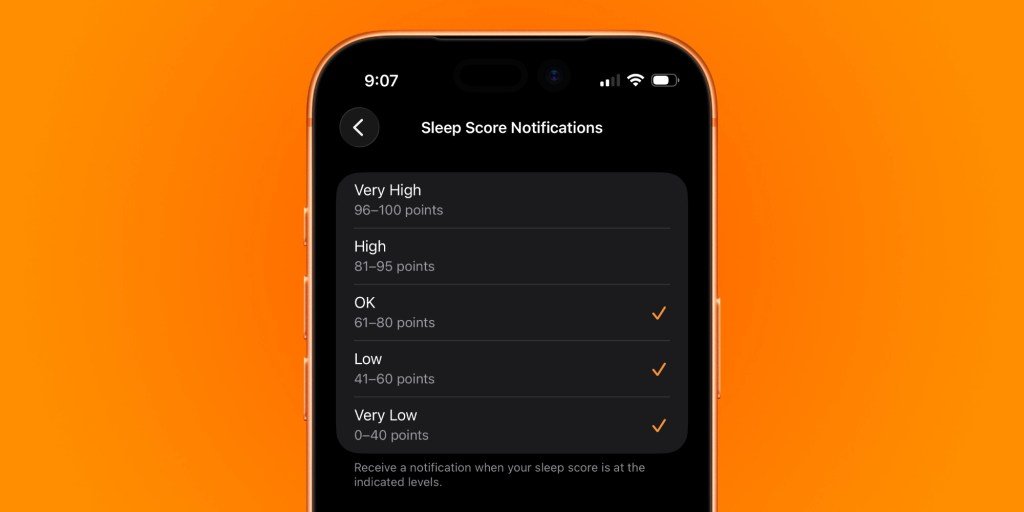
Sleep score categorizes your nightly rest into five distinct classifications:
- Very Low: 0-40 points
- Low: 41-60 points
- OK: 61-80 points
- High: 81-95 points
- Very High: 96+ points
These classifications aren't arbitrary labels. They represent a comprehensive assessment of your sleep quality based on multiple factors. Apple's approach to sleep scoring has evolved since its introduction, with the company refining its algorithms based on user feedback to provide more accurate and meaningful insights.
How Sleep Score is Calculated
Understanding what goes into your sleep score helps contextualize the numbers you see each morning. Apple Watch calculates your sleep score based on three primary metrics:
Sleep Duration (50% of score): This component evaluates whether you're getting the recommended amount of sleep for your age group. The Apple Watch typically targets 7-9 hours for adults, with points allocated based on how close you fall to this ideal range.
Bedtime Consistency (30% of score): This metric measures how regular your sleep schedule is. Going to bed and waking up at similar times each night—even on weekends—earns higher points in this category. Consistency helps regulate your body's internal clock, leading to better overall sleep quality.
Interruptions (20% of score): This component analyzes how many times you wake up during the night and how long you stay awake. Fewer and shorter interruptions result in a higher score. The Apple Watch detects movement patterns to distinguish between normal shifting during sleep and actual awakenings.
Customizing Sleep Score Notifications
The default behavior for sleep score notifications sends you an alert each morning with your score. While this provides daily feedback, I've found Apple's granular notification controls offer a more personalized approach that aligns better with my health goals.
To customize sleep score notifications:
On iPhone:
- Open the Watch app
- Swipe down to the Sleep section
- Tap Sleep Score Notifications
- Toggle alerts on or off for specific ranges
On Apple Watch:
- Go to the Settings app
- Scroll down to the Sleep section
- Tap Sleep Score Notifications
- Toggle alerts on or off for specific ranges
My Personalized Notification Strategy
After experimenting with different notification combinations, I've settled on receiving alerts only when my sleep score falls into the OK, Low, or Very Low categories (80 points and below). My reasoning is straightforward: a good night's rest should be the norm rather than the exception, and consistently high scores don't necessarily require immediate action.
When I receive a notification indicating a suboptimal sleep score, it serves as a prompt to reflect on potential causes. Perhaps I stayed up later than usual, consumed caffeine too close to bedtime, or experienced stress that affected my sleep. This awareness creates an opportunity to make adjustments the following night.
Conversely, when I don't receive a notification, I can assume my sleep quality met my personal standards, reinforcing positive behaviors without needing to check the actual number. This approach transforms sleep tracking from a numbers game into a practical tool for habit formation.
Ecosystem Considerations
Sleep score functionality requires watchOS 26, which is compatible with:
- Apple Watch Series 6 and later
- Apple Watch Ultra and later
- Apple Watch SE 2 and later
The integration with Apple's broader health ecosystem enhances the value of sleep tracking. Data automatically syncs to the Health app on iPhone, where you can view long-term trends, correlate sleep with other health metrics, and share information with healthcare providers if needed.
While Apple's sleep tracking works well within its ecosystem, users invested in other platforms might find the closed nature limiting. Data export options are somewhat restricted, and there's no official support for third-party health platforms. This ecosystem lock-in is worth considering if you use multiple devices or health services from different manufacturers.
Practical Implementation Tips
If you're considering customizing your sleep score notifications, here are some additional tips to maximize their effectiveness:
Set realistic expectations: Sleep scores can vary naturally due to factors outside your control. Don't aim for perfect scores every night—focus on consistent, healthy sleep patterns instead.
Combine with other health metrics: Sleep doesn't exist in isolation. Consider correlating your sleep scores with exercise, nutrition, and stress levels in the Health app to identify broader patterns.
Use bedtime reminders: Pair sleep score notifications with Apple's Wind Down feature to create a consistent pre-sleep routine that signals to your body when it's time to rest.
Adjust thresholds over time: As your sleep habits improve, you might want to adjust your notification thresholds to maintain appropriate challenge levels.
Don't obsess over the numbers: Use sleep score as one tool among many for understanding your health. The qualitative aspects of sleep—how you feel upon waking—are equally important.
Conclusion
Apple Watch's sleep score feature, combined with customizable notifications, offers a practical approach to improving sleep quality without becoming obsessive about tracking. By receiving alerts only when sleep quality falls below your personal standards, you can use this feature as a catalyst for positive change rather than another source of daily data to review.
The key is finding the right balance that works for your lifestyle and health goals. For me, this personalized approach has transformed sleep tracking from a passive activity into an active component of my wellness routine, helping me make small but meaningful improvements to my sleep habits over time.
For more information about sleep tracking with Apple Watch, visit Apple's official support page or explore the Health app documentation for deeper insights into how sleep data integrates with other health metrics.
Comments
Please log in or register to join the discussion