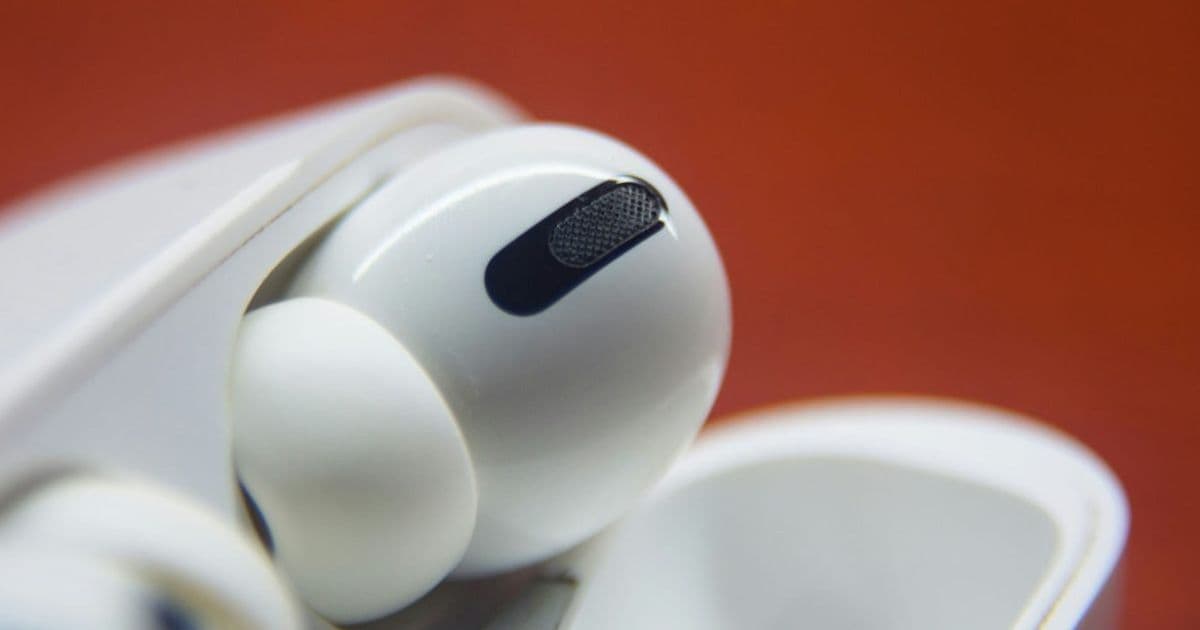
Excessive use of in-ear headphones like AirPods can cause hearing damage, tinnitus, and ear infections, warn audiologists who recommend limiting volume to 60% for no more than 60 minutes at a time.
Excessive use of in-ear headphones like AirPods can result in hearing damage and ear infections, warn audiologists. They recommend a simple guideline to reduce the risks of noise-induced hearing loss, tinnitus, and sound sensitivity – known as the 60/60 rule.
CNET's Anna Gragert learned the lesson the hard way when she experienced hearing loss. She spoke to two audiologists who explained the risks of excessive use of in-ear headphones.
The Hidden Dangers of AirPods
According to the audiologists, prolonged use of in-ear headphones can lead to several health issues:
- Noise-induced hearing loss: Permanent damage to the delicate hair cells in the inner ear
- Tinnitus: Ringing, buzzing, or hissing sounds in the ears
- Sound sensitivity: Increased discomfort from everyday sounds over time
- Ear infections: Trapped heat and moisture creating a breeding ground for bacteria
- Wax impaction: Pushing earwax deeper into the ear canal, causing temporary hearing impairment
The 60/60 Rule Explained
Both audiologists interviewed by Gragert recommend the "60/60 rule" to people who wear earbuds regularly.
The 60/60 rule means you listen at no more than 60% of the maximum volume for no more than 60 minutes at a time.
Dr. Reisman advises: "Daily use is fine if the volume stays safe and ears are given time to rest. I usually tell patients to take a 15- to 20-minute break for every hour of use."
Apple's Built-in Safety Features
Apple has long recognized the potential risks and provides safety notifications if you are persistently listening to AirPods at high volumes. You can:
- Check your alert history in Settings > Sounds and Haptics > Headphone Safety
- Set a decibel limit to automatically cap your maximum volume
- Monitor your listening habits in the Headphone Audio Levels section of the Apple Health app
The Health app provides a detailed log of your exposure, helping you track whether you're staying within safe listening parameters.
Understanding the Science
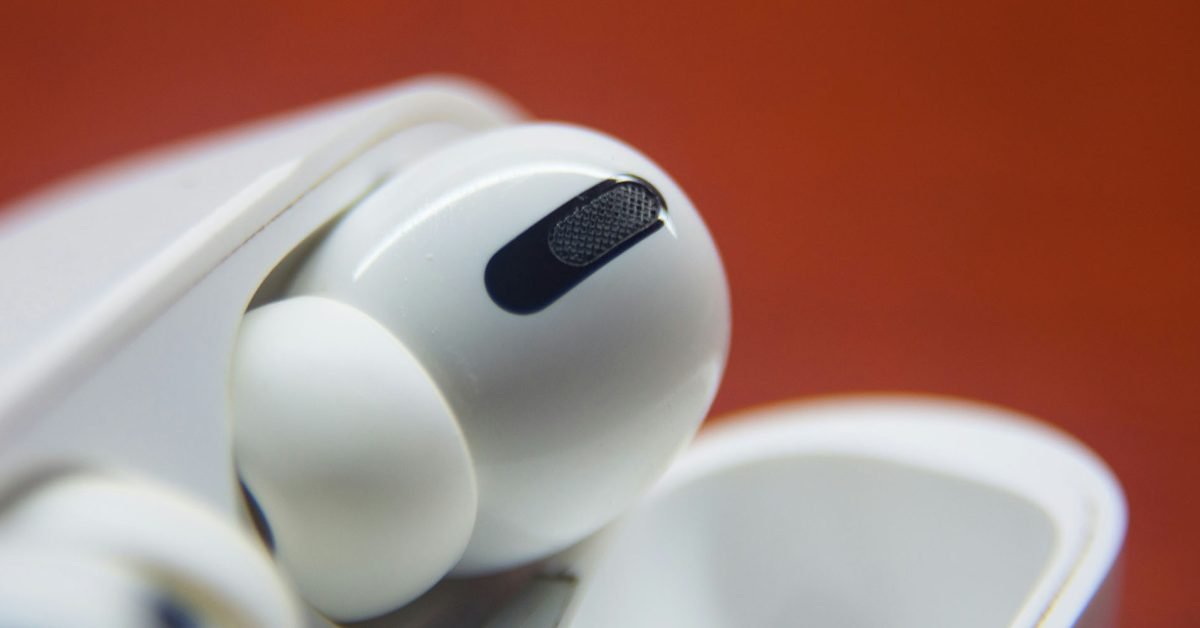
In-ear headphones like AirPods sit deeper in the ear canal than over-ear headphones, creating a sealed environment that can amplify sound pressure. This proximity to the eardrum means that even moderate volume levels can be more damaging than the same volume from speakers or over-ear headphones.
The 60% volume recommendation isn't arbitrary – it's based on the understanding that maximum volume on most devices can reach levels that cause damage in minutes, while 60% typically keeps you in a safer range for extended listening.
Practical Tips for Safe Listening
- Follow the 60/60 rule strictly
- Take regular breaks (15-20 minutes per hour)
- Use noise-cancelling AirPods in noisy environments to avoid turning up the volume
- Check your hearing regularly if you're a frequent user
- Clean your AirPods regularly to prevent wax buildup
- Consider over-ear headphones for longer listening sessions
While AirPods offer unparalleled convenience and sound quality, being mindful of how and how long you use them can protect your hearing for years to come. The 60/60 rule provides a simple framework for enjoying your music and podcasts without compromising your long-term auditory health.
Comments
Please log in or register to join the discussion