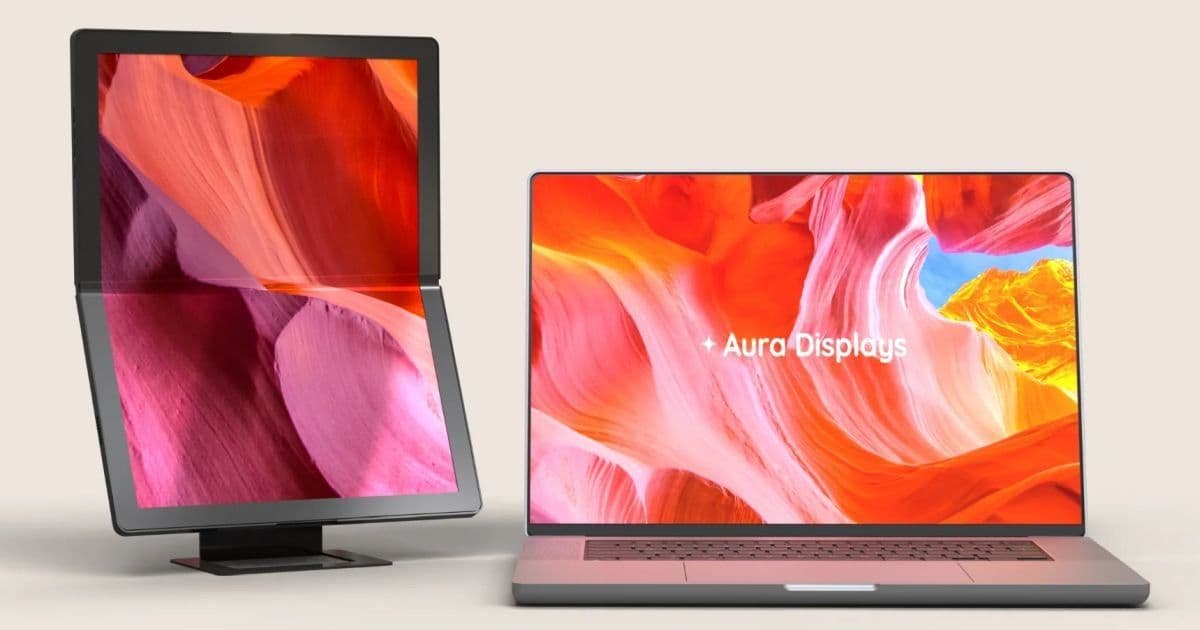
Aura Displays’ new Single Flex Pro folds in half to fit in a bag, but its $1,299 price, modest specs and limited use cases make it a niche product for developers who need a secondary display on the go.
Aura Single Flex Pro – a foldable 13.3‑inch OLED monitor
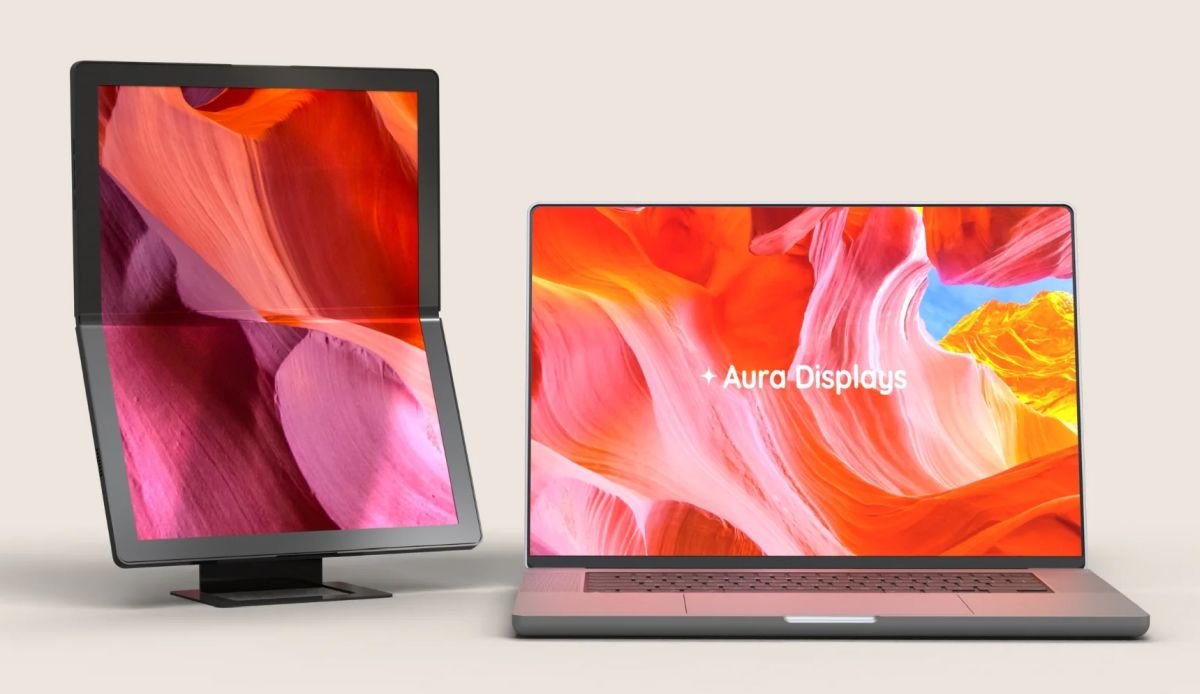
Aura Displays has released the Single Flex Pro (Gen 1), a 13.3‑inch OLED panel that folds in half like a book. When opened, the screen shows a 4:3 aspect ratio at 2048 × 1535 px, 60 Hz refresh, 117 % NTSC colour coverage and up to 300 nits brightness. The device weighs 1.57 lb and is only 0.3 in thick, so it truly slides into a backpack.
Why developers should care
Connectivity
The monitor offers a mini‑HDMI port and two USB‑C ports. One USB‑C can carry video, audio and power simultaneously, meaning a laptop that supports DisplayPort‑Alt‑Mode can drive the screen with a single cable. The second USB‑C works as a power‑in port when you use HDMI for video. This dual‑mode approach is useful for:
- MacBook Air/Pro (M2) – connect via USB‑C and get both power and display without a dongle.
- Windows laptops with Thunderbolt 4 – the same single‑cable setup works, and you can daisy‑chain a second USB‑C device if needed.
- Android tablets that support video‑over‑USB‑C (e.g., Samsung Galaxy Tab S9) – you can extend the tablet’s screen for coding on the go.
Platform considerations
| Platform | Minimum OS / driver | Notes |
|---|---|---|
| iOS / iPadOS | iPadOS 16+ (USB‑C models) | Works as an external display via Sidecar‑compatible apps; no native support for HDMI input. |
| Android | Android 12+ with DisplayPort‑Alt‑Mode | Requires a USB‑C to USB‑C cable; some OEM skins may need a third‑party app to treat the monitor as a secondary display. |
| macOS | macOS 13+ | Native USB‑C video output; can be used with Stage Manager for a multi‑window workflow. |
| Windows | Windows 11 (1809+) | Plug‑and‑play via USB‑C or HDMI; supports Dynamic Refresh Rate if the GPU can drive 60 Hz. |
| Linux | Kernel 6.5+ with drm‑kms support | USB‑C video works out of the box on most distros; HDMI may need a powered USB hub for power. |
Developers who maintain cross‑platform apps will find the monitor handy for testing UI scaling on a non‑standard aspect ratio (4:3) and for checking colour fidelity on an OLED panel.
Real‑world use cases
- Code review on a larger canvas – Pair the Flex Pro with a 13‑inch laptop; you get a dual‑screen setup without adding bulk.
- Design mock‑ups – The OLED panel shows deep blacks and accurate colours, useful for UI/UX designers checking contrast.
- Remote debugging – Connect a Raspberry Pi 5 via mini‑HDMI and run a headless Linux session on the monitor while you work from a laptop.
- Presentation on‑the‑fly – Fold the screen into a book, open it on a table, and use the magnetic stand for portrait mode during a quick demo.
How it stacks up against cheaper alternatives
| Feature | Aura Single Flex Pro | Typical 13‑inch portable monitor (e.g., ASUS ZenScreen) |
|---|---|---|
| Price | $1,299 (list) | $180‑$250 |
| Panel type | OLED (matte‑IPS‑AMOLED claim) | IPS LCD |
| Resolution | 2048 × 1535 (4:3) | 1920 × 1080 (16:9) |
| Brightness | 300 nits | 300‑350 nits |
| Refresh rate | 60 Hz | 60‑75 Hz |
| Foldable | Yes (hinge in centre) | No |
| Weight | 1.57 lb | 1.2 lb |
| Ports | mini‑HDMI, 2 × USB‑C | USB‑C (DP Alt‑Mode), micro‑HDMI |
The main differentiator is the foldable chassis. If you already carry a laptop, the space‑saving benefit is modest. However, developers who travel light and need a secondary screen for occasional UI testing may appreciate the book‑like form factor.
Migration path for existing portable‑monitor users
- Assess connector compatibility – If your current laptop only has USB‑C with Thunderbolt, you can replace a standard monitor with the Flex Pro without buying an extra adapter.
- Update drivers – On Windows, ensure the Intel UHD Graphics or AMD Radeon driver is version 31.0.101.5445 or newer to avoid flicker on OLED panels.
- Calibrate colour – Use tools like DisplayCAL (Linux/macOS/Windows) to generate an ICC profile; OLED screens can shift colour temperature under prolonged use.
- Adjust UI scaling – Because the panel is 4:3, Windows and macOS will default to 150 % scaling on a 13‑inch display. Test your app at 100 % and 150 % to verify layout robustness.
- Power management – When using USB‑C power delivery, set the laptop’s power profile to Balanced to avoid over‑driving the monitor’s backlight.
Bottom line
Aura’s Single Flex Pro proves that foldable display technology is no longer limited to phones and laptops. For developers who need a portable, secondary OLED screen and are willing to pay a premium, the monitor offers a unique form factor and decent colour performance. For most users, however, the $1,299 price tag and modest specs make conventional portable monitors a more practical choice.
Official product page: https://auradisplays.com/single‑flex‑pro
Full specifications: https://auradisplays.com/single‑flex‑pro/specs
All prices are accurate at the time of writing and may change.
Comments
Please log in or register to join the discussion