Azure DevOps has introduced support for User-Assigned Managed Identities (UAMI) when deploying to Azure Web Apps, offering enhanced security and audit capabilities compared to traditional service principal authentication.
Azure DevOps has introduced a significant enhancement to its deployment capabilities by adding support for User-Assigned Managed Identities (UAMI) when deploying applications to Azure Web Apps. This new feature provides organizations with a more secure and auditable approach to managing deployment permissions, moving away from traditional service principal-based authentication.
UAMI Configuration
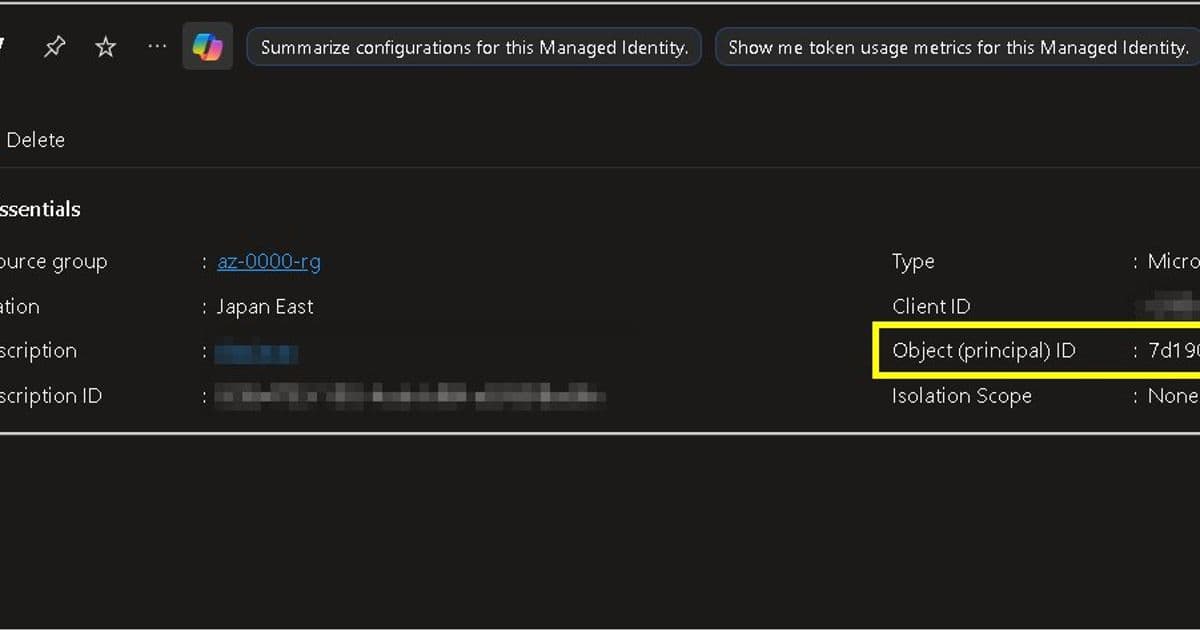
The process begins with creating a User-Assigned Managed Identity in Azure. Unlike system-assigned identities that are tied to specific resources, user-assigned identities are standalone Azure resources that can be shared across multiple services. This identity requires no additional configuration at creation time, though its Object ID will be crucial for subsequent steps.
App Configuration
For the Azure Web App receiving the deployment, administrators need to enable Diagnostic Settings to capture relevant logs. Specifically, Access Audit Logs should be configured to retain detailed information about who accessed the application and when. These logs become particularly valuable for security auditing and compliance purposes.
The next critical step involves configuring Access Control (IAM) for the Web App. Here, the previously created User-Assigned Managed Identity must be granted the Website Contributor role. This role assignment provides the necessary permissions for the identity to deploy code to the web application while maintaining the principle of least privilege.
Azure DevOps Configuration
The Azure DevOps side of the configuration takes place in Project Settings under Service Connections. Administrators create a new ARM (Azure Resource Manager) connection, selecting the User-Assigned Managed Identity created earlier. During this process, appropriate permissions must be granted at the Resource Group level to ensure the identity can manage resources within that scope.
An interesting aspect of this configuration is that users are prompted to sign in with their own account during the setup process. This authentication step establishes the user context under which the managed identity will operate, creating a clear audit trail linking human users to automated deployment actions.
Deployment Process and Enhanced Logging
When deploying using this new UAMI-based approach, the deployment pipeline includes additional steps compared to traditional service principal authentication. These extra steps reflect the more granular security model and the additional verification processes involved in using managed identities.
Audit Trail Benefits
Several minutes after deployment, administrators can review the AppServiceAuditLogs table to see the enhanced audit capabilities in action. The logs clearly show that the deployment initiator is identified by the Object ID from the User-Assigned Managed Identity, while the Source is listed as Azure (DevOps). This dual attribution provides a complete picture: the User-Assigned Managed Identity operates under the user's context, while the actual deployment action is initiated by Azure DevOps.
This level of detail in logging represents a significant improvement over traditional service principal approaches, where it can be more difficult to trace deployment actions back to specific users or administrative decisions. The clear separation between the identity performing the action and the system initiating it provides both security and accountability.
Security and Operational Advantages
The introduction of UAMI support in Azure DevOps deployments offers several key advantages. First, it eliminates the need to manage service principal credentials, reducing the attack surface and the administrative overhead of credential rotation. Second, it provides more granular control over permissions, as the same managed identity can be used across multiple services while maintaining consistent access policies.
From an operational perspective, the enhanced logging capabilities make it easier to troubleshoot deployment issues and maintain compliance with organizational security policies. The ability to see exactly which managed identity performed which action, under whose authority, creates a transparent and auditable deployment process.
Implementation Considerations
Organizations looking to implement this new feature should consider their existing identity management practices and how User-Assigned Managed Identities fit into their overall security architecture. While the setup process is straightforward, proper planning around identity lifecycle management, permission scoping, and log retention policies will ensure the full benefits of this approach are realized.
The feature represents Azure's continued investment in secure, identity-based access management for cloud resources, aligning with broader industry trends toward zero-trust security models and enhanced audit capabilities in DevOps workflows.
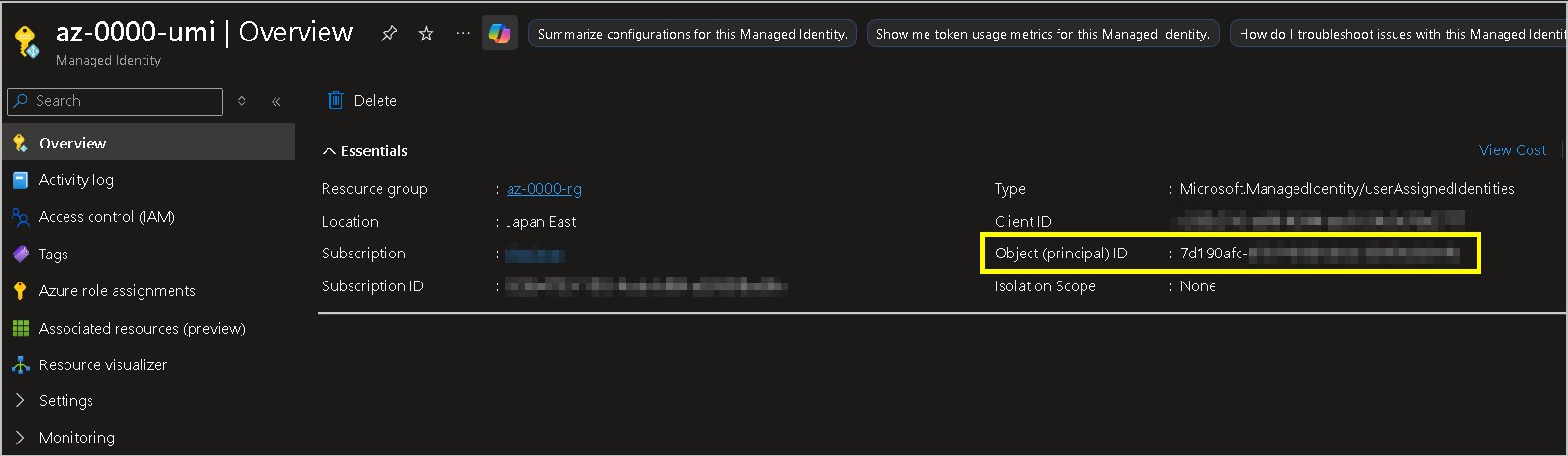
Figure: Deployment workflow showing the integration between Azure DevOps, User-Assigned Managed Identity, and Azure Web App with enhanced logging capabilities
Comments
Please log in or register to join the discussion