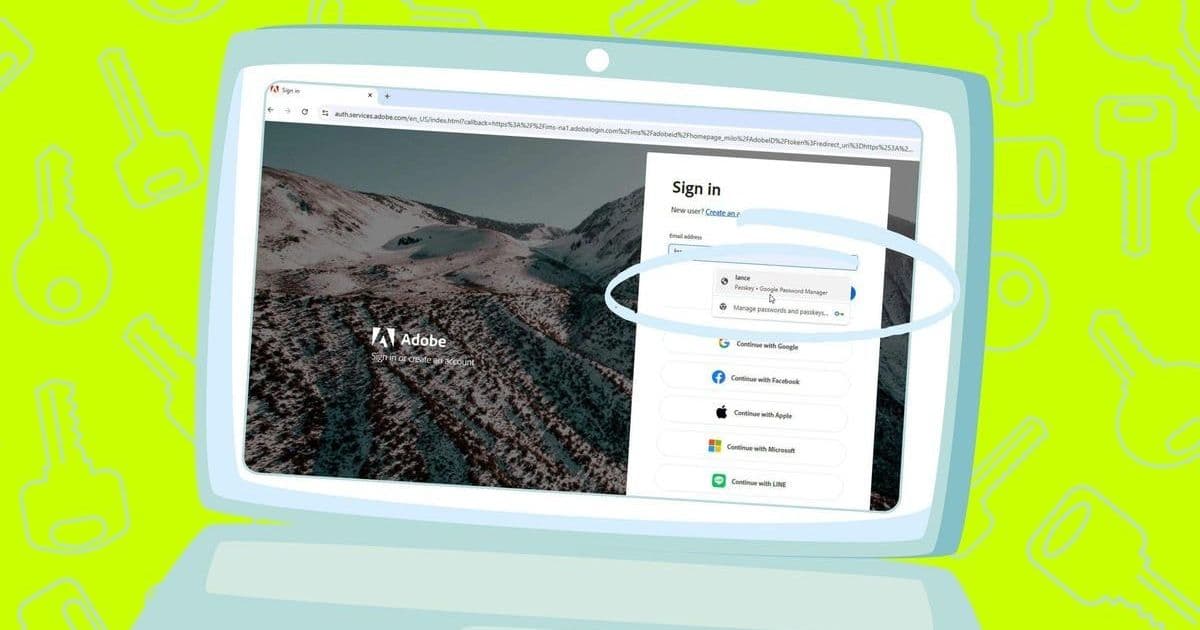
Passkeys promise a passwordless future but stumble on cross-device fragmentation. Google's Chrome-based Password Manager offers a workaround for syncing passkeys across Android, iOS, Windows, and macOS—though not without caveats. This stopgap highlights both progress and persistent hurdles in the industry's shift toward seamless, secure logins.
The vision of a passwordless internet, powered by phishing-resistant passkeys, faces a stark reality: inconsistent device and browser support fragments the user experience. While passkeys enhance security by replacing passwords with cryptographic credentials, their promise crumbles if a login saved on your iPhone isn’t accessible on your Windows PC. This syncing chaos isn’t just an inconvenience—it’s a barrier to mainstream adoption.
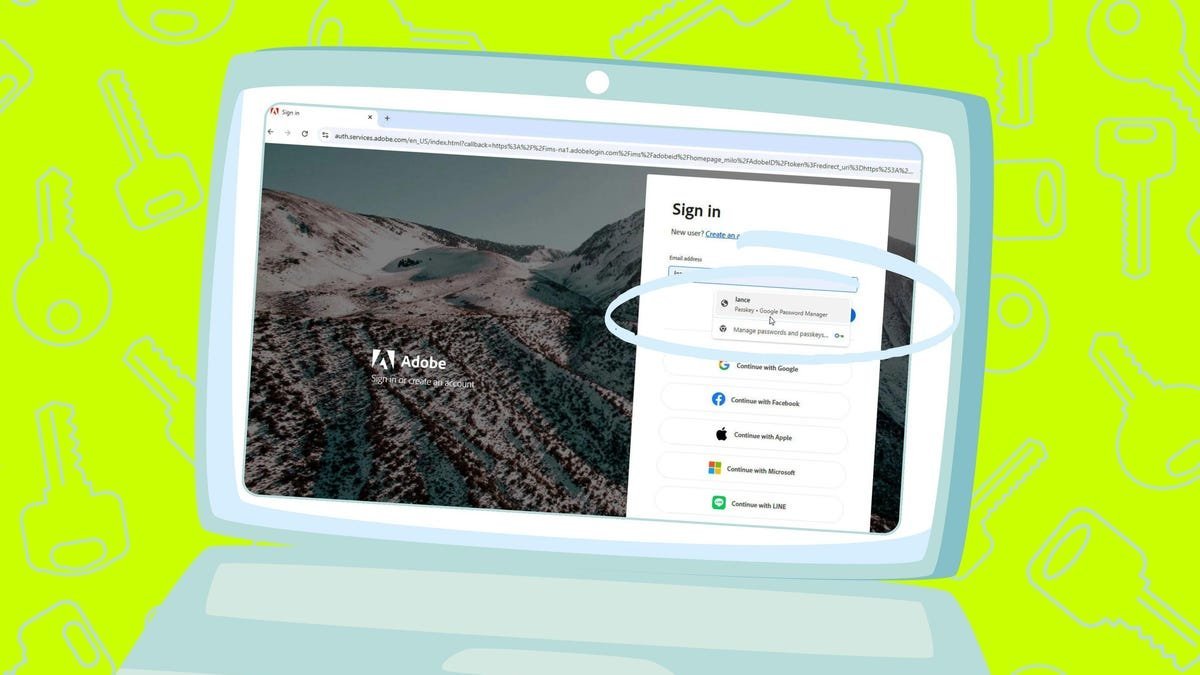
Google’s Password Manager, embedded in Chrome, emerges as a pragmatic bridge. By leveraging Chrome’s cross-platform presence, it allows passkeys created on one device—be it Android, iOS, Windows, or macOS—to sync to others via a Google account. ZDNET’s Lance Whitney tested this workflow, revealing both its potential and pitfalls. Here’s why it matters:
The Syncing Lifeline in a Fragmented Ecosystem
Passkey storage lacks industry standardization. Apple’s iCloud Keychain, for instance, locks credentials into its ecosystem, while third-party password managers like 1Password or Bitwarden require subscriptions. Google’s solution, while not universal, exploits Chrome’s ubiquity:
- Android Integration: Passkeys saved via Chrome default to Google Password Manager, syncing automatically if settings like "Passwords & accounts" and data sync are enabled.
- iOS Workaround: iPhones can use Chrome as the autofill source under Settings > General > AutoFill, with syncing toggled in Chrome’s "Passwords and passkeys" options.
- Desktop Consistency: On Windows or macOS, signing into Chrome and enabling "Passwords and passkeys" sync under "Customize sync" propagates credentials.
Implementation Hiccups and Hidden Costs
Whitney’s testing uncovered friction:
- Asymmetrical Syncing: Passkeys created on iOS, Windows, or macOS synced seamlessly—except to his Android device, requiring manual intervention.
- Google’s Own Blind Spot: Setting up a passkey for a Google account itself proved cumbersome and failed to sync uniformly, highlighting reflexive gaps in the tech giant’s execution.
- Browser Lock-in: This only works within Chrome. Passkeys won’t appear in Safari, Edge, or Firefox, limiting flexibility.
"A password manager is still a better option for saving and syncing passkeys across not only different devices but different browsers," notes Whitney. Yet for Chrome-centric users, this native tool reduces friction where ecosystem barriers loom largest.
Why Developers Should Care
This stopgap underscores broader industry challenges:
- Fragmentation Risks Adoption: Inconsistent implementations delay passkey uptake, leaving users reliant on passwords—a security liability.
- Authentication Evolution: As passkeys gain traction (with support from AWS, GitHub, and Adobe), syncing solutions must mature. Google’s approach signals incremental progress but also the need for open standards like FIDO2 to prioritize interoperability.
- User Experience Imperative: Security fails if convenience suffers. Developers building passkey-enabled apps must account for cross-platform disparities—or risk abandonment.
Though not flawless, Chrome’s syncing mechanic offers a crucial pivot toward unifying the passkey experience. Until vendors align on universal protocols, such bridges will remain essential—patchwork progress in the long march toward killing the password.
Comments
Please log in or register to join the discussion