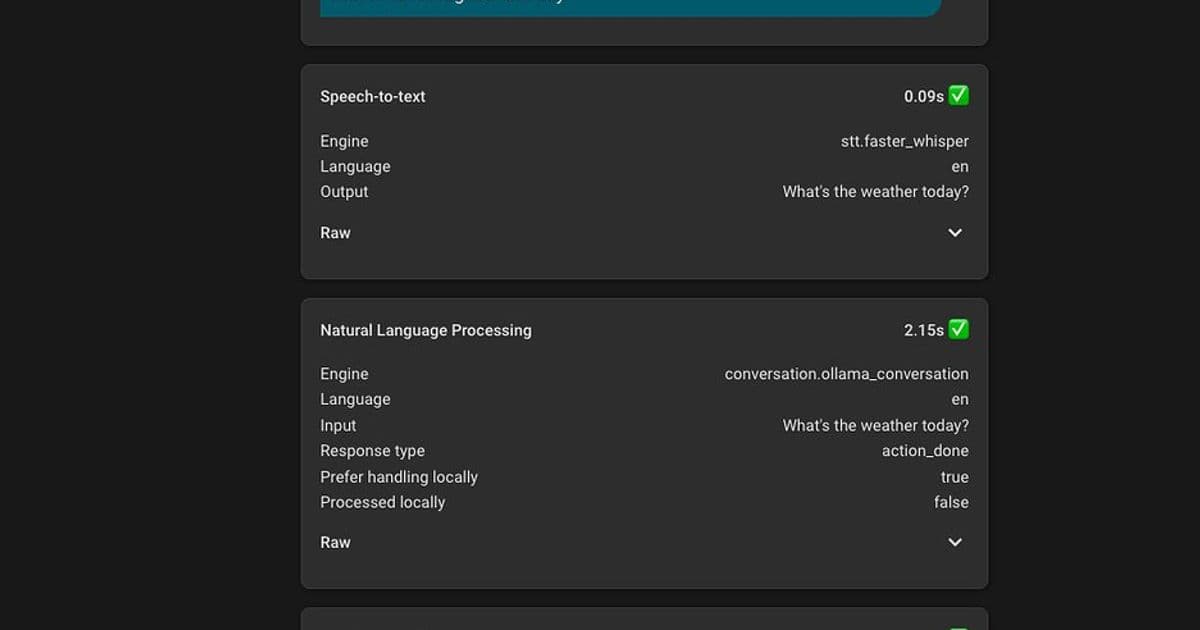
A detailed account of one user's transition from Google Nest Minis to a fully local voice assistant using Home Assistant, including hardware setup, model selection, configuration challenges, and custom wake word training.
Building a Privacy-Focused Local Voice Assistant: A Home User's Journey
In the evolving landscape of smart home technology, privacy concerns and reliability issues with cloud-based voice assistants have driven many enthusiasts to explore local alternatives. One Home Assistant user recently shared their comprehensive journey of replacing Google Nest Minis with a fully local voice assistant setup, offering valuable insights for others considering similar transitions.
The Problem with Cloud-Based Voice Assistants
The user's journey began with growing frustration with Google Assistant through Nest Minis, which had become progressively less reliable while offering no new features. Beyond the reliability issues, privacy concerns about having always-listening microphones connected to cloud services and the inability to use voice controls during cloud outages became significant drawbacks.
"Every time AWS or something else went down you couldn't use voice to control lights in the house," the user noted, highlighting a critical vulnerability of cloud-dependent systems.
Hardware Considerations
The user tested a wide range of hardware configurations, from RTX 3050 to RTX 3090 GPUs, finding that most modern discrete GPUs can work effectively depending on performance expectations. Their current setup includes:
- Voice hardware: HA Voice Preview Satellite, Satellite1 enclosures, and a Pixel 7a as a satellite/hub
- Voice server: Beelink MiniPC with USB4 connected to an eGPU enclosure
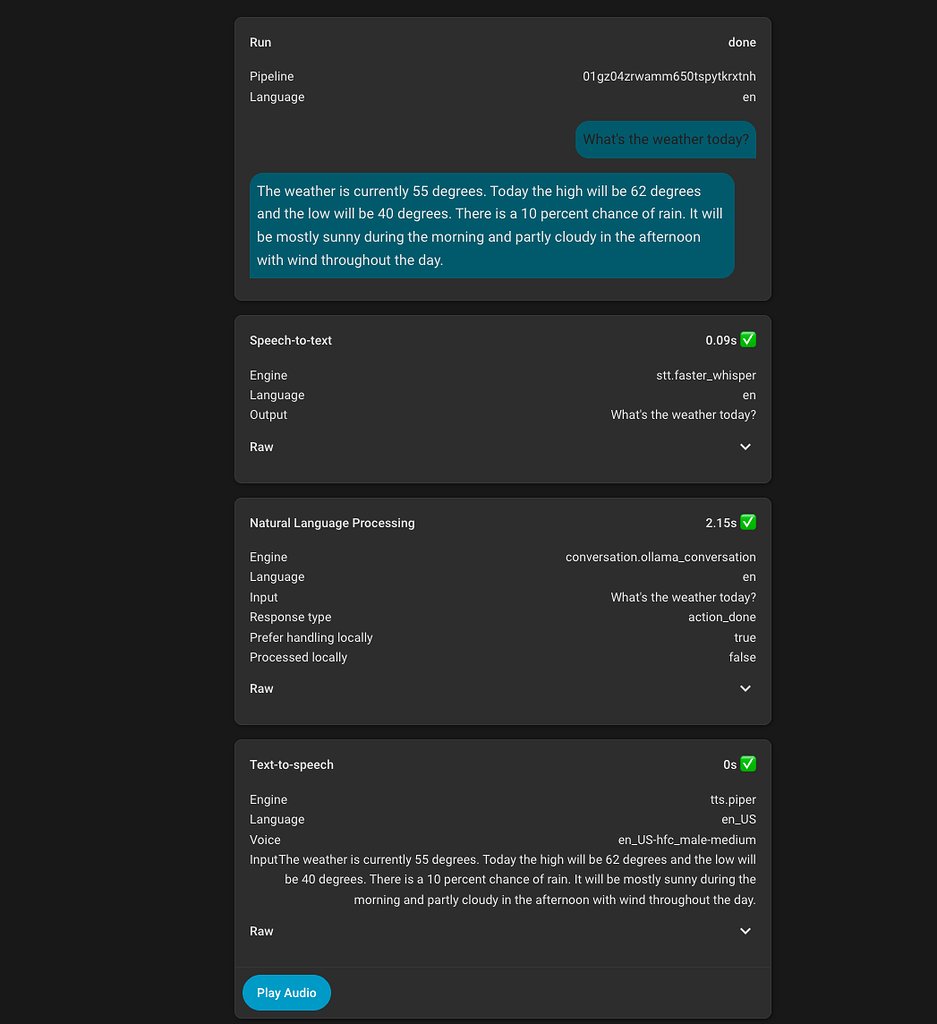
Their testing revealed that higher-end GPUs like the RTX 3090 and RX 7900XTX can handle 20B-30B Mixture of Experts (MoE) models with response times of 1-2 seconds after prompt caching. More modest GPUs like the RTX 3050 can still handle basic functionality with smaller models.
Model Selection and Performance
The user experimented with various language models through llama.cpp, finding significant differences in capability:
- GGML GPT-OSS:20B MXFP4 and Unsloth Qwen3.5-35B-A3B MXFP4_MOE excelled at multi-device tool calls and understanding context cues
- Smaller models like Unsloth Qwen3:4b-Instruct worked for basic functionality but struggled with complex commands
The user emphasized that model selection significantly impacts the user experience, with larger models demonstrating better understanding of context, ability to parse misheard commands, and ignore false positives.
Software Components
For optimal performance, the user recommends:
- Model Runner: llama.cpp for efficient model execution
- Speech-to-Text: Wyoming ONNX ASR or Nvidia Parakeet V2 via OpenVINO branch for fast (~0.3 seconds) CPU inference
- Text-to-Speech: Kokoro TTS for voice mixing capabilities or Piper for general use
The LLM Conversation and LLM Intents integrations in Home Assistant were crucial for extending functionality beyond basic device control.
Configuration Challenges and Solutions
The user's journey wasn't without obstacles. Initial attempts with Ollama's included models were disappointing, with basic tool calls frequently failing. The breakthrough came when they discovered GGUF models with higher quantizations on HuggingFace, which dramatically improved performance.
"The default HA prompt won't get you very far, as LLMs need a lot of guidance to know what to do and when," the user shared, highlighting the critical importance of prompt engineering.
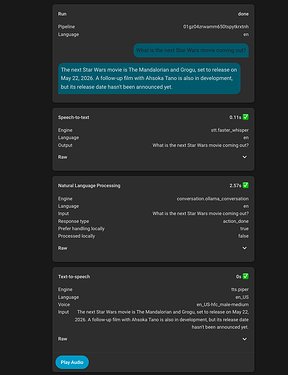
They developed a detailed prompt structure with dedicated sections for each service, using specific examples to achieve consistent response formats. This iterative process involved testing, identifying issues, and refining the prompt until the desired behavior was achieved consistently.
Custom Wake Word Training
For the best user experience (WAF), the user trained a custom wake word "Hey Robot" using a microwakeword training repository. This process took approximately 30 minutes on their GPU and produced results comparable to their previous Google Nest Minis, with occasional false positives that could be managed through automations.
Music Integration Challenges
While the user initially needed an automation to handle music playback (triggered by "Play {music}" commands), they noted that recent updates to Home Assistant and Music Assistant may have resolved this issue, allowing more natural music search and playback through the LLM itself.
Results and Recommendations
The final setup delivers a more enjoyable and reliable voice experience without privacy concerns, with core tasks handled consistently. However, the user cautions that this approach requires significant patience and research:
"I definitely would not recommend this for the average Home Assistant user, IMO a lot of patience and research is needed to understand particular problems and work towards a solution."
The beauty of this local approach lies in its customizability - most aspects can be tuned as needed, allowing the system to evolve with changing requirements.
The Future of Local Voice Assistants
This detailed journey exemplifies the growing trend toward privacy-focused, self-hosted AI solutions. As open-source models become more capable and hardware continues to improve, local voice assistants are becoming increasingly viable alternatives to their cloud-based counterparts.
For those interested in exploring similar setups, the user has shared additional improvements in their thread, including security camera insights, YouTube search functionality, and techniques for handling unclear requests and transcription errors.
The complete thread can be found on the Home Assistant Community forum, where the user continues to share updates and answer questions about their setup.
Comments
Please log in or register to join the discussion