CachyOS's January 2026 release makes Wayland the default display server on its live ISO and installer, streamlining installations for modern hardware while maintaining X11 compatibility.
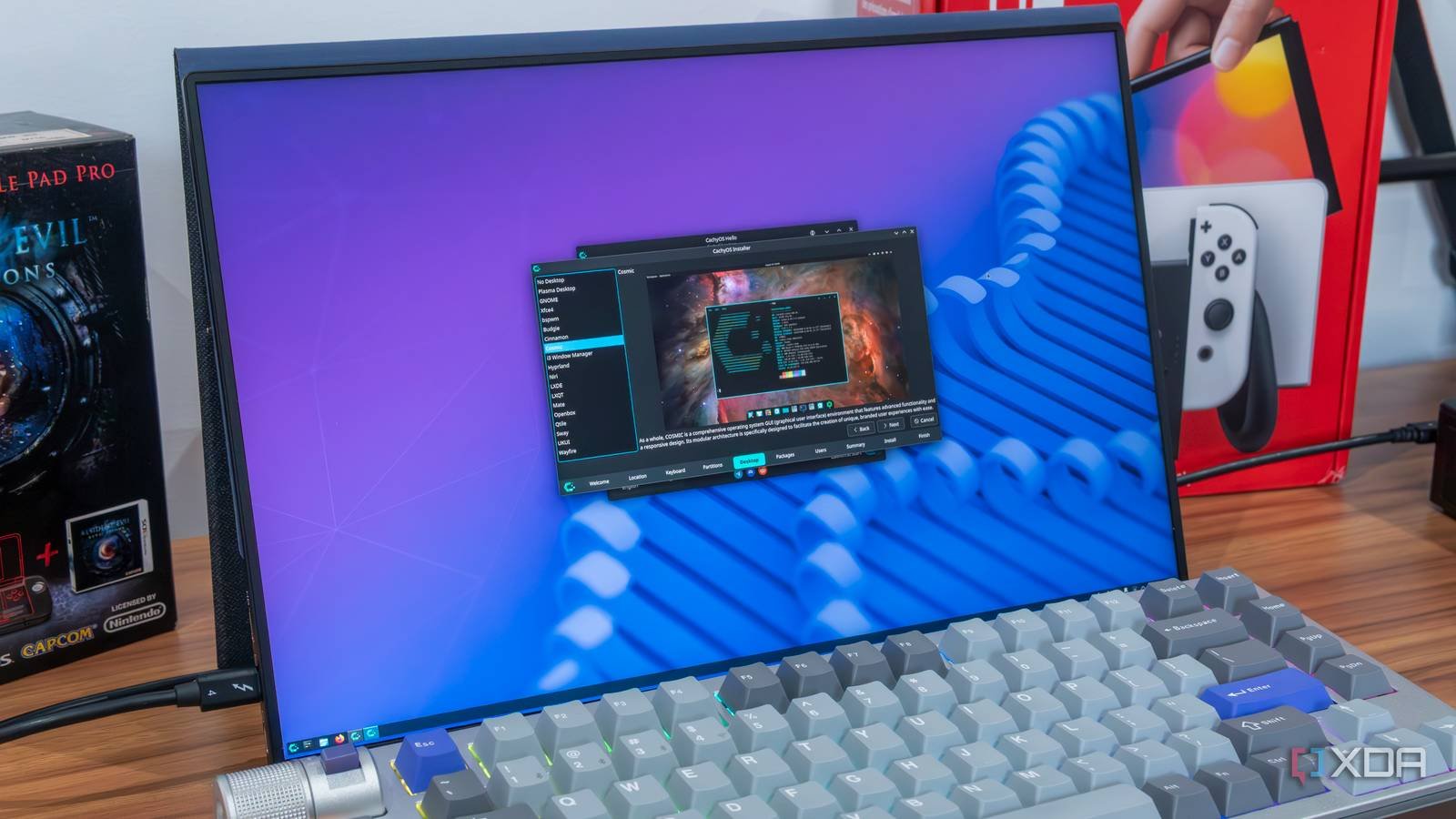
Linux distribution CachyOS has implemented a significant architectural shift in its January 2026 release, making Wayland the default display server across its live environment and installation process. This strategic move positions CachyOS alongside other forward-looking distributions prioritizing Wayland's modern display protocol over the decades-old X11 system.
The update brings several notable technical changes that affect both users and developers:
Wayland as Default Session: The live ISO environment now defaults to a Wayland session using KDE Plasma's Login Manager (KLM) instead of SDDM. This provides immediate testing of Wayland compatibility before installation.
Streamlined Installation:
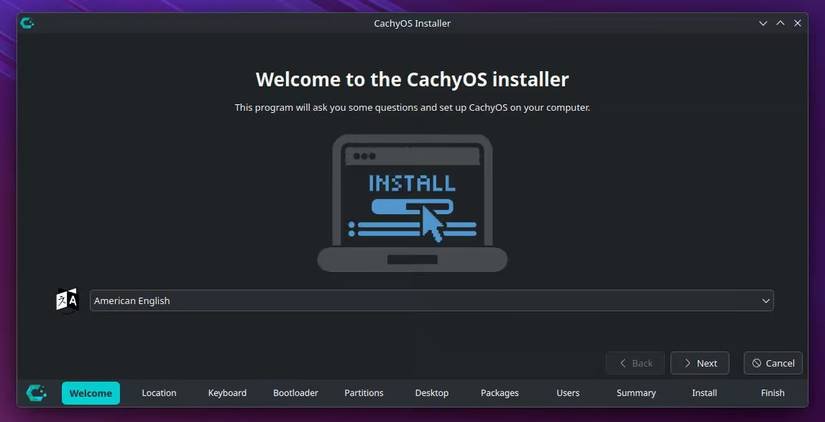 The new installer automatically excludes Xorg dependencies when users select a Wayland-based environment during setup. This reduces unnecessary package installation for users committed to Wayland, shrinking the final system footprint.
Enhanced Hardware Compatibility: The ISO now includes both a Stable kernel (6.7.x) and Long-Term Support (LTS) kernel (6.6.x), allowing better support for newer hardware during installation while maintaining stability options.
Architecture Validation: A new early-stage architecture check prevents downloading incompatible packages for unsupported CPU architectures (like installing x86_64 packages on ARM devices), saving bandwidth and installation time.
Bootloader Change: Limine replaces GRUB as the default bootloader, offering a more modern UEFI implementation with simplified configuration.
Despite these Wayland-focused changes, CachyOS maintains X11 support for users requiring legacy compatibility. The installer still offers X11-based desktop environment options, acknowledging that certain applications or hardware configurations may still benefit from Xorg. This balanced approach reflects the distribution's practical stance on the display server transition.
For developers and advanced users, the changes introduce several considerations:
- Applications relying on X11-specific features may require configuration adjustments
- NVIDIA proprietary driver users should verify Wayland compatibility
- Custom display configurations should be tested against Wayland's protocol constraints
The full release notes detail additional optimizations including filesystem improvements and package updates. Users can download the new ISO from the official repository.
This transition reflects the Linux ecosystem's ongoing shift toward Wayland as the future display standard, balancing modern capabilities with pragmatic backward compatibility—a necessary evolution as hardware and graphical demands advance.
Comments
Please log in or register to join the discussion