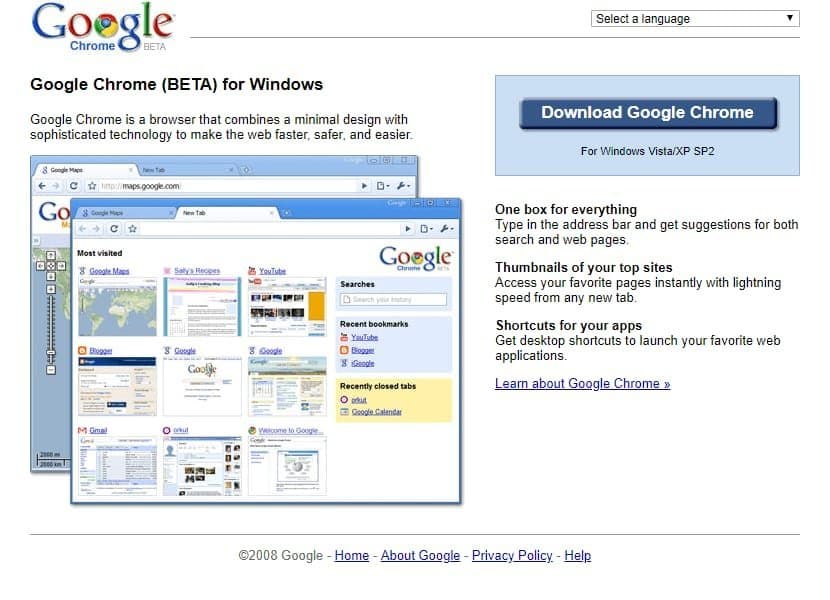

Seventeen years after its debut, Google Chrome has evolved from a speed-focused experiment into an AI-powered platform that redefined web security, performance, and developer capabilities. This insider retrospective traces Chrome's journey through its core principles—speed, security, stability, simplicity—and examines how its innovations like V8, Site Isolation, and on-device Gemini are shaping the future of browsing.
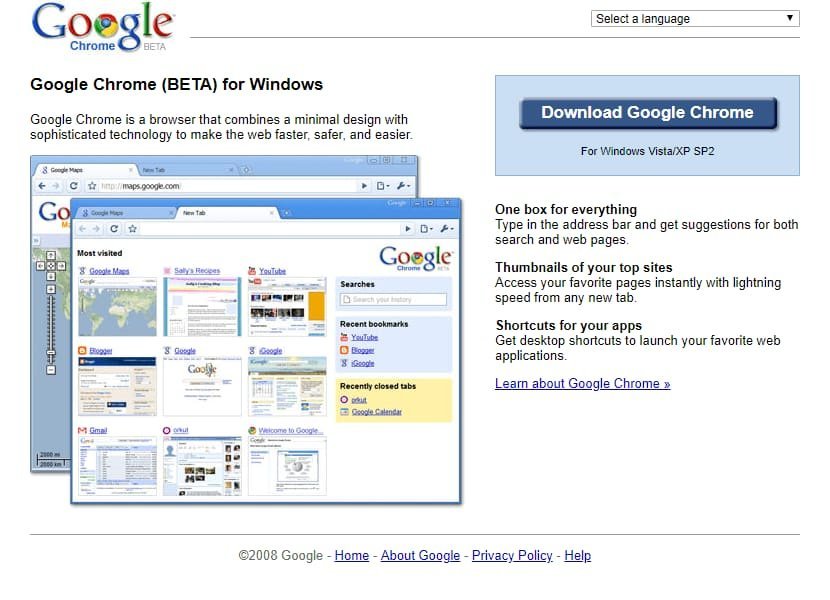
When Google Chrome launched in 2008 with a comic book manifesto, it promised to rescue users from sluggish, crash-prone browsers. Today, it dominates over 65% of the global browser market—not by accident, but through relentless engineering focused on four pillars: speed, security, stability, and simplicity. As Chrome turns 17, its evolution offers a masterclass in how foundational technical choices can reshape an entire ecosystem.
The Genesis: Rethinking Browser Architecture
Chrome emerged from a simple realization: existing browsers couldn't handle the web's shift toward dynamic applications. Led by ex-Firefox engineers like Ben Goodger and Darin Fisher, Google's team bet big on two radical ideas: multi-process isolation and the V8 JavaScript engine. By sandboxing each tab into separate processes, Chrome prevented single-page crashes from tanking the entire browser—a revelation in 2008 when Flash failures routinely froze sessions. Meanwhile, V8's just-in-time compilation made JavaScript run orders of magnitude faster, enabling complex web apps like Gmail to feel native. "For the first time, it was possible to build serious functionality without obese plugins," as early observers noted. This architectural gamble didn't just make Chrome robust; it forced competitors to overhaul their own engines, lifting the entire web.
Speed: The Never-Ending Race
Chrome's obsession with performance is quantifiable. The V8 team's shift to a multi-tier JIT pipeline (Ignition, Turbofan) boosted real-world responsiveness, while optimizations in Blink's rendering engine slashed DOM manipulation latency. By mid-2024, Chrome's Speedometer scores had surged 72% from just two years prior—saving users an estimated 116 million hours annually in page-load delays. 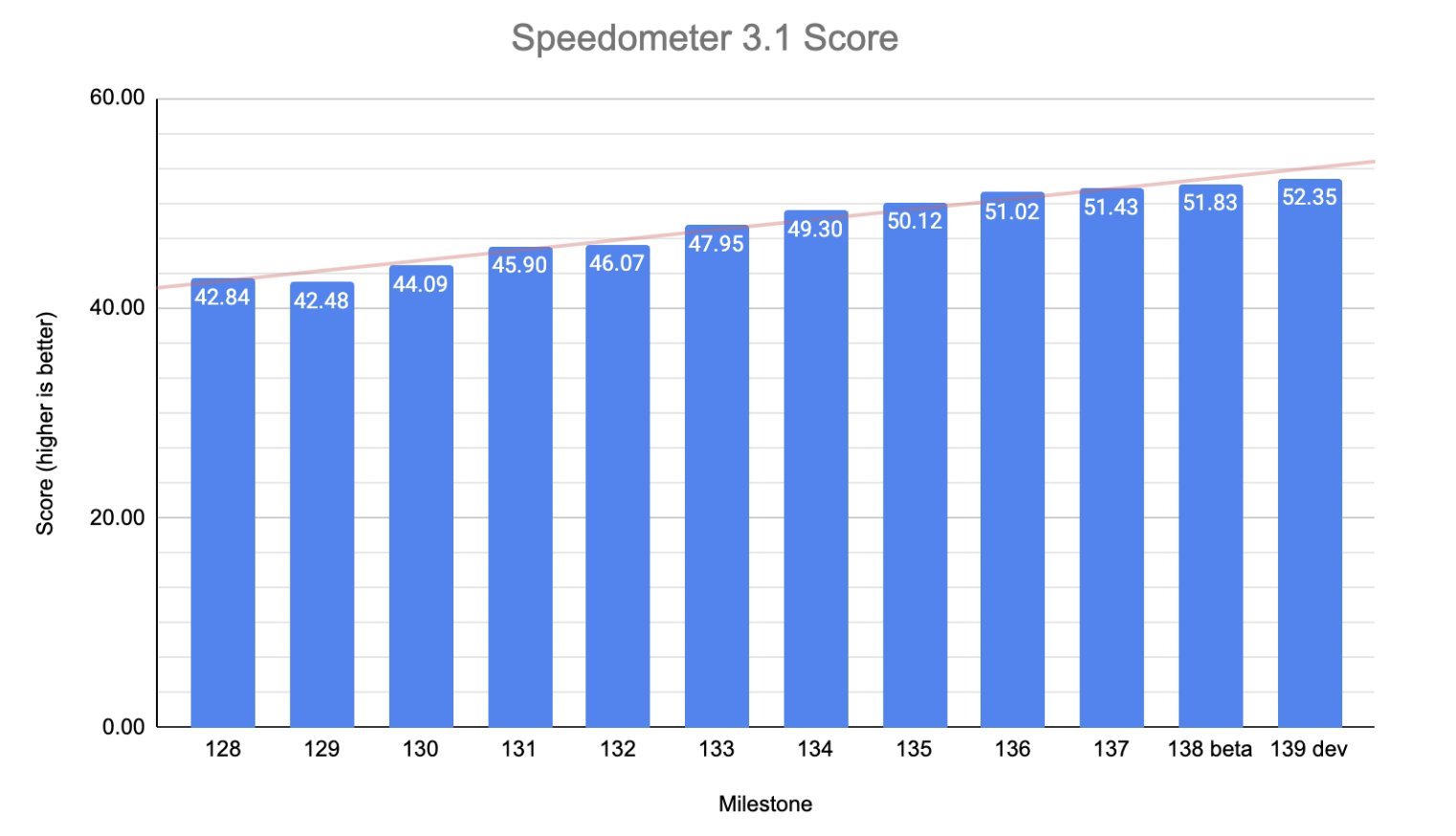
Mobile saw even steeper gains: specialized 64-bit builds and silicon-level tuning with partners like Qualcomm delivered 60-80% Speedometer improvements on devices like the Snapdragon 8 Gen 3. Beyond JavaScript, Chrome attacked latency at every layer—pioneering HTTP/3 (born from QUIC), implementing predictive prerendering, and championing Core Web Vitals. The result? Average page loads are now 166ms faster than pre-2020, proving micro-optimizations like pre-connecting on link clicks (saving ~60ms) compound into seismic user benefits.
Security: Building Fortresses in the Browser
Chrome's security model treats the browser as a hostile code executor—because it is. The original sandbox was just the start. When Spectre vulnerabilities threatened cross-site data leaks in 2018, Chrome accelerated Site Isolation, splitting single pages across multiple processes to contain attacks. "It's like giving each website its own mini-VM," explains the architecture, which now protects 99% of desktop users. 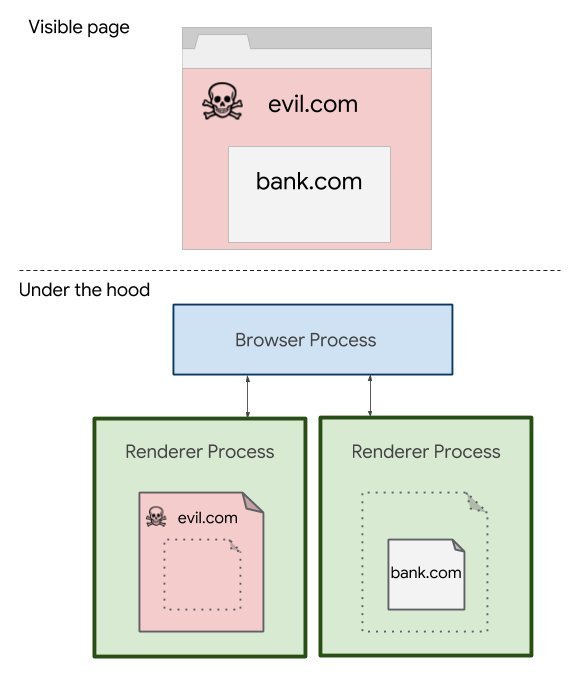
Equally critical was the push for HTTPS adoption. By marking HTTP sites as "Not Secure" and collaborating with Let's Encrypt, Chrome helped encrypt 77% of web traffic—a tectonic shift from the unprotected early web. Underlying this is Chrome's vulnerability bounty program (among the industry's most aggressive), memory-safety initiatives like Rust integration, and AI-driven protections. For example, on-device ML models now detect phishing sites by analyzing visual cues locally, while another Gemini-powered model flags malicious notifications without leaking user data.
Stability and Simplicity: The Unsung Heroes
Multi-process isolation didn't just enhance security—it made crashes recoverable. Chrome's Task Manager let users kill misbehaving tabs without restarting, while later optimizations like PartitionAlloc slashed memory overhead. Yet stability extends beyond crashes. Chrome's commitment to web interoperability saw it collaborate with Apple and Mozilla on benchmarks, raising CSS compatibility scores from ~50% to 94% in 2023. This reliability fuels platforms like ChromeOS, where the browser serves as the OS shell for millions of devices.
Simplicity, meanwhile, is Chrome's stealth superpower. The minimalist 2008 UI—tabs on top, unified Omnibox—hid sophisticated systems like cross-device sync and extension sandboxing. Today, features like tab groups and AI-generated themes maintain that ethos. "Chrome should feel lightweight and out of the way, almost part of the OS," insisted early UX lead Glen Murphy—a philosophy evident in contextual actions like auto-translate prompts that avoid menu clutter. 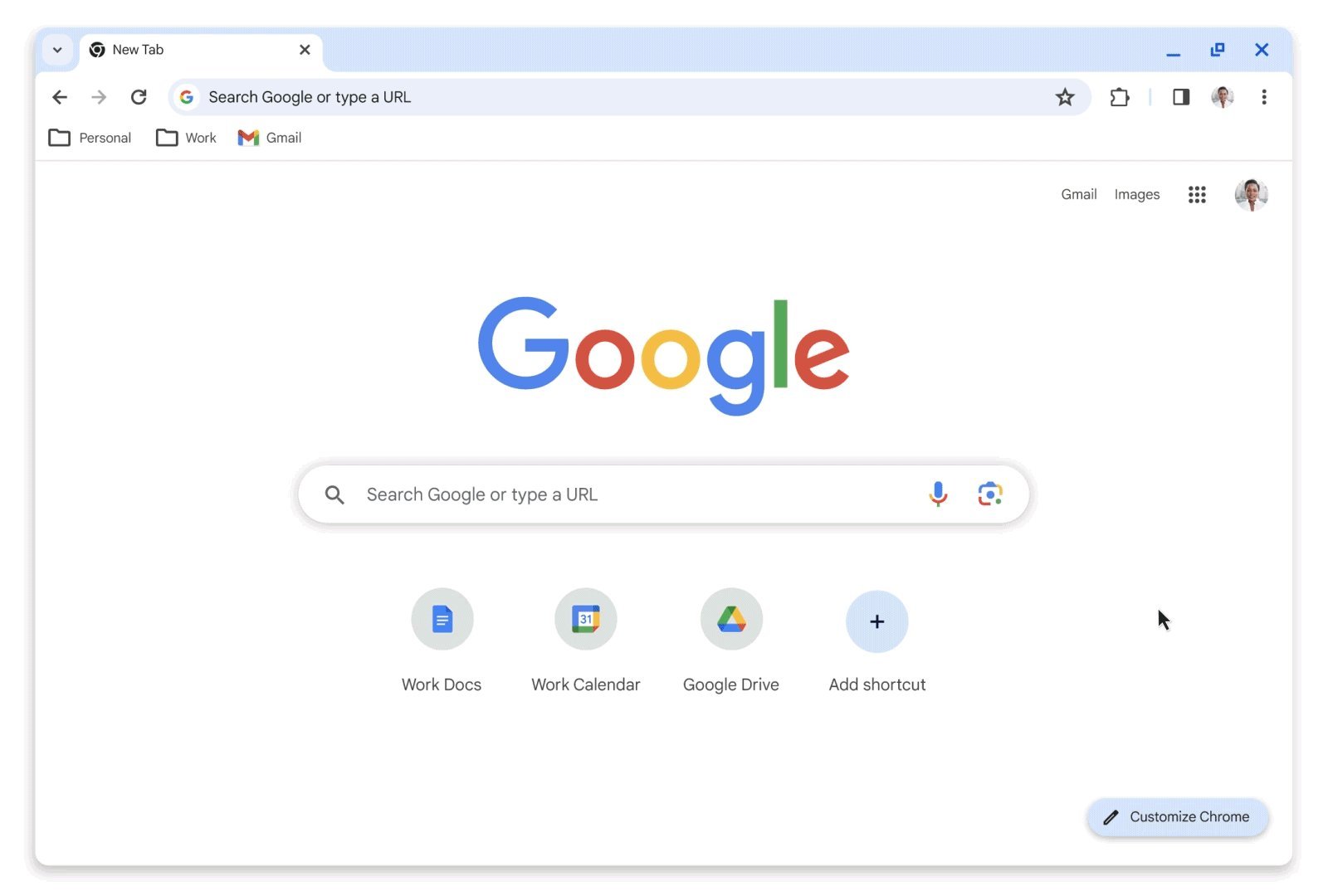
AI and the Future: Chrome as an Intelligent Agent
Chrome's latest evolution integrates Google's Gemini AI directly into the browsing experience. Features like "Help Me Write" (drafting text in any text box) and the tab organizer (clustering tabs by topic using on-device ML) reduce cognitive load. More radically, Chrome 138 introduced local AI APIs like the Summarizer, allowing web apps to generate content without cloud dependency. "Developers can call these in JavaScript, with responses served by Gemini Nano on the user's device," notes the team. This demands hefty resources (4GB+ VRAM, 22GB storage), but unlocks client-side privacy for tasks like translation or content distillation.
For developers, AI is reshaping workflows: Chrome DevTools' "Ask AI" debugs CSS quirks via chat, while Project Fugu's Web Platform APIs (now over 40) enable PWAs to access files, Bluetooth, and more—closing the native-app gap. Yet Chrome approaches AI cautiously: all features are opt-in, sandboxed, and governed by strict usage policies to avoid becoming "Clippy 2.0."
The Unfinished Journey
Seventeen years in, Chrome's legacy is measured in milliseconds saved, exploits contained, and developers empowered. Its open-source Chromium core now underpins Edge, Opera, and others, fostering industry-wide collaboration on standards. But the mission remains unchanged: to be an invisible, secure conduit for the web—whether loading a site or running an LLM locally. As AI and new hardware emerge, Chrome's true test is sustaining its founding principles while innovating responsibly. In a world where browsers mediate our digital lives, that balance isn't just technical—it's existential.
Source: Addy Osmani
Comments
Please log in or register to join the discussion