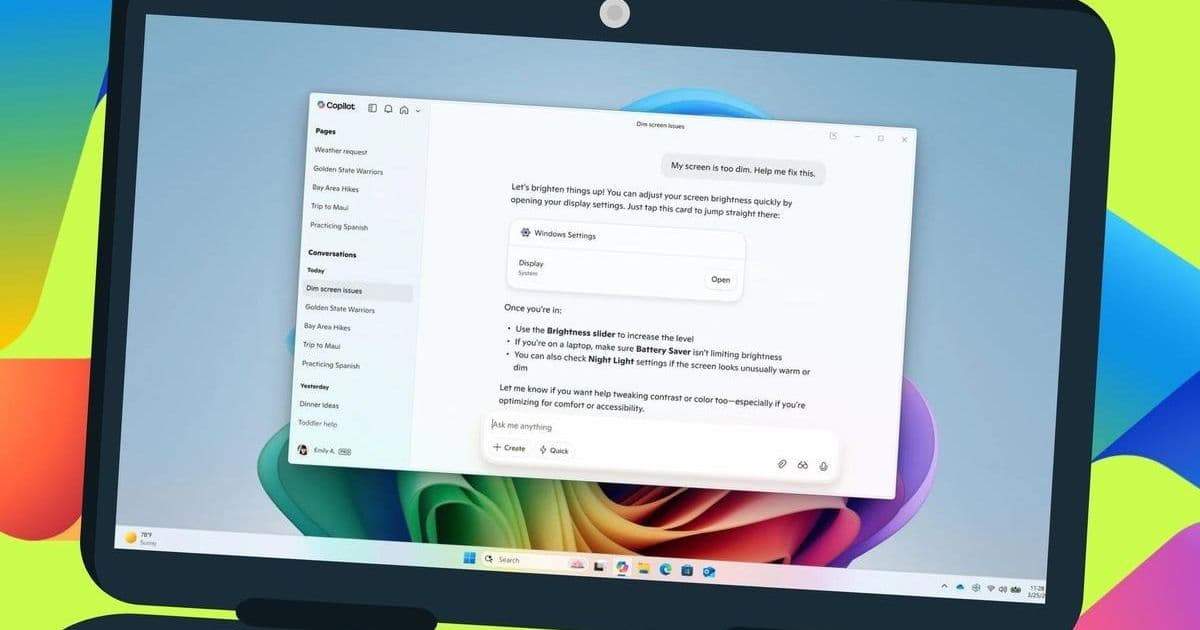
Microsoft is testing a significant Copilot upgrade that transforms how users navigate Windows 11 settings. The AI assistant now provides direct links to specific system controls when queried, potentially saving developers and power users substantial configuration time. This feature, currently rolling out to Windows Insiders, marks a shift toward conversational system management.
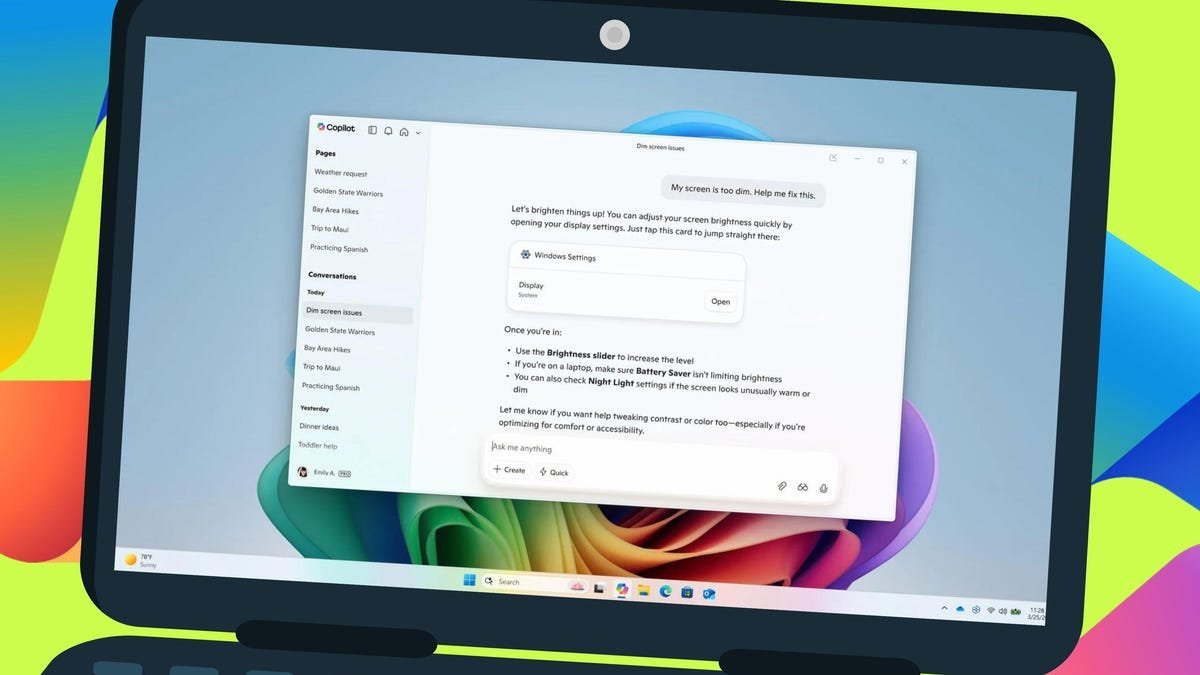
Navigating Windows 11's labyrinthine settings menus has long frustrated even experienced users—until now. Microsoft is rolling out a game-changing Copilot feature to Windows Insider Program testers that allows conversational queries to yield direct links to specific system settings. Ask Copilot to "help me focus on reducing distractions" or "make my screen easier to read," and it responds with a clickable button that instantly opens the relevant settings pane.
How the Magic Works
This functionality represents a quantum leap beyond Copilot's previous behavior, which generated generic troubleshooting steps. The AI now understands context about your device and maps natural language requests directly to underlying Windows configuration interfaces. During testing by ZDNET, queries like "brighten my screen" triggered Copilot to surface immediate links to display brightness controls rather than offering verbose instructions.
"This new capability should be able to detect your current device and then provide the link to the appropriate setting," notes ZDNET's report, highlighting the contextual intelligence at play.
Access and Alternatives
Currently exclusive to Windows 11 Insider builds (Release Preview Channel), the feature is in staggered rollout. Developers eager to test it should:
- Ensure they're running the latest Insider build
- Check for Copilot updates via Microsoft Store
- Query settings-related tasks directly in Copilot
For non-Insiders, Copilot Voice offers a viable alternative. Using voice commands like "show me how to adjust text size" prompts the AI to verbally walk through steps while providing a transcript—though this lacks the one-click efficiency of the new implementation.
Why This Matters for Developers
Beyond consumer convenience, this evolution signals Microsoft's serious investment in AI-driven system management:
- Accelerated Environment Setup: Quickly configure development machines without menu diving
- Accessibility Advancements: Lowers barriers for developers with visual or motor impairments
- Future Integration Potential: Foreshadows deeper Copilot integration into PowerShell and admin tools
While general availability may be months away, this Copilot enhancement demonstrates how conversational AI is evolving from an information assistant to an operational interface—transforming how we interact with the very fabric of our operating systems.
Source: ZDNET
Comments
Please log in or register to join the discussion