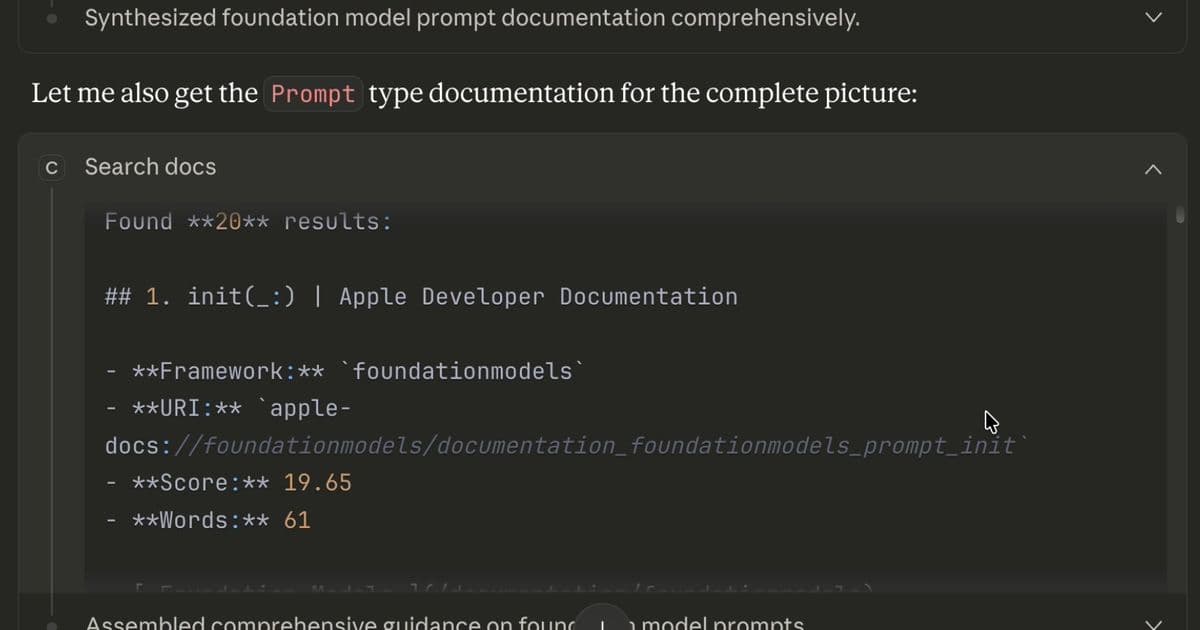
Apple developers have long struggled with AI hallucinations when querying for APIs. The newly released Cupertino MCP server gives Claude Code offline access to 22,000+ Apple documentation pages, eliminating hallucinated suggestions and outdated patterns. With rapid iteration, intelligent ranking, and pre‑crawled samples, Cupertino is poised to redefine AI‑assisted Apple development.
Cupertino: A New MCP Server Brings Accurate Apple Docs to Claude Code
Apple developers have long been frustrated by AI assistants that hallucinate APIs, recommend deprecated patterns, or simply return outdated information. The announcement of Cupertino, an MCP server that gives Claude Code offline access to 22,000+ Apple documentation pages, promises a clean break from that cycle.
The Problem
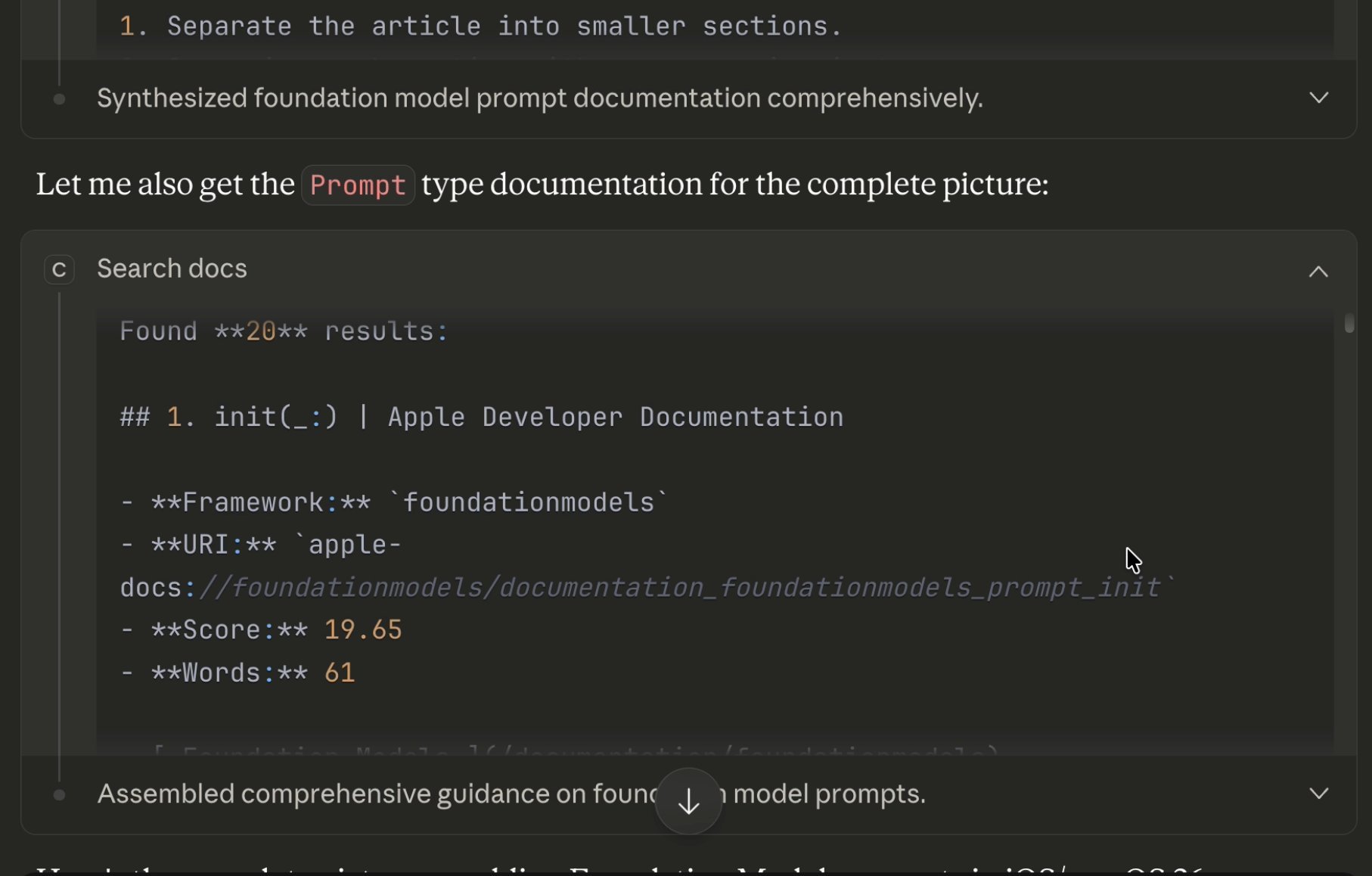
When developers ask Claude about the latest SwiftUI features, the model often suggests @ObservableObject and @Published—annotations that Apple now recommends replacing with @Observable. In Xcode 26, the AI integration has been observed to hallucinate 100 % of the time when queried about 2025 frameworks. One developer described patching AI‑generated Swift code as a game of whack‑a‑mole: fix one obsolete API, another pops up.
These hallucinations are not just annoying; they can slow down shipping cycles, introduce subtle bugs, and erode trust in AI tools.
Building Cupertino
The author, Aleahim, built Cupertino to meet this need. The first release, v0.1.x, addressed the core problem: searching Apple docs locally. Since then, nine releases in 72 hours have added a companion ecosystem—three repositories, intelligent ranking, storage cleanup, language filtering, and legacy archive support.
Key Features
- Intelligent Ranking (v0.2.1) – Eight heuristics now prioritize core types over extensions, depth analysis of URLs, exact‑match surface, and modern over deprecated APIs. Query latency stays under 100 ms.
- Storage Cleanup (v0.1.8, v0.2.0) – The initial crawl produced ~27 GB of data; a cleanup command reduced it to 2–3 GB, a 90 % reduction, while preserving source code.
- Language Filtering (v0.1.9) – CLI and MCP tools accept a
--languageflag, and Claude can be prompted for “Swift‑only results.” - Apple Archive Support (v0.2.3) – Legacy guides such as Core Animation and Quartz 2D are now searchable alongside modern docs.
The Ecosystem
Cupertino grew from a single repository to three:
| Repo | Purpose |
|---|---|
cupertino |
MCP server written in Swift, crawls, indexes, and serves docs via the MCP protocol |
cupertino-docs |
Pre‑crawled Apple documentation (13 K+ pages) and other Swift resources |
cupertino-sample-code |
606 cleaned Apple sample projects covering SwiftUI, ARKit, Metal, CoreML, AVFoundation, and more |
Rapid Iteration
The author’s 72‑hour sprint produced nine releases, each addressing real‑world issues discovered while using Cupertino with Claude Code. The changelog highlights the most impactful changes:
- v0.1.6 – JSON‑first crawling, WKWebView memory fixes
- v0.1.7 – Swift Book content retrieval fixes
- v0.1.8 – Cleanup command (27 GB → 2–3 GB)
- v0.1.9 – Language filtering
- v0.2.0 – Critical fix: source code retention
- v0.2.1 – Eight ranking heuristics
- v0.2.2 – URL depth analysis, resume fixes
- v0.2.3 – Apple Archive legacy docs
Getting Started
Below is the quickest path to AI‑assisted Apple development with accurate documentation:
# 1. Clone pre‑crawled docs
git clone https://github.com/mihaelamj/cupertino-docs ~/.cupertino

# 2. Build the MCP server
git clone https://github.com/mihaelamj/cupertino
cd cupertino
swift build -c release
sudo cp .build/release/cupertino /usr/local/bin/

# 3. Configure Claude Code
claude mcp add cupertino --scope user -- /usr/local/bin/cupertino

# 4. (Optional) Get sample code
git clone https://github.com/mihaelamj/cupertino-sample-code ~/Apple-Samples
Once configured, Claude can query Apple docs in real time, returning accurate, current information without hallucinations.
Future Roadmap
The author acknowledges that ranking heuristics are still imperfect and outlines several planned improvements:
- Semantic Search – Embeddings‑based similarity for conceptual queries.
- Version Awareness – Filter results by iOS/macOS version.
- Cross‑Reference Linking – Show “See also” connections between related docs.
- Full‑Text Sample Search – Search across all 606 projects.
- One‑Click Install – A single command to install the MCP server, pre‑crawled docs, and sample code.
Why It Matters
Cupertino demonstrates how a focused, community‑driven project can solve a pervasive pain point in the developer ecosystem. By providing a local, up‑to‑date knowledge base, it restores confidence in AI assistants and accelerates the iteration cycle for Apple developers.
Source: Aleahim, "Cupertino Ecosystem", https://aleahim.com/blog/cupertino-ecosystem/
Comments
Please log in or register to join the discussion