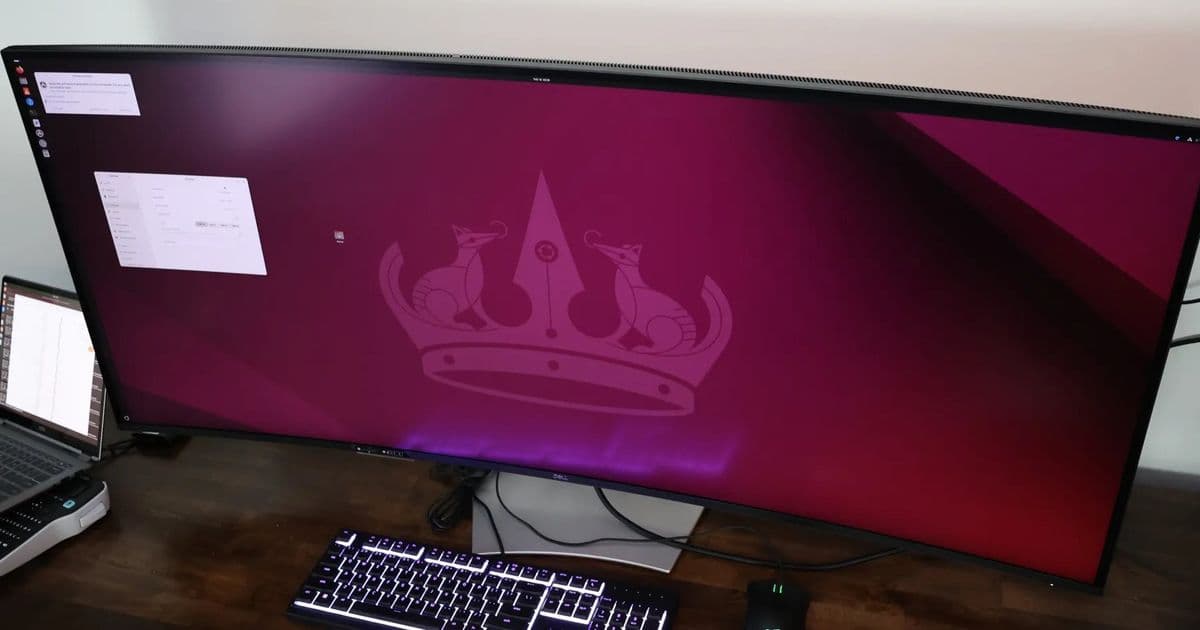
Dell's massive 52-inch 6K monitor combines exceptional display quality with extensive connectivity, making it a compelling option for power users and creators who need to manage multiple systems efficiently.
Dell has sent over their new UltraSharp U5223KW monitor for review, and it's safe to say this is unlike any monitor I've tested before. The model number might not immediately convey its capabilities, but this 52-inch 6K display is outright incredible.
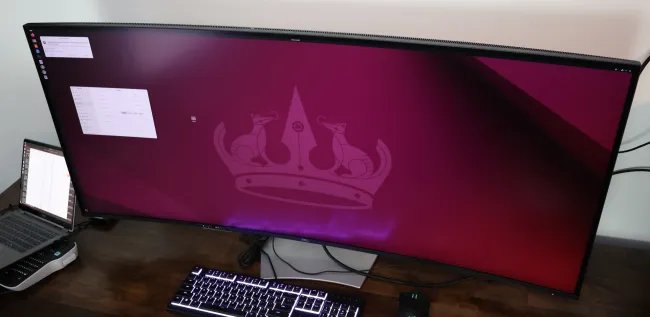
The Dell UltraSharp U5223KW is a 52-inch 6K @ 120Hz monitor that goes far beyond just being a large display. It features integrated USB hub functionality that doubles as a KVM switch, 140 Watt power delivery support for USB-C/Thunderbolt laptops, 2.5G Ethernet connectivity, and color reproduction that's simply impeccable.
Unboxing Experience
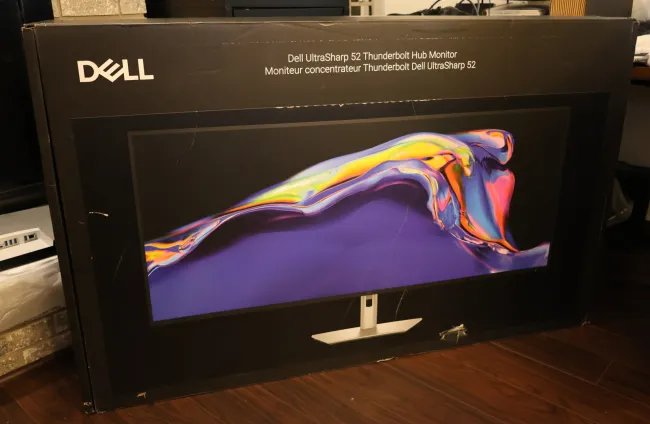
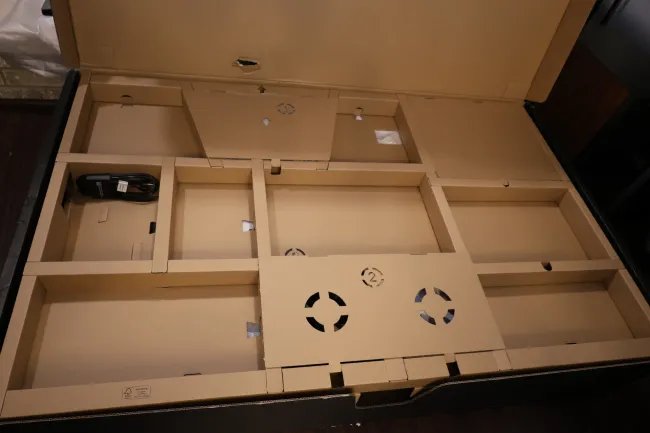
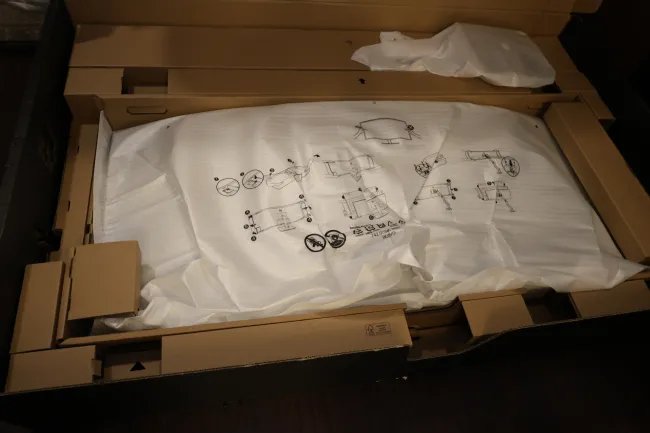
Even the packaging for this monitor is show-stopping. My FedEx courier stopped to ask about it during delivery, commenting that he wasn't aware such a massive desktop monitor existed. He pulled out his phone to look up the product while still on my doorstep - a first for him even with all the servers, big cases, and other deliveries he typically makes.
Design and Build Quality
The footprint is massive, but Dell's picture-in-picture and picture-by-picture support for multiple display outputs makes this monitor capable of effectively replacing multiple desktop monitors without losing any productivity. In fact, it's been working out fine for one of my test setups over the past few weeks, replacing dual 4K ~28 inch displays while occupying roughly the same desk footprint.
With the 51.5-inch screen size for this 6144 x 2560 display, the pixel density is slightly less than smaller 4K monitors at 129 PPI, but it still looked fabulous. My wife, son, and I were all captivated when powering on the Dell UltraSharp U5223KW for the first time.
The display is curved with a 4200R curvature, uses IPS Black Technology for its panel, and features anti-glare low reflectance that worked exceptionally well even when testing the monitor near a window in direct sunlight.
Connectivity Options
The connectivity on this display is extensive:
- Two HDMI 2.1 FRL ports
- Two DisplayPort 1.4 ports
- Four USB Type-A 10 Gbps downstream ports
- Three USB-C 10Gbps upstream ports
- One Thunderbolt 4 40 Gbps port with DP 1.4 Alt Mode support and 140W power delivery
- One Ethernet port with 2.5GbE connectivity
- One USB Type-A downstream port with battery charging
- Two USB-C 10Gbps downstream ports with 27 Watt power delivery
The picture-in-picture and picture-by-picture capabilities open up significant practicality for this display, allowing it to effectively replace multiple monitors on your desk. The on-screen display includes a "USB switch" option when wanting to switch input/USB devices between connected systems.
Stand and Ergonomics
The stand for this massive monitor is quite versatile with height, swivel, and tilt adjustments. The monitor height can be adjusted up to 3.54 inches, with -5 to 10 degree tilt, -20 to 20 degree swivel, and -2 / 2 degree slant. Alternatively, this 52-inch monitor can be attached to 100 x 100 to 200 x 200 VESA monitor mounts. The weight with the stand comes out to 40.2 lbs (18.2 kg), and it held up fine on one of my custom built butcherblock desks.
Audio Capabilities
There are dual 9 Watt speakers built into this monitor for decent audio capabilities. For my typical desktop purposes and not being an audiophile, the speakers were sufficient and more powerful than some of the speakers in less expensive and smaller monitors.
Multi-System Performance
All the systems tested, of course, have been running Linux. From various desktops to the NVIDIA GB10 powered Dell Pro Max have all worked quite nicely with this Dell UltraSharp 52-inch monitor.
For those using AMD Radeon graphics, for 6K@120 it's important to use DisplayPort connectivity given the AMDGPU Linux driver lacking the HDMI 2.1 FRL support as is widely known. The Radeon graphics on Linux with this monitor were working out fine at 6K via DisplayPort even with the likes of the Framework Desktop Strix Halo model.
The NVIDIA graphics with the official Linux driver stack worked well on either HDMI or DisplayPort.
Price and Value Proposition
At first glance, the $2,899 USD price tag might seem steep for a monitor. However, it becomes easier to justify when considering that it can effectively replace multiple monitors. With the picture in/by picture and having a built-in KVM switch able to handle 6K@120Hz is a significant advantage.
For example, searching for this article there are 4K@60 KVM switches currently retailing in the $500~600 price range or even higher for some more premium options. The build quality of the Dell U5223KW is great and inline with other Dell monitors I've enjoyed and continued to hold up well over the years.
The on-screen display was effective and easy to utilize with the different functionality as was setting up the monitor for the KVM functionality. At first I was a bit skeptical how it would pan out for multi-system use but it's been a breeze with my testing this month across different devices.
Real-World Usage
Overall the Dell UltraSharp U5223KW has been exceeding my expectations in all of the testing thus far. While a bit apprehensive at first over the effectiveness of a 52-inch desktop monitor, the picture in/by picture mode and built-in KVM/USB switching functionality really make it a very versatile display for creators, power users, and others that may be engaging multiple systems simultaneously and resorting to multiple monitors currently.
It's with that functionality that also makes the $2899 USD list price easier to justify for the Dell U5223KW when considering prices for high quality 4K/6K KVM switches and the like. Plus with the U5223KW all of it's nicely integrated into the display itself for reducing the cable jungle.
Looking Ahead
With now having a 6K monitor in the lab, there will be graphics card benchmarks coming up looking at the Linux gaming performance at 6K. Those will be coming in a separate article soon.
Those are my initial thoughts on this dazzling 52-inch 6K monitor; stay tuned for any follow-ups in the upcoming Linux 6K GPU benchmark comparison with this Dell UltraSharp U5223KW.
Comments
Please log in or register to join the discussion