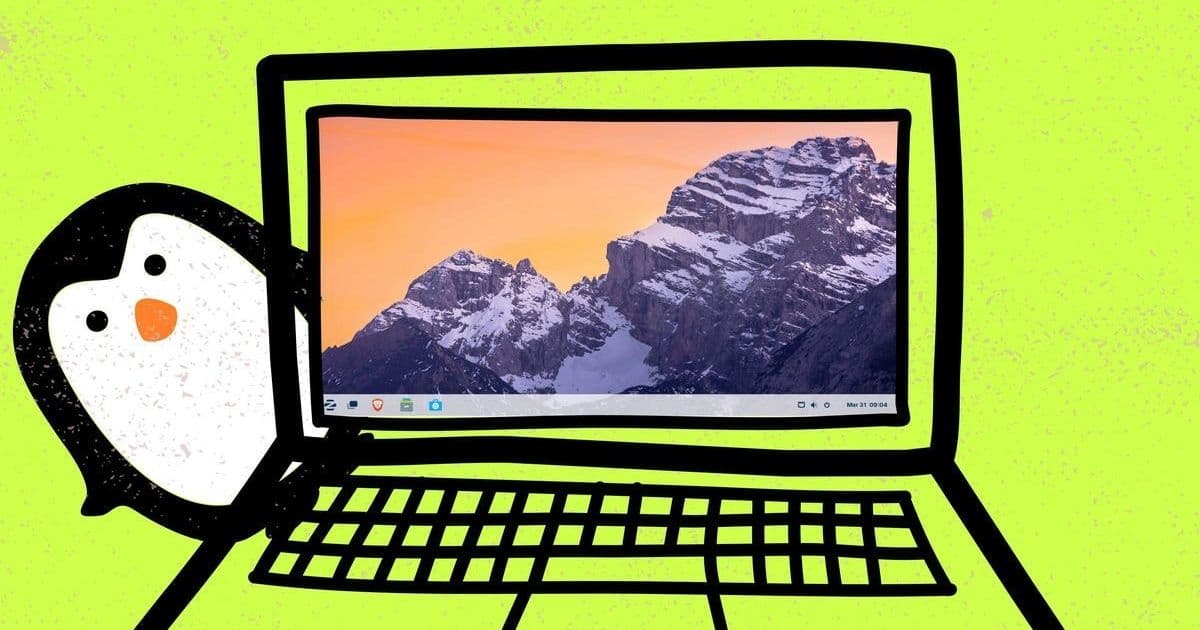
Moving from Windows or macOS to Linux is easier than ever in 2025. We review the top five beginner-friendly distributions offering enhanced security, privacy, freedom from vendor lock-in, and surprisingly familiar interfaces. Discover why Linux Mint leads the pack for new users seeking a smooth transition.
For decades, Linux carried a reputation as an operating system reserved for tech wizards and server rooms. That myth is decisively shattered in 2025. Driven by a potent combination of heightened security concerns, privacy demands, and the desire to escape vendor lock-in—especially as Windows 10 support wanes—more users than ever are discovering the modern Linux desktop. The best distributions now rival macOS and Windows in user-friendliness, offering intuitive interfaces and comprehensive software suites right out of the box. For developers and tech-savvy users seeking a robust, open-source alternative, the barrier to entry has never been lower.
Why the Shift Matters: Beyond Just an OS Change
The migration to Linux represents more than just swapping operating systems; it's a fundamental shift towards user control and software freedom. Unlike proprietary systems, Linux distributions (distros) grant users unparalleled transparency and customization. Security is inherently stronger due to its permission model and rapid patching community. Privacy isn't an afterthought or a premium feature – it's baked in. For developers, Linux offers a native environment for tools and workflows, while tech leaders appreciate reduced licensing costs and escape from forced upgrade cycles, particularly relevant for hardware incompatible with Windows 11. The narrative that Linux is complex is outdated; today's leading distros prioritize accessibility without sacrificing power.
The Top Contenders: Tested and Reviewed
Based on extensive testing and community consensus, these five distros stand out for beginners in 2025:
Linux Mint (Cinnamon Edition): The Gold Standard for Newcomers
Built on Ubuntu LTS, Mint's Cinnamon desktop provides the most comfortable landing spot for Windows refugees. Its traditional layout (taskbar, start menu, system tray) feels instantly familiar. Bundled essentials like LibreOffice, Firefox, and Thunderbird cover core productivity needs. Its robust software manager simplifies installing thousands of free applications. Mint's philosophy emphasizes stability and a complete out-of-the-box experience.- Pros: Free, Windows-like familiarity, excellent built-in software, vast community support, stable LTS base.
- Cons: Proprietary drivers (e.g., Nvidia) require manual installation; Snap support disabled by default.
Zorin OS 17.3: The Ultimate Windows Lookalike (With Mac Options)
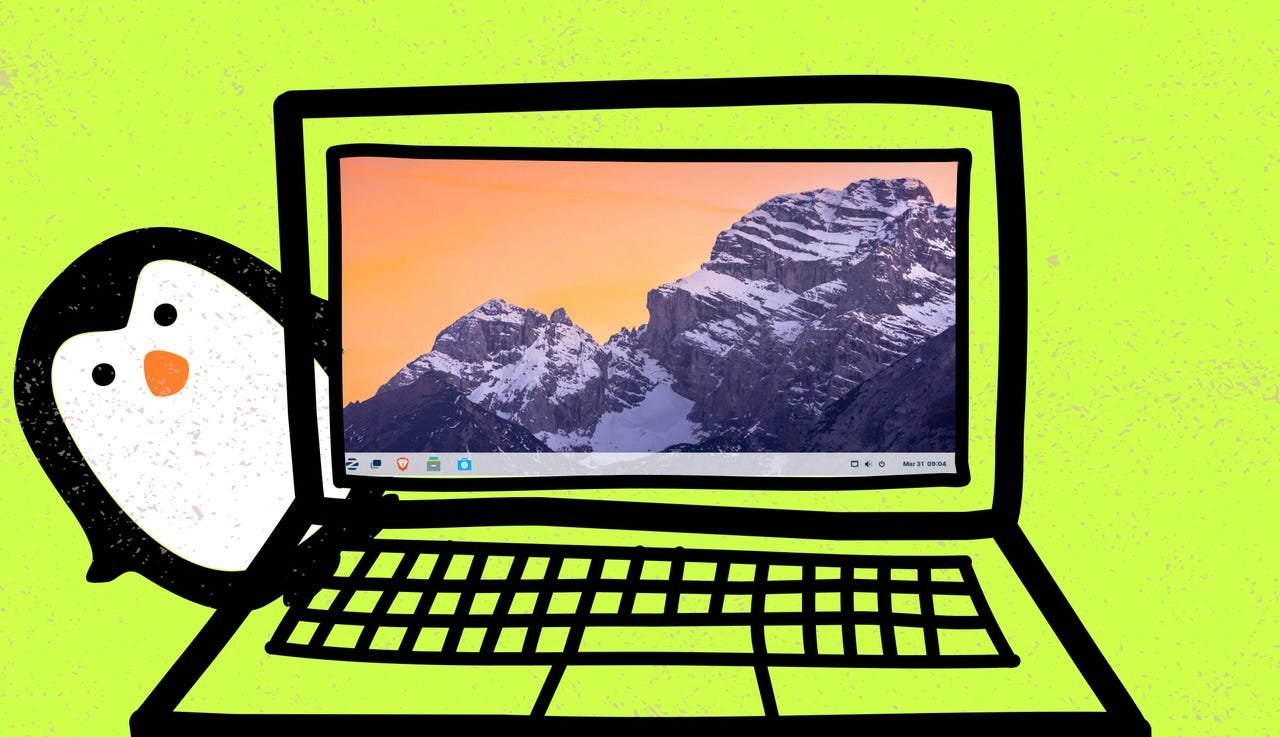 Caption: Jack Wallen / Elyse Betters Picaro / ZDNET
Zorin excels at mimicking the Windows experience. Its default layout mirrors Windows 11, but a simple switch can make it resemble Windows 7. The Pro version ($47.99) even offers a convincing macOS aesthetic. Unique features include a dedicated tool suggesting and simplifying the installation of popular Windows applications (via Wine/PlayOnLinux) and the privacy-focused Brave browser as default. Ideal for users prioritizing interface familiarity and Windows app compatibility.- Pros: Highly customizable Windows-like interfaces, simplified Windows app installation, privacy-centric browser.
- Cons: True macOS layout requires Pro version purchase.
Ubuntu 24.04 LTS: The Established Powerhouse
The foundation for Mint and Zorin, Ubuntu remains a top choice. Its GNOME desktop, while different from Windows, offers a modern, efficient workflow focused on workspaces and search. Ubuntu boasts exceptional hardware detection and the broadest commercial and community support. The 24.04 LTS release is particularly compelling, offering an unprecedented 12 years of security updates – perfect for long-term stability.- Pros: Massive support ecosystem, best-in-class hardware compatibility, Snap app support, unparalleled 12-year LTS.
- Cons: GNOME interface has a learning curve for dedicated Windows users.
Pop!_OS 24.04: Performance and Polish (Especially on System76 Hardware)
Developed by hardware vendor System76, Pop!_OS shines on their machines but runs well elsewhere. It features the new Rust-based COSMIC desktop (in early stages), offering speed and a clean, modern feel atop Ubuntu. Its hybrid APT/Flatpak software center enables effortless one-click app installs. Tailored for creators and gamers with excellent out-of-the-box support for Steam, Lutris, and creative tools.- Pros: Blazing performance, sleek COSMIC interface, superb gaming/creator support, simple app installation.
- Cons: Optimized experience best realized on System76 hardware; COSMIC still evolving.
MX Linux 23.5: Breathing New Life into Old Hardware
Need to revive an aging laptop or desktop? MX Linux, based directly on Debian and using the lightweight Xfce desktop, is your champion. It delivers a surprisingly snappy and complete experience even on older Pentium-era hardware. Its popularity (consistently high on DistroWatch) stems from its efficiency, stability, and straightforward interface. A perfect choice for a secondary machine or maximizing the value of older systems.- Pros: Extremely lightweight, runs on very old hardware, stable Debian base, user-friendly Xfce desktop.
- Cons: Major version upgrades typically require a fresh install (not in-place upgrade).
Beyond Installation: Practical Considerations for New Users
- Installing Software: Forget complex commands. Modern Linux distros feature intuitive app stores (like Mint's Software Manager, Ubuntu Software, Pop!_Shop) making installation a point-and-click affair, akin to mobile app stores.
- Running Windows Apps: While native Linux alternatives are preferred (LibreOffice vs. Microsoft Office, GIMP vs. Photoshop), tools like Crossover Linux or built-in features in Zorin OS enable many Windows applications to run. Web versions of Microsoft 365 also provide access to core Office functionalities.
- Security: Linux's architecture provides strong inherent security. Built-in firewalls are standard. While targeted malware is rare compared to Windows, cautious users can employ free tools like ClamAV. Regular system updates are crucial.
- Alternatives: Elementary OS (macOS-like elegance) and Peppermint OS (cloud-app integration) are also worthy contenders for specific user preferences.
The journey from Windows or macOS to Linux is no longer a daunting technical expedition. Distributions like Linux Mint have meticulously crafted experiences that prioritize user comfort and productivity from the first boot. The combination of enhanced security, privacy by design, freedom from licensing constraints, and genuine ease of use makes 2025 the ideal time to explore the Linux desktop. For developers, it unlocks a native powerhouse environment; for all users, it offers a sustainable, controllable computing future. As proprietary operating systems increasingly embrace subscription models and hardware restrictions, Linux stands ready as a powerful, free, and enduring alternative.
Source: Adapted from "The best Linux distros for beginners in 2025 make switching from MacOS or Windows so easy" by Steven Vaughan-Nichols, ZDNet (August 9, 2025).
Comments
Please log in or register to join the discussion