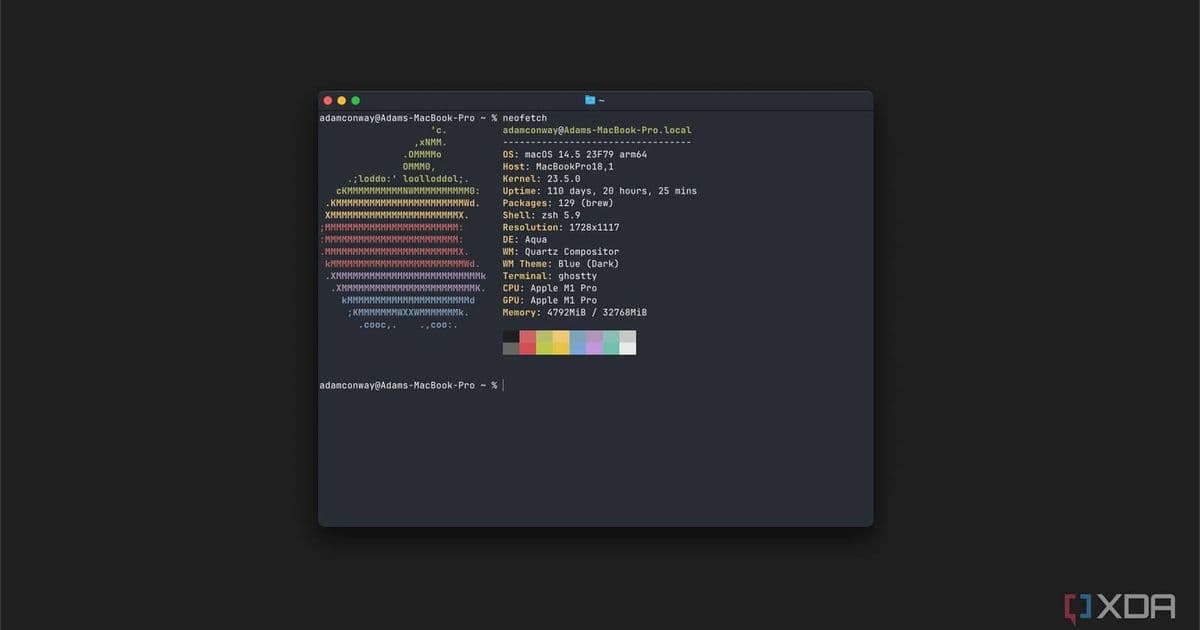
Ghostty terminal has implemented scrollbars in nightly builds after years of user requests, with the feature slated for stable release in version 1.3.0 mid-March.
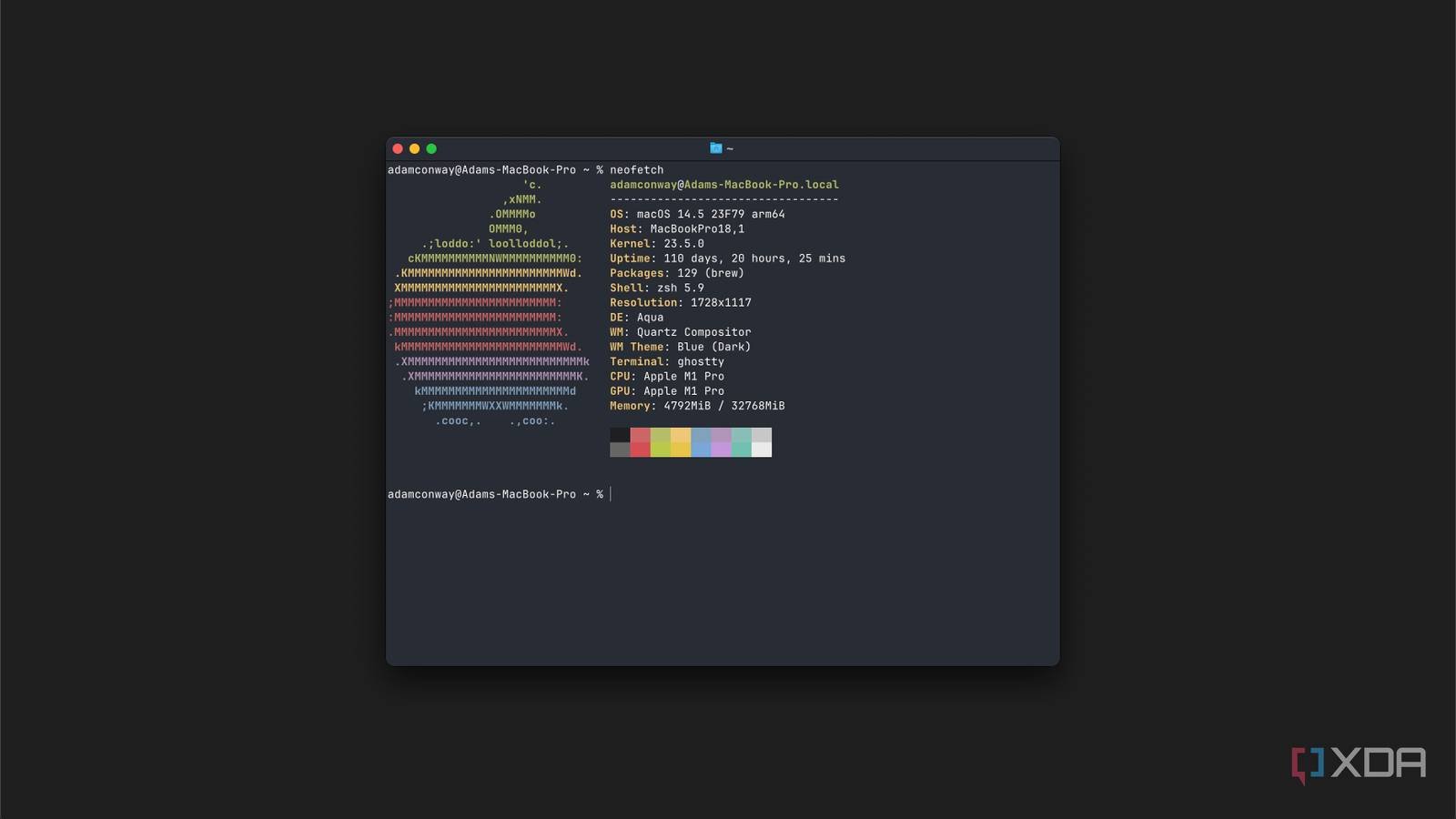
For nearly three years, Ghostty terminal users navigated output buffers using only keyboard shortcuts or mouse wheels – a design choice that became one of the most persistent pain points since the terminal's pre-release phase in 2023. This week, developers finally addressed the longstanding request by adding native scrollbars to nightly builds, marking the resolution of bug report #111 that accumulated 171 community endorsements over three years.
The absence of a visual scroll indicator forced users to rely entirely on keyboard navigation (Shift+PgUp/PgDn) or precise mouse wheel scrolling when reviewing lengthy command outputs or logs. While Ghostty's developers prioritized features like GPU-accelerated rendering and native UI integration during early development, the scrollbar omission became increasingly conspicuous as adoption grew.
As detailed in the original GitHub issue, users consistently emphasized the scrollbar's importance for orientation in large output streams. "When you're debugging a massive log, visual feedback matters," commented one contributor, echoing sentiments from dozens of developers who relied on scroll position as a reference point during workflows.
The implementation, committed in October 2025, extends scrollbar support uniformly across Ghostty's macOS and GTK/Linux versions. Crucially, the scrollbar behaves natively on each platform – adopting macOS' overlay style and Linux's traditional sidebar design – maintaining Ghostty's core principle of platform integration without custom theming.
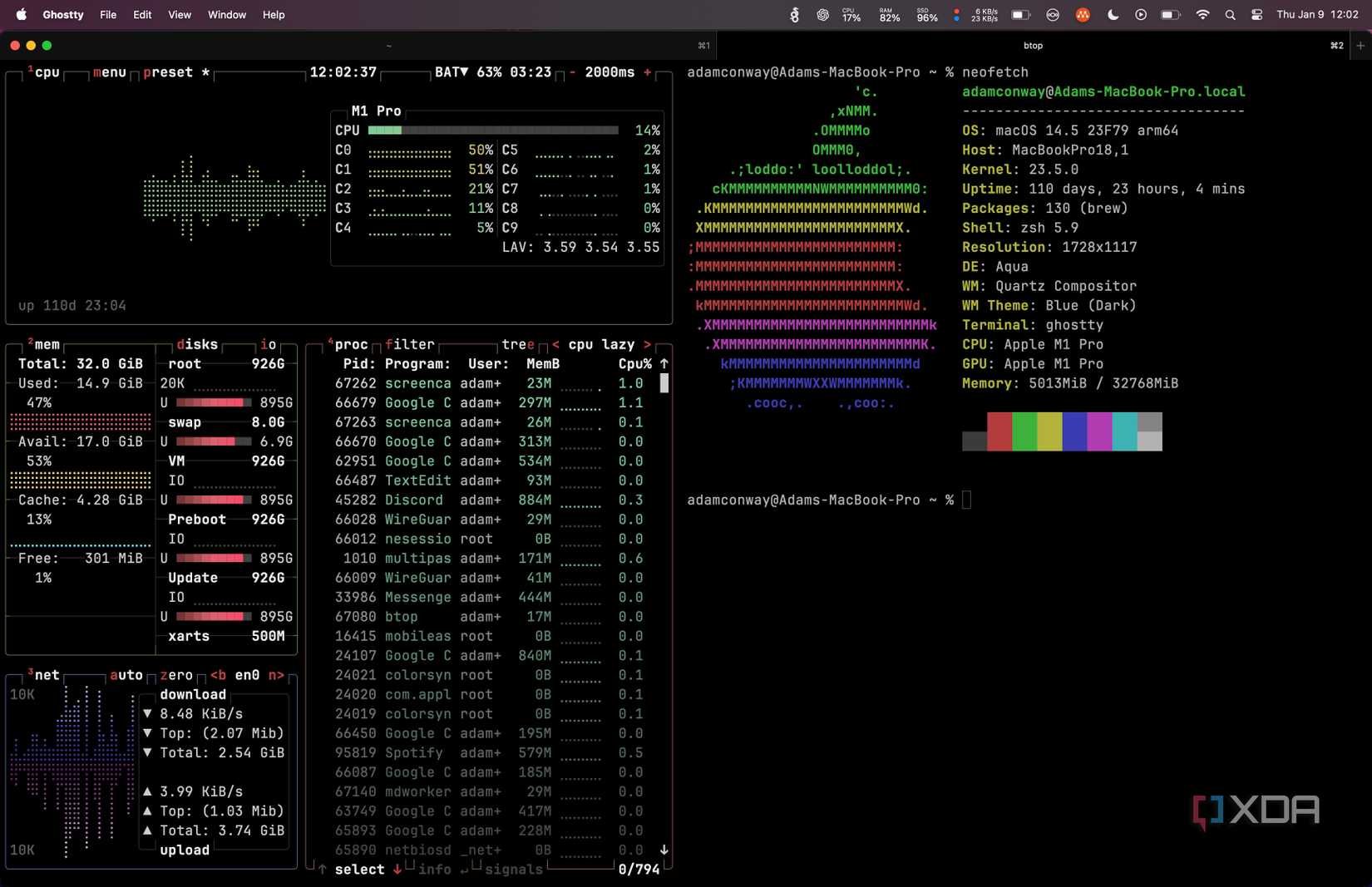
Nightly builds currently showcase the functionality, with the feature scheduled for inclusion in Ghostty 1.3.0's stable release mid-March. This coincides with other quality-of-life improvements including enhanced text selection and performance optimizations.
The resolution demonstrates how community feedback shapes terminal emulator development. As terminal interfaces evolve beyond basic shells into full-fledged development environments, expectations for standard GUI conveniences grow accordingly. Ghostty's scrollbar implementation bridges a notable gap between its advanced capabilities (like session persistence and split views) and fundamental navigation mechanics users expect from modern tools.
Developers can test the scrollbar in current nightly builds while preparing for the stable rollout next month. The terminal's documentation will include configuration details for users preferring to disable the scrollbar – a nod to the configurability that initially attracted many to Ghostty.
Comments
Please log in or register to join the discussion