
GitHub has formally integrated its Copilot AI coding assistant with OpenCode, an open-source terminal and IDE agent, allowing subscribers to use their existing Copilot credentials across a broader development workflow without additional licensing costs.
GitHub's recent announcement marks a subtle but significant expansion of its Copilot ecosystem. The company is now officially supporting the use of Copilot Pro, Pro+, Business, or Enterprise subscriptions with OpenCode, an open-source agent designed to assist developers in writing code directly within their terminal, IDE, or desktop environment. This partnership formalizes what was previously an unofficial workflow for many developers, creating a more seamless and supported integration between two powerful tools.
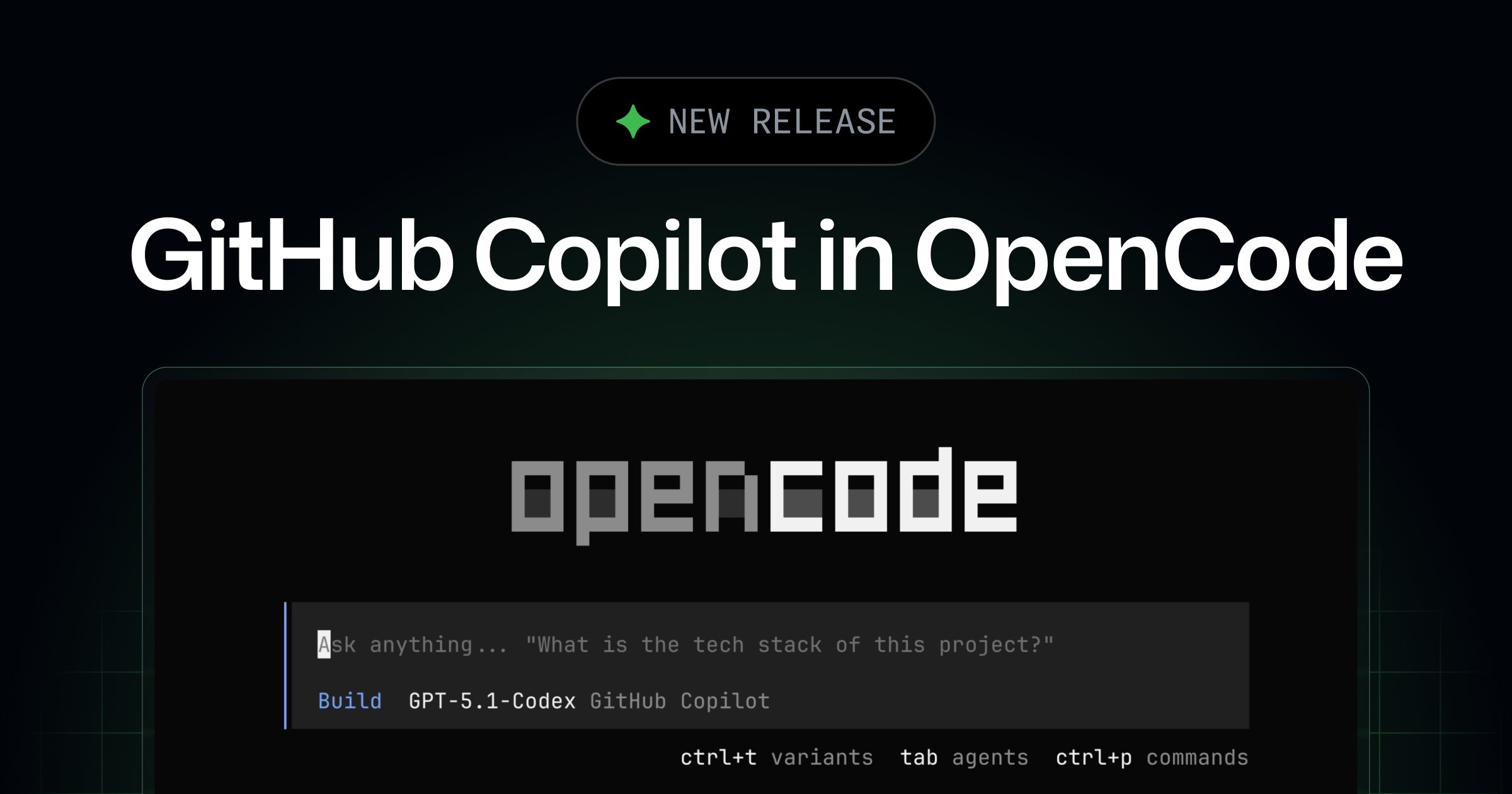
OpenCode itself represents a growing category of AI-powered developer tools that operate outside the traditional IDE. While GitHub Copilot began as an IDE extension—primarily for Visual Studio Code, JetBrains IDEs, and Visual Studio—OpenCode extends this capability to the command line and other development environments. This is particularly valuable for developers who spend significant time in terminal-based workflows, working with shell scripts, system administration tasks, or development environments where a full IDE might be impractical or unavailable. The agent can help generate code snippets, explain complex commands, or assist with debugging directly in the terminal.
The technical implementation of this integration is straightforward from a user perspective. Developers need to run the /connect command within OpenCode and select GitHub Copilot as their authentication provider. They then complete the standard GitHub device login flow, which is familiar to anyone who has used GitHub's web-based authentication for command-line tools. Once authenticated, OpenCode can leverage Copilot's underlying AI models to provide code suggestions and assistance. This process eliminates the need for separate API keys or configuration, as it uses the existing subscription tied to the developer's GitHub account.
From a licensing perspective, this integration is particularly noteworthy. All developers with paid GitHub Copilot subscriptions can now authenticate into OpenCode using their Copilot credentials without requiring an additional AI license. This means the same subscription that provides AI assistance in VS Code or other IDEs now extends to terminal-based workflows through OpenCode. For organizations using GitHub Copilot Business or Enterprise, this also means their existing governance policies, usage analytics, and security controls can potentially apply to OpenCode usage as well, though the exact implementation details would depend on how GitHub and OpenCode handle these administrative features.
The implications of this partnership extend beyond mere convenience. It signals GitHub's recognition that modern development workflows are increasingly fragmented across different tools and environments. Developers don't just write code in IDEs; they work in terminals, use various text editors, and need assistance across the entire development lifecycle. By supporting OpenCode, GitHub is acknowledging that Copilot's value increases when it's accessible wherever developers happen to be working. This aligns with broader industry trends toward context-aware AI assistants that follow developers across their workflow rather than being confined to a single application.
For OpenCode, this partnership provides legitimacy and reduces friction for adoption. As an open-source project, OpenCode benefits from official support from a major platform like GitHub, which can drive user adoption and potentially attract more contributors. The integration also validates OpenCode's approach to providing AI assistance in non-traditional development environments. Developers who were hesitant to try OpenCode due to concerns about API costs or authentication complexity now have a clear, supported path to experiment with the tool using their existing subscription.
However, there are important considerations around the technical and practical limitations of this integration. OpenCode, being an open-source project, may have different update cycles and feature development timelines compared to GitHub's official Copilot extensions. The quality of suggestions in terminal contexts might differ from IDE environments due to the different types of code typically written in terminals—often shorter scripts, command sequences, or system configurations rather than large application codebases. Developers should manage their expectations about what Copilot can effectively assist with in these different contexts.
Security and privacy considerations also warrant attention. When using Copilot through OpenCode, developers should understand what data is being sent to GitHub's servers and how it's processed. While GitHub Copilot has established privacy practices for its IDE integrations, the terminal context might involve different types of code or sensitive information, such as system configurations or credentials. Organizations with strict data governance policies should review whether the OpenCode integration aligns with their security requirements.
The broader pattern this integration represents is the increasing convergence of AI assistance across different development tools. We're moving away from AI assistants that are tied to specific applications toward more universal AI companions that can provide context-aware help wherever developers work. This mirrors similar trends in other areas of software development, where tools and services are becoming more interoperable and less siloed.
For developers considering this integration, the practical steps are simple: ensure you have an active GitHub Copilot subscription, install OpenCode from its official repository, run the /connect command, and authenticate with your GitHub account. The integration should work immediately for most use cases, though developers might want to start with simple tasks to understand how Copilot performs in the terminal environment before relying on it for more complex work.
This development also raises questions about the future of AI coding assistants. As these tools become more integrated into diverse development environments, we may see more sophisticated context-awareness that understands not just the code being written but the broader development context—the project structure, the developer's intent, and the specific environment they're working in. GitHub's support for OpenCode could be a step toward that more integrated future, where AI assistance becomes a consistent presence across the entire development workflow rather than a feature of individual tools.
Comments
Please log in or register to join the discussion