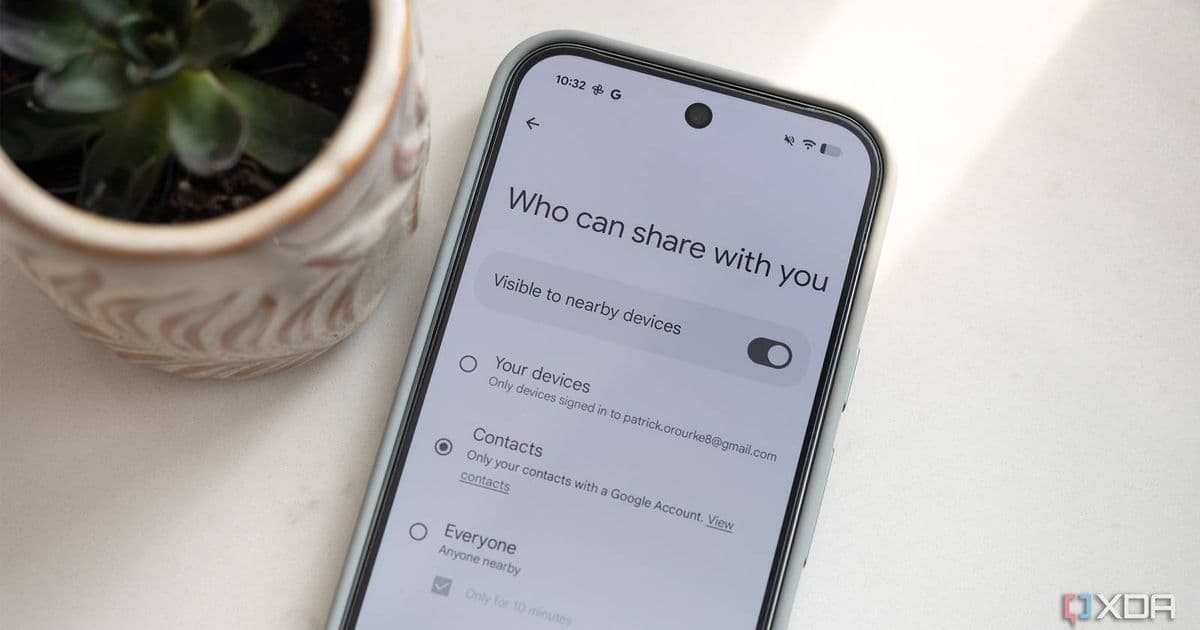
Google is expanding its Quick Share feature to work with more Android devices, improving cross-platform file sharing between iPhones and Android phones.
Google is expanding its Quick Share feature to work with more Android devices, improving cross-platform file sharing between iPhones and Android phones.
Quick Share, which was introduced as a replacement for Android Beam and Nearby Share, will now support a wider range of Android devices when sharing files with iPhones. This expansion aims to make it easier for users to transfer files between iOS and Android devices without relying on third-party apps or cloud services.
Background on Quick Share
Quick Share was initially launched in 2022 as Google's answer to Apple's AirDrop. The feature allows users to share files, photos, and other content quickly between nearby devices. Unlike its predecessors, Quick Share uses a combination of Bluetooth and Wi-Fi Direct to establish a fast and secure connection between devices.
Since its launch, Quick Share has been available on select Samsung Galaxy devices and Google Pixel phones. The feature has gradually expanded to include more Android manufacturers, but compatibility with iPhones has been limited to specific device models and Android versions.
What's Changing
The expansion announced by Google will include support for:
- More recent Android devices running Android 6.0 and above
- Additional device manufacturers beyond Samsung and Google
- Improved connection stability and transfer speeds
- Enhanced security features for cross-platform sharing
According to Google's announcement, the expanded compatibility will roll out gradually over the coming months, with full availability expected by mid-2026.
Technical Details
The expanded Quick Share functionality will work by:
Device Discovery: iPhones will be able to discover nearby Android devices running Quick Share through Bluetooth Low Energy (BLE) advertising
Connection Establishment: Once a device is selected, Quick Share will use Wi-Fi Aware (Neighborhood Aware Networking) to create a direct connection between devices
File Transfer: Files will be transferred using Wi-Fi Direct, providing speeds up to 300 Mbps for compatible devices
Security: All transfers will be encrypted using TLS 1.3, with optional passcode protection for sensitive files
Impact on Users
This expansion has several practical benefits for users:
- Simplified File Sharing: Users can now easily share files between iPhones and a wider range of Android devices without needing to install additional apps
- Cross-Platform Compatibility: The feature bridges the gap between iOS and Android ecosystems, making it easier for users with devices from both platforms
- Improved Workflow: Professionals and casual users alike can benefit from faster, more reliable file transfers between devices
- Reduced Dependency on Cloud Services: Local file transfers eliminate the need for internet connectivity and reduce reliance on cloud storage services
Developer Implications
For developers, this expansion means:
- New API Access: Google is releasing updated Quick Share APIs that allow developers to integrate file sharing capabilities directly into their apps
- Cross-Platform Development: Developers can now build apps that seamlessly share content between iOS and Android devices using Quick Share
- Enhanced User Experience: Apps can leverage Quick Share for faster file transfers, improving overall user satisfaction
Comparison with AirDrop
While Quick Share aims to replicate AirDrop's functionality, there are some key differences:
| Feature | AirDrop | Quick Share |
|---|---|---|
| Platform | iOS/macOS only | Android (expanding) |
| Device Discovery | Bluetooth/Wi-Fi | Bluetooth/Wi-Fi Aware |
| Transfer Speed | Up to 480 Mbps | Up to 300 Mbps |
| Security | End-to-end encryption | TLS 1.3 encryption |
| Range | ~30 feet | ~50 feet |
Future Developments
Google has hinted at additional features coming to Quick Share in the future, including:
- Group Sharing: Ability to share files with multiple devices simultaneously
- Cloud Integration: Optional cloud backup for shared files
- Cross-Platform Messaging: Integration with messaging apps for seamless file sharing
- Business Features: Enhanced security and management features for enterprise users
Getting Started
To use the expanded Quick Share functionality:
- Ensure your Android device is running Android 6.0 or later
- Update to the latest version of Google Play Services
- Enable Quick Share in your device's settings
- Make sure both devices have Bluetooth and Wi-Fi enabled
- Select the file you want to share and choose the Quick Share option
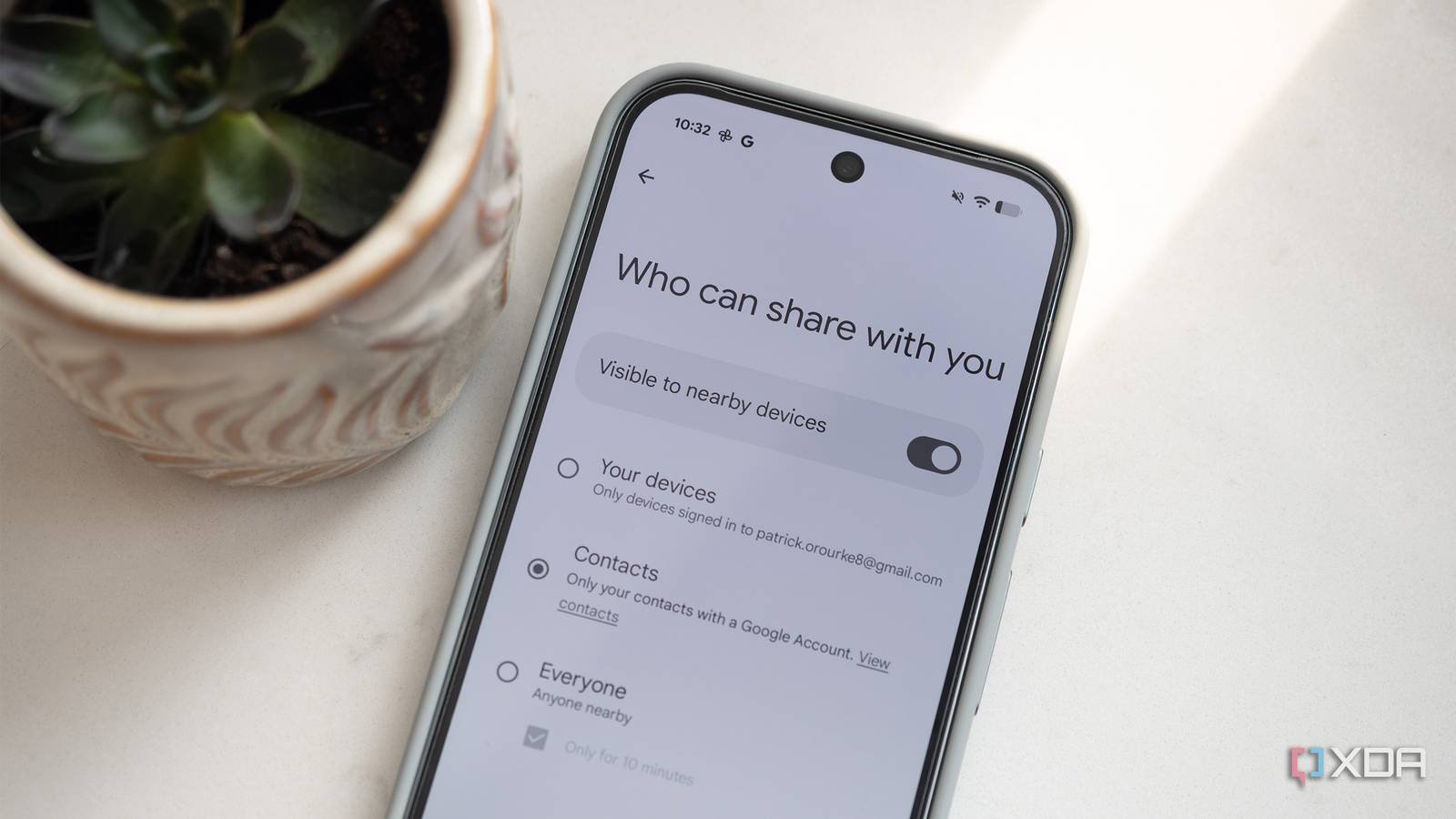
The expansion of Quick Share represents a significant step toward better interoperability between iOS and Android devices. As more Android manufacturers adopt the feature and Google continues to improve its functionality, users can expect an increasingly seamless experience when sharing files across platforms.
For the latest updates on Quick Share and other Google services, visit the official Google support page.
Comments
Please log in or register to join the discussion