Google's NotebookLM AI tool now transforms documents into narrated video presentations, adding visual learning capabilities to its popular audio features. The upgrade includes a redesigned interface enabling simultaneous multi-format outputs, positioning NotebookLM as an increasingly versatile research and productivity assistant.
When Google's NotebookLM debuted its Audio Overviews feature—generating conversational podcasts from user documents—it struck a chord with auditory learners. Now, the AI-powered research assistant is expanding its sensory reach with Video Overviews, a visual counterpart that transforms static content into dynamic narrated presentations. This evolution signals Google's ambition to make NotebookLM a comprehensive multimodal productivity tool.
From Audio to Visual Learning
Video Overviews automatically converts documents into narrated slide decks, intelligently incorporating images, diagrams, quotes, and data visualizations from source materials. As demonstrated in Google's preview, the feature creates AI-generated presenters who narrate content while relevant visuals animate alongside. The tool preserves NotebookLM's signature customization options: users can specify learning goals, target audiences, and key focus areas to tailor outputs.
"Create visually engaging slide summaries of your notebook content," Google announced via Twitter, noting the feature initially supports English on desktop.
Practical applications abound for both professionals and academics. Business analysts could transform market reports into investor-ready summaries, while researchers might distill complex papers into lecture-ready presentations. The feature effectively automates the labor-intensive process of deck creation while maintaining crucial visual context.
Studio Redesign Unlocks New Workflows
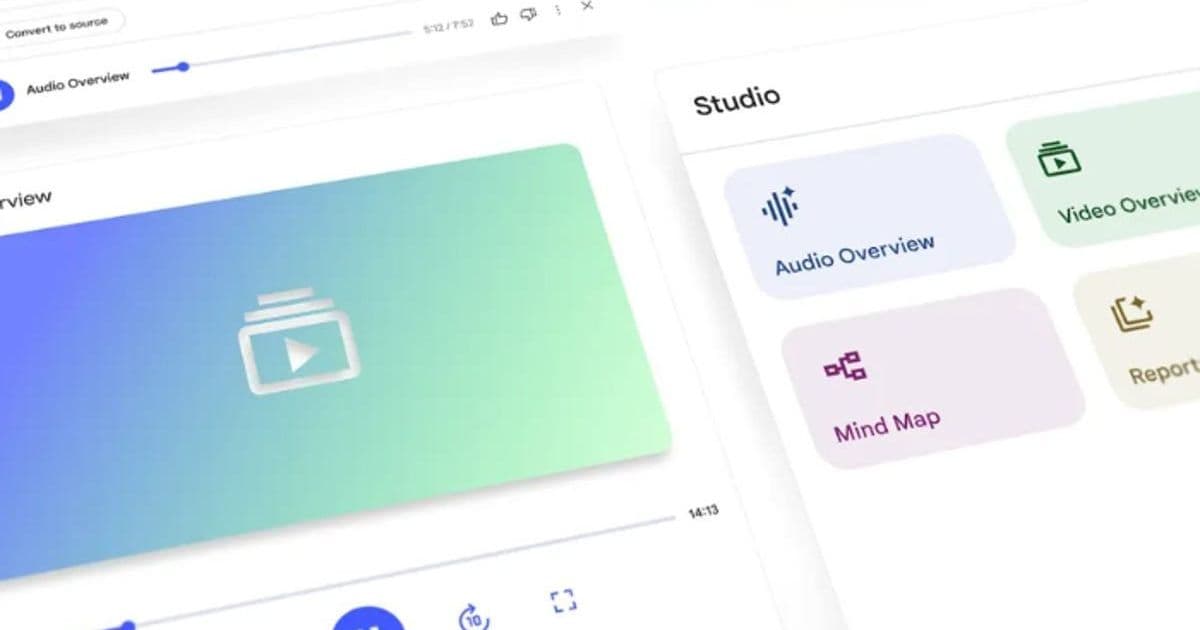
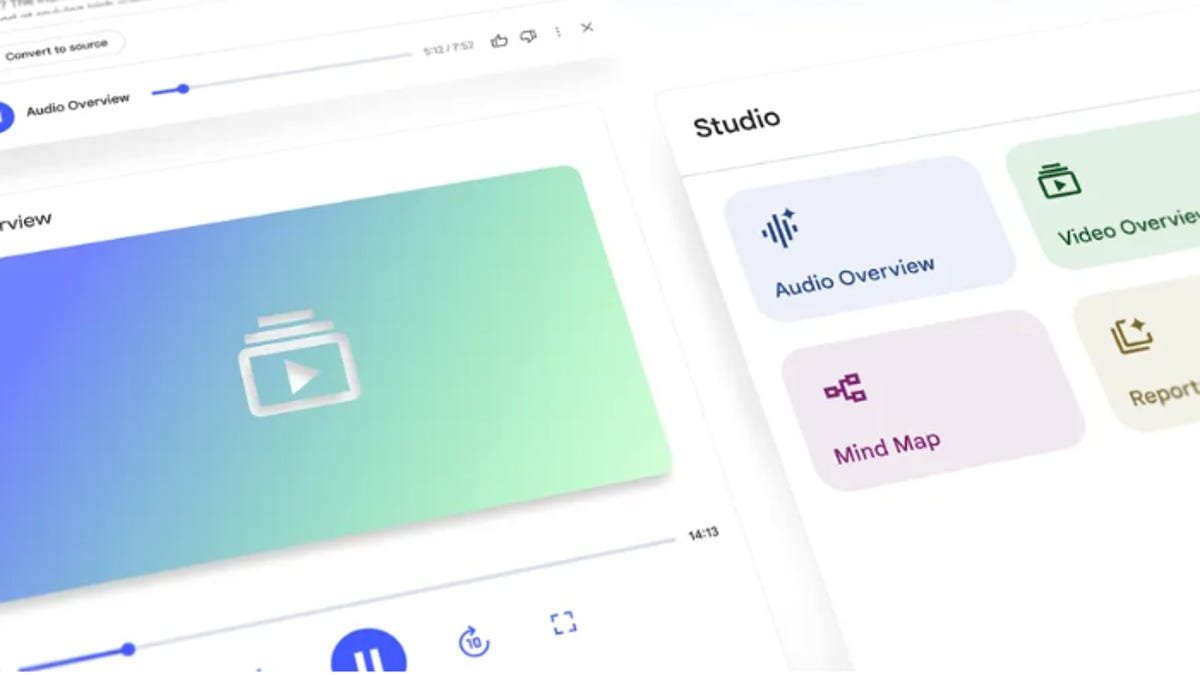
Concurrently, NotebookLM's interface received a significant overhaul. The new Studio panel introduces four organizational tiles, enabling users to generate and store multiple output formats—Audio Overviews, Video Overviews, Mind Maps, Study Guides—within a single notebook. Crucially, outputs can now operate simultaneously; users might listen to an AI-generated podcast while reviewing a complementary study guide, a previously impossible workflow.
 )
The redesigned Studio UI enables simultaneous multi-format outputs (Image: Google)
)
The redesigned Studio UI enables simultaneous multi-format outputs (Image: Google)
Why This Matters Beyond Convenience
This expansion represents more than feature bloat. By bridging audio and visual learning modalities, NotebookLM addresses fundamental cognitive diversity—acknowledging that information absorption varies across individuals. The concurrent output capability also mirrors real-world research behavior where multiple reference formats enhance comprehension. For developers, it showcases Google's vision for compound AI systems that orchestrate multiple capabilities (summarization, visualization, narration) into unified workflows.
As AI evolves from novelty to utility, NotebookLM's trajectory—from text summarization to multimodal output generation—exemplifies how tools might soon anticipate and adapt to individual cognitive preferences. With Video Overviews, Google isn't just adding slides; it's building bridges between information and understanding.
Source: ZDNet | Reporting by Sabrina Ortiz
Comments
Please log in or register to join the discussion