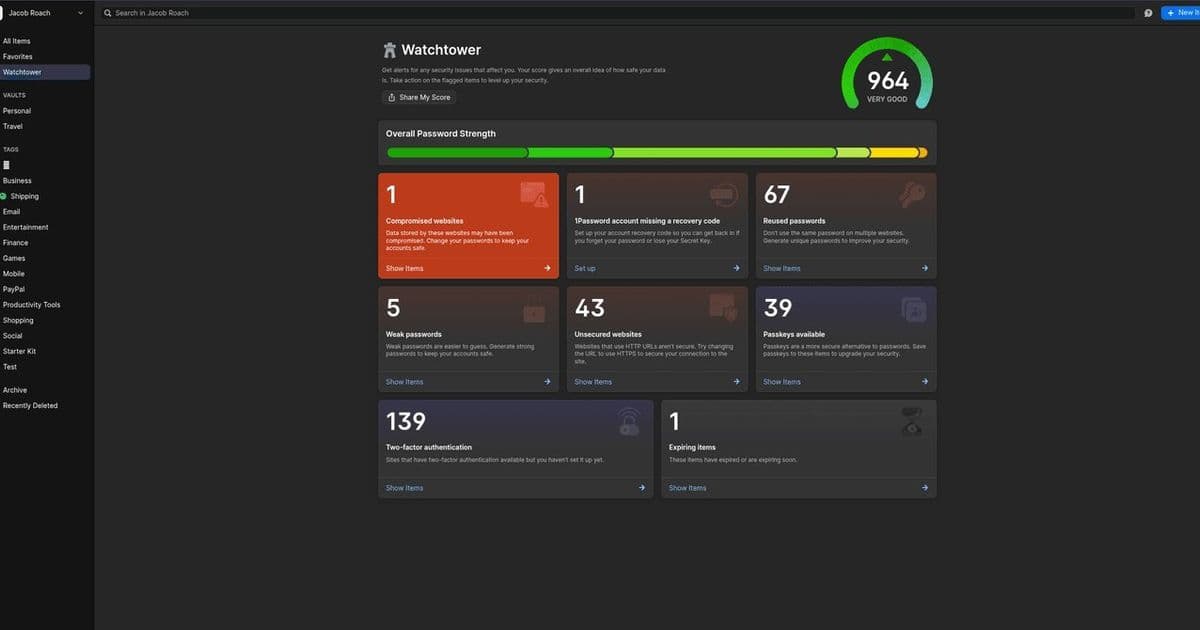
With US Customs and Border Protection searching a record 15,000 devices last quarter, travelers face heightened privacy risks. 1Password's Travel Mode offers a tactical solution by erasing sensitive vaults from devices during crossings, providing a critical layer of protection against invasive inspections. This feature, combined with encryption tools like VeraCrypt, underscores the urgent need for data minimization in an era of expanding border surveillance.
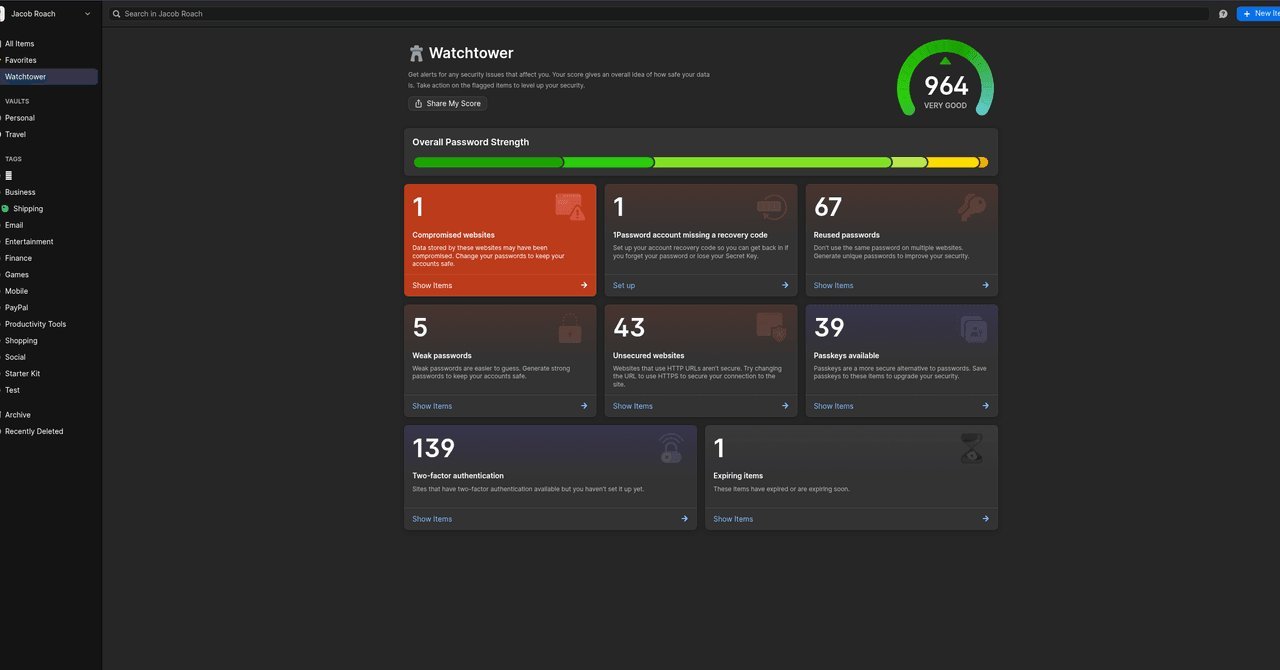
Digital privacy at international borders is under siege. Between April and June of this year, US Customs and Border Protection (CBP) conducted nearly 15,000 device searches—a quarterly record exceeding the previous high by over 2,000. This surge, coupled with reports of travelers being detained for hours or denied entry based on device content, creates a minefield for anyone carrying phones or laptops. While legal nuances exist—CBP can't deny entry to US citizens or green card holders who refuse searches, but can seize devices or prolong detentions—the practical risks are undeniable. As Esha Bhandari, deputy director of the ACLU’s Speech, Privacy, and Technology Project, warns: "This is essentially a limitless authority that they claim for themselves to search travelers without a warrant and to search the full scope of information people carry on them."
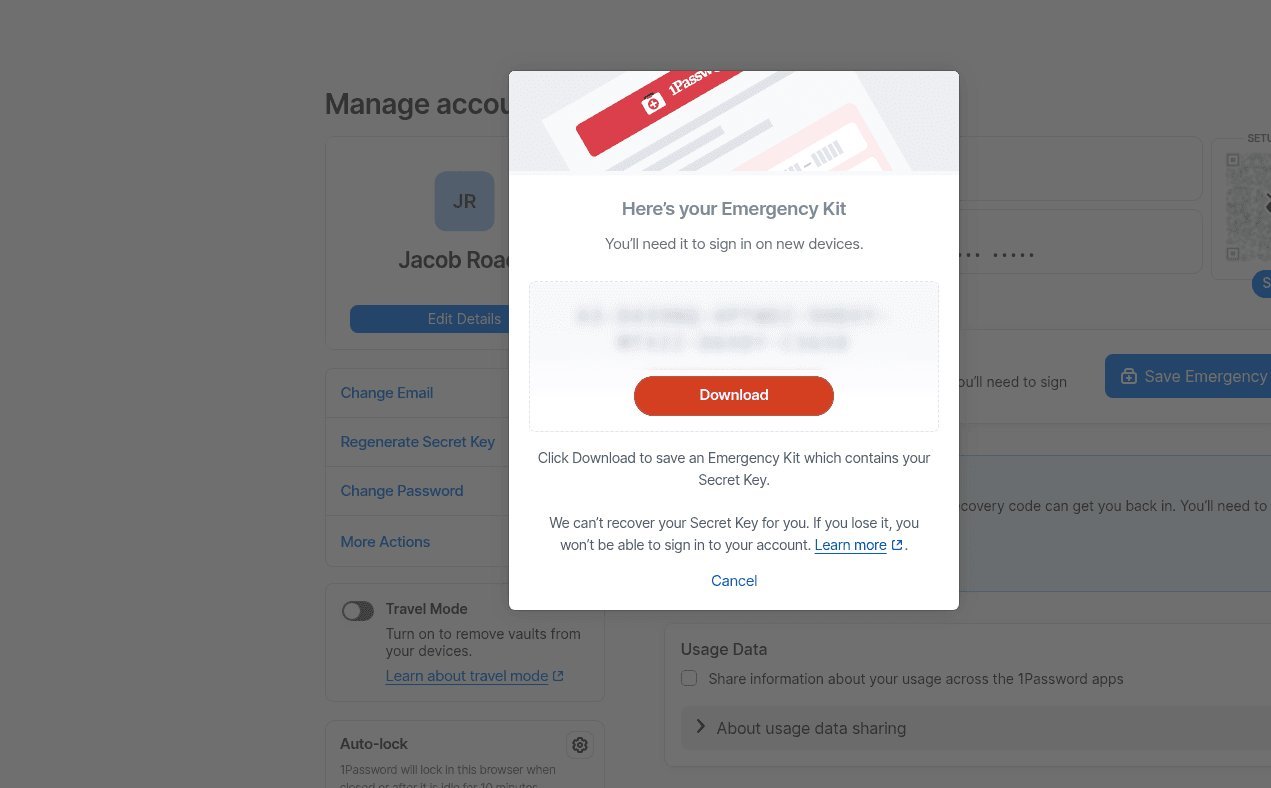
Enter 1Password's Travel Mode, a feature designed to mitigate these threats by making sensitive data disappear from your device during transit. Unlike simple hiding, Travel Mode completely removes designated vaults—containing logins, notes, attachments, and passkeys—from local storage. Users pre-select which vaults are "safe for travel" (e.g., streaming service logins) and which aren't (e.g., financial or work documents). Once activated via 1Password's web interface, the sensitive vaults vanish from the app, rendering them inaccessible even if a device is seized. Crucially, reactivation requires both a master password and a secret key, which should be stored offline in 1Password's Emergency Kit, making it nearly impossible for border agents to bypass.
"As a practical matter, a border agent can't search what isn't in your possession when crossing the border," says Bill Budington, senior staff technologist at the Electronic Frontier Foundation. "As a feature that limits the amount of data you carry with you, Travel Mode seems like a good way to protect that data."
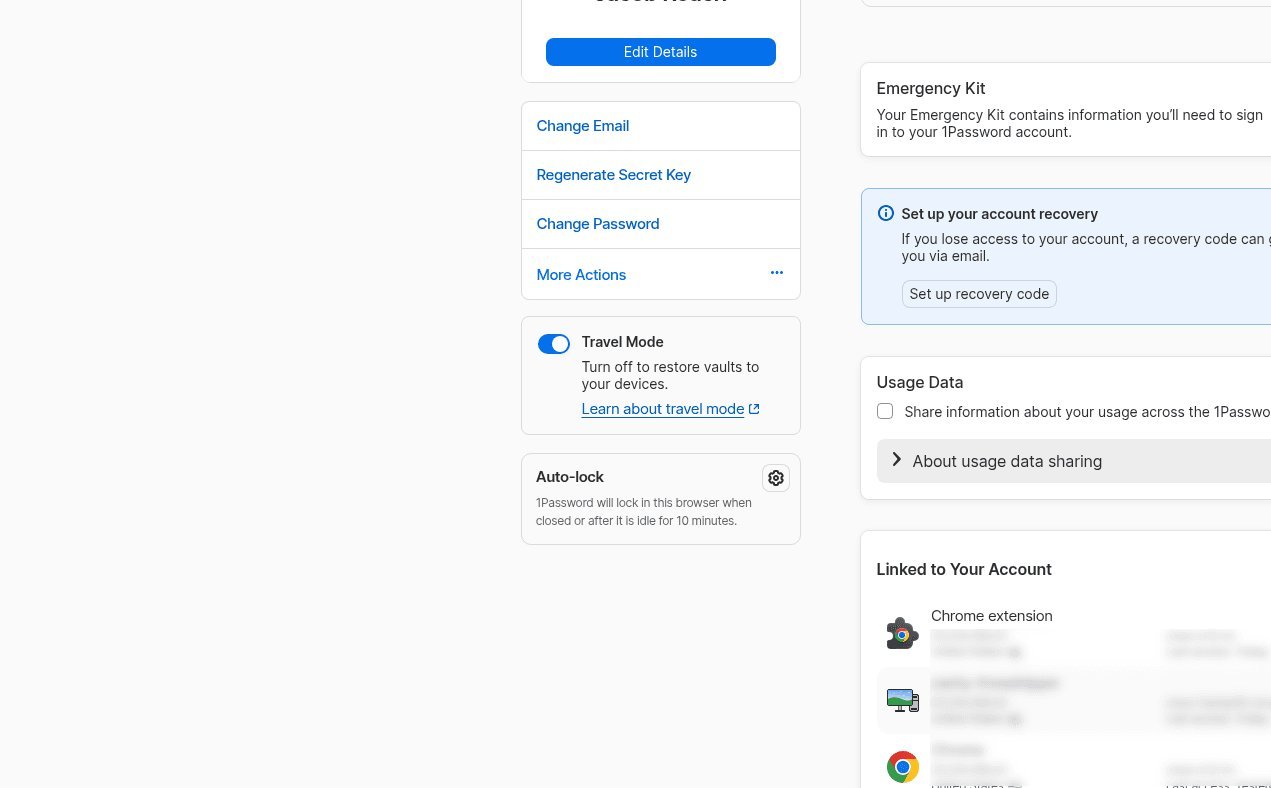
Implementing Travel Mode: A Step-by-Step Guide
- Organize Vaults: At my.1password.com, mark existing vaults as safe or unsafe for travel using the cog icon. Create new vaults for sensitive data (e.g., "Confidential Work" or "Personal Finance") and leave them unmarked.
- Secure Your Emergency Kit: Generate this kit—which includes your secret key, email, and a space for your master password—via "Manage Account." Print it or store it in an encrypted cloud service like Proton Drive, ensuring your travel device isn’t logged in.
- Activate Travel Mode: Before your trip, log into 1Password in a browser, select "Manage Account," and toggle Travel Mode. Changes take effect instantly, leaving only safe vaults visible.
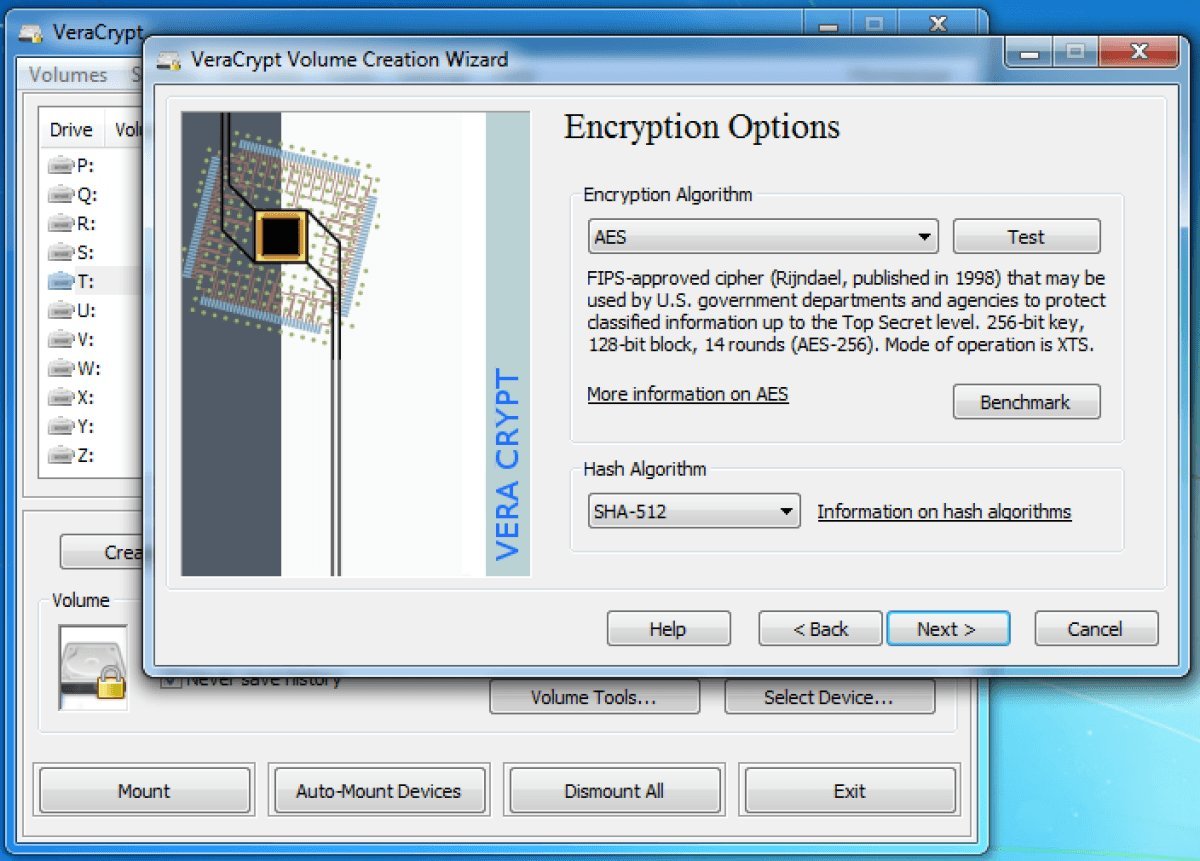
Travel Mode excels on mobile but leaves laptops vulnerable, as CBP could theoretically coerce password entry. For full-disk protection, tools like VeraCrypt offer "plausible deniability" through nested encrypted volumes. A primary encrypted drive can conceal a second volume within its free space, accessible only with a separate password. As Budington advises: "Try to thoughtfully consider what is important to take with you, and what can be left behind. If you are taking a vacation, do you really need that work laptop with you?"
Despite these tools, Travel Mode isn’t a panacea. Photos, messages, and app data remain exposed, emphasizing the need for broader digital housekeeping. Before crossing borders:
- Minimize Data: Delete non-essential files and apps.
- Use Cloud Storage Securely: Upload sensitive documents to encrypted services, then log out to prevent local caching.
- Consider a Burner Device: Travel with a clean phone or laptop containing only essential, non-sensitive information.
In a landscape where border agencies wield unprecedented access to personal devices, features like Travel Mode represent more than convenience—they are essential shields for digital autonomy. For developers and security-conscious travelers, this isn't just about avoiding inconvenience; it's about proactively architecting privacy in an age of pervasive surveillance. As Budington succinctly puts it: "The general principle of data minimization can go a long way."
Source: WIRED
Comments
Please log in or register to join the discussion