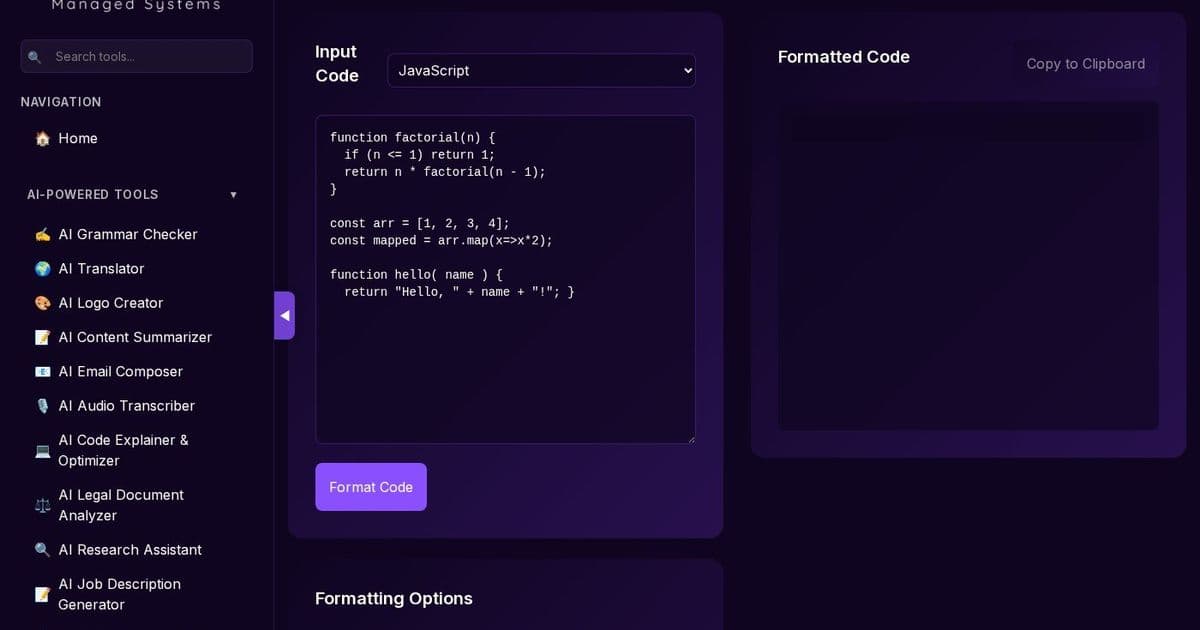
In today’s distributed teams, inconsistent code style slows reviews and introduces bugs. LavX’s Code Formatter, powered by Prettier and running entirely in the browser, guarantees uniform, readable code without compromising privacy. Discover how this tool plugs into LavX’s broader automation and security stack.
The Problem: Inconsistent Code Style in Modern Teams
When developers ship code from different environments, formatting quirks—extra spaces, missing semicolons, or mismatched indentation—can derail code reviews, inflate merge conflicts, and make onboarding new team members slower. Traditional linters catch syntax errors, but they often require a shared configuration and a build step that can delay feedback.
LavX’s Solution: Code Formatter
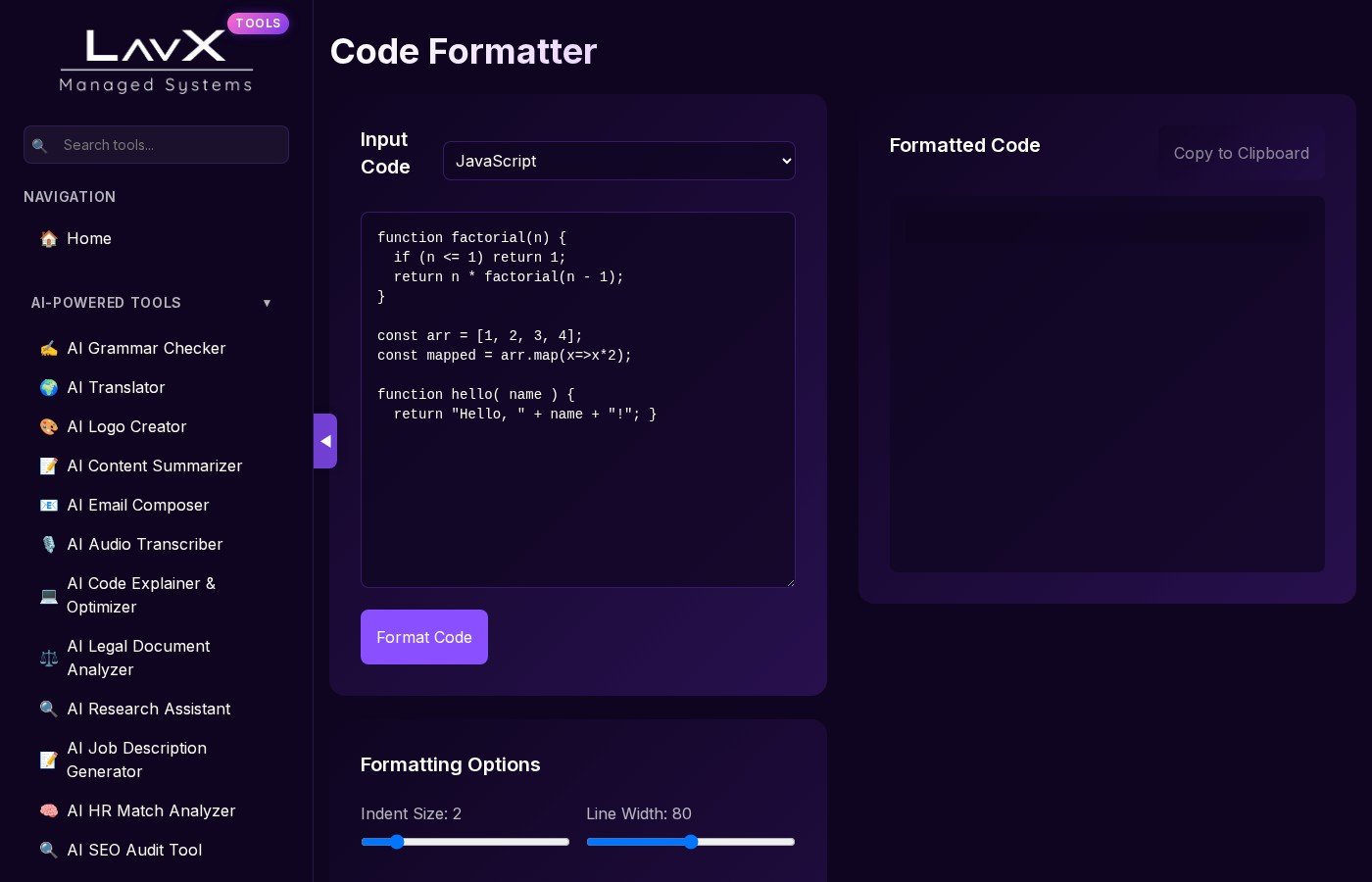
LavX’s Code Formatter is a lightweight, browser‑only tool that leverages the battle‑tested Prettier library to format code instantly across dozens of languages:
- JavaScript, TypeScript, JSX, TSX
- CSS, SCSS, LESS
- HTML, XML, JSON, Markdown, YAML
All formatting is performed locally—no code leaves your machine—and your formatting history is stored in the browser’s local storage, ensuring privacy and compliance.
Key Features & Technical Strengths
- Prettier‑powered: Guarantees consistency with the industry standard.
- Customizable options: Indent size, line width, tabs vs. spaces, semicolons, single quotes, trailing commas, and more.
- Specialized JSON handling: Beautifies complex JSON payloads, useful for API debugging.
- No server dependency: Eliminates latency and removes the risk of data leakage.
Why It Matters for DevOps
- Speedy feedback loop: Developers can format code on the fly before committing, reducing review time.
- Reduced merge conflicts: Consistent style means fewer non‑functional diffs.
- Compliance‑friendly: Local processing satisfies strict data‑handling policies.
- Seamless CI integration: Prettier can be added to CI pipelines; the web tool offers the same logic, ensuring parity between local and CI environments.
Integration with LavX Managed System
LavX’s platform is built around automation, security, and a unified developer experience. The Code Formatter fits into this vision by:
- Serving as a front‑end for Prettier: Developers can use the web interface or invoke the same logic via the LavX CLI.
- Embedding in LavX’s tooling hub: All tools are discoverable under a single, authenticated portal, streamlining access for engineering teams.
- Enhancing auditability: Formatting actions are logged in the LavX dashboard, providing traceability for code quality metrics.
Get Started
- Visit the tool at https://tools.lavx.hu/tools/code-formatter.
- Paste your code, tweak formatting options, and copy the result.
- For team‑wide consistency, add Prettier to your repo and reference the same config used by the web tool.
- Explore the rest of LavX’s AI‑powered utilities—grammar checking, code explanation, and more—to build a fully automated, secure dev pipeline.
Takeaway: With LavX’s Code Formatter, developers gain instant, privacy‑preserving code beautification that aligns with modern DevOps practices, reduces friction in reviews, and reinforces LavX’s commitment to reliable, automated, and secure tooling.
Explore more at https://lavx.hu and https://tools.lavx.hu.
Comments
Please log in or register to join the discussion