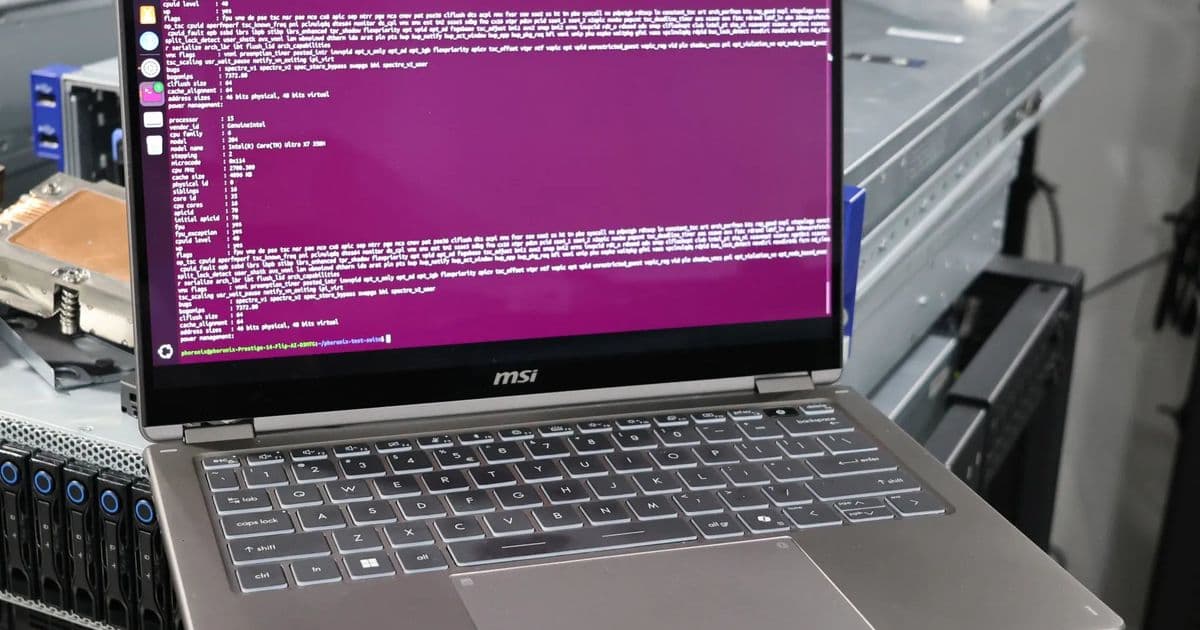
Comprehensive Linux benchmarks reveal Intel's Panther Lake Arc B390 GPU performance with Xe3 architecture, highlighting significant power profile challenges and optimal configuration requirements.
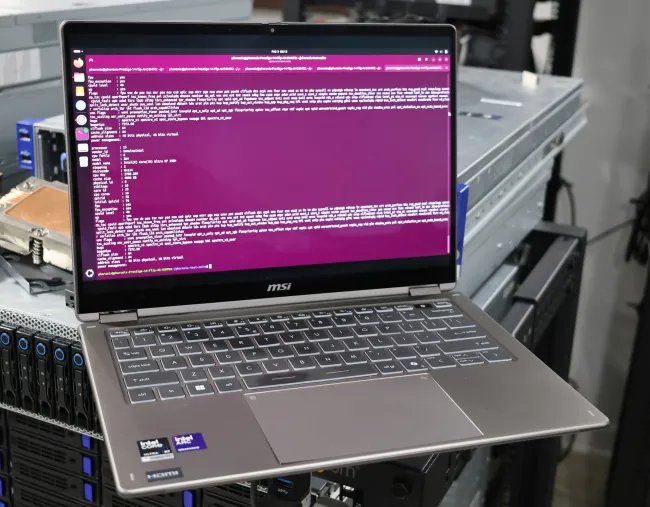
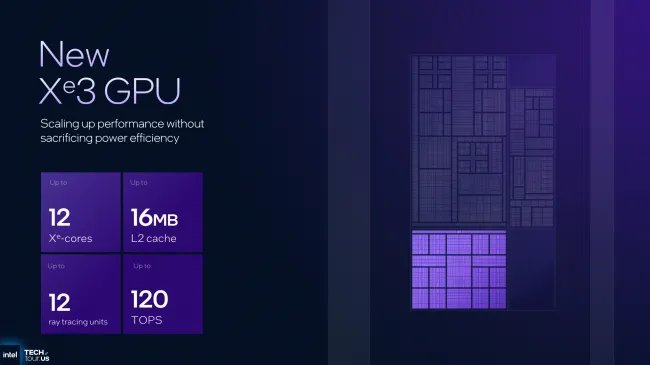
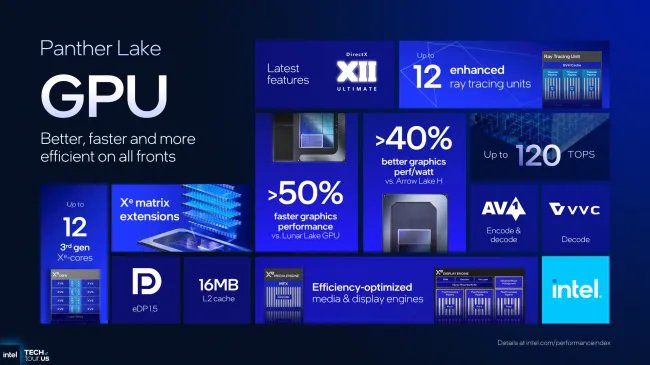
Intel's Panther Lake processors bring the next-generation Xe3 graphics architecture to Linux users, with the flagship Core Ultra X7 358H featuring Arc B390 Graphics sporting 12 Xe cores clocked up to 2.5GHz. Following our CPU-focused Panther Lake review, we've conducted extensive Linux testing to evaluate the GPU capabilities under real-world conditions.
Hardware and Software Requirements
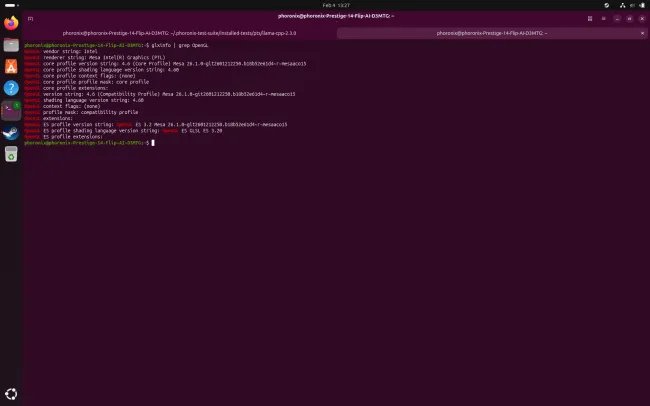
For optimal Panther Lake graphics support, Linux 6.18+ and Mesa 25.3+ are required, though our testing utilized Linux 6.19 and Mesa 26.0-devel for cutting-edge features. The MSI Prestige 14 test platform requires recent linux-firmware packages containing Intel GuC firmware for Xe3 support. Display capabilities include eDP 1.5, DP 2.1, and HDMI 2.1 with 8K@60 output across four simultaneous displays.
Power Profile Challenges
Initial benchmarking revealed perplexing results: Arc B390 showed minimal performance gains over Lunar Lake's Xe2 graphics. Investigation uncovered significant power delivery differences between Windows and Linux defaults:
- MSI's "balanced" mode defaults to 15W min / 30W max PL1 power limits
- Intel recommends higher OEM power minimums for balanced mode
- Windows/Linux balanced modes exhibit up to 15W TDP differences
- Performance gap violates Intel Evo platform certification expectations
Performance Optimization
To achieve representative performance, Intel recommended:
- Switching to "performance" platform profile
- Applying Thermald workaround
- Installing Low Power Mode Daemon (LPMD) This configuration finally unleashed Xe3's potential, though it complicates out-of-box Linux experiences.
Benchmark Methodology
Tested configurations:
| System | Processor | Configuration |
|---|---|---|
| ASUS Zenbook S16 | Ryzen AI 9 HX 370 Strix Point | Balanced |
| Lenovo ThinkPad X1 Carbon G13 | Core Ultra 7 258V Lunar Lake | Balanced |
| Acer Swift 14 | Core Ultra 7 155H Meteor Lake | Balanced |
| MSI Prestige 14 | Core Ultra X7 358H Panther Lake | Performance+LPMD |
All systems benchmarked with identical Mesa 26.0-devel/RADV stack and Linux 6.19 kernel.
Performance Analysis
Gaming Benchmarks (1080p Medium):
- Counter-Strike 2: Panther Lake delivered 86 fps vs Lunar Lake's 72 fps
- Cyberpunk 2077: 38 fps (B390) vs 29 fps (Lunar Lake)
- HITMAN 3: 54 fps (B390) vs 45 fps (Lunar Lake)
Synthetic Tests:
- 3DMark Wild Life: Panther Lake scored 14,650 points
- GravityMark: 45 fps (B390) at 1080p
- Vulkan Ray Tracing (Q2RTX): 28 fps at 1080p
AI Workloads (Llama.cpp Vulkan):
- Panther Lake processed 4.8 tokens/sec vs Lunar Lake's 3.9 tokens/sec
Power consumption during gaming peaked at 42W for the GPU package, with notable thermal headroom observed during sustained loads.
Linux-Specific Observations
- Vulkan ray tracing performance improved 22% over Lunar Lake
- RADV driver optimizations showed significant gains in recent months
- Memory bandwidth limitations visible in texture-heavy workloads
- OpenCL support remains weaker than Vulkan implementation
Build Recommendations
For Panther Lake Linux users:
- Always enable "performance" power profile
- Install Thermald and LPMD from distribution repositories
- Maintain kernel >=6.19 and Mesa >=26.0
- Verify linux-firmware >=20240610 for GuC firmware
- Monitor GPU clock scaling with intel_gpu_top
Conclusion
Intel's Xe3 architecture shows tangible generational gains when properly configured, delivering 18-31% performance uplifts over Lunar Lake in GPU-limited scenarios. However, OEM power profile implementations significantly impact real-world performance, particularly on Linux where platform defaults differ from Windows. The Arc B390 establishes Panther Lake as a competitive mobile Linux platform for 1080p gaming and GPU-accelerated workloads when optimized correctly.
Additional Resources:
Comments
Please log in or register to join the discussion