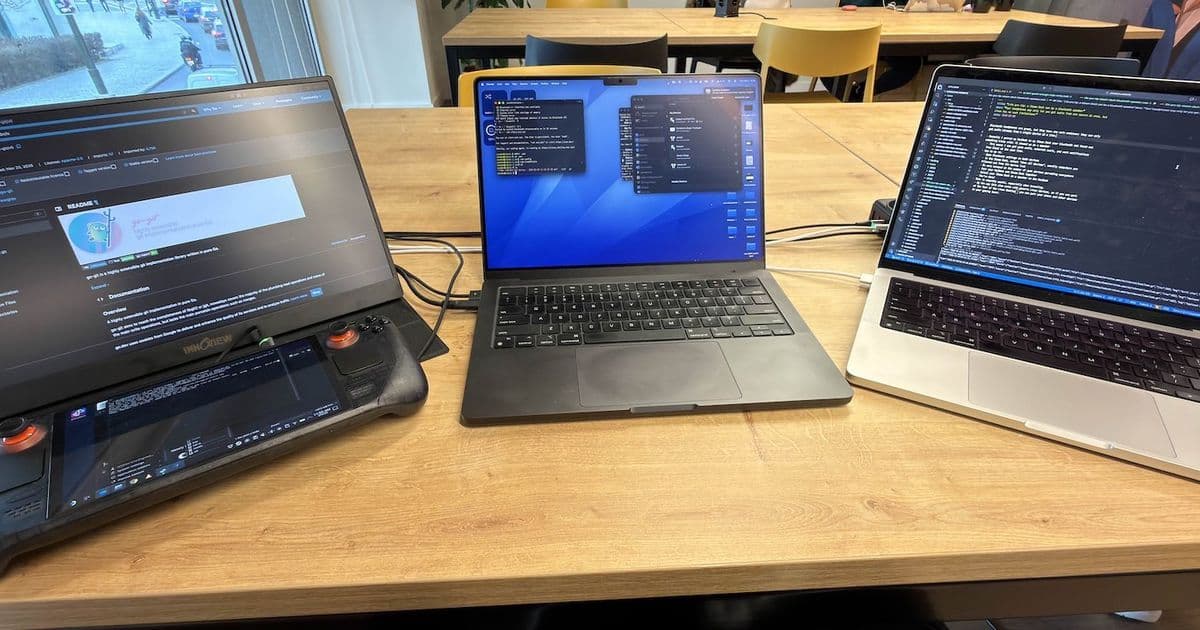
Discover how to turn your Steam Deck into a Bluetooth speaker for multiple audio sources, perfect for coworking spaces and multi-device setups.
Your headphones may only let you get audio from one source at once, but Linux has no such limitations! 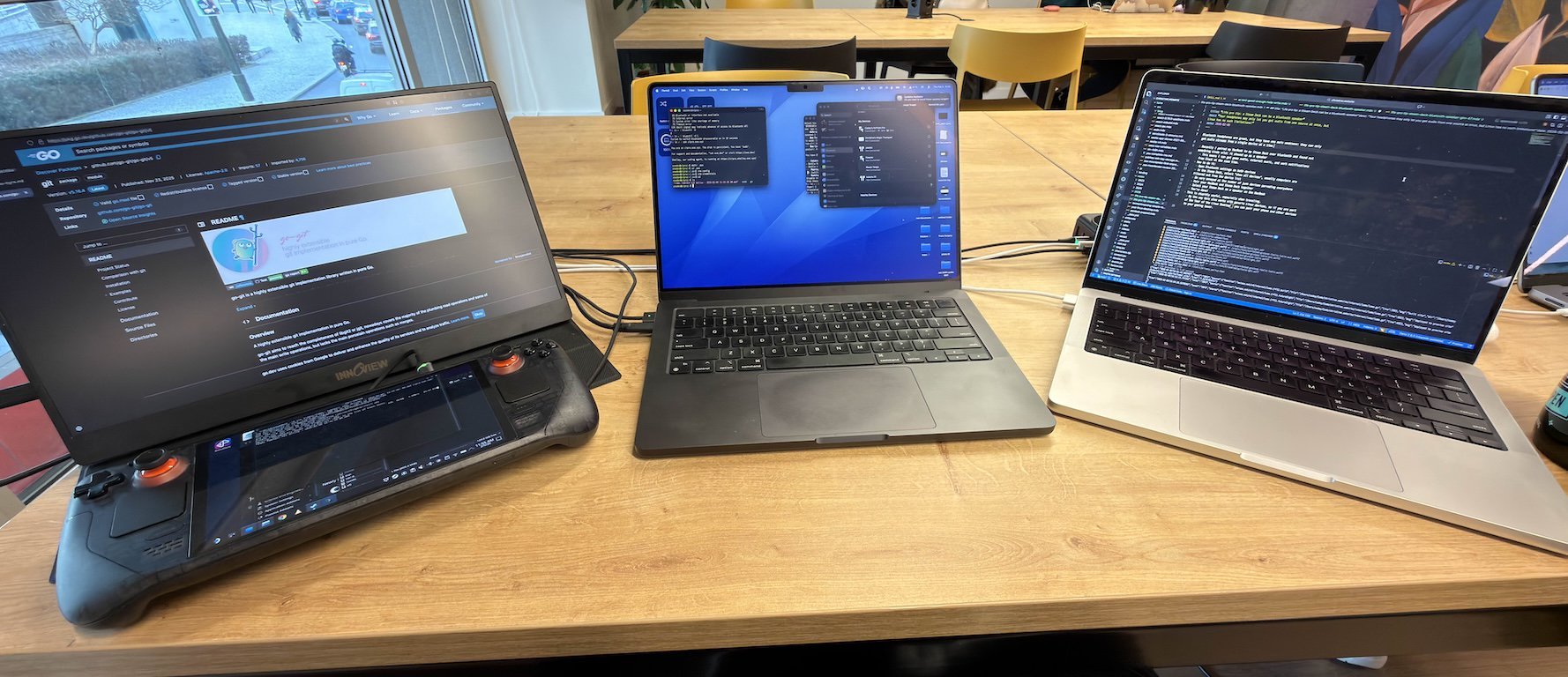
The Multi-Device Audio Problem
Bluetooth headphones are great, but they have one main weakness: they can only get audio streams from a single device at a time. This limitation becomes particularly frustrating when you're juggling multiple devices throughout your workday.
Facts and Circumstances™️ mean that I have to have hard separation of personal and professional workloads, and I frequently find myself doing both at places like coworking spaces. Often I want to have all of these audio inputs at once:
- Notifications from games on my Steam Deck (mostly FFXIV)
- Notification sounds from Slack at work
- Music on my personal laptop
- Anything else from my phone
When I'm in my office at home, I'll usually have all of these on speaker because I'm the only person there. I don't want to disturb people at this coworking space with my notification pings or music.
The Steam Deck Solution
Turns out a Steam Deck can act as a Bluetooth speaker with no real limit to the number of inputs! Here's how you do it:
- Open Bluetooth settings on the Steam Deck and device you want to pair
- Look for the name of your laptop on the Steam Deck or Steam Deck on your laptop
- This may require you to "show all devices" as usually the UI wants to prevent you from pairing a laptop to another computer because this normally doesn't make sense
- Pair the two devices together and confirm the request on both sides
- Select your Steam Deck as a speaker on your laptop
- Max out the volume on the laptop and control the volume on the deck
This is stupidly useful. It also works with any Linux device, so if you have desktop Linux on any other machines you can also use them as speakers.
Why This Matters
I really wish this was a native feature of macOS and Windows. It's one of the best features of desktop Linux that nobody knows about. The ability to have multiple audio sources playing through a single Bluetooth speaker opens up so many possibilities for productivity and convenience.
This feature is particularly valuable in shared workspaces where you need to balance personal and professional audio without disturbing others. You can keep your Steam Deck nearby as a dedicated speaker while maintaining separate audio streams from all your devices.
Technical Notes
The Steam Deck runs Arch Linux with Valve's custom SteamOS interface, which means it inherits all the flexibility and power of desktop Linux. This Bluetooth speaker functionality is just one example of how Linux's audio architecture allows for configurations that aren't possible on more restrictive operating systems.
For those interested in the technical details, this works because Linux supports multiple simultaneous audio streams through PulseAudio or PipeWire, and Bluetooth audio profiles that allow a device to act as a sink (receiver) rather than just a source (transmitter).
Final Thoughts
This little-known feature transforms your Steam Deck from just a gaming device into a versatile audio hub. Whether you're working in a coworking space, want to declutter your desk setup, or simply need a convenient way to manage multiple audio sources, your Steam Deck has you covered.
Next time you're struggling with audio routing between devices, remember that your Steam Deck might be the perfect solution hiding in plain sight.
Comments
Please log in or register to join the discussion