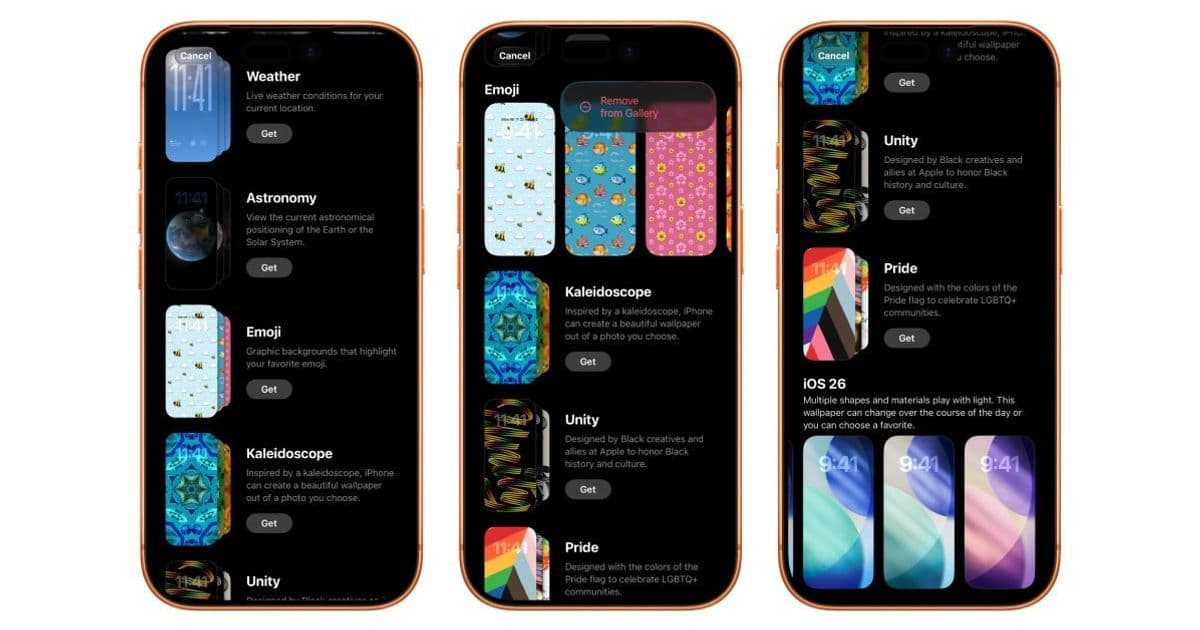
Apple's iOS 26.4 beta introduces a redesigned Wallpaper Gallery featuring categorized organization, customizable collections, and significant performance improvements.
iOS 26.4 Redesigns Wallpaper Gallery with Enhanced Organization and Performance
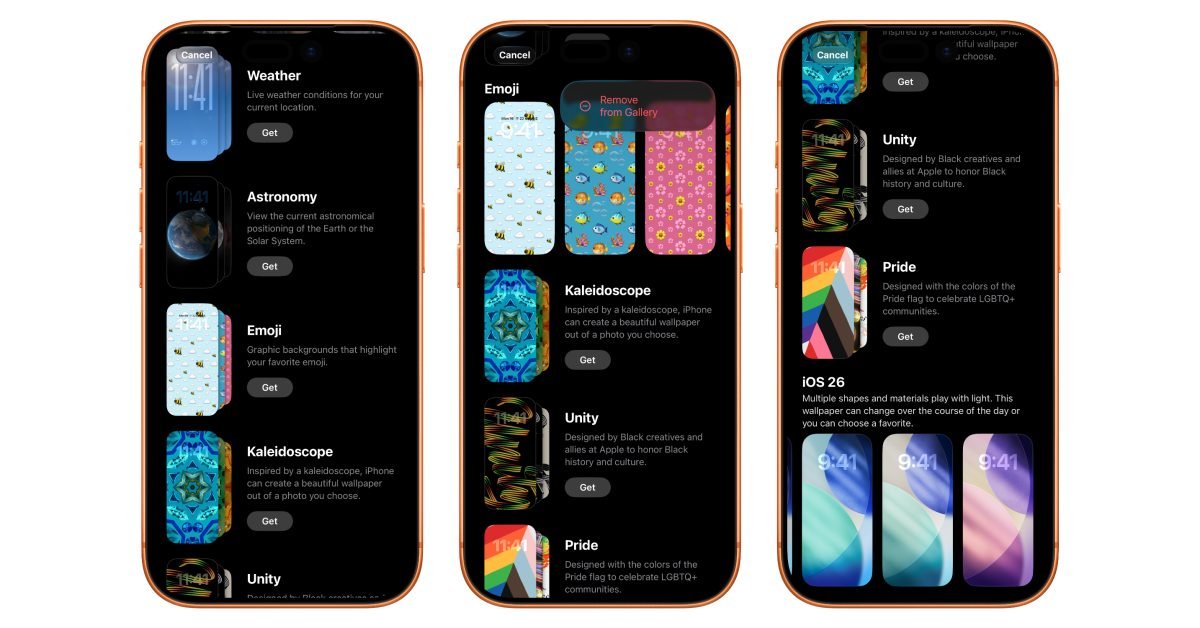
Apple's latest iOS 26.4 beta brings substantial changes to the Wallpaper Gallery, transforming how users discover and manage backgrounds on iPhone. This isn't just cosmetic—the redesign introduces architectural improvements that make wallpaper browsing faster and more intuitive.
Structural Changes and Customization
The new gallery organizes wallpapers into distinct sections accessible through a horizontal category bar:
- Featured: Curated selections updated regularly
- Photo Shuffle: Dynamic wallpapers changing based on time or activity
- Spatial Scenes: Immersive backgrounds leveraging parallax effects
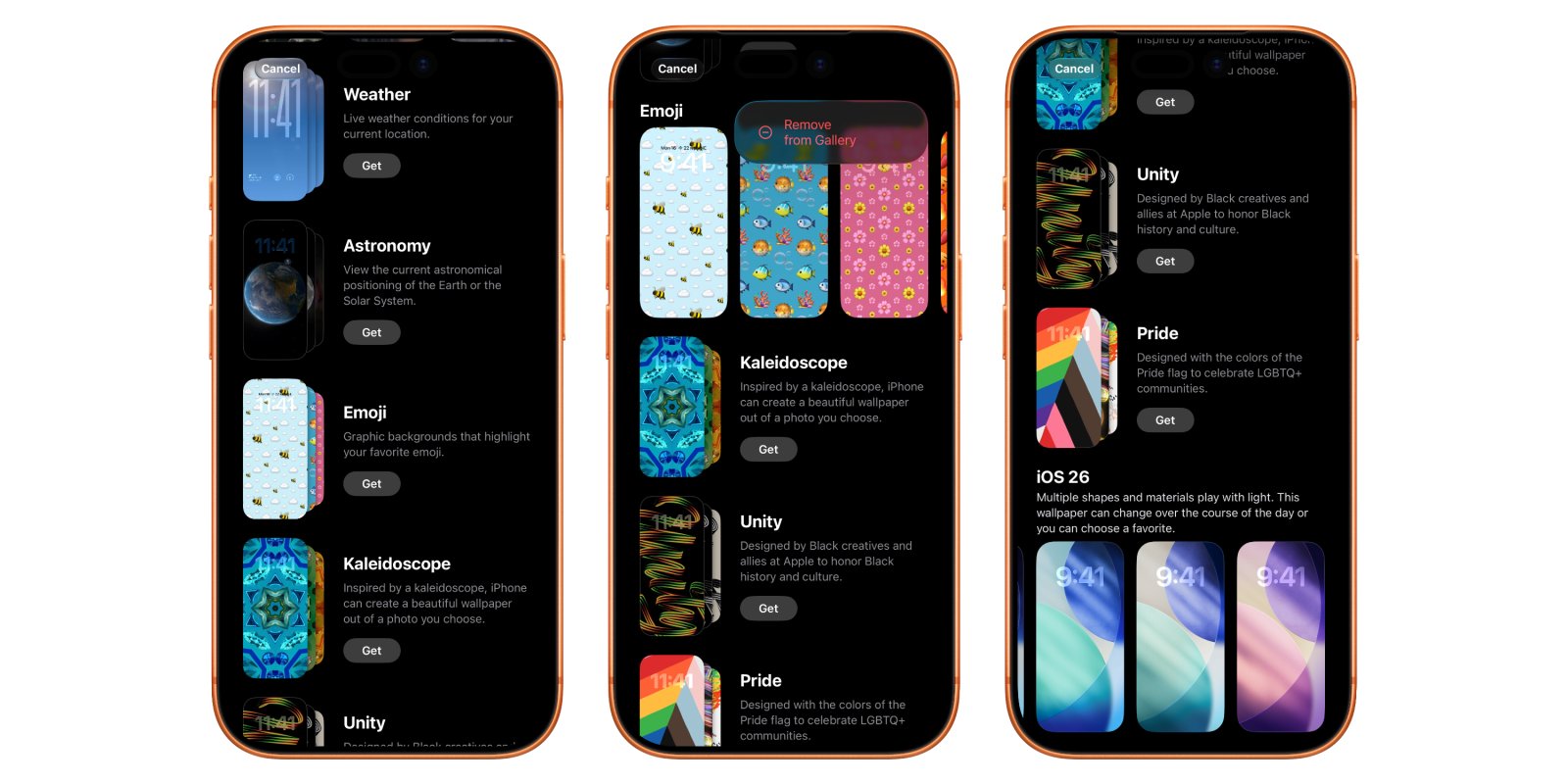
Below these primary sections, users find familiar categories like Weather, Astronomy, and Emoji—each now accompanied by descriptive text explaining their visual characteristics. Crucially, iOS 26.4 introduces collection management: tap "Get" to add a category to your gallery or tap the checkmark icon to remove it. This gives users unprecedented control over which wallpaper sets appear in their interface.
Persistent Elements and Technical Improvements
While customization is enhanced, certain collections remain fixed:
- Default iOS 26 wallpapers
- Device-specific backgrounds optimized for iPhone hardware
These unremovable options ensure users always have access to core Apple-designed visuals. Under the hood, the gallery now operates with noticeably improved responsiveness. Animations transition more smoothly, collection loading happens faster, and scrolling feels consistently fluid—addressing longstanding complaints about interface lag when browsing media-rich content.
User Workflow Changes
The interaction model has shifted significantly:
- Browse categories with descriptive previews
- Tap "Get" to activate a collection
- Explore full contents within each category
- Tap to apply immediately or remove via checkmark
This replaces the previous monolithic grid approach with a tiered discovery system. The redesign aligns with iOS 26's broader interface language, using consistent animation curves and responsive haptics.
Implications for Developers
While primarily user-facing, the changes suggest underlying framework optimizations:
- Improved asset loading for dynamic wallpapers
- Revised UIKit components for gallery interfaces
- Potential new APIs for third-party wallpaper integration
App developers should note that system-level graphics performance enhancements could benefit any media-heavy applications. The gallery's new architecture might preview similar organizational patterns coming to other system apps.
Availability and Impact
The redesigned Wallpaper Gallery debuts in iOS 26.4 beta, with public release expected in the coming weeks. This marks Apple's most significant wallpaper management update since iOS 14's widget system, offering both functional improvements and a more coherent visual hierarchy. Users gain practical customization while benefiting from technical optimizations that make the entire interface feel more responsive.
For implementation details, Apple's Human Interface Guidelines for Wallpaper provide design context, though they haven't yet been updated for iOS 26.4 specifics.
Comments
Please log in or register to join the discussion