Apple's iOS 26 public beta is now live, offering developers and enthusiasts early access to one of the most significant iPhone interface overhauls in years. Learn how to safely install the preview build and discover which devices support the update ahead of its fall release.
Apple has officially opened its iOS 26 public beta program, giving developers and tech enthusiasts their first hands-on experience with what may be the most radical iPhone interface redesign since iOS 7. Announced at WWDC 2025, iOS 26 breaks from Apple's traditional version numbering to align with its target year of widespread use, signaling a fundamental shift in the company's mobile strategy.
The Liquid Glass Revolution
Unlike incremental updates, iOS 26 introduces "Liquid Glass" – a comprehensive UI overhaul featuring:
- Dynamic depth effects in notifications and widgets
- Context-aware transparency layers
- Physics-based animation systems
- Adaptive iconography that responds to usage patterns
This isn't just cosmetic: Early testers report significant under-the-hood improvements to machine learning frameworks and privacy architecture that could reshape third-party app development.
Installing the Public Beta: Step-by-Step
Before proceeding, back up your device and avoid installing on primary iPhones. Beta software carries stability risks:
- Prepare Your Device: Ensure you're running iOS 16.5 or later on a compatible iPhone (iPhone 11 or newer, including SE models)
- Navigate to Settings → General → Software Update
- Enable Beta Updates: Tap "Beta Updates" (disabled by default)
- Select iOS 26 Public Beta: Return to Software Update to download
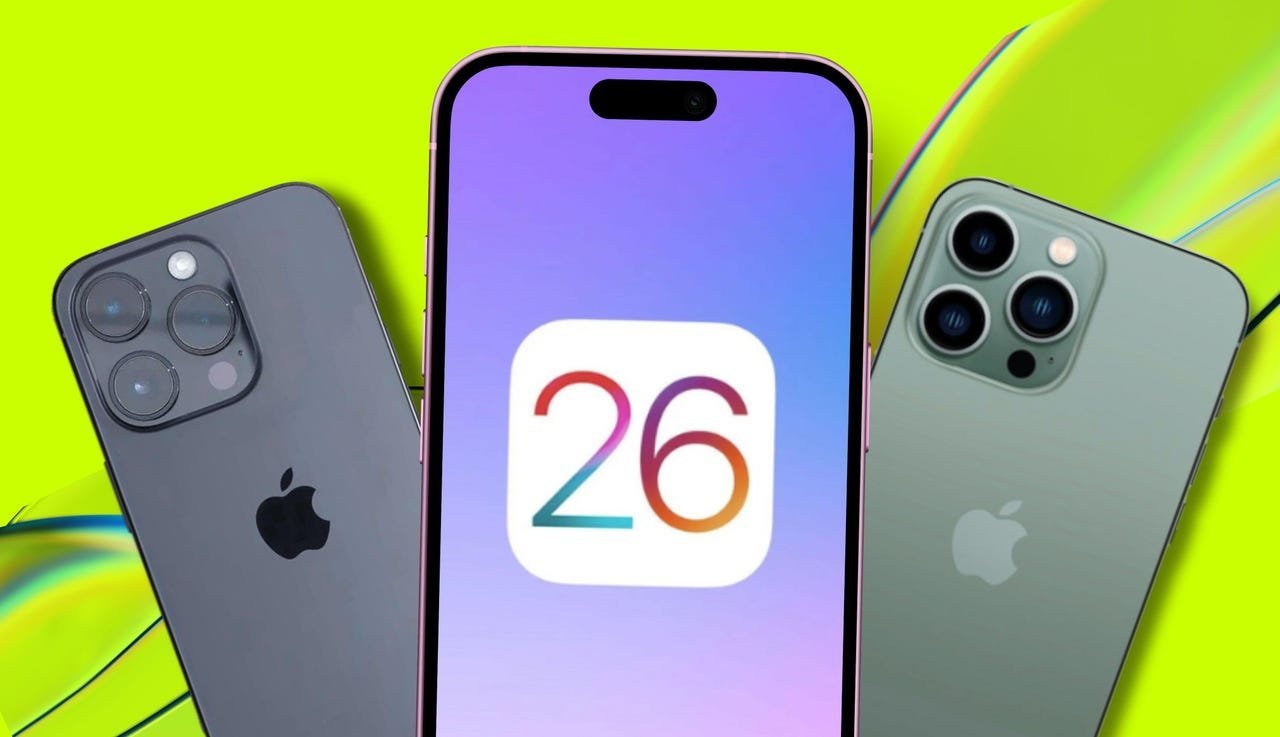 Image: iPhone models supporting iOS 26 (Credit: Apple/Elyse Betters Picaro/ZDNET)
Critical Compatibility Notes
Apple has dropped support for iPhone XR and XS models – the first major compatibility cutoff since 2022. This strategic move leverages newer neural engines for iOS 26's machine learning features. Supported devices include:
| Device Series | Supported Models |
|---|---|
| iPhone 15 | All variants |
| iPhone 14 | All variants |
| iPhone 13 | All variants |
| iPhone 12 | All variants |
| iPhone 11 | All variants |
| iPhone SE | 2nd Gen & newer |
Navigating Beta Risks
- Expect instability: App crashes, battery drain, and feature inconsistencies are common
- Use Feedback Assistant: Pre-installed app lets you report issues directly to Apple
- Enterprise caution: MDM configurations may conflict with beta profiles
- Rollback complexity: Downgrading requires full device restoration
Why This Beta Matters to Developers
Beyond consumer features, iOS 26 introduces:
- Enhanced ARKit spatial mapping APIs
- On-device LLM integration points
- Privacy-preserving ad attribution framework
- Refined SwiftUI state management
These changes signal Apple's investment in blending AI with core UI interactions – a direction that will define third-party app development through 2026.
As the beta evolves toward its September general release, developers gain crucial early access to rebuild interfaces for Apple's fluid design future. Just remember: Install with caution, test thoroughly, and let Apple know what breaks.
Source: ZDNET (Maria Diaz)
Comments
Please log in or register to join the discussion