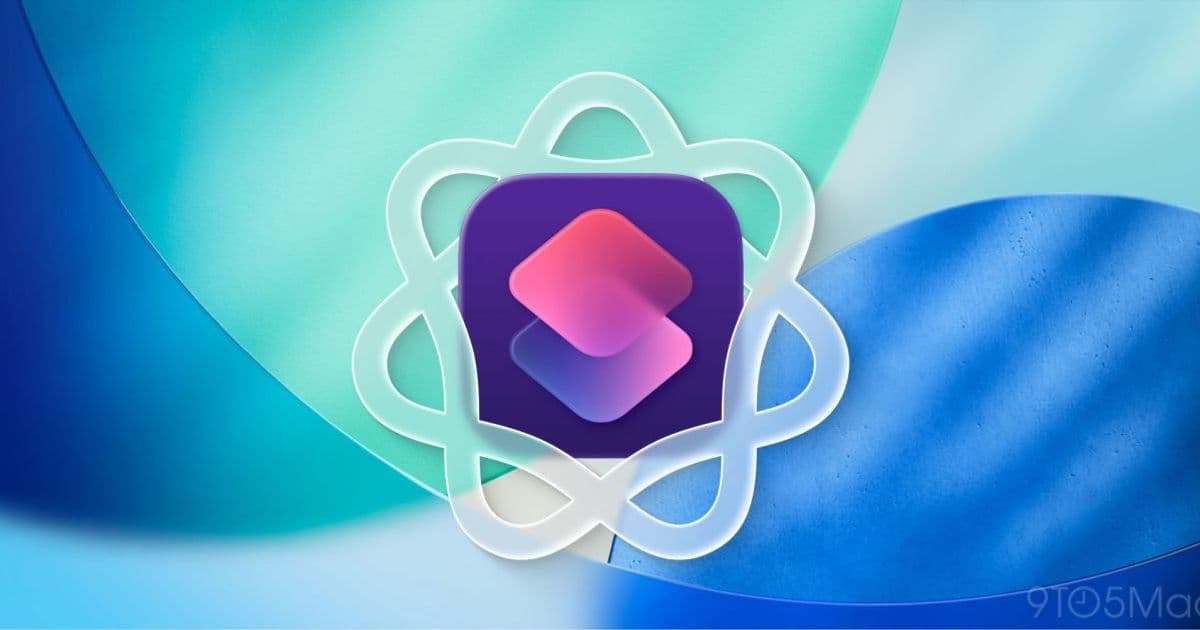
Apple’s upcoming iOS 27 adds a natural‑language AI engine to Shortcuts, letting anyone describe a task and receive a ready‑to‑run automation. The change could open powerful cross‑app workflows to the mass market while still giving power users new depth.
iOS 27 Turns Shortcuts into a True Personal Automation Hub
Apple’s next major OS release promises to make the Shortcuts app finally live up to the vision that began with Workflow’s acquisition in 2017. Instead of forcing users to drag actions, tap parameters and hunt through the Gallery, iOS 27 will let them type—or speak—a plain‑language request such as “Send my weekly sales report to the team and archive the PDF” and watch the system generate a complete shortcut on the device.
Why the change matters
Shortcuts has always sat at the intersection of two worlds. On macOS, Automator gave power users a visual way to glue together scripts, but its interface was intimidating for most. On iOS, the original Workflow app showed that a similar concept could work on a touch screen, yet the learning curve remained steep. The result was a community of enthusiasts—people like Federico Viticci of MacStories—who built intricate automations and shared them online, while the broader iPhone audience stayed with the simplest recipes (photo GIFs, light‑switch toggles, etc.).
By moving the creation step from manual assembly to AI‑driven generation, Apple is addressing the core friction point: the need to understand the underlying action library. When a user can simply describe the desired outcome, the barrier to entry drops dramatically, opening the technology to anyone who can phrase a request.
How the new engine works
The feature relies on the same on‑device language model that powers Siri’s latest improvements. When the user opens Shortcuts and sees the prompt “What do you want your shortcut to do?”, the text (or voice) is sent to the model, which parses intent, identifies required apps, and assembles a graph of actions. The generated shortcut is then presented for review, allowing the user to tweak parameters before saving.
Key technical steps include:
- Intent extraction – The model maps natural language to a set of predefined intents (e.g., send email, download file, control HomeKit). Apple has expanded the intent list to cover over 150 common actions across the ecosystem.
- App capability matching – Shortcuts queries each installed app’s
IntentsandSiriKitextensions to see which actions are available. If an app does not expose the needed capability, the model suggests an alternative or prompts the user to install a supporting app. - Action graph construction – Once intents are matched, the engine builds a directed acyclic graph of actions, inserting necessary data conversions (e.g., converting a PDF to a base‑64 string before attaching it to an email).
- On‑device validation – Before the shortcut is installed, a sandboxed test run checks for permission errors or missing data, then surfaces any required user authorizations.
Because the processing stays on the device, privacy concerns are minimal, and the workflow runs instantly without a network round‑trip.
What this means for everyday users
Imagine a parent who wants a daily reminder to pack a lunch, a grocery list generated from a recent receipt photo, and a text sent to a spouse when the house temperature drops below 68 °F. In iOS 27 they would simply say:
“Create a shortcut that reads my latest receipt photo, extracts the items, adds them to a grocery list, and sends a reminder at 5 PM.”
The AI would stitch together Vision OCR, the Reminders API, and Messages, delivering a ready‑to‑run shortcut that the user can enable with a single tap. No need to understand how to chain OCR → text parsing → list creation.
Benefits for power users
For the community that already lives in Shortcuts, the AI generator is a productivity boost rather than a replacement. Advanced users can:
- Prototype quickly – Describe a complex workflow, get a base version, then fine‑tune the actions.
- Explore new app integrations – The model can suggest capabilities that a user may not have known were exposed by a third‑party app.
- Batch‑generate – By feeding a list of natural‑language tasks, a power user can generate multiple shortcuts in seconds, then organize them in the Library.
The ceiling therefore rises: the same tool that now helps a novice automate a light switch can also accelerate the creation of multi‑step, data‑rich automations for developers and enterprises.
Ecosystem lock‑in considerations
Shortcuts has always been a subtle driver of ecosystem stickiness. When a user builds a shortcut that ties together iMessage, Apple Music, HomeKit, and a third‑party note‑taking app, moving to a competing platform becomes more painful because the automation logic is stored locally and often references proprietary APIs.
iOS 27’s AI generation amplifies this effect. The more a user relies on natural‑language shortcuts, the deeper their daily routines become intertwined with Apple‑only services. That said, Apple is keeping the shortcut files exportable as .shortcut bundles, and the new format still supports sharing via iCloud or AirDrop, which mitigates the risk of a hard lock‑in for users who value cross‑platform flexibility.
What to watch at WWDC 2026
The Bloomberg leak hints at a beta version already in internal testing, but the full feature set will likely be demonstrated at WWDC next month. Expect to see:
- Live demos of voice‑driven shortcut creation.
- A deeper look at the on‑device language model and its privacy safeguards.
- Expanded intent coverage for third‑party developers, with a new Shortcuts SDK that lets apps expose richer actions.
- Integration with the upcoming Apple Intelligence pane, allowing users to manage all AI‑generated automations from a single settings screen.
For developers, the announcement will be a call to update their app extensions to support the new intents, ensuring their services appear in the AI‑generated suggestions.
Bottom line
iOS 27’s AI‑powered Shortcuts could finally bridge the gap between the app’s raw power and everyday usability. By letting anyone describe a task in plain language and receive a functional automation, Apple moves the feature from a niche hobby to a mainstream productivity tool, while still giving seasoned creators a faster way to prototype and expand their workflows.
Read the official iOS 27 preview on Apple’s developer site Apple Developer – iOS 27 Overview.
Follow the Shortcuts community on Reddit for early beta impressions r/shortcuts.
Comments
Please log in or register to join the discussion