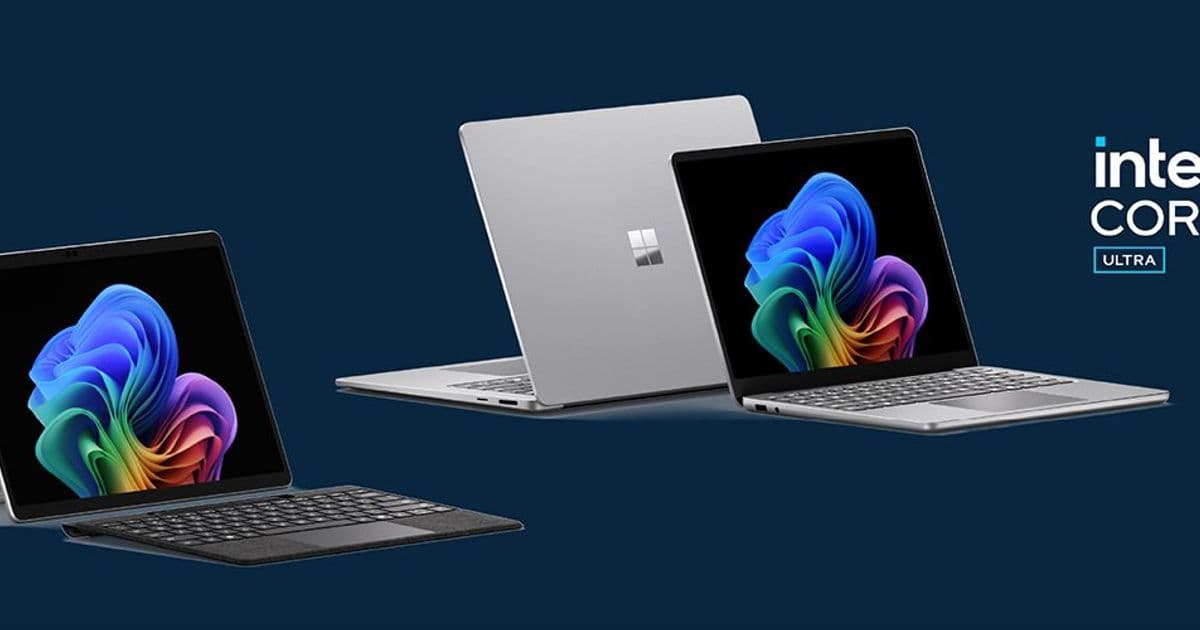
Microsoft’s latest Surface line runs on Intel Core Ultra Series 3 silicon, delivering up to 90 % faster performance, longer battery life, integrated privacy screens and on‑device AI. This article compares the new devices to prior Intel‑based Surface models and to competing AMD‑based laptops, outlines migration and pricing considerations, and explains the business impact of the unified x86 platform, Zero‑Trust security and sustainability features.
Inside the New Intel‑Powered Surface Portfolio
What changed
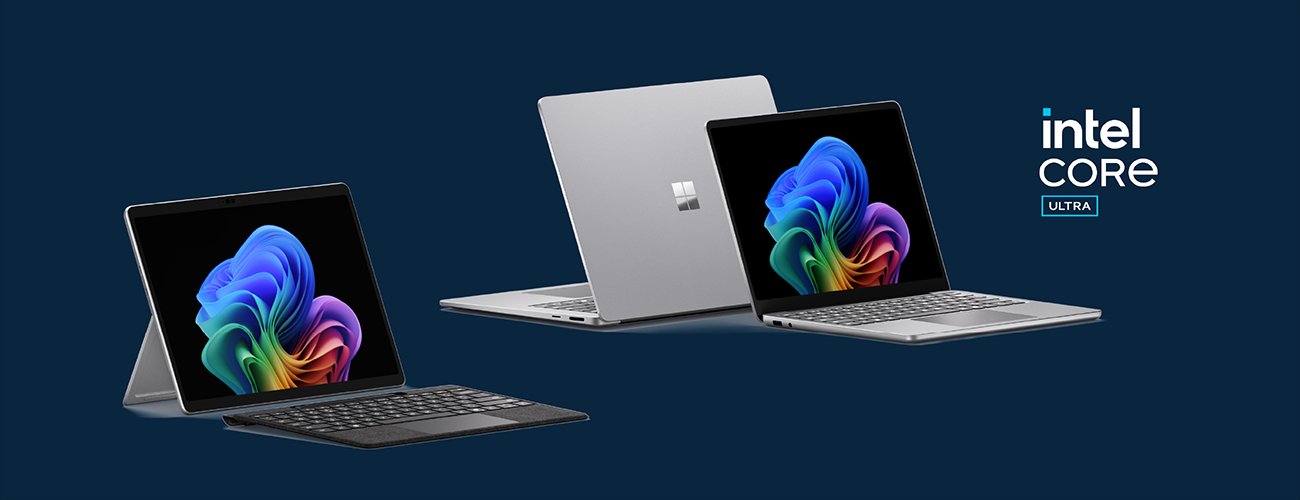
Microsoft announced four new Surface devices for business that all run on Intel Core Ultra Series 3 SoCs: the 13‑inch Surface Pro for Business, the 13.8‑inch and 15‑inch Surface Laptop for Business, and the 13‑inch Surface Laptop for Business. The key shifts are:
- System‑level heterogeneous compute – the CPU, integrated GPU and neural‑processing unit (NPU) are exposed as separate engines, letting Windows and apps schedule workloads to the most efficient block.
- Performance jump – Microsoft’s internal Cinebench testing shows >90 % faster multi‑core performance than the previous Laptop 5 and up to 2× faster than Surface Pro 9. Graphics throughput is claimed to be 35 % ahead of the MacBook Air M5.
- Battery life boost – up to 23 hours on the 15‑inch Laptop, 17 hours on the Pro, roughly 2× the runtime of the prior generation.
- Integrated privacy screen – a glass‑based, click‑to‑activate filter on select 13.8‑inch models that reduces side‑angle visibility without adding thickness.
- Advanced haptics – low‑latency tactile feedback (< 50 ms) for touchpad, keyboard and the Surface Slim Pen 2, delivering a new interaction language across Windows.
- Connectivity upgrades – optional 5G on the Pro, mandatory Wi‑Fi 7 and Bluetooth 5.4 across the line.
- Zero‑Trust hardware stack – Intel TPM, Dynamic Root of Trust, Patina UEFI (Rust‑based), and Microsoft‑signed firmware create a consistent secured‑core baseline.
- Sustainability – 100 % recycled aluminum enclosures, 100 % recycled copper on the motherboard, and packaging with > 77 % recycled fiber.
These changes are not incremental; they reshape the Surface business proposition from a niche premium line to a standardized x86 platform that can be managed at scale.
Provider comparison
| Feature | New Intel‑Core Ultra Surface (2026) | Surface Laptop 5 (Intel 12th Gen) | Surface Laptop 7 (AMD Ryzen) | Competing Dell XPS 15 (Intel 13th Gen) |
|---|---|---|---|---|
| CPU | Core Ultra 7 / X7 (8‑core, 24 MB cache) | Core i7‑1365U | Ryzen 7 7840U | Core i9‑13980HX |
| Integrated GPU | Intel Arc Graphics UHD, up to 1.5 TFLOPs | Intel Iris Xe | AMD Radeon Graphics | Intel Arc UHD (13th Gen) |
| NPU | Intel NPU 2.0 (AI inference) | – | – | – |
| Benchmarks (Cinebench R23) | 13 k (multi) | 7 k | 8 k | 12 k |
| Battery (video playback) | 17‑23 h | 8‑10 h | 10‑12 h | 9‑11 h |
| Display | PixelSense Flow, 24‑120 Hz, 100 % DCI‑P3, optional privacy screen | 60‑120 Hz, 100 % sRGB | 60‑120 Hz, 100 % sRGB | 60‑120 Hz, 100 % DCI‑P3 |
| Connectivity | Wi‑Fi 7, BT 5.4, optional 5G | Wi‑Fi 6E, BT 5.2 | Wi‑Fi 6, BT 5.1 | Wi‑Fi 7, BT 5.3 |
| Security | Secured‑core PC, TPM 2.0, Patina UEFI (Rust), hardware‑root‑of‑trust, integrated privacy screen | Secured‑core PC, TPM 2.0 | Secured‑core PC, TPM 2.0 | TPM 2.0, optional Dell Secure Boot |
| Price (USD) | $1,399‑$2,399 | $1,199‑$1,899 | $1,199‑$1,799 | $1,699‑$2,699 |
Why the Intel Core Ultra matters
- The NPU gives on‑device AI a dedicated path, enabling features such as Copilot+ (local large‑language‑model assistance) without taxing the CPU.
- Patina’s Rust‑based UEFI reduces the attack surface of firmware, a differentiator for security‑focused enterprises.
- The system‑level performance guarantee (consistent power/thermal envelope) simplifies capacity planning for IT departments that previously had to treat CPU, GPU and AI workloads separately.
How it stacks against AMD‑based Surface
- AMD‑Ryzen devices offered strong multi‑core performance but lacked an integrated NPU, meaning AI workloads still ran on the CPU or discrete GPU.
- Battery life on the new Intel models is markedly higher, largely because the Core Ultra’s power management is tuned for sustained workloads rather than bursty turbo.
- Security‑firmware maturity is ahead of the AMD line, thanks to Microsoft’s Patina project and the broader Intel‑based Secure‑core ecosystem.
Competing 13‑inch laptops
- Dell’s XPS 13/15 with 13th‑gen Intel chips can match raw CPU performance, but they do not ship with a built‑in NPU or the same Zero‑Trust firmware stack.
- Pricing is comparable, yet the Surface line bundles integrated privacy screen, advanced haptics and a unified Windows‑first driver model, reducing the need for third‑party utilities.
Business impact
1. Simplified deployment and lifecycle management
- A single x86 architecture across Pro and Laptop models means the same imaging scripts, driver packages and update policies apply to the entire Surface fleet.
- Patina’s Rust‑based firmware can be pushed through Windows Update for Business, aligning firmware patches with OS roll‑outs and eliminating separate vendor‑specific tooling.
- Integrated privacy screens are managed via the Surface app and can be enforced by Group Policy, giving IT a hardware‑level data‑leak protection that does not rely on user discipline.
2. Predictable performance for AI‑enabled workloads
- The dedicated NPU off‑loads inference for Copilot+, Fluid Dictation, Click‑to‑Do and third‑party assistants such as Cephable. Organizations can now run on‑device language models without incurring cloud API costs or latency.
- Because the NPU runs independently of the CPU, productivity apps retain full responsiveness even when AI features are active, a key consideration for call‑center agents or designers who need uninterrupted performance.
3. Security and compliance alignment
- Zero‑Trust hardware (TPM, DRTM, Secure Boot, Patina) satisfies most regulatory frameworks (e.g., NIST 800‑171, ISO 27001) out of the box.
- The layered approach—hardware root of trust, measured boot, firmware integrity, and Windows System Guard—provides a clear audit trail for remote attestation.
- Integrated anti‑glare privacy screens reduce the risk of shoulder‑surfing in open‑plan offices, supporting GDPR‑style data‑privacy requirements.
4. Cost‑of‑ownership considerations
| Cost factor | Intel Core Ultra Surface | Prior Intel Surface | AMD Surface |
|---|---|---|---|
| Device price | $1,399‑$2,399 | $1,199‑$1,899 | $1,199‑$1,799 |
| Expected lifespan (OS support) | 5 years (Windows 11 Enterprise) | 4 years | 4 years |
| Firmware update cost | Included in Windows Update | Separate vendor tools | Separate vendor tools |
| Energy savings (annual) | ~15 % lower power draw vs. Laptop 5 (ENERGY STAR) | baseline | ~10 % lower |
| Productivity gain | 20‑30 % faster multi‑tasking (internal tests) | baseline | 10‑15 % faster |
Even with a modest premium, the total cost of ownership (TCO) can be lower thanks to reduced firmware maintenance, longer battery cycles (fewer charger replacements) and higher employee productivity.
5. Migration path
- Inventory assessment – Identify existing Surface devices that are on Intel 12th‑gen or AMD Ryzen. Note models lacking TPM 2.0 or Secure‑boot.
- Pilot program – Deploy a mixed batch of the 13‑inch Pro and 13.8‑inch Laptop to power users who need AI assistance. Measure battery life, AI latency and haptic satisfaction.
- Policy alignment – Enable hardware‑based privacy screen enforcement via Intune and configure Zero‑Trust baseline (Secure Boot, Credential Guard) in the same profile used for existing Secured‑core PCs.
- Scale – Migrate remaining fleet in phases, leveraging the Surface Repair Tool for quick component swaps (e.g., SSD upgrades) to extend device life.
- Retire – De‑commission legacy devices through Microsoft’s Device Lifecycle Services, ensuring data sanitization via TPM‑based secure erase.
Conclusion
The new Intel‑Core Ultra Surface lineup marks a strategic shift for Microsoft: a unified, secure, AI‑ready x86 platform that can be managed at scale, delivers measurable performance and battery gains, and adds privacy‑focused hardware features that were previously only available via aftermarket accessories. For enterprises that have already standardized on Surface, the migration path is straightforward and the business case is reinforced by lower TCO, stronger compliance posture and the ability to run on‑device AI without sacrificing security or performance.
Next steps – Review the detailed specifications on the official Surface for Business page and explore the Copilot+ PC documentation at aka.ms/copilotpluspcs to plan your AI rollout.
Comments
Please log in or register to join the discussion